Repository navigation
Settings and Setup Wizard
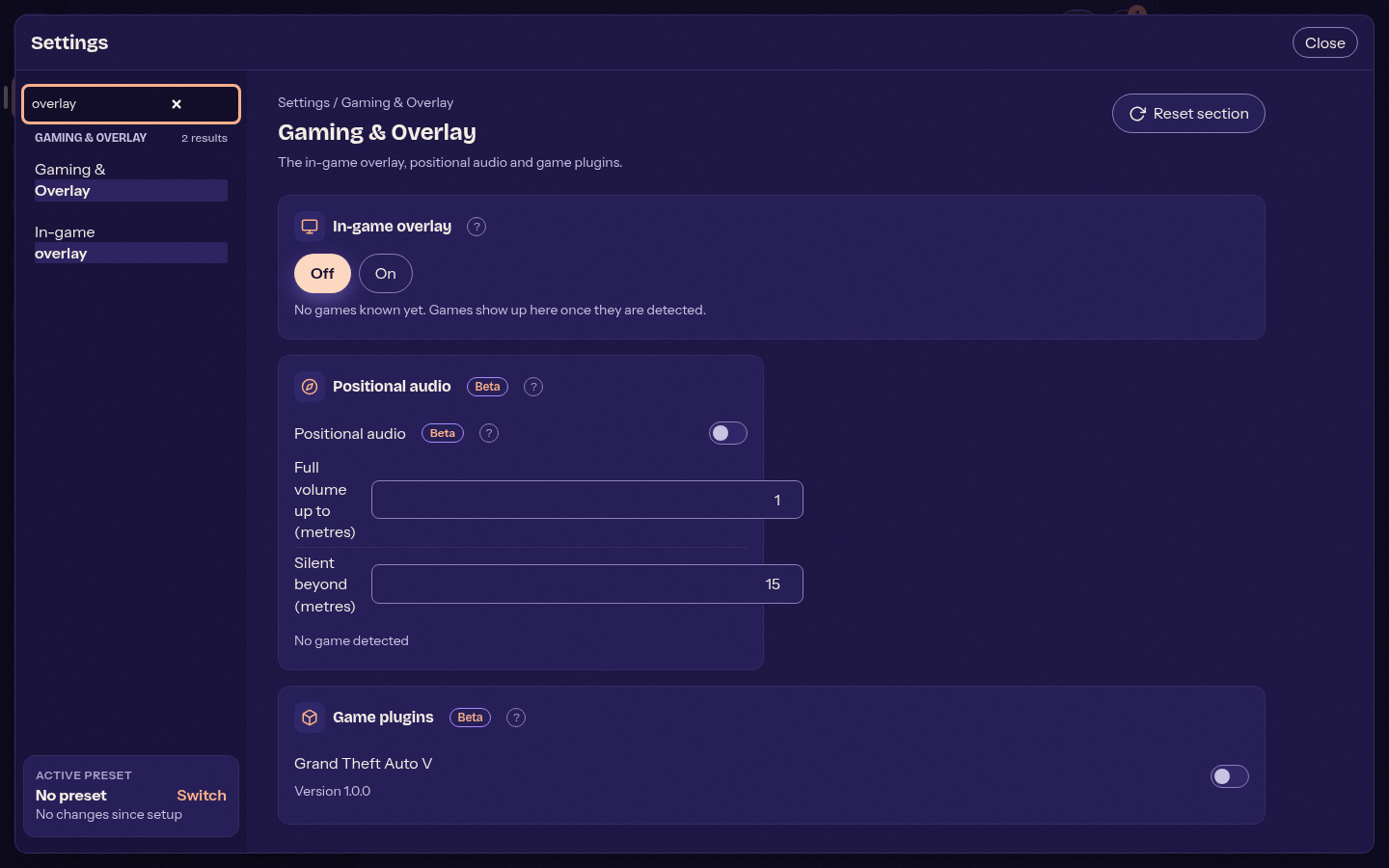
Settings has ten groups with section cards. Search finds settings by name, description or synonym. Badges mark Beta, Changed and Recommended settings, and Reset section (with a confirmation) restores a section's defaults.
Related pages: Updates, Hotkeys and whisper, Community relay, Blocking and private messages.
The first-start wizard offers setup styles (presets) such as a quiet voice chat or a music setup. It uses the same settings as the settings window. The language is picked from a searchable list showing each language's own name.
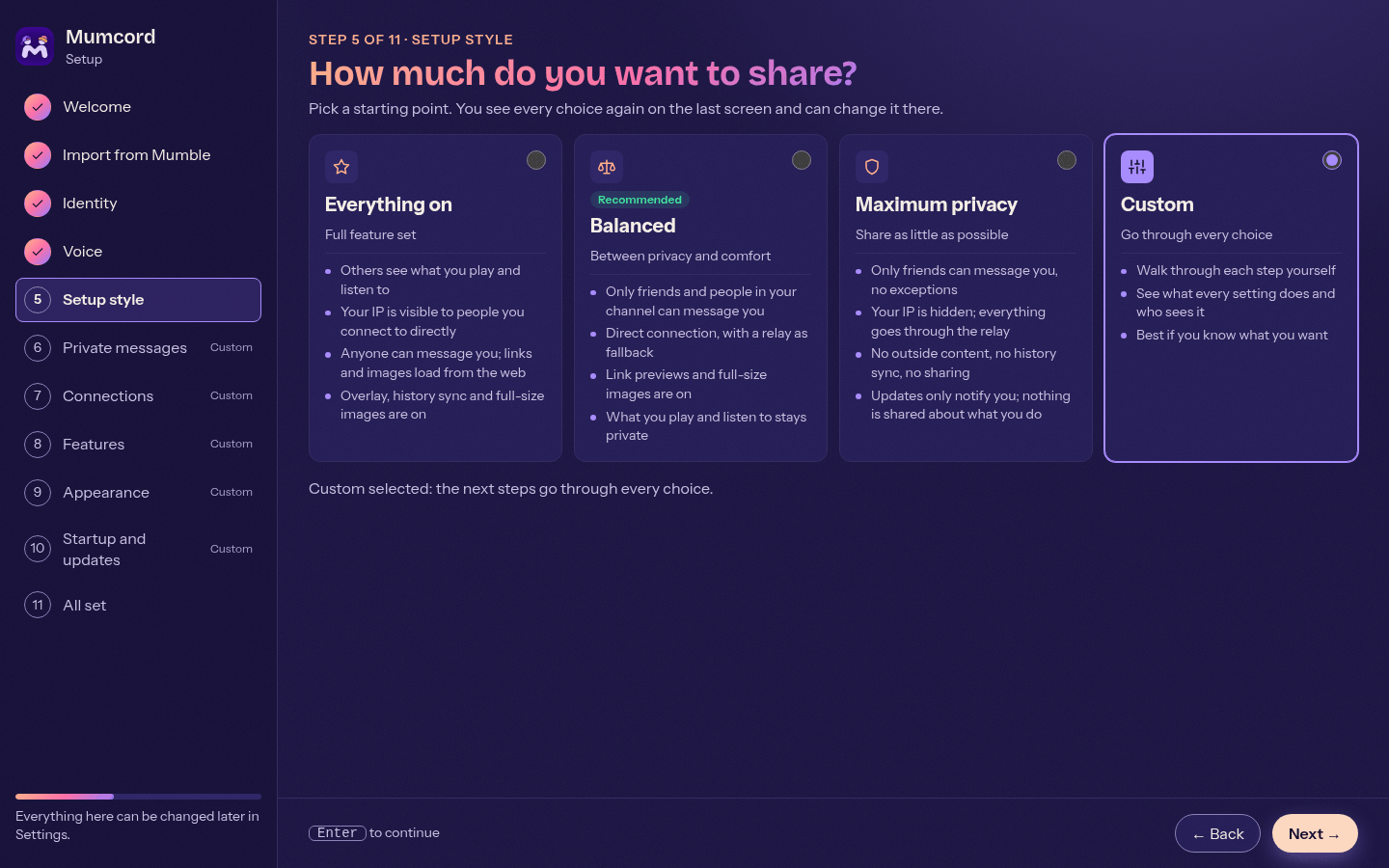
Run setup wizard again (Settings > About) goes through the setup once more to review microphone, privacy choices, update check and talk mode. It skips the identity step, so your certificate, registered name and permissions on servers cannot change by accident.
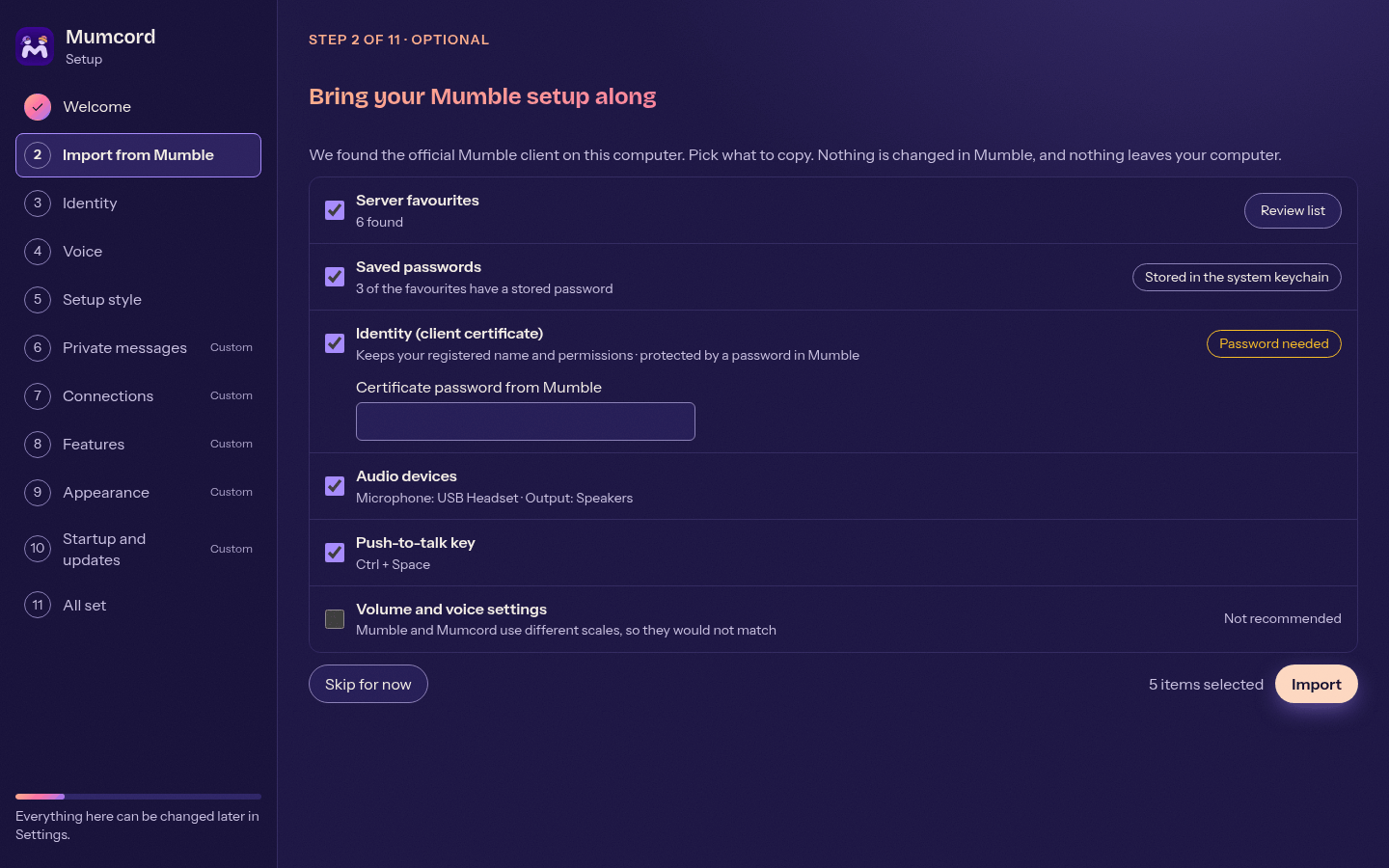
If the official Mumble client (1.4 or 1.5) is installed, the wizard starts with an optional step that copies your favourites, saved passwords, client certificate (as a new identity, so you keep your registered name), audio devices and push-to-talk setup.
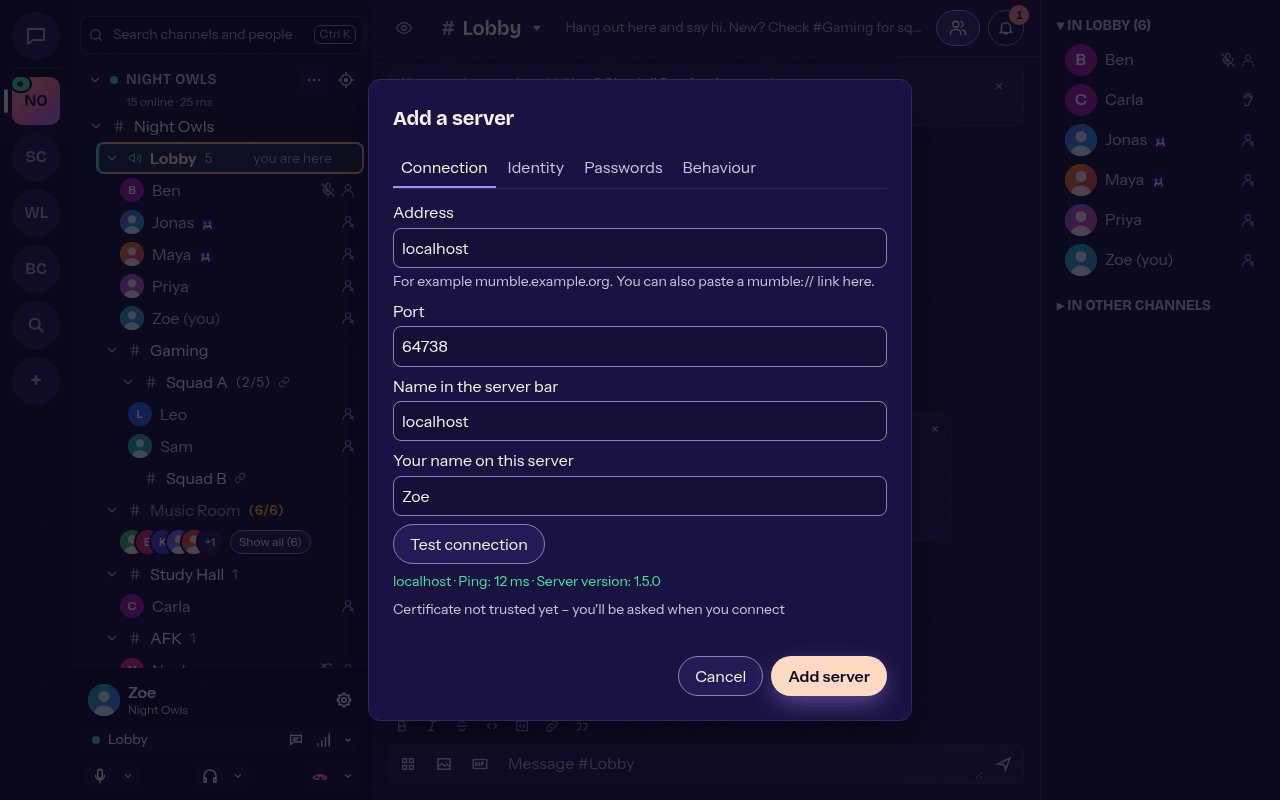
- The add/edit server dialog has four tabs: Connection, Identity, Passwords, Behaviour, with inline validation and a Test connection button.
- Settings > Identity manages several client certificates: create, import (PKCS#12), rename, export, details and delete.
- Saved channel passwords show which channel they belong to.
- The server info panel (server header menu > Server info) shows version, limits, your permissions and the TLS certificate.
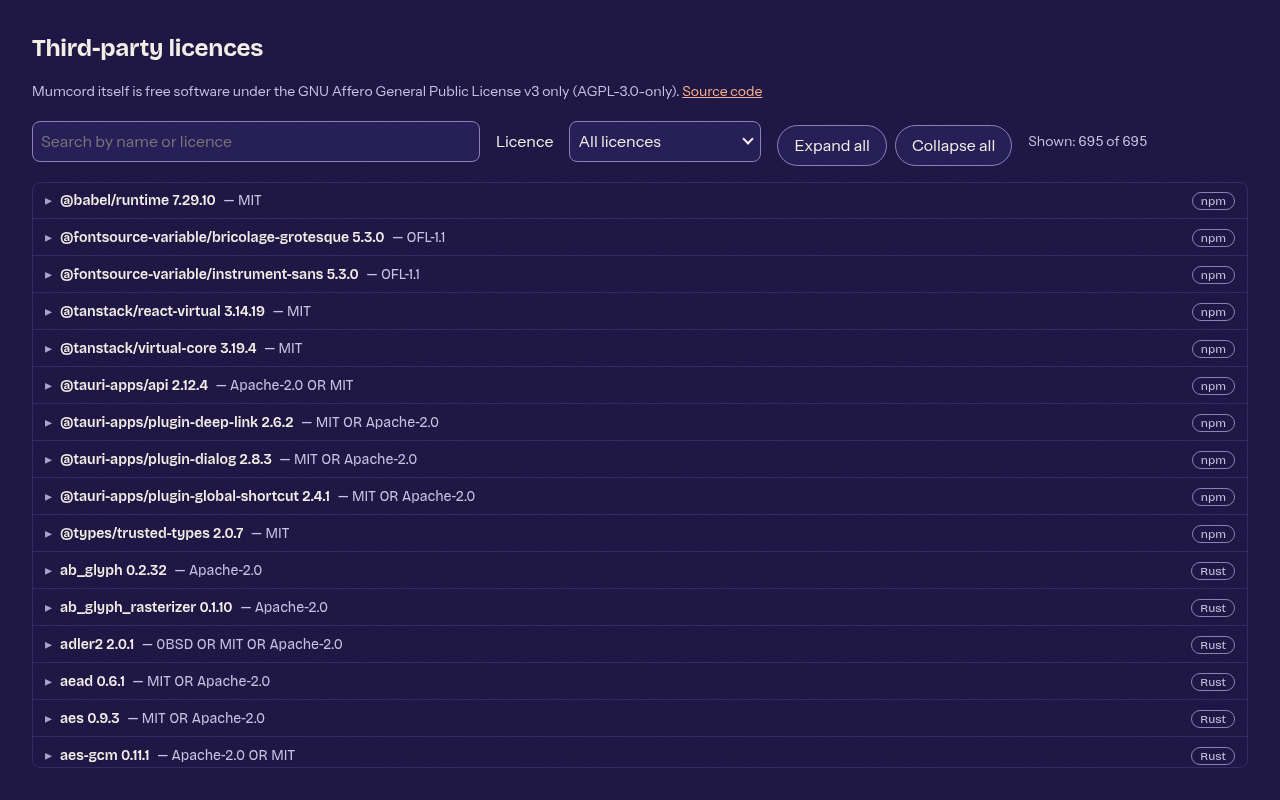
Settings > About > Show third-party licences opens a window listing every component with its licence; search by name or licence, expand a row for the full text. Mumcord itself is AGPL-3.0.
0.5.0 has a new logo: a lavender M formed by two people on a deep violet tile. It is used for the app icon, installers, tray and update dialog.