Repository navigation
Updates
Since 0.5.0 Mumcord can update itself. It never restarts on its own: you decide when.
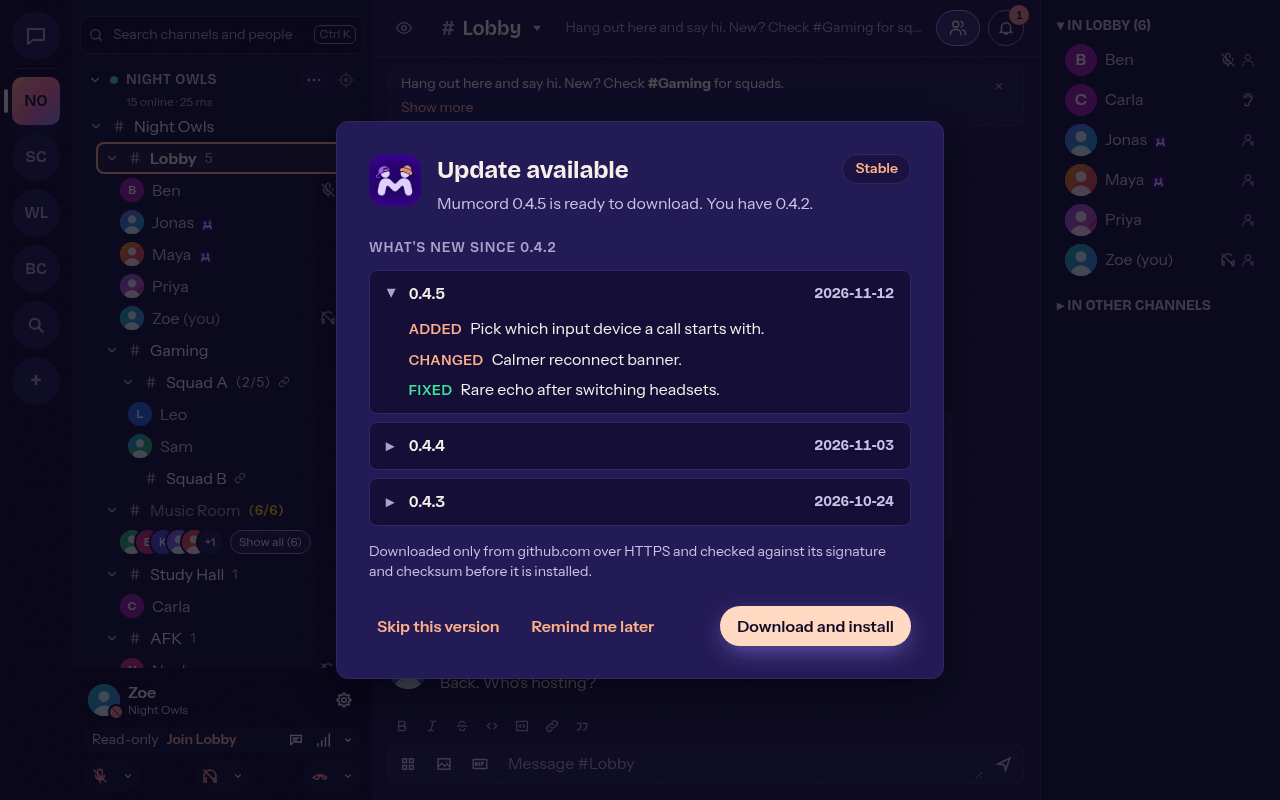
- Mumcord checks for a new version when it starts and then every 12 hours (you can change the interval).
- If there is one, the Update available dialog lists the changes of every version since yours. Choose Download and install, Skip this version or Remind me later.
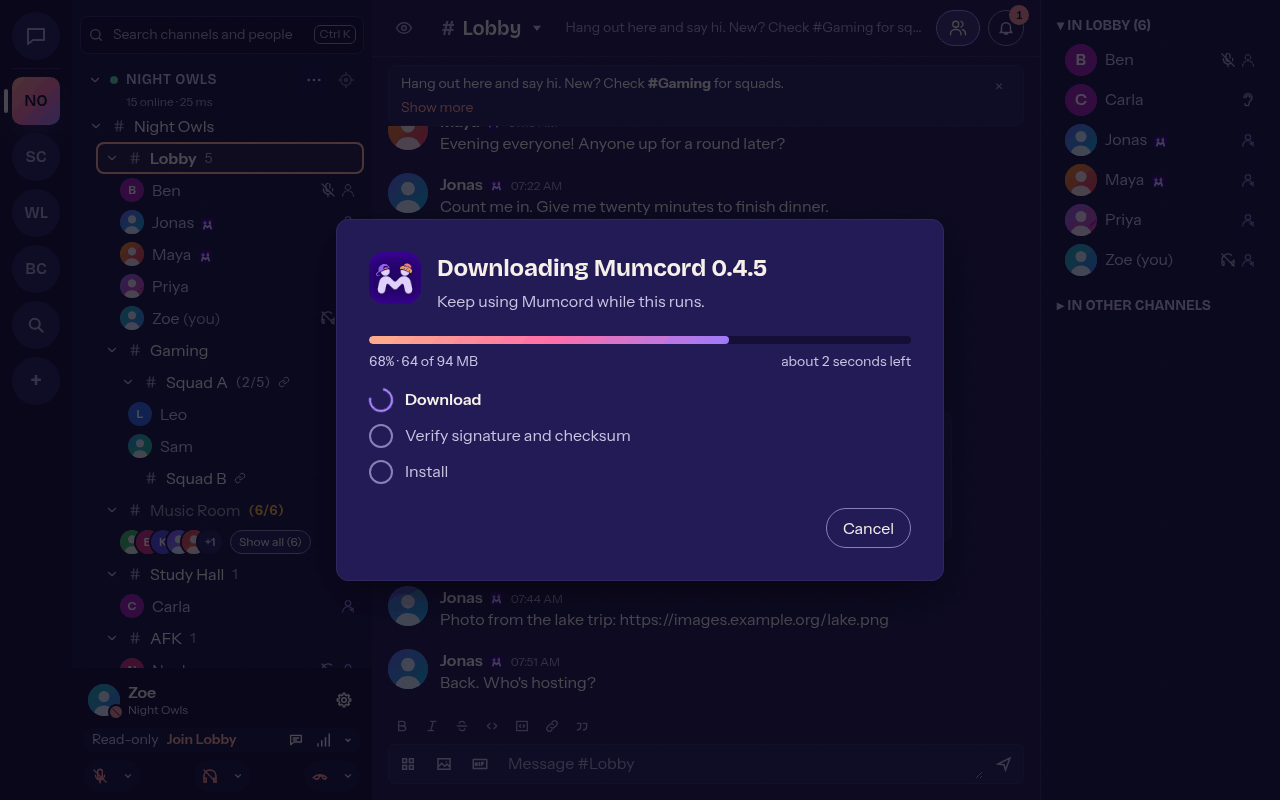
- The download shows progress, size and time left. You can cancel it and keep using Mumcord meanwhile.
- Each update is checked against Mumcord's updater signature and the release's
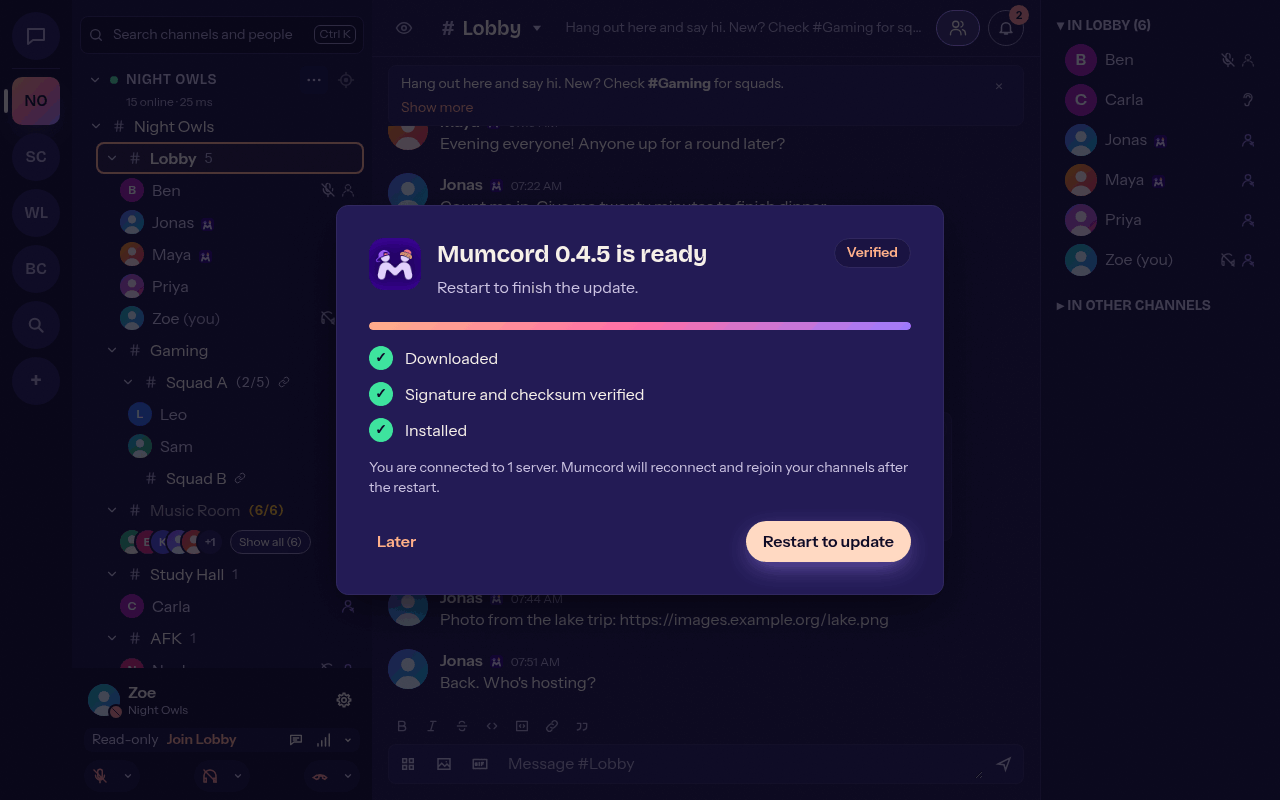
SHA256SUMSbefore it is installed. A file that fails the check is discarded with a clear error. - When the update is ready, Restart to update appears in the dialog, as a toast and in the notification centre. Mumcord then restarts, reconnects and rejoins your channels.
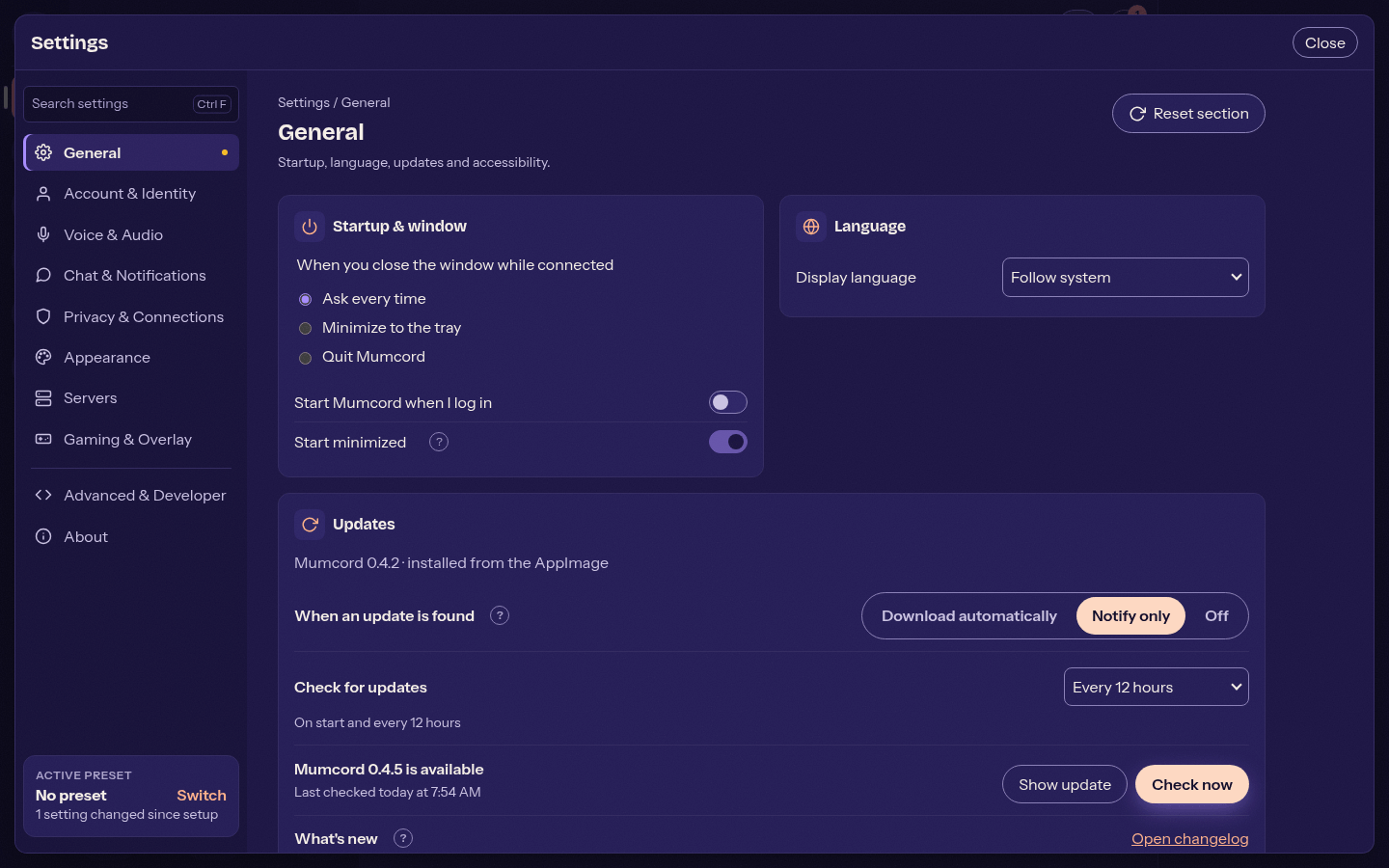
Settings > Updates (and the setup wizard) offers:
- Download automatically: downloads in the background, still asks before restarting.
- Notify only: tells you, downloads nothing.
- Off: Mumcord contacts nothing.
You can also set the check interval, see the last check with Check now, and stop skipping a version.
| Install type | Behaviour |
|---|---|
| AppImage, Windows installer, macOS app | Updates itself |
.deb, .rpm, AUR |
Shows the package-manager command |
| Portable Windows zip, read-only AppImage | Links to the release page |
Only the stable channel is offered for now. For manual downloads see Installation.