Repository navigation
Server Browser
Since 0.5.0, the search button in the server bar opens the list of public Mumble servers (the same list the official Mumble client shows).
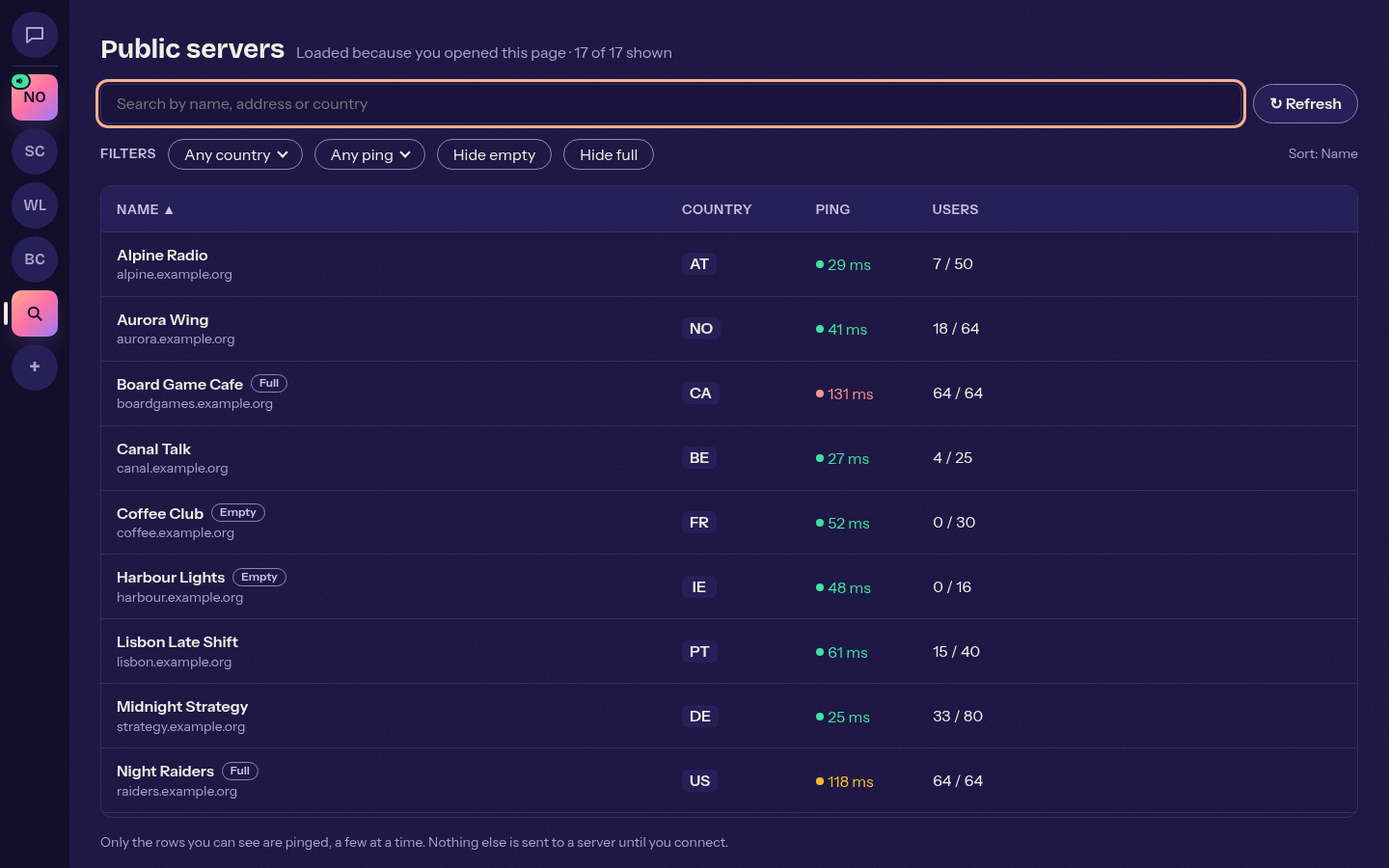
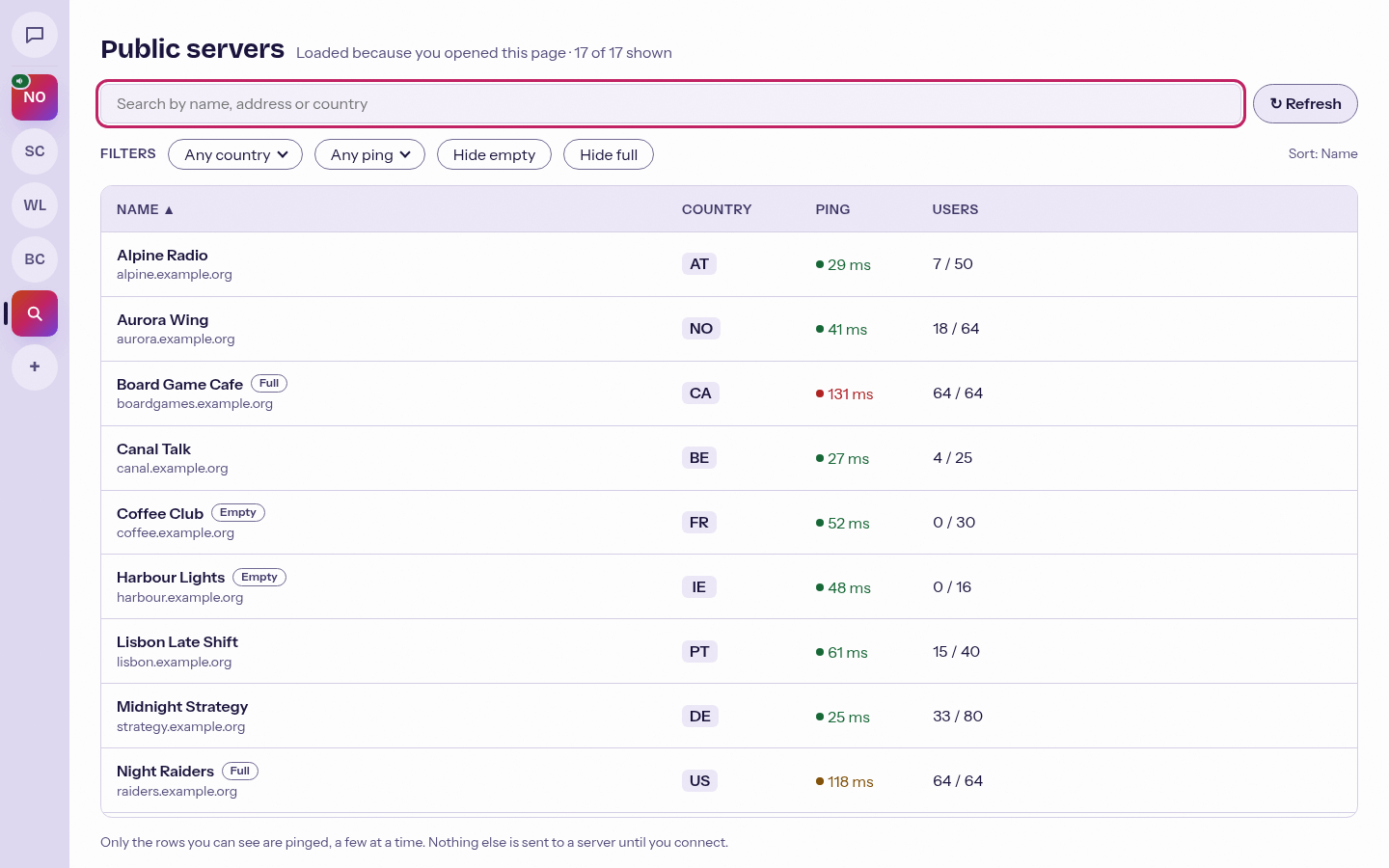
- Search by name, address or country.
- Filter by country and ping; hide empty or full servers.
- Sort by name, country, ping or users.
- Connect saves the server and connects in one click. Favourite adds it to your servers.
- The list is loaded only when you open the browser, never in the background.
- Only the rows on screen are pinged, with the standard Mumble ping (one every 50 ms, a few at a time).
- Everything in the list comes from outside and is shown as plain text.
A mumble:// link in a chat message also gets a card under it with the server name, channel path, ping, users online and version, and the buttons Join (or Go to channel), Add to servers and Copy link.