Repository navigation
Generators
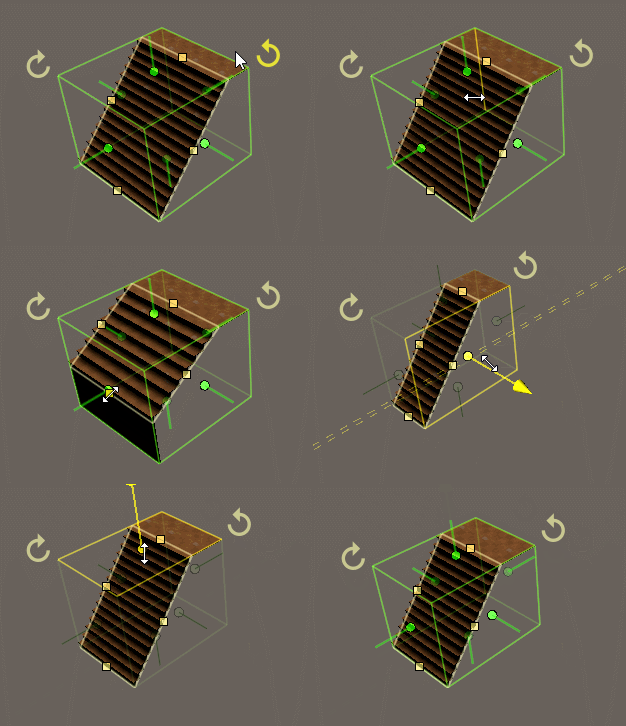
Generators create brushes for you and keep the context of what you are making: a staircase stays a staircase you edit by its step height and depth, instead of a pile of separate brushes.
- Box
- Cylinder
- Capsule
- Stadium
- Hemisphere
- Sphere
- Torus
- Extruded shape (see Drawing 2D Shapes)
- Revolved shape
- Linear stairs
- Spiral stairs
- Pathed stairs
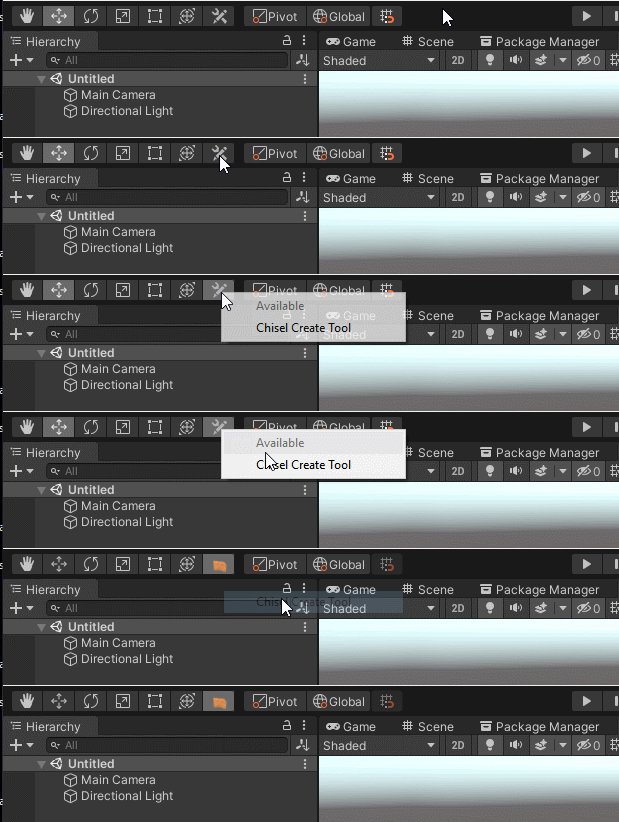
Draw them with the create tool in the scene view's tool bar: pick a shape, then click and drag on the grid or on a surface. The create tool draws boxes, cylinders, capsules, hemispheres, spheres, linear and spiral stairs, and free drawn shapes; every generator can also be created with GameObject > Chisel > Create Generators.
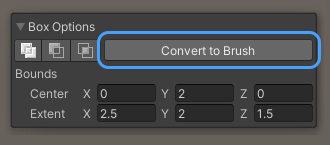
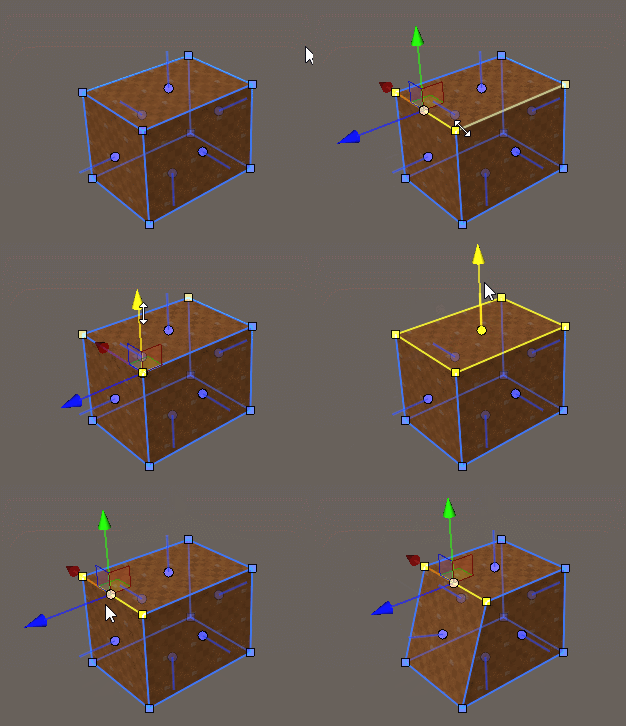
A generator can be turned into plain brushes with the Convert to Brush (or Convert to Brushes) button in its inspector. Brushes are the simplest shapes: you edit them by moving, adding and removing their corners, edges and faces. A converted generator can't be turned back into a generator.