Repository navigation
Screenshot Notes
Captured on 2026-09-25 from the running TTS Server at http://127.0.0.1:19300, backed by the clean portable build distro TTS-Server-V2-6a7f9d3e4c83. These are real Chromium captures of the app's web interface. The Windows window frame is outside the images.
| File | View |
|---|---|
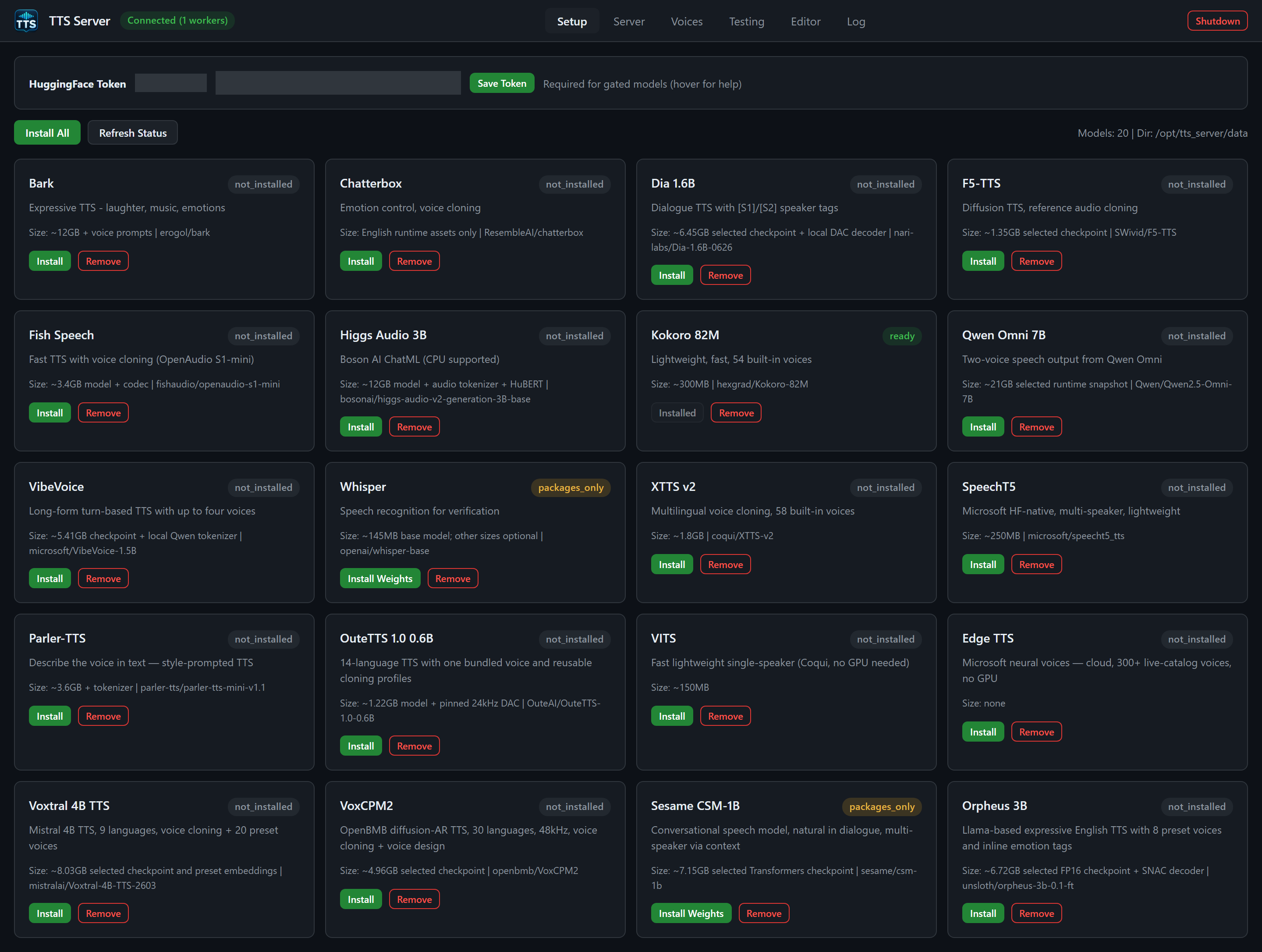
| setup.png | All 20 engine cards and actual installation states; Kokoro is ready |
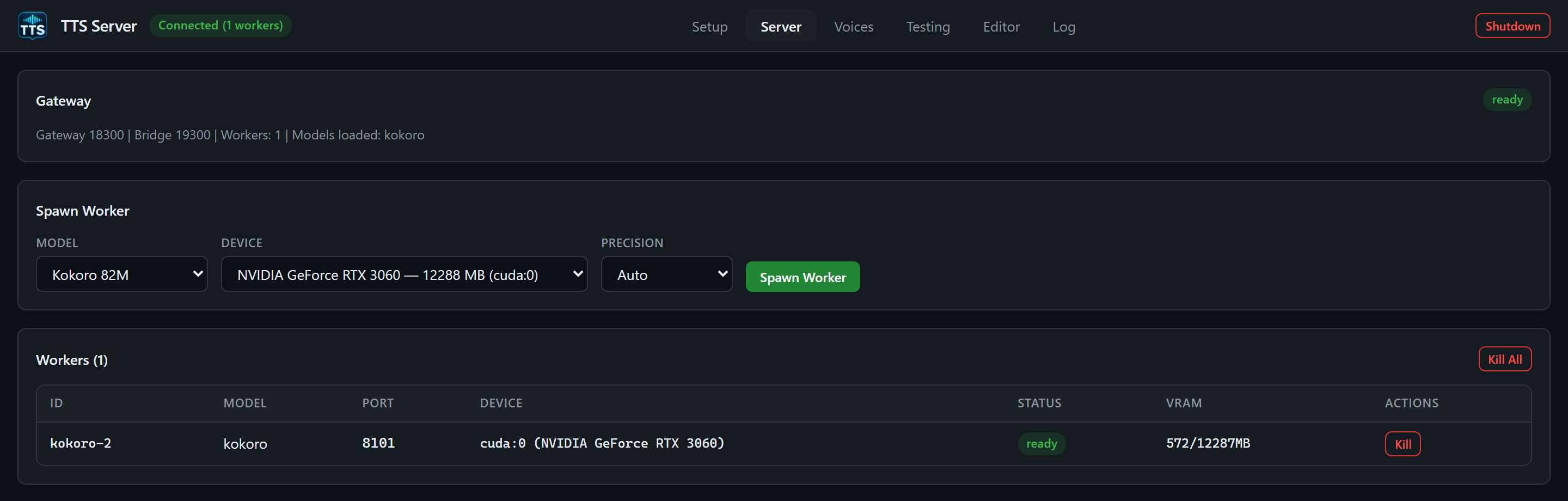
| server.png | Ready Kokoro worker on an RTX 3060 (cuda:0); cropped below the worker table |
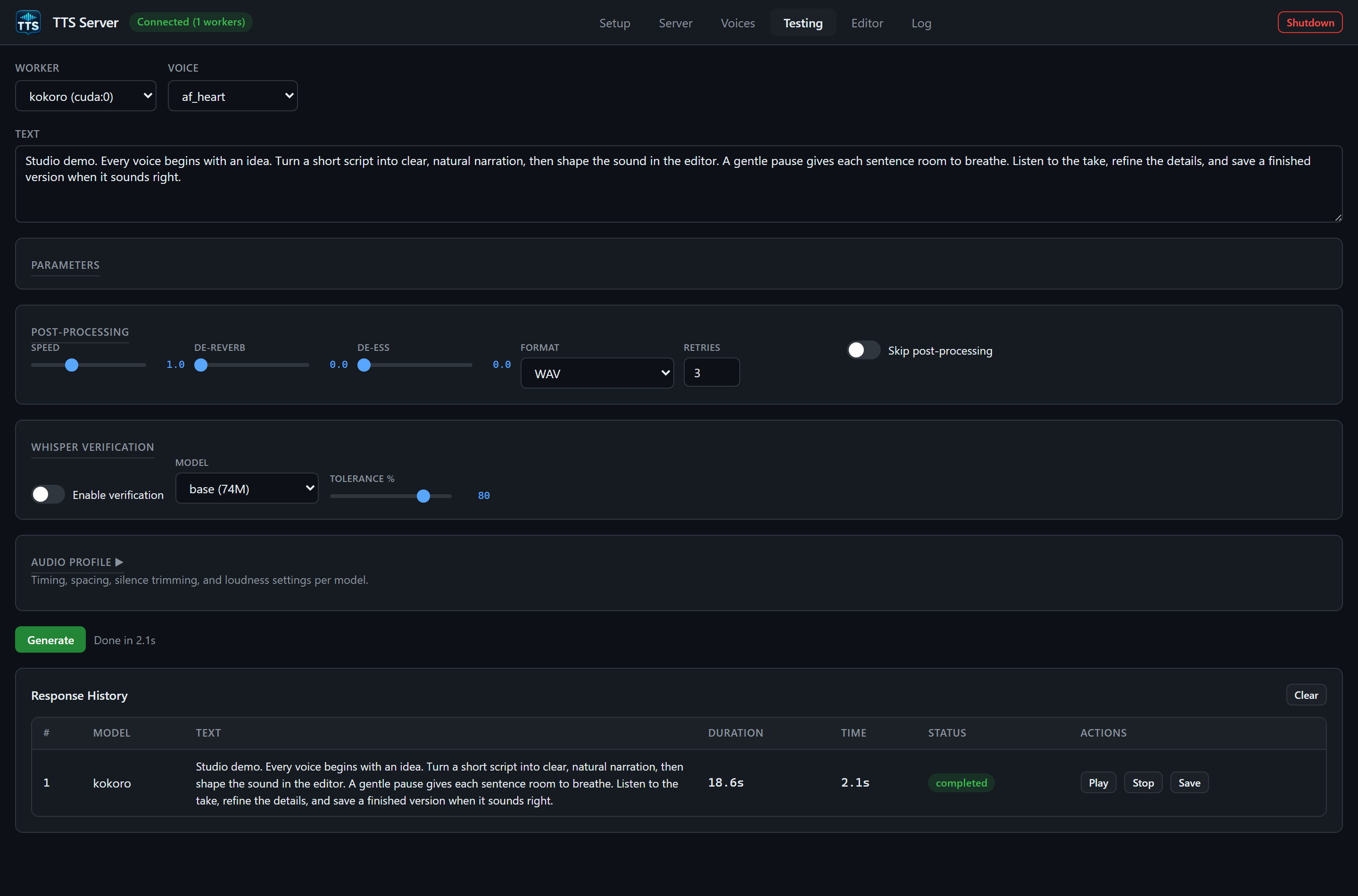
| testing.png | Real successful generation using af_heart
|
| voices.png | Uploaded synthetic demo WAV; cropped after its first row |
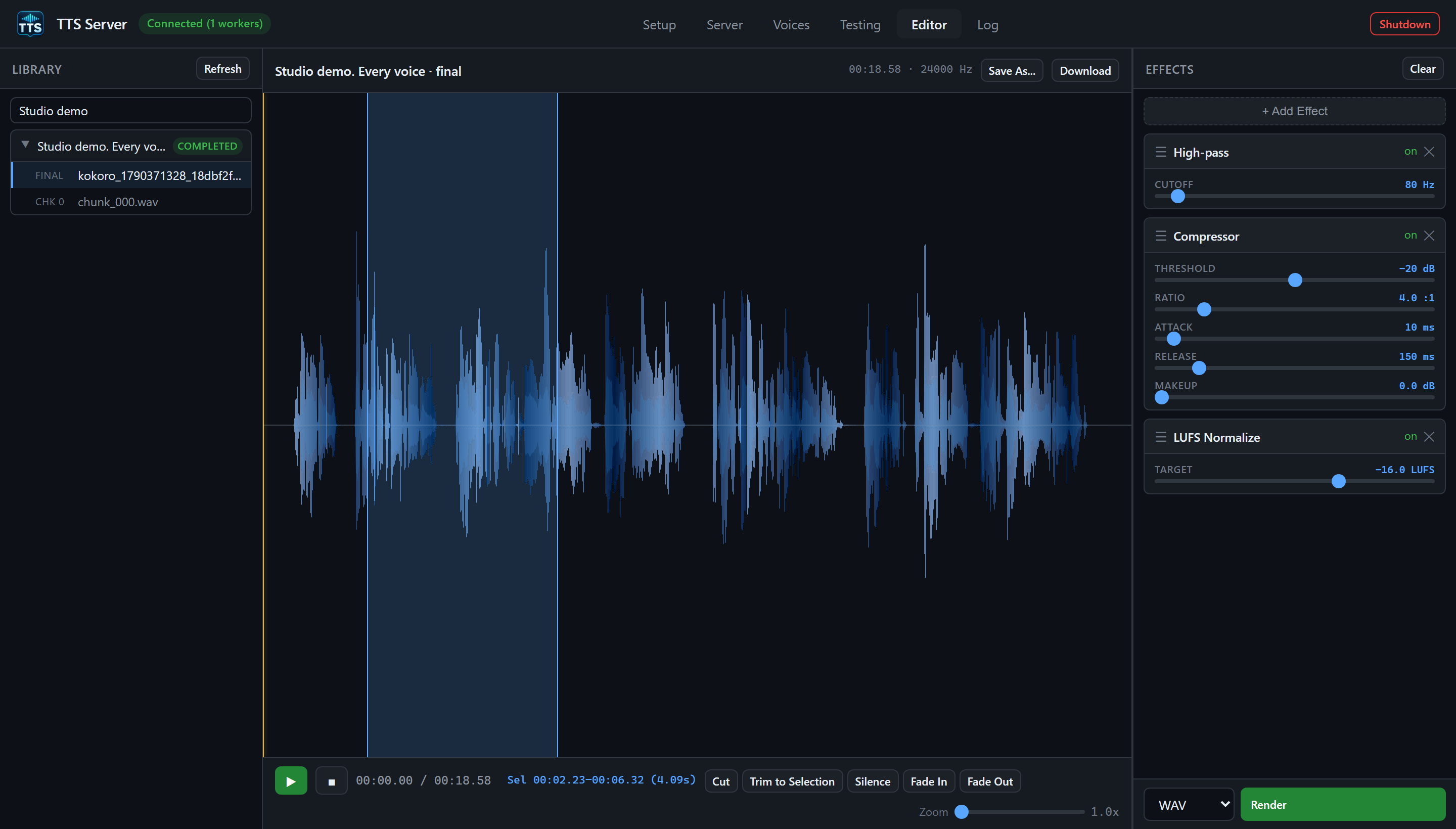
| editor.png | Original narration waveform, selection, and three queued effects |
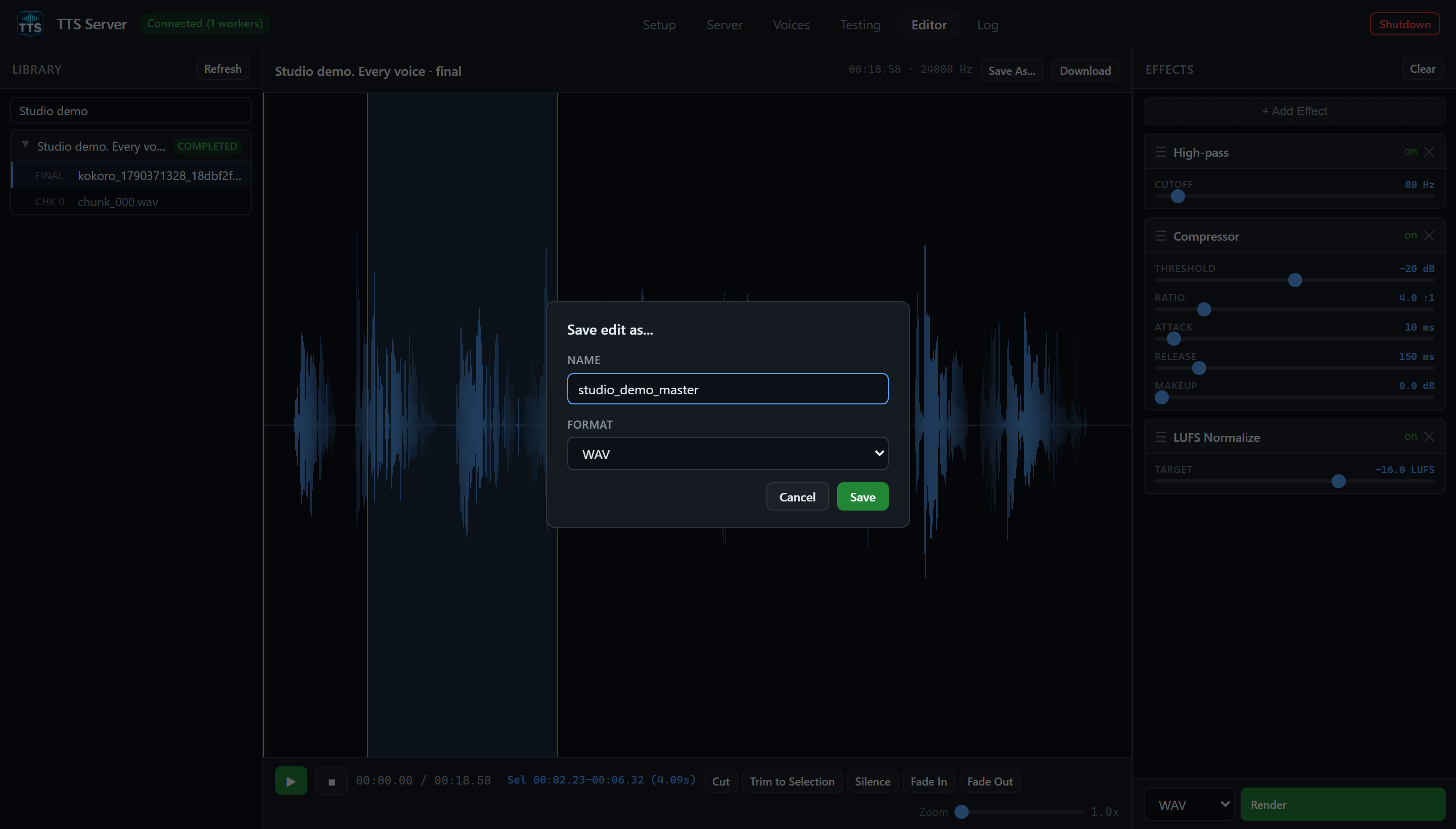
| editor-save.png | Real Save As dialog with Name and Format |
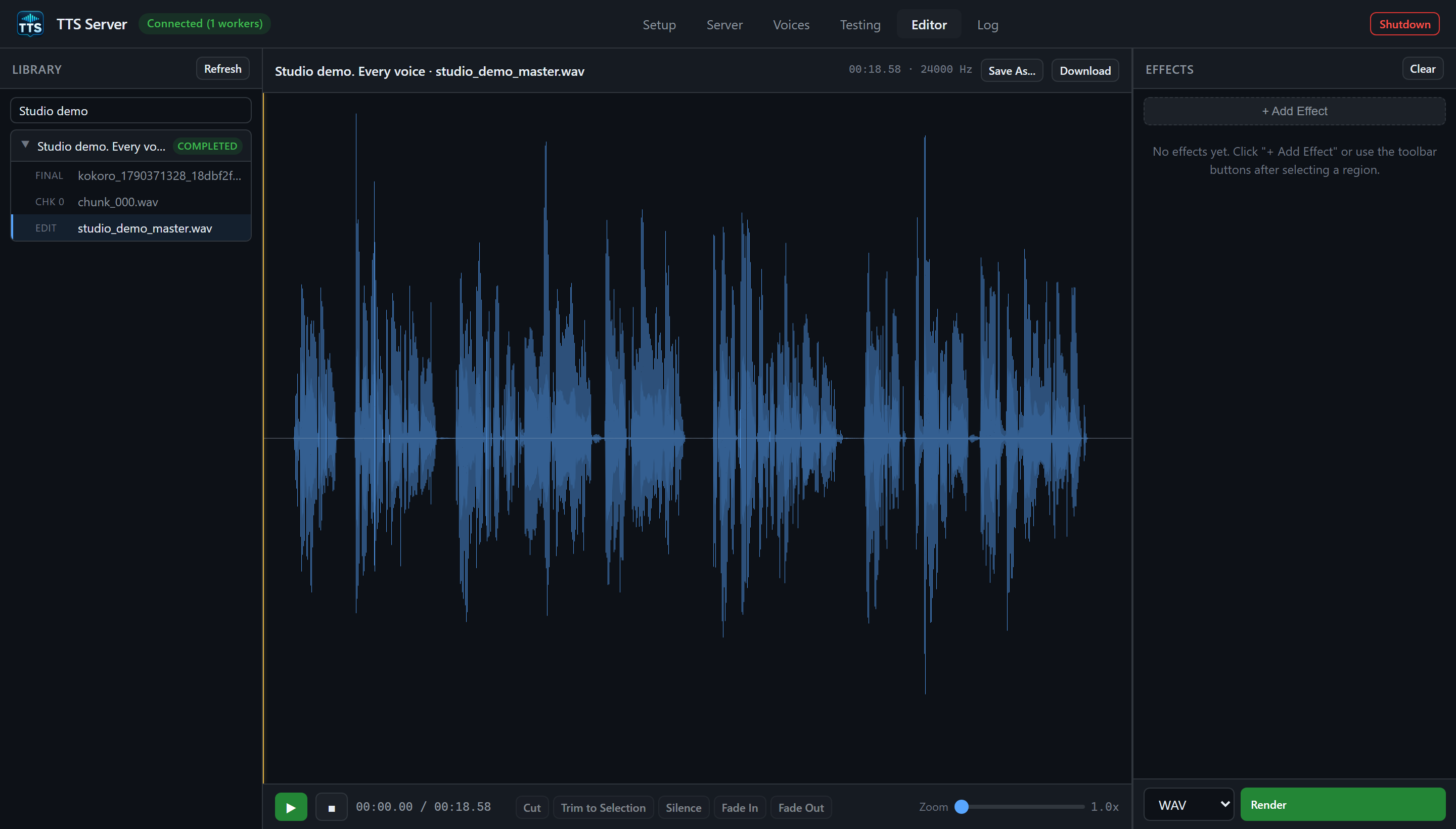
| editor-rendered.png | Saved studio_demo_master.wav edit loaded in the Editor |
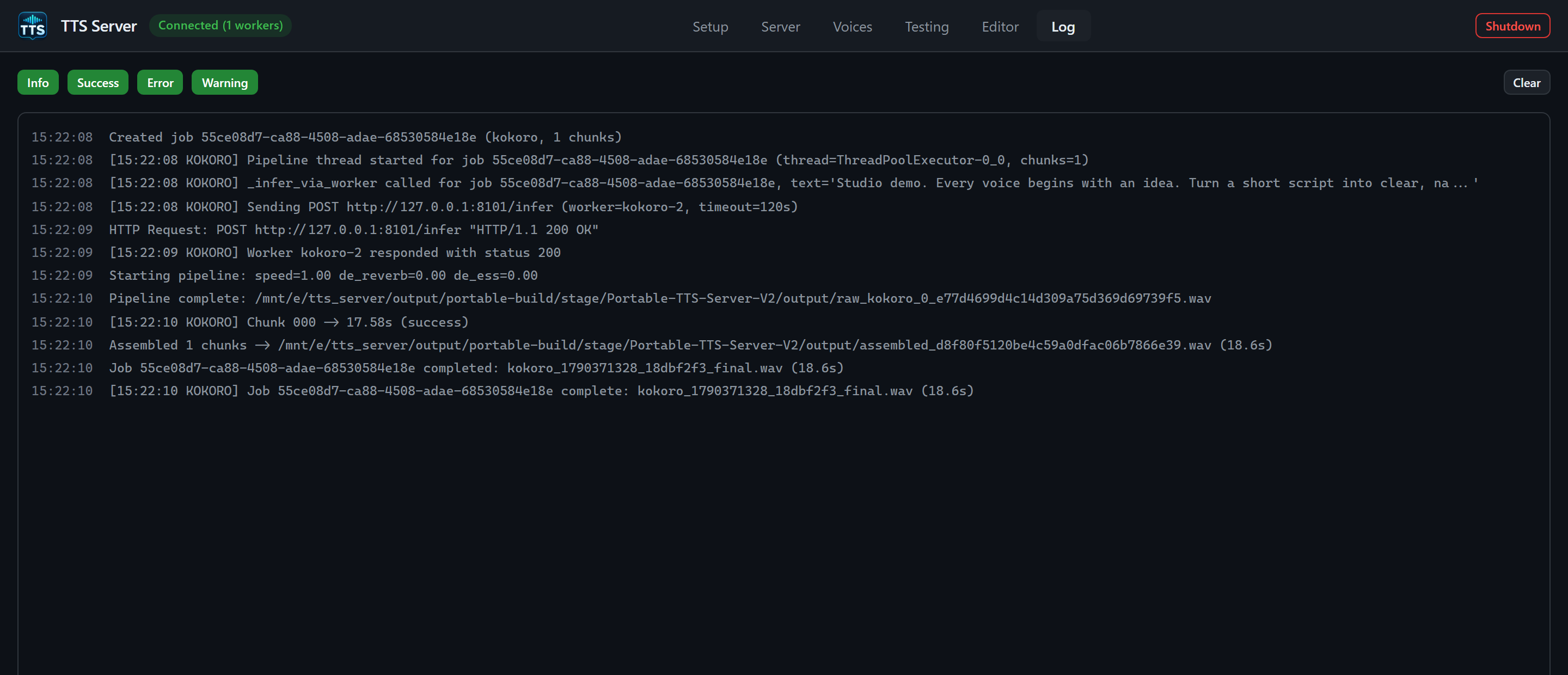
| log.png | Real demo pipeline log after clearing the displayed history |
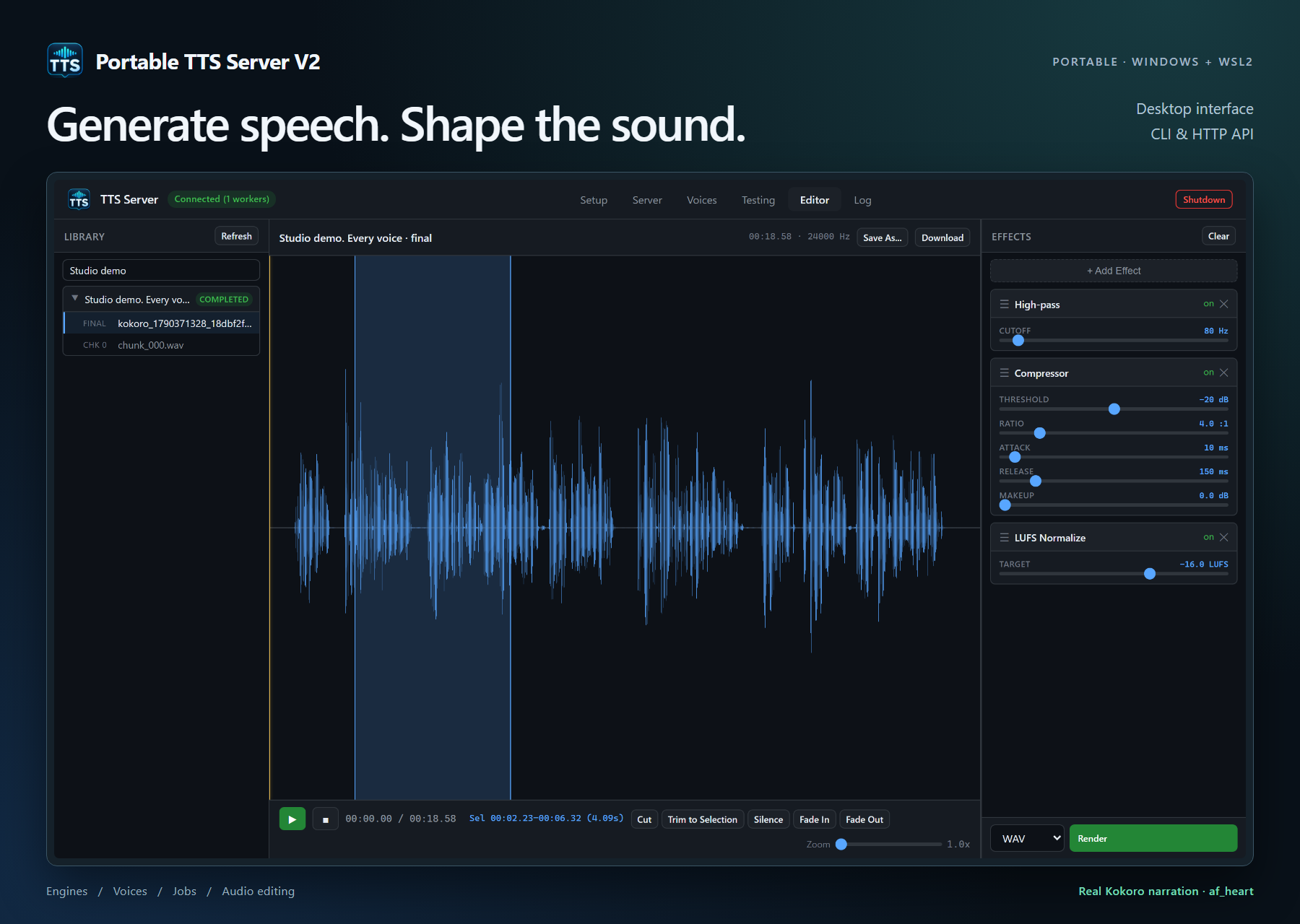
| github-hero.png | Repository cover: the Editor capture inside a presentation frame |

The screenshots use a 1440 CSS-pixel viewport at 2x device scale. Heights vary by tab and crop. The hero is 1800 × 1280 pixels. All images are PNG; click a Markdown image to inspect its full resolution on GitHub.
The original narration is the public example in the illustrated quickstart, generated locally by Kokoro, voice af_heart, on cuda:0. It produced a 24 kHz WAV, about 18.6 seconds long. Generation and processing took about 2.1 seconds in this session. The Editor applied real High-pass, Compressor, and LUFS Normalize effects before saving the edit.
Setup's token status badge and password input are covered with solid masks, including the already shortened token text. The Editor uses its normal Library search to display only the demo. Voices is cropped before the unrelated rows. The Log display was cleared before generating the demo; on-disk logs were preserved. No UI data, completion state, waveform, duration, or performance number was fabricated. The hero adds a title and frame around the unchanged Editor image.
The generated WAV, uploaded voice, job, logs, and intermediate capture files remain in Git-ignored local data directories. The published set contains only the images and these source/capture files. The synthetic voice upload demonstrates file management, not a voice-cloning result. Other engines, Whisper transcription, and the native window launcher were not exercised by this capture.
Use Windows Python with Playwright and its matching Chromium browser installed. This capture used Python 3.13 and Playwright 1.58.0, which were already present on the capture machine. Run commands below from E:\tts_server in PowerShell.
-
Launch an installed copy using
Start-TTSServer.cmd. -
In Setup, confirm bundled Kokoro is ready (install it first only for a source build). In Server, spawn a Kokoro worker on a suitable device and wait for ready. The script selects the first ready Kokoro worker.
-
Use a demo-only session. The capture script includes Setup/Server state and live log messages; avoid concurrent private activity. Its Library filter is
Studio demo, and the uploaded voice name is00_wiki_demo.wav. -
Run:
python tools/capture_wiki.py
python tools/render_wiki_hero.py
-
Review every resulting image before publishing, especially Setup, Voices, and Log. Update the date, measurements, and captions when they change.
capture_wiki.py creates a new demo job and named edit, downloads a WAV to output/wiki-capture/, and uploads that WAV as 00_wiki_demo.wav. Re-running it replaces that demo voice and creates another job. It clears only the visible Log history. It does not install models, spawn workers, remove existing jobs, or shut down the app. An existing unrelated file with the same demo voice name must be renamed before using the script.
Optional arguments are --url http://127.0.0.1:9300 and --output-dir <directory>. Use the app's loopback address so normal local authentication works. render_wiki_hero.py always reads the standard manual/images/editor.png and renders hero.html; copy an alternate capture there first if needed. No tokens are embedded in either script. Capture evidence is written to the ignored output/wiki-capture/capture-result.json.
Keep installation/download times, GPU names, and job durations in screenshots as observations of the capture session. Do not present them as requirements or guaranteed performance.
Wiki home · Manual index · Download release · Source
Portable TTS Server V2 · Windows + WSL2 · Offline-ready Kokoro
Start here
Desktop tabs
Engines and audio
CLI and API
Maintenance
Reference