Activity Diagnostics and Support
FolderView Plus provides three complementary evidence surfaces: Activity Center for recent user-visible events, focused runtime/editor banners for local failures, and Advanced Diagnostics for system-wide checks and support exports.

Activity records recent imports, exports, backups, restores, deletes, clears, undo operations, diagnostics exports, and related success/warning/failure events. It helps answer “what just changed?” without reading raw logs.
An export event confirms that a browser download was requested; it cannot prove the user completed the browser save dialog. Clearing the visible activity feed does not undo configuration changes.
Open Advanced -> Diagnostics to:
- Run a combined health check.
- Retest the runtime performance profile.
- Inspect Docker, VM, storage, custom icon, update, localization, theme, and runtime-integrity results.
- Copy a compact issue report.
- Preview and export a support bundle.
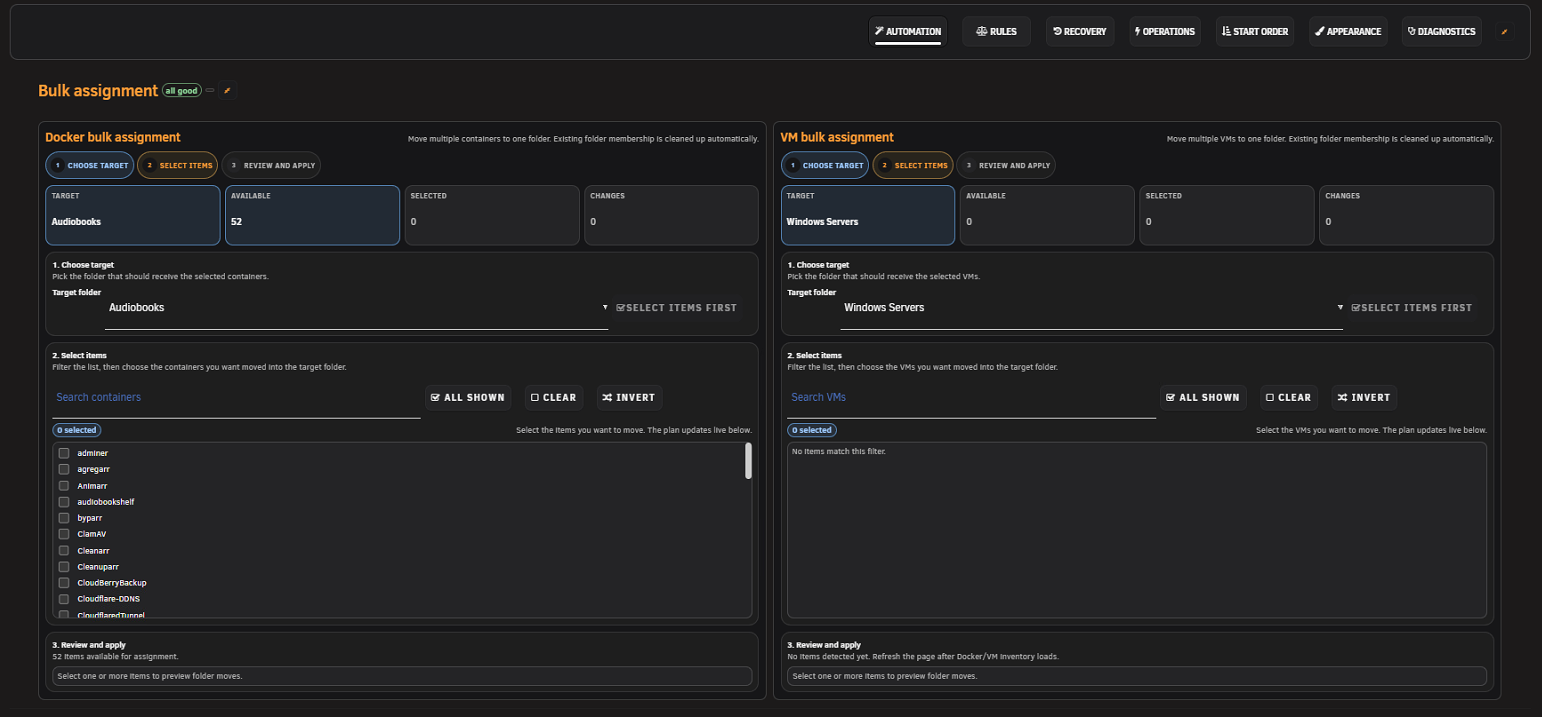
Screenshot placeholder — Diagnostics health summary
Capture a healthy test installation showing core and advisory sections plus the support-bundle preview. Redact server identity and do not show full/raw bundle content.
When Docker, VMs, Dashboard, Settings, or the folder editor displays an error banner, copy its diagnostic text before refreshing. The local banner often contains the exact failed step, module, or host surface that the later page reload would erase.
Include:
- Unraid version.
- FolderView Plus version from
/boot/config/plugins/folderview.plus/versionor Plugins. - Stable (
main) or development (dev) channel. - Browser and version.
- A numbered reproduction beginning from page navigation.
- Expected versus actual result.
- Whether the issue affects Docker, VMs, Dashboard, Settings, or editor.
- Screenshot/video for visual issues after enabling Privacy.
- Sanitized support bundle and copied local diagnostics when available.
Use the GitHub issue chooser or the Unraid forum thread.
- Authentication cookies, tokens, CSRF values, or GitHub credentials.
- Full/raw diagnostic bundles without review.
- Environment/configuration exports.
- Container/VM names when they reveal personal or business information.
- Private paths, IP addresses, URLs, MAC addresses, or screenshots of unrelated Unraid panels.
Do not open a public issue for an unpatched vulnerability. Use the repository Security tab. See Security and Package Trust.
- Update to the latest stable release unless testing a requested dev build.
- Hard-refresh the affected page.
- Disable custom overrides.
- Compare the native/Host list surface.
- Run Diagnostics and review the Activity Center.
- Search existing issues.
Next: Troubleshooting · Privacy