Repository navigation
Checks
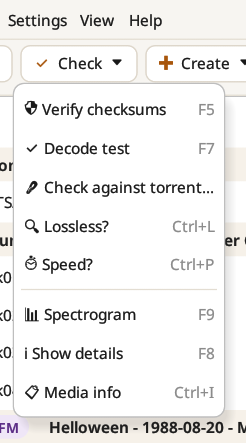
| Command | Shortcut | What it does |
|---|---|---|
| Verify checksums | F5 | Checks the files against their .ffp, .md5, .st5 and .sfv files |
| Decode test | F7 | Decodes every file completely to find damaged or truncated audio |
| Check against torrent… | Checks a show against its .torrent, piece by piece | |
| Lossless? | Ctrl+L | Analyses the spectrum to find lossy sources (see Lossless analysis) |
| Speed? | Ctrl+P | Estimates whether a tape runs fast or slow (see Speed analysis) |
| Spectrogram | F9 | Opens the spectrogram of a track (see Spectrograms) |
| Show details | F8 | Reads the technical details of every file |
| Media info | Ctrl+I | A MediaInfo-style summary, for DVDs and video files |
Hover over a command for a short explanation of what it does. The same commands are in the Tools menu and the right-click menu.
Verify checksums checks every FFP, ST5, MD5 and SFV file it finds in the show. Each track shows which checksums passed ("MD5 OK, FFP OK, SFV OK"), and the show line sums it up ("All 54 checksums OK", or "No checksum file" when there is none). Checksum files made on Windows, with backslash paths and Windows-1252 names, are read correctly on both systems.
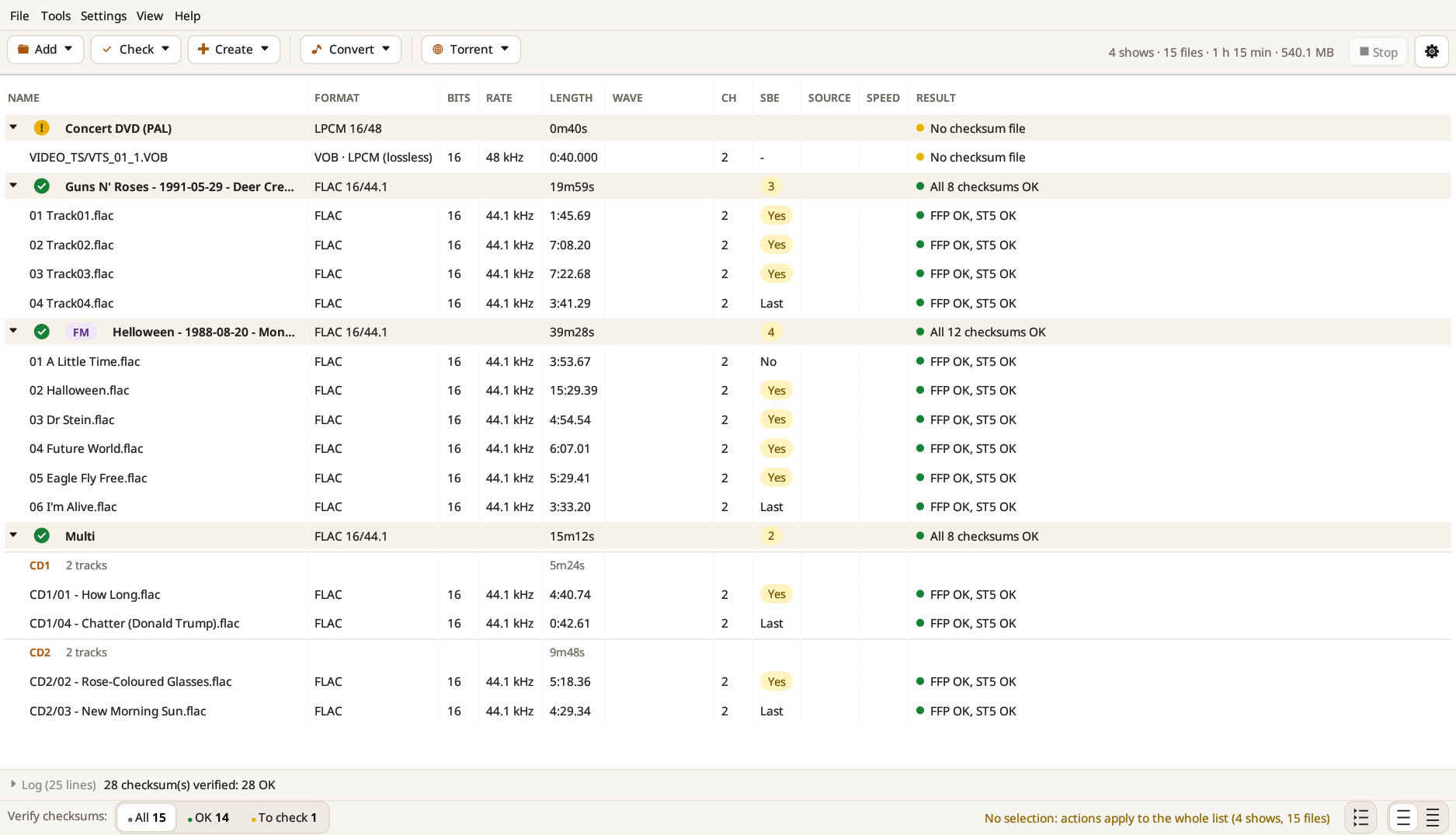
Good to know: an FFP line only compares the MD5 signature stored in the FLAC header. It tells you the file is the one that was fingerprinted, not that its audio decodes. That is what the decode test is for.
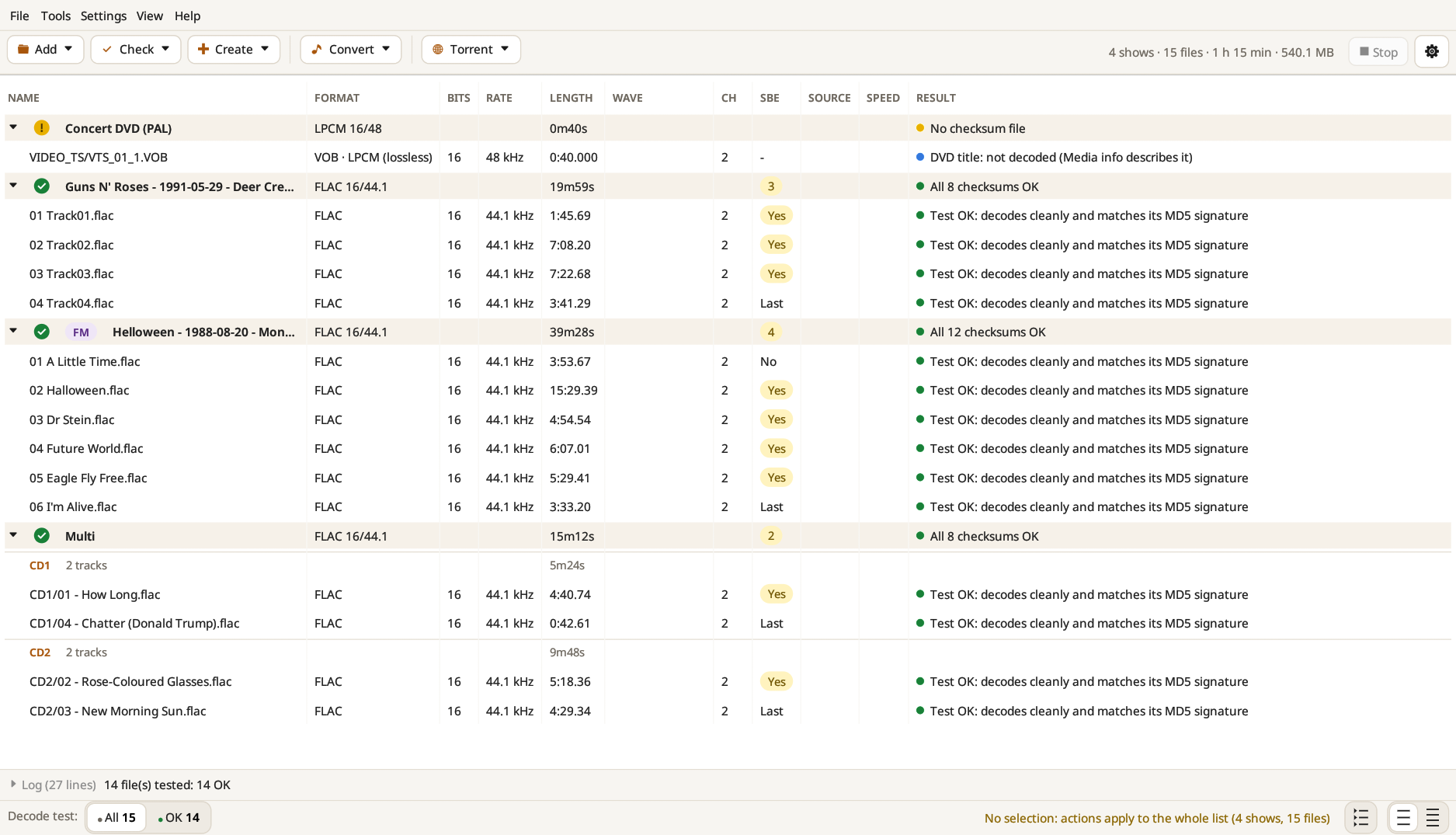
Decode test decodes every file in full. FLAC files are also checked against the MD5 signature stored inside them ("Test OK: decodes cleanly and matches its MD5 signature"). It needs no checksum file, so it works on any show.
Show details reads every file when it is added (this can be turned off in Settings): whether the show is ready for a CD (CD-ready), whether every FLAC file carries the MD5 signature an FFP needs (FFP-ready), and the sector boundary errors.