Repository navigation
Getting Started
Download the file for your system from the Releases page. There is nothing to install.
Windows. Run bootleg-toolbox-windows-x86_64.exe. The program is not code-signed yet, so Windows SmartScreen may warn you the first time ("Windows protected your PC"). Click More info, then Run anyway.
Linux. Make the file executable, then run it:
chmod +x bootleg-toolbox-linux-x86_64 && ./bootleg-toolbox-linux-x86_64
Each release comes with SHA256SUMS.txt, the SHA-256 checksum of every file. To compare it with your download:
- Windows (PowerShell):
Get-FileHash .\bootleg-toolbox-windows-x86_64.exe -Algorithm SHA256 - Linux:
sha256sum -c SHA256SUMS.txt --ignore-missing
Every release is also built by GitHub Actions with a build provenance attestation. With the GitHub CLI, you can check that a file really comes from this repository's build:
gh attestation verify bootleg-toolbox-windows-x86_64.exe --repo bootleg-toolbox-group/bootleg-toolbox
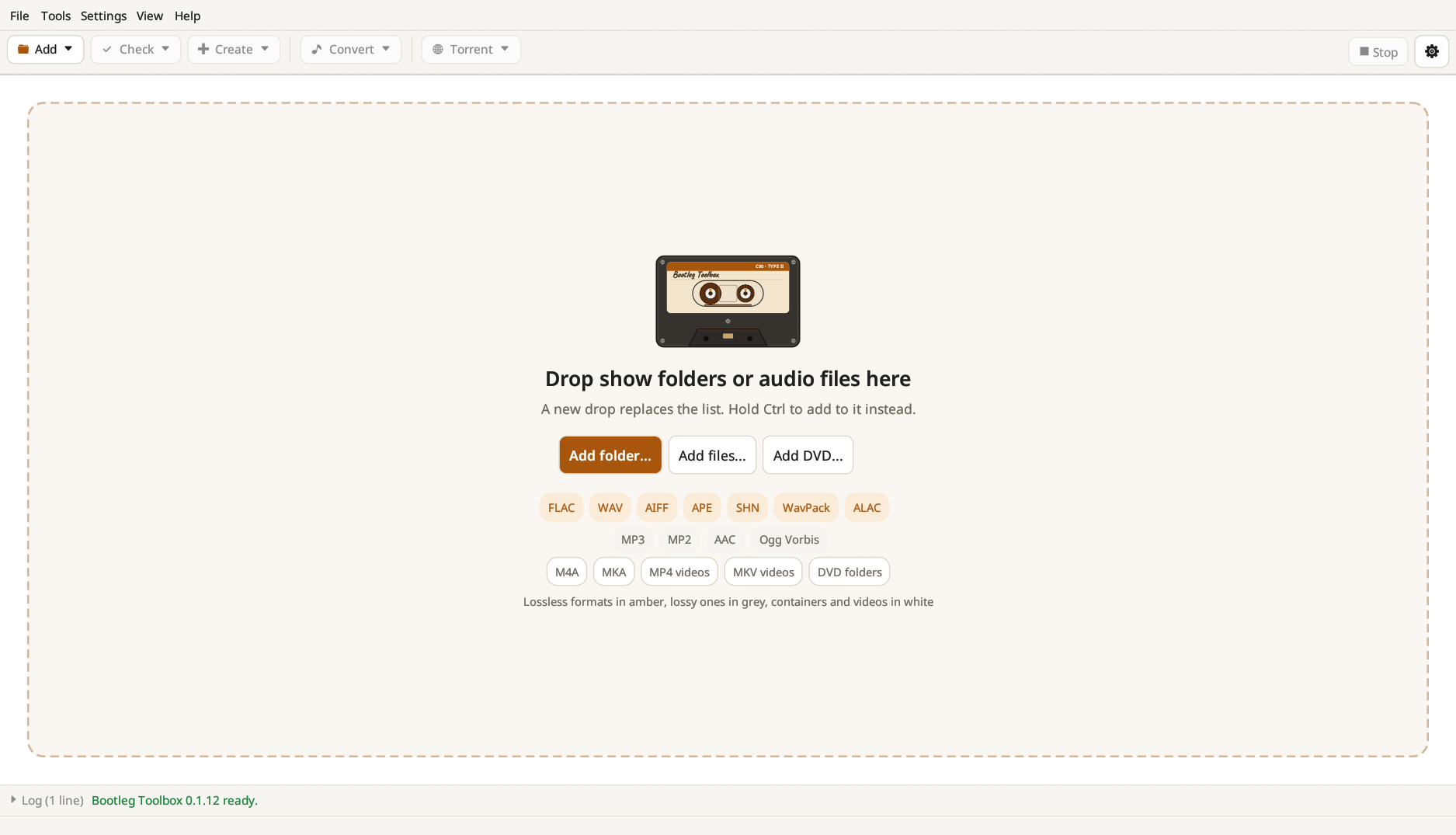
Bootleg Toolbox is a single file: run it, and drop show folders or audio files on the window. While you drag them over it, a frame says what the drop will do, with the first folder's name written on the cassette. A new drop replaces the list; hold Ctrl while dropping to add to it instead. A dropped .torrent file checks the list against it.
On Linux, Help → Add to the applications menu puts Bootleg Toolbox in your desktop's menu.
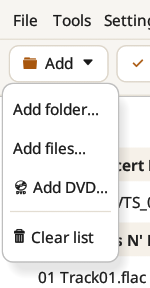
The Add menu does the same from a file dialog: Add folder…, Add files… and Add DVD… (a VIDEO_TS folder). Clear list empties the list. Nothing on disk is touched by any of these.
Next: The main window.