Repository navigation
Torrents
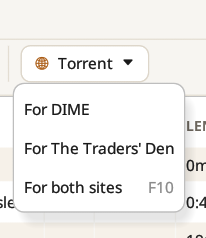
For DIME, For The Traders' Den or For both sites (F10) creates private torrents with each site's announce URL, set in Settings. Each torrent gets its own source tag, so the same show can be seeded on both sites at once. Other trackers can be added in Settings.
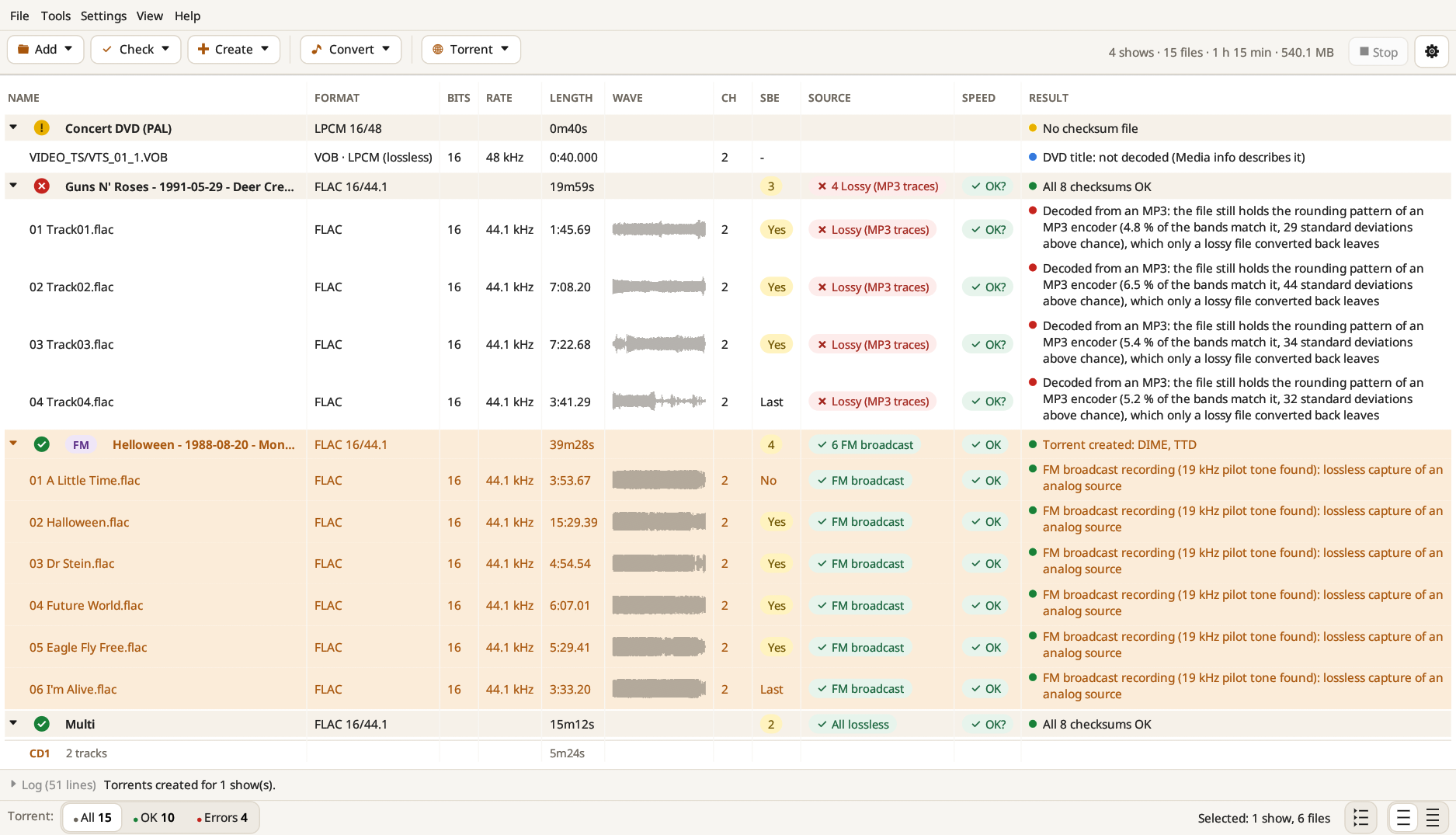
The torrents are saved in the folder set in Settings, named after the show and the site (… [DIME].torrent, … [TTD].torrent). Files that don't belong in the upload, such as WAV-cleaned copies, are left out and listed in the log. The log also reminds you of the last step: upload each .torrent on its site, then download the torrent the site gives back (it holds your passkey) and seed with that one.
With Open the .ffp and the info file once the torrent is made ticked in Settings, both files open in your text editor as soon as the torrent is ready, to copy them into the site's upload form.
To check a downloaded show, Check → Check against torrent… (see Checks) compares the files with the .torrent, piece by piece.