feature config

Overview Use Config to verify runtime status, permissions, alerts, and diagnostics. Check helper/elevation readiness, tune notification noise, and consult debug tools when troubleshooting.
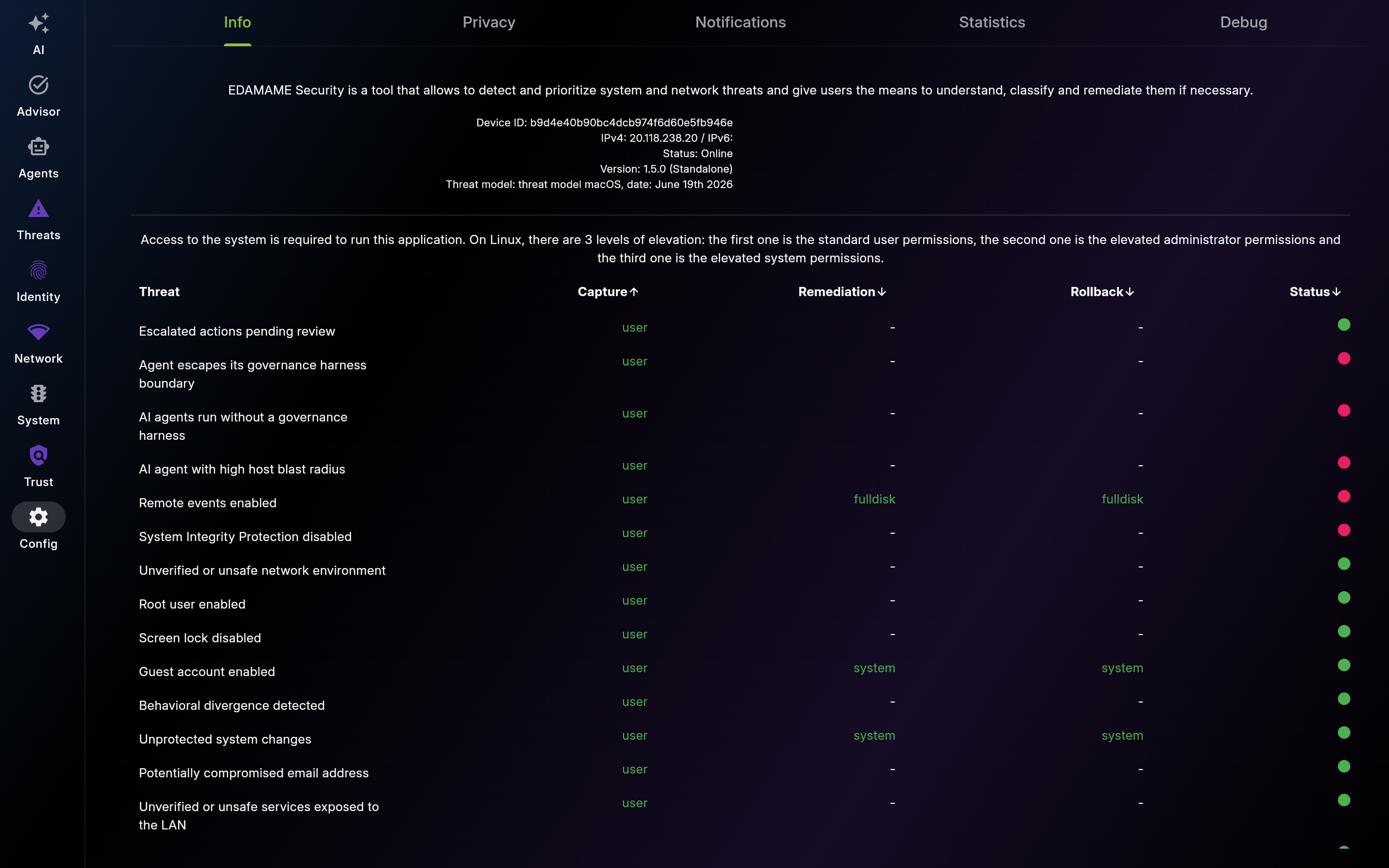
Description: Use Info to confirm environment readiness before deeper troubleshooting. Check version/build metadata and privilege requirements.
| List View | Detail View |
|---|---|
 |
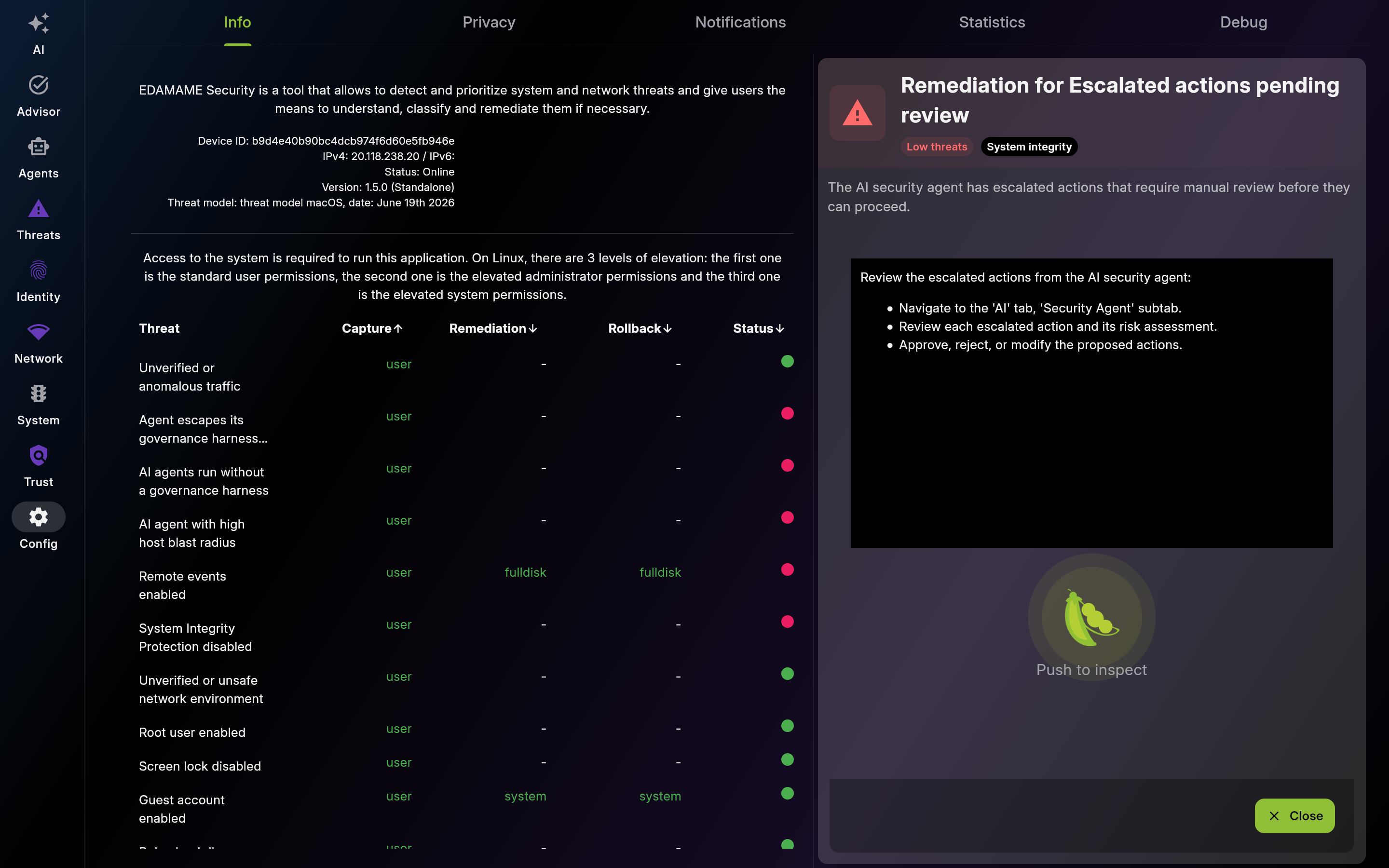 |
Screenshot of Info – App & System Status - Multi-pane layout showing list and detail views
-
Elevation Requirements – Privilege Levels
- Use this table to understand unavailable checks/fixes and grant only minimum required privileges.
-
Agent State – Helper & Permissions
- Check helper and permission state before deeper troubleshooting. Resolve prerequisites in order.
Description: Use Privacy to opt out of anonymous analytics or crash reports and to read an honest catalog of what each subsystem ships off-device. Other knobs (Hub connection, agentic provider, Slack/Telegram delivery, OS notifications) are linked from this view so you can find them in one place.

Screenshot of Privacy – Your Data, Your Control
Description: Use this section to tune local alert signal-to-noise for your workflow. Keep high-value in-app categories enabled and review history regularly.
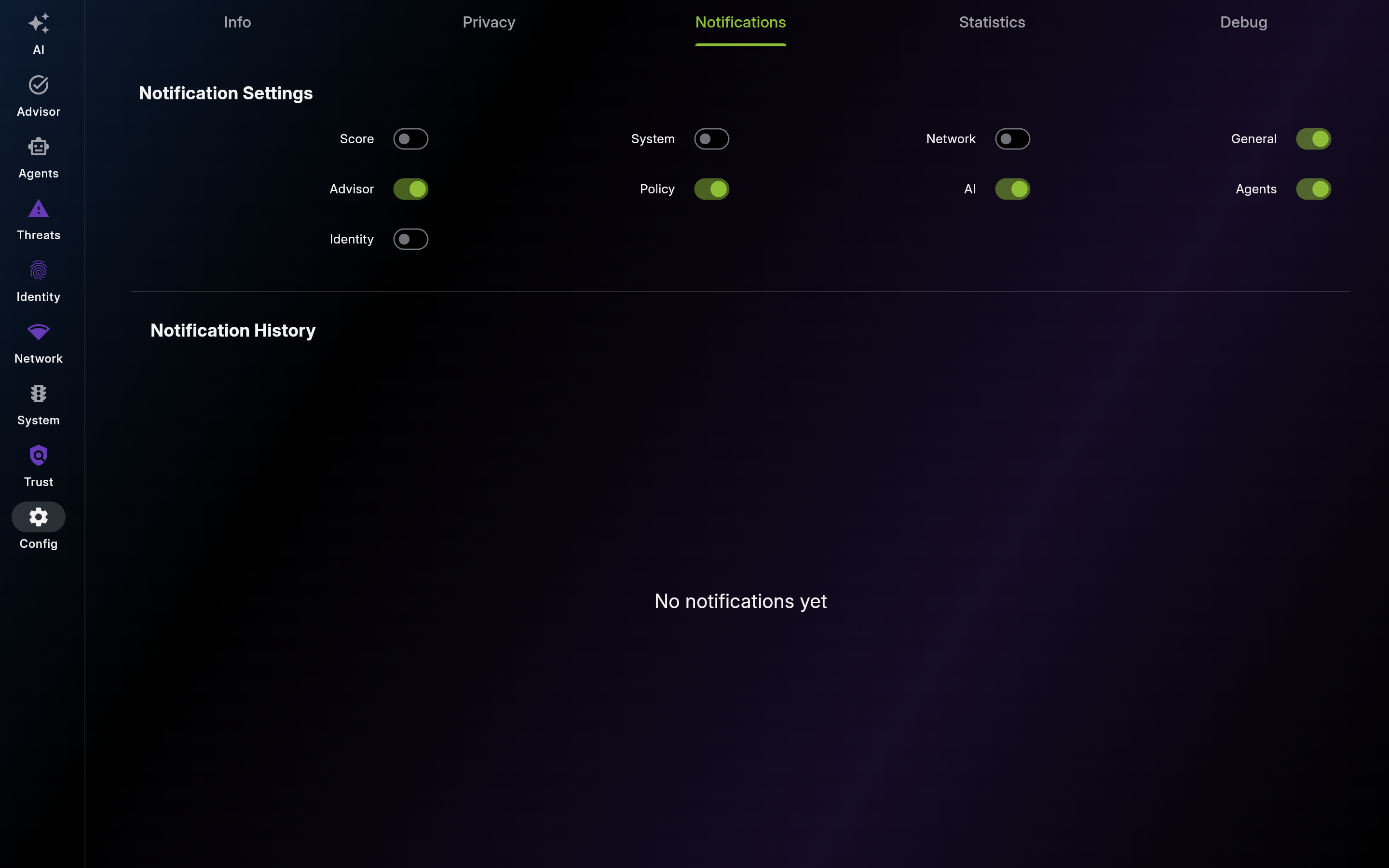
Screenshot of Notifications – Settings & History
-
Category Toggles – Per-Type Control
- Enable actionable categories and reduce noise-heavy channels to keep alerts useful.
-
Notification History – Persistent Log
- Use history to reconstruct incidents and reopen related content quickly.
Description: Use this diagnostics panel to monitor the entire telemetry surface — packet pipeline, ML analyzer, vulnerability detector, divergence engine, file integrity monitor, agentic memory, and per-loop LLM token spend. Recheck thresholds and model stats when detection quality shifts.
Description: Use Debug logs for root-cause analysis with support or engineering. Filter by severity, search by keyword, and export relevant excerpts.
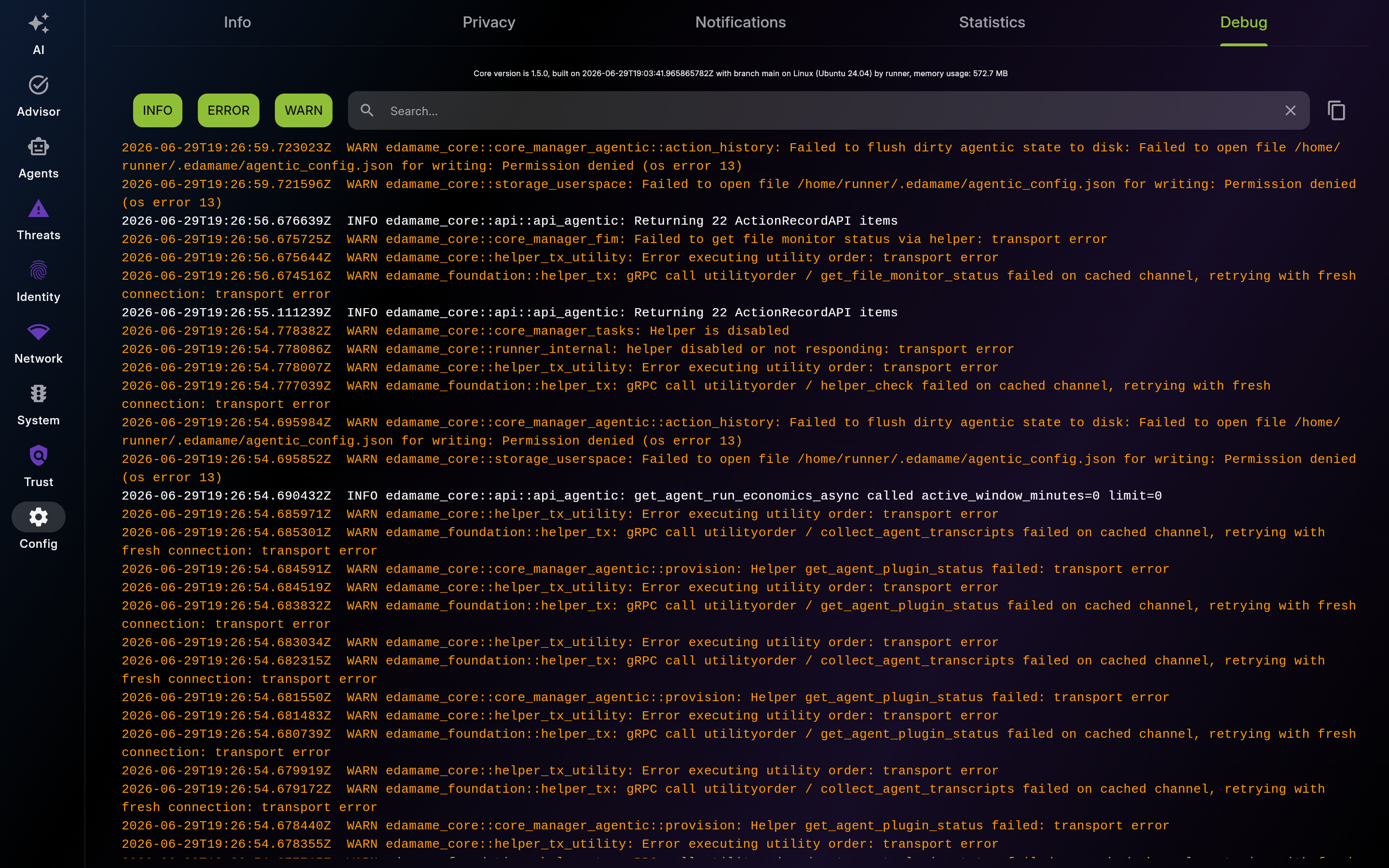
Screenshot of Debug – Real-Time Logs
This page was automatically generated from feature definitions.