feature secured
- 🔐 Trust

Overview Use Trust to connect your device to organizational zero-trust controls. Join with your domain identity, track policy status, and share signed compliance evidence when requested.
Description: Use this view to connect or disconnect from your organization domain securely. Confirm identity binding and sync health for accurate policy enforcement.
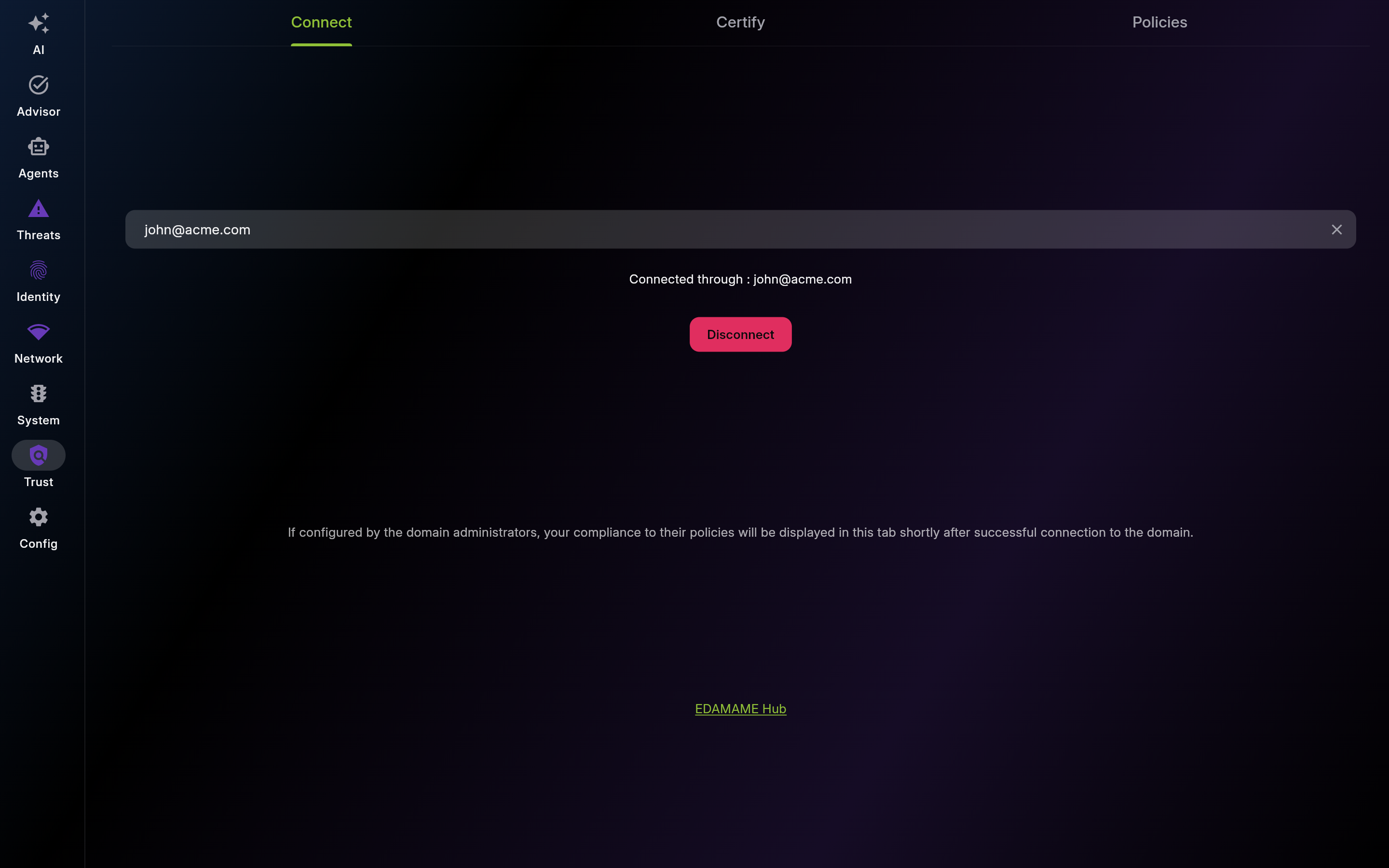
Screenshot of Connect – Domain Connection
Check this status first when policy data appears stale. Verify identity binding and sync timestamp.
Request a fresh PIN for onboarding, reconnection, or expiry scenarios.
Description: Use this view to generate portable compliance proof for partners and auditors. Create signatures and reports at the time of request.
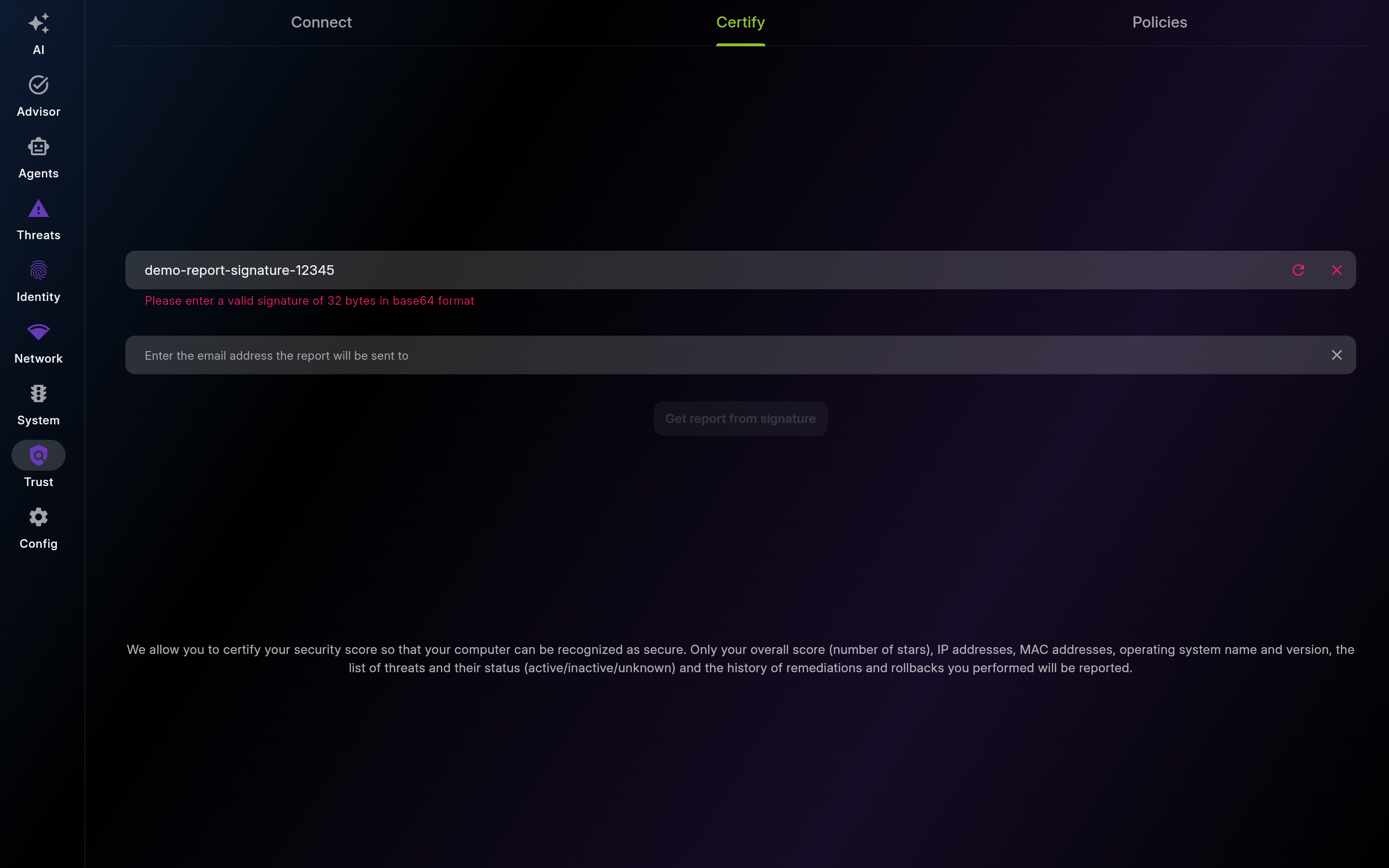
Screenshot of Certify – Shareable Security Proof
Generate a new signature right before sharing compliance proof to third parties.
Request a signed report when an auditor or partner needs verifiable evidence.
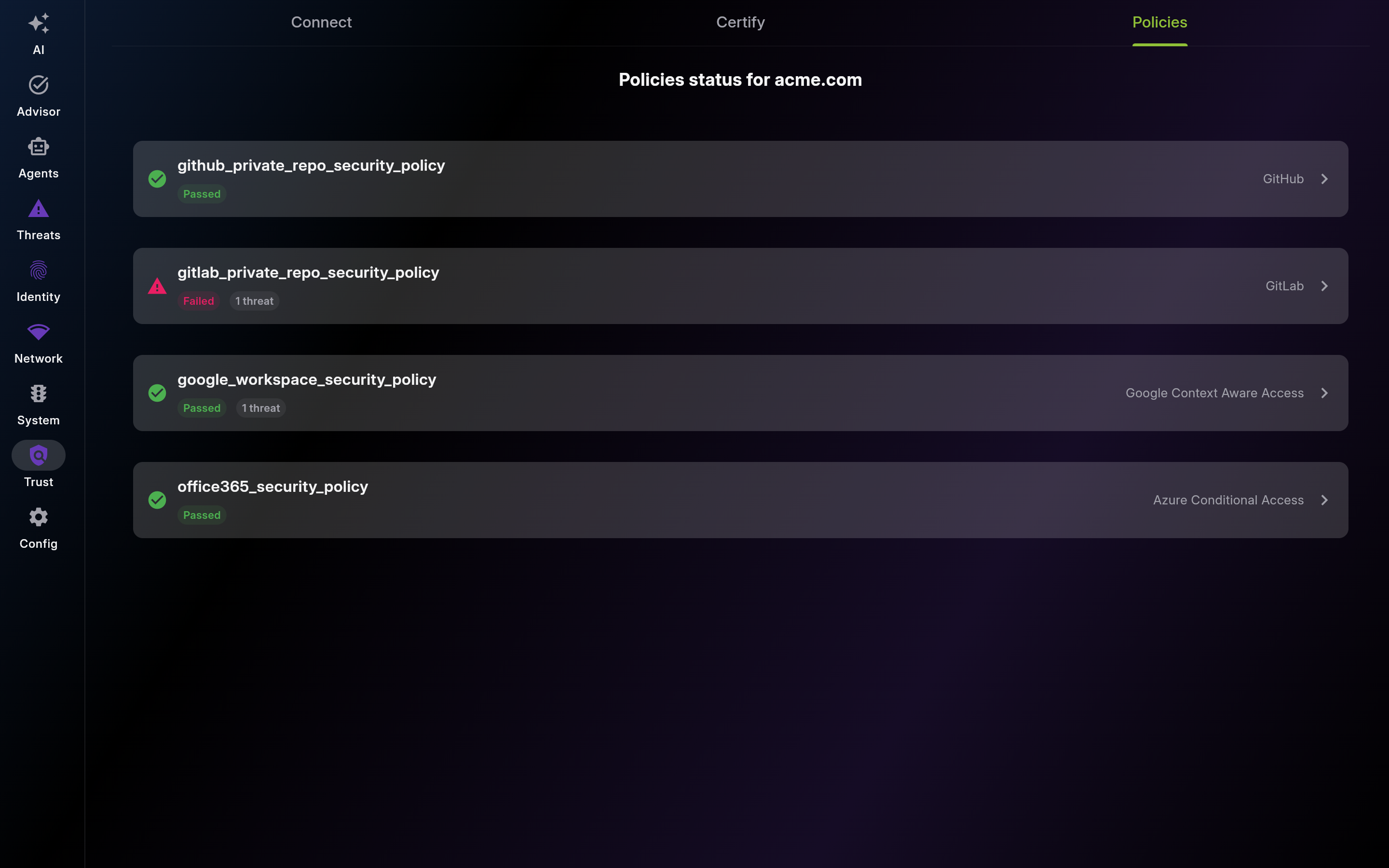
Description: Use this board to monitor enterprise policy compliance and access readiness. Investigate failed rules and remediate linked blockers first.
| List View | Detail View |
|---|---|
 |
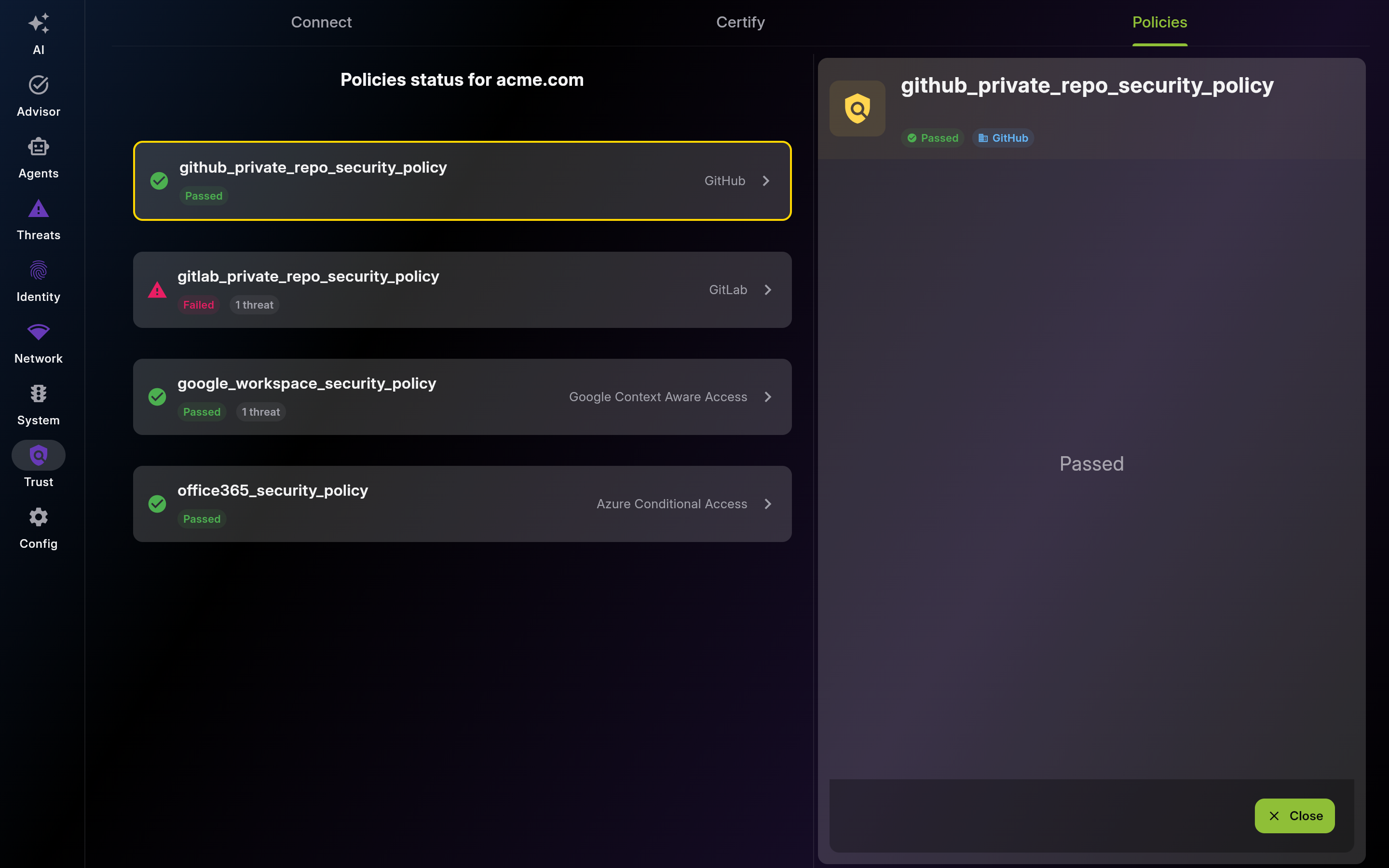 |
Screenshot of Policies – Compliance Status - Multi-pane layout showing list and detail views
Use this list as your compliance backlog and access-unblock plan.
Map failed policies to affected providers and prioritize fixes by business impact.
This page was automatically generated from feature definitions.