Repository navigation
Backups and Restore
Press b in the menu.
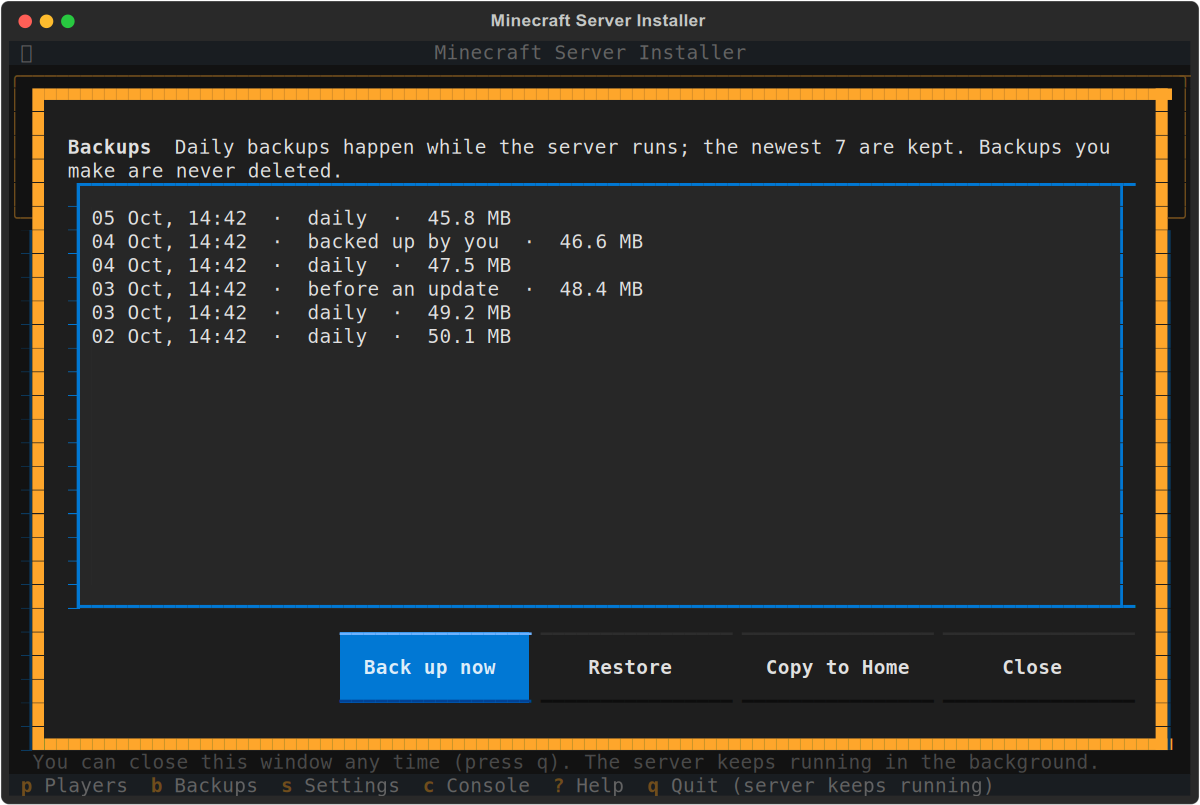
- Daily, while the server runs. The newest 7 are kept, so you can go back up to a week.
- Before every update and every restore, automatically.
- Whenever you choose: Back up now here, or option 10. These are never deleted automatically, and a copy also goes in your Home folder.
The server keeps running during a backup. It saves the world first, so the backup is complete.
Choose a backup and press Restore. The world goes back to how it was at that time.
Before restoring, the world as it is now is backed up, so you can always change your mind. If the server is running, it restarts, and anyone playing is disconnected for a moment.
Copy to Home puts the chosen backup in your Home folder. From there you can copy it to a USB stick or another computer.
Backups live in /var/snap/mc-server-installer/common/backups.