Repository navigation
Players and Operators
Press p in the menu.
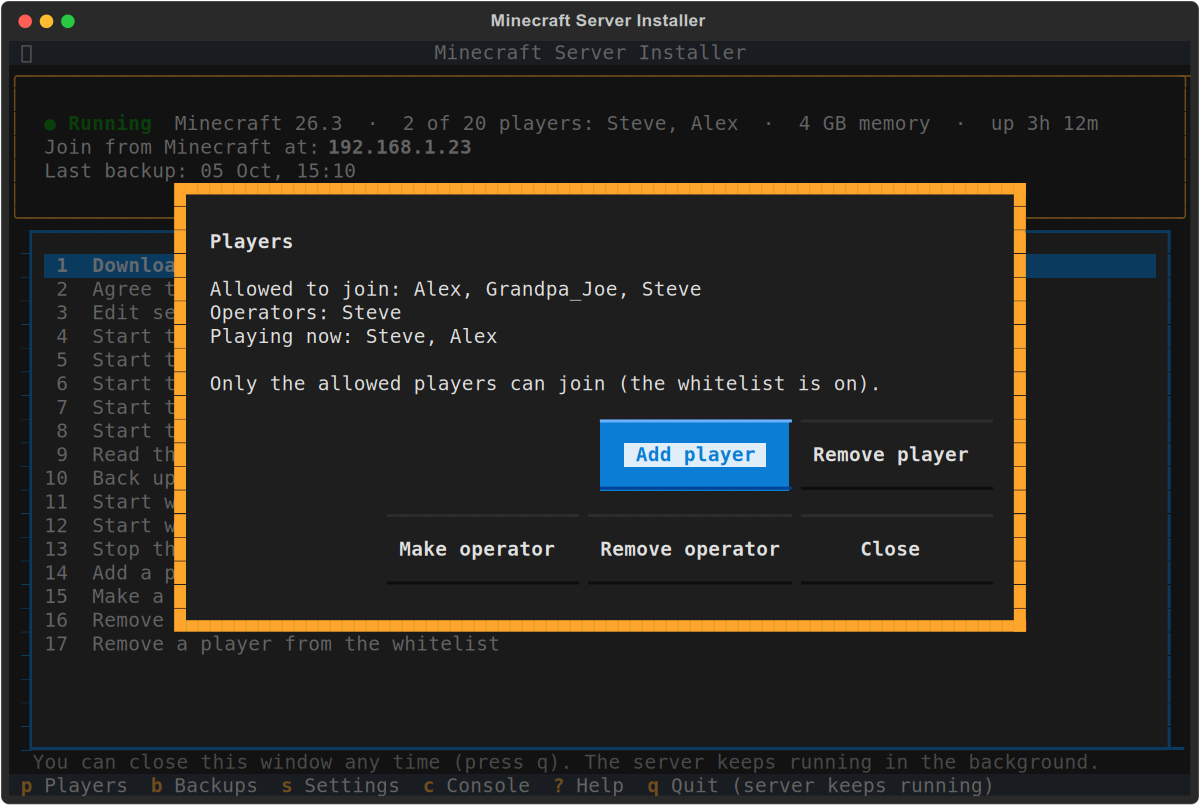
- Add player / Remove player: who may join. This is the whitelist. It only takes effect when it is switched on in Settings; until then, anyone at home can join. The setup switches it on if you named players there.
- Make operator / Remove operator: operators can use cheats and server commands in the game, such as changing the time or game mode. Give this only to people you trust with your world.
Names are checked with Mojang, so a typo is caught before it is saved. This works whether the server is running or stopped.
The numbered options 14 to 16 do the same, as in earlier versions, and 17 removes a player from the whitelist.