Repository navigation
Riding
| Car | Seats |
|---|---|
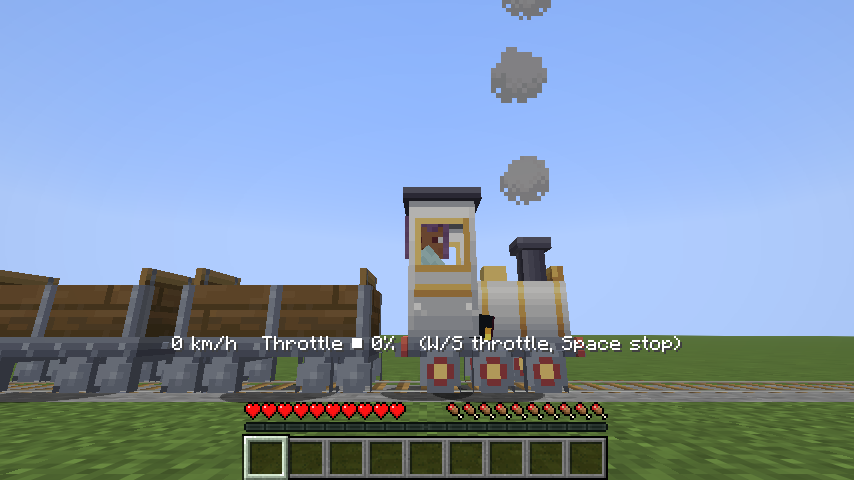
| Locomotive | 1: the driver's seat at the back of the cab |
| Passenger Coach | 2: one on each bench, facing each other |
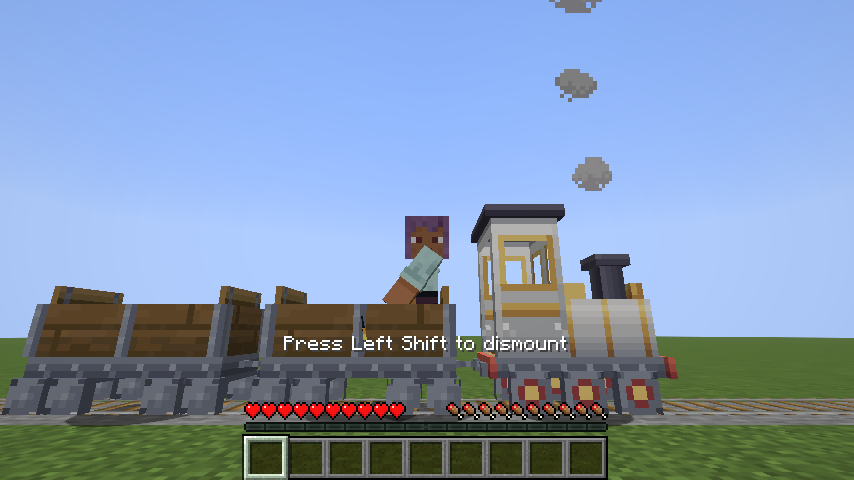
- Get on: right-click the car (with an empty hand or any item except chains and shears). You sit in the free seat nearest to where you clicked. If every seat is taken you'll see "Every seat is taken."
- Change seats: while riding, right-click another spot on the same car to move to the free seat nearest to it.
- Get off: press Sneak (Left Shift by default). You step off beside your own seat: on your seat's side of the car first, then the other side, then a block further along the track. Only if there is no room at all (a one-wide tunnel, a bridge) do you end up on top of the car, like vanilla.
- Looking around: your body stays facing along your seat so your legs stay inside the car, and your head can turn up to 105° either way, like in a boat. On curves your view turns with the train.
- Logging out while riding is safe: the car stays in its train. (Vanilla would normally save a vehicle into your player file, which would rip a car out of the train. Tiny Trains switches that off.)
← Placing and Removing Cars · Home · Coupling →