Repository navigation
Schedules
Click Schedule (N stops)... in the train screen to open the schedule screen.
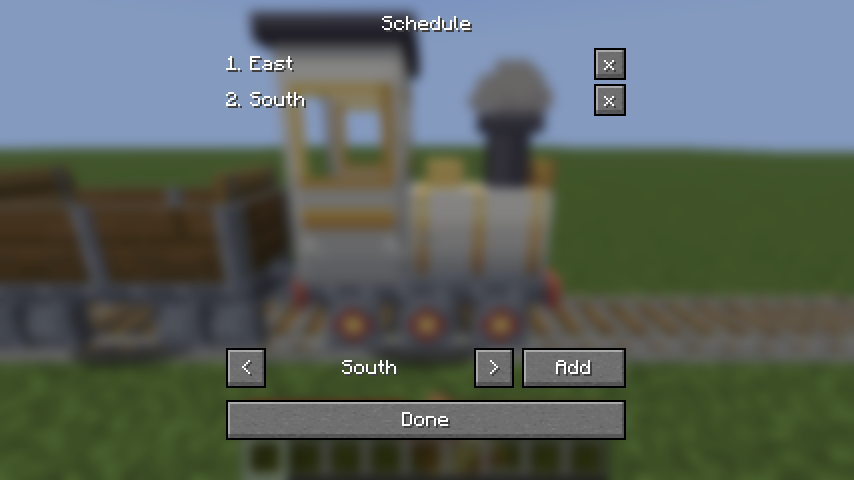
- The list shows the stops in order. x removes a stop.
- Use < and > to pick a station name from every station in your current dimension, then Add to put it at the end. Up to 24 stops. The list shows 8 at a time; scroll with the mouse wheel or the ^ and v buttons beside it to see the rest.
- Done returns to the train screen; press Done there to save.
- An empty schedule means "stop at every station".
A train with a schedule:
- heads for stop 1, calls there, then heads for stop 2, and so on;
- after the last stop starts again from stop 1, forever;
- runs straight through every station that isn't its current stop;
- finds its own way through junctions (see Junctions and routing).
Example. A line Harbour — Market — Castle with a branch to Mine:
| Schedule | What the train does |
|---|---|
| (empty) | Stops at every station it passes, reverses at each end. |
Harbour, Castle
|
Express: runs non-stop between the two ends, never stopping at Market. |
Harbour, Market, Castle, Market
|
Stopping service along the main line. |
Market, Mine
|
Shuttles between Market and the branch line to the mine. |
Changing the schedule restarts it from stop 1.