Repository navigation
Home
Documentation home · All topics · Source
ArdPortal is a modular Arduino library for ESP8266 and ESP32, combining a device configuration portal, MQTT/Home Assistant integration and an optional native Zigbee extension. JSON-defined controls share AppConfig values, callbacks and ArdFS persistence across the enabled transports.
Zigbee supports ESP32-C5/C6/H2 as End Device or Router, automatic native/composite control mapping, generated Zigbee2MQTT converters and ZHA quirks, OTA, time synchronization and diagnostics. It can operate without Wi-Fi or WWW. ArdFS and ArdJSON are included standalone storage and JSON modules; no external web server, MQTT or JSON library is required. Zigbee uses the SDK bundled with the ESP32 Arduino core.
This Wiki documents the current development branch, including Zigbee. Check the selected release's changelog before using it with an older installed package. Updated 16 October 2026; hardware validation scope and limitations are documented in the Zigbee guide.
| Topic | What you will find |
|---|---|
| Overview | Architecture, main features and hardware responsibilities |
| Getting started | Installation, first boot, a minimal sketch and examples |
| All defines | Every supported compile-time flag, defaults and dependencies |
| Portal API | Methods, callbacks, configuration fields, options and lifecycle |
| FS API | ArdFS operations, results, streaming writes and recovery |
| JSON API | Types, checked access, parsing, serialization and object patches |
| All controls | All 30 field types, their values, options and commands |
| Dynamic pages | JSON schemas, registration, limits, flash sources and HTTP loading |
| Dependent fields | Single conditions, AND/OR, page conditions and cascades |
| Home Assistant | Discovery, mapping, availability, state and HA-only entities |
| Zigbee | Setup, roles, shared controls, pairing/rejoin, gateway exports, API, diagnostics and OTA |
| MQTT messages | Topic construction, payload examples, retain and custom commands |
| Wi-Fi and device identity | Station/AP operation and normalized names |
| Console and OTA | Messages, WebSockets, firmware uploads and restart handling |
| Memory and limits | Actual heap pools, reserves, limits and allocation failure |
| Languages | Translation catalogs and localized field labels |
| Troubleshooting | Registration, memory, networking, HA and persistence failures |
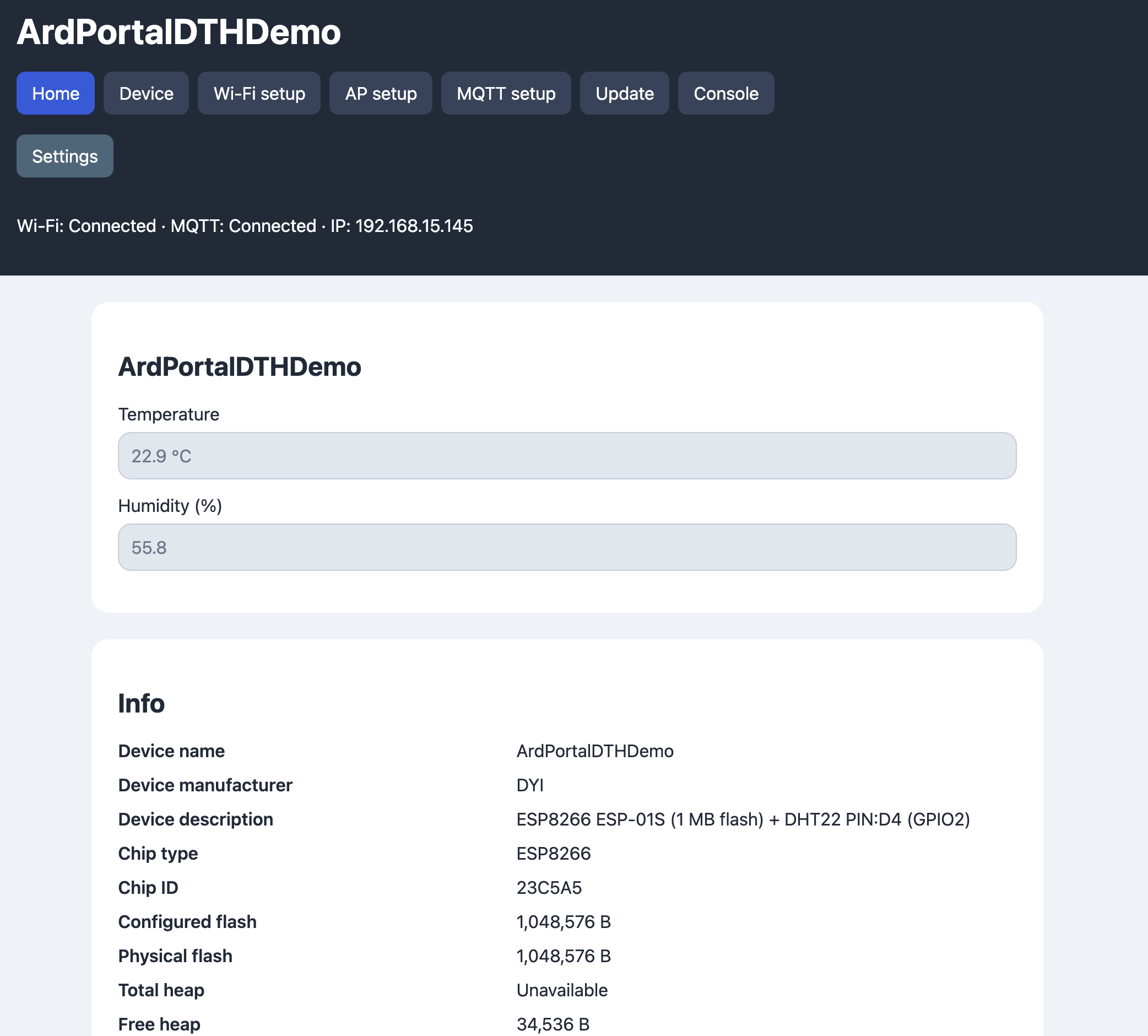
| Screenshots | Eight annotated views of the DHT example portal |
First upload the BasicPortal example: in Arduino IDE open File → Examples → ArdPortal → BasicPortal, select your ESP board and flash/partition layout, then upload it over USB/serial. The sketch is examples/BasicPortal/BasicPortal.ino. The library alone does not start a portal until a sketch using it has been uploaded.
Connect to ArdUI-<chip ID> with the default AP password 1234567890 and open
http://192.168.4.1/. Call portal.loop() frequently to advance startup, storage
and network work. The library requires the ESP Arduino core; only examples with
external sensors require their sensor libraries.