Repository navigation
Wi Fi and Device Identity
Documentation home · All topics · Source
| Page | URL | Features |
|---|---|---|
| Home | / |
Device information; navigation is in the header |
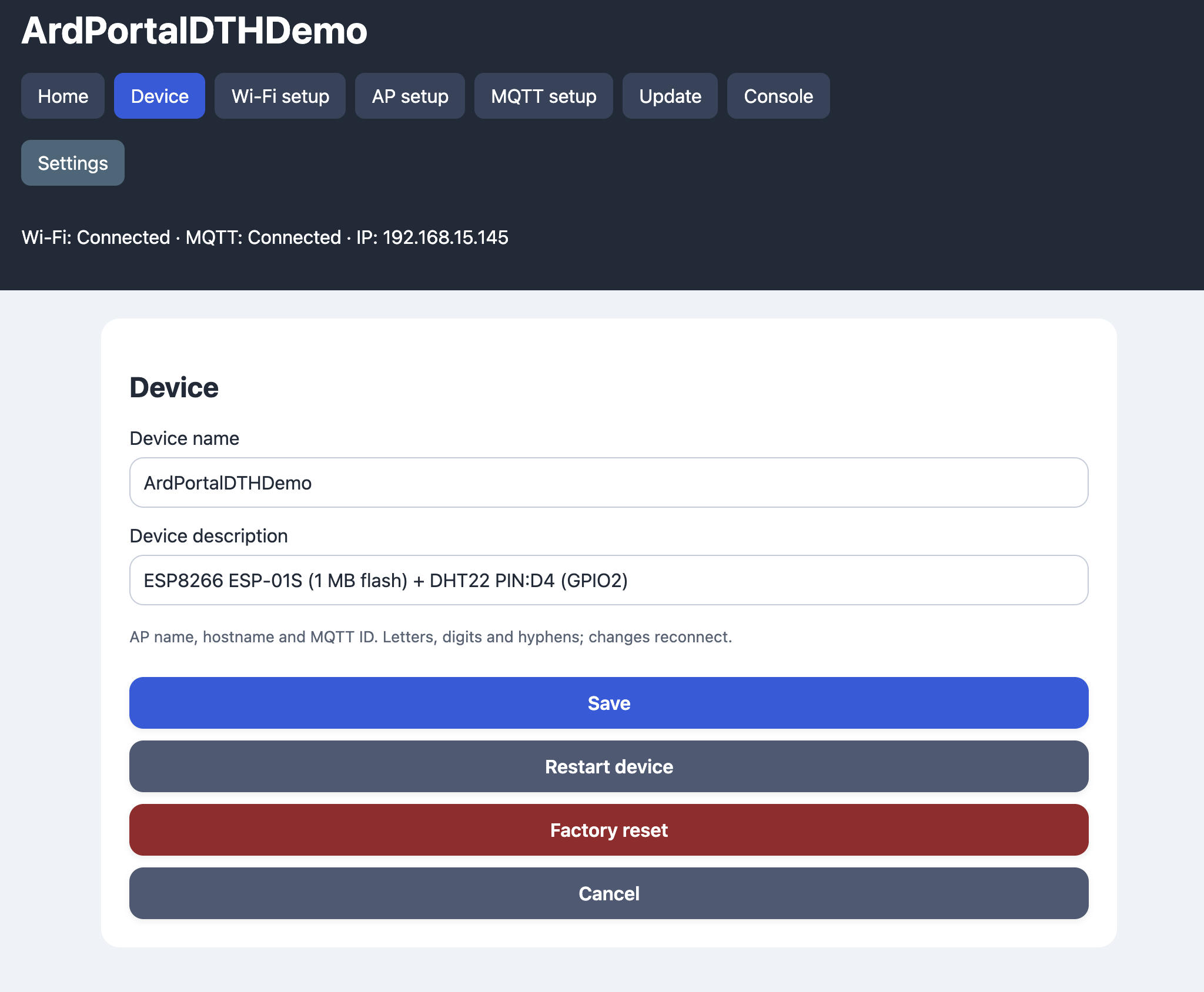
| Device | /device |
Device name and factory reset |
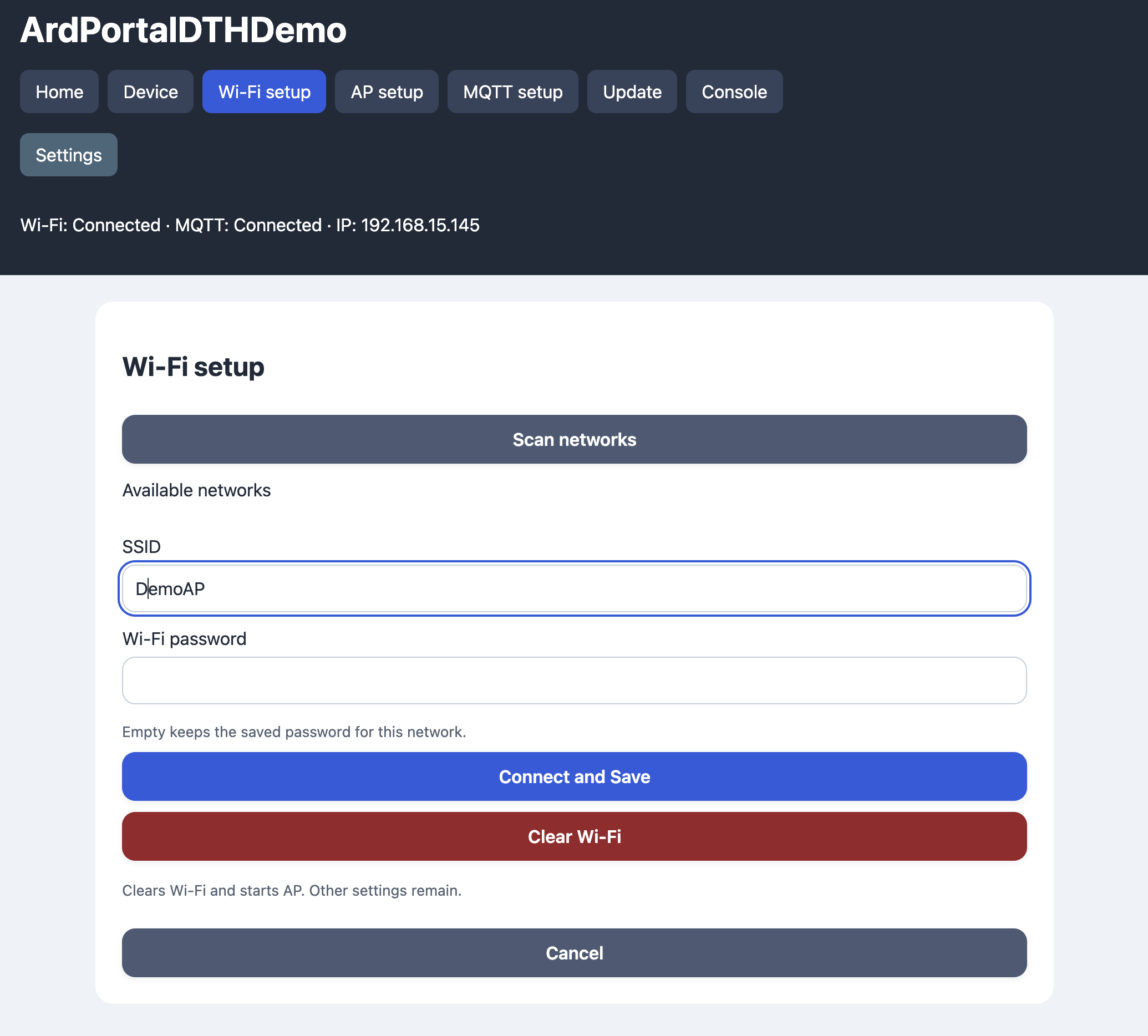
| Wi-Fi configuration | /wifi |
Background scan, credentials, clear saved Wi-Fi |
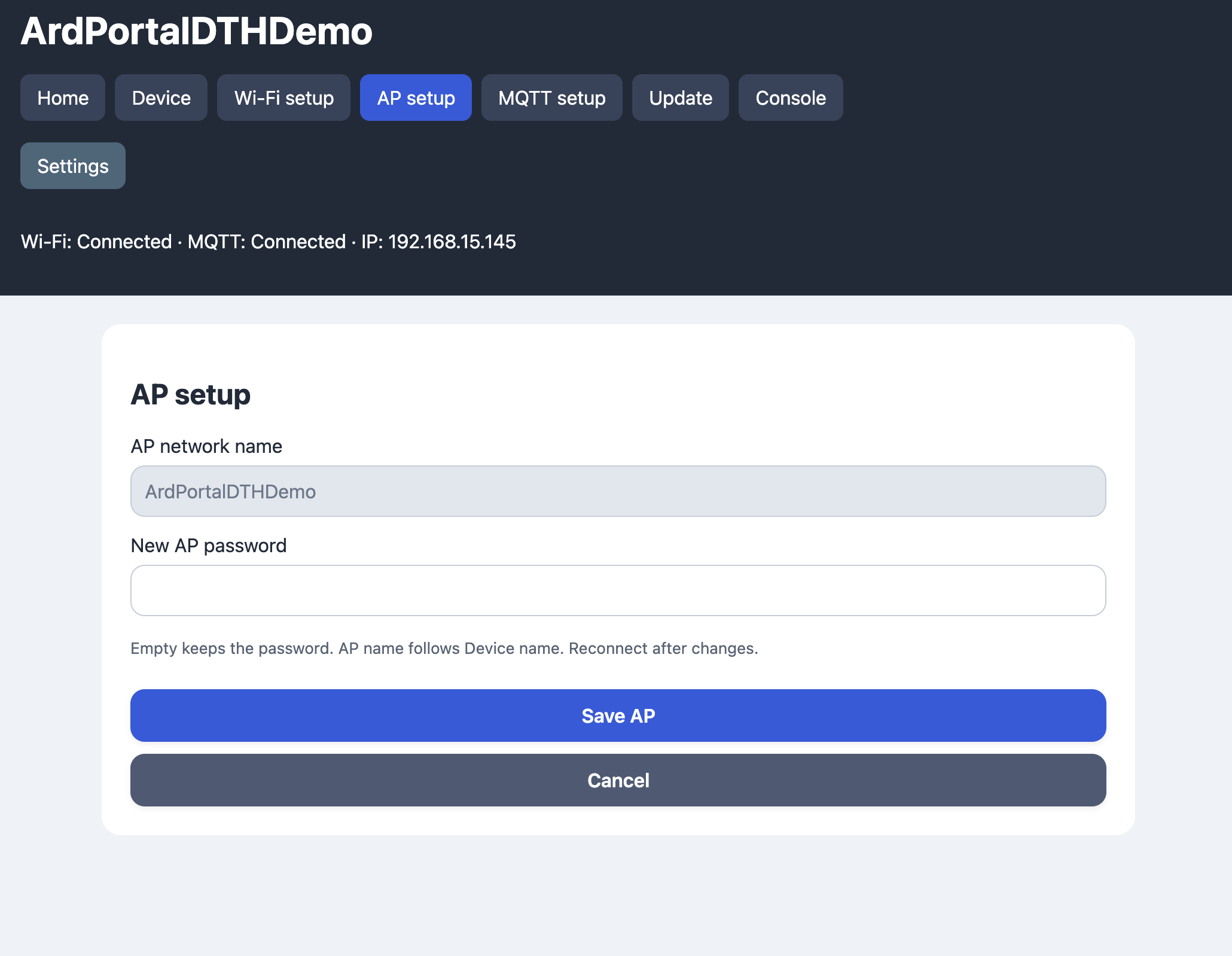
| AP configuration | /ap |
AP password and current network name |
| MQTT configuration | /mqtt |
Broker, port, credentials, optional TLS and CA |
| Update | /upgrade |
Streaming application firmware OTA |
| Console | /console |
MQTT and diagnostic messages over WebSocket |
Each settings page has a Cancel button returning to Home. The CA field is hidden when TLS is disabled. Home information includes chip type/ID, configured and physical flash, heap, sketch/OTA space, uptime, NTP date/time, connections and IPs.
The device name is shared by the AP SSID, station hostname, MQTT client ID and
browser page title. The default is ArdUI-<chip ID>. It accepts 1–32 ASCII
letters, digits and hyphens, without a leading/trailing hyphen. Change it on the
Device page; AP configuration shows it as read-only. Saving identity changes
reconnects the device after the HTTP response has been sent.
AP passwords accept 8–63 bytes. An empty password field preserves the saved password. Wi-Fi and MQTT password fields similarly preserve the password when the network or broker/user is unchanged. An empty broker disables MQTT; an empty SSID disables station connection attempts. Secret fields are not returned by the HTTP configuration API.
The device first tries the saved Wi-Fi network for wifiTimeoutMs (30 seconds
by default). If it cannot connect in that time, it starts its AP. After losing
an established connection, it starts a fresh timed attempt and falls back to the
AP again if necessary. Retries are separated by retryMs. Automatic connection
attempts pause while any station is connected to the fallback AP, preserving
portal access when the saved network is unavailable. They resume after the last
station disconnects. An explicit Wi-Fi form submission still starts its requested
connection attempt.
The HTTP server remains running after reboot and while Wi-Fi/MQTT are connected. Once Wi-Fi connects, the AP closes when it has no stations and no active HTTP response. Continue using the LAN IP shown by the portal. A failed MQTT connection does not trigger AP fallback.
The Wi-Fi connection result message is shown only for a submitted Wi-Fi form, not merely on entering Home or following an automatic reconnect. A successful attempt shows the LAN URL. A timeout reports failure and keeps the Wi-Fi form available. Clearing Wi-Fi removes only the SSID/password, preserves the other settings and starts the AP.
Wi-Fi scanning uses the core's asynchronous scan API and is deferred during an association attempt. It returns at most 32 networks. The scanning notice clears when the scan completes, including an empty result.
While the AP is active, wildcard DNS resolves hostnames to its address. HTTP
connectivity probes, including Windows, Apple and Android probe paths, are
redirected to the portal. Automatic opening depends on the operating system;
VPNs, disabled captive detection or encrypted DNS/probes can prevent it.
HTTPS is not intercepted. If no window opens, use http://192.168.4.1/ directly.
DNS stops when the AP stops.