Home
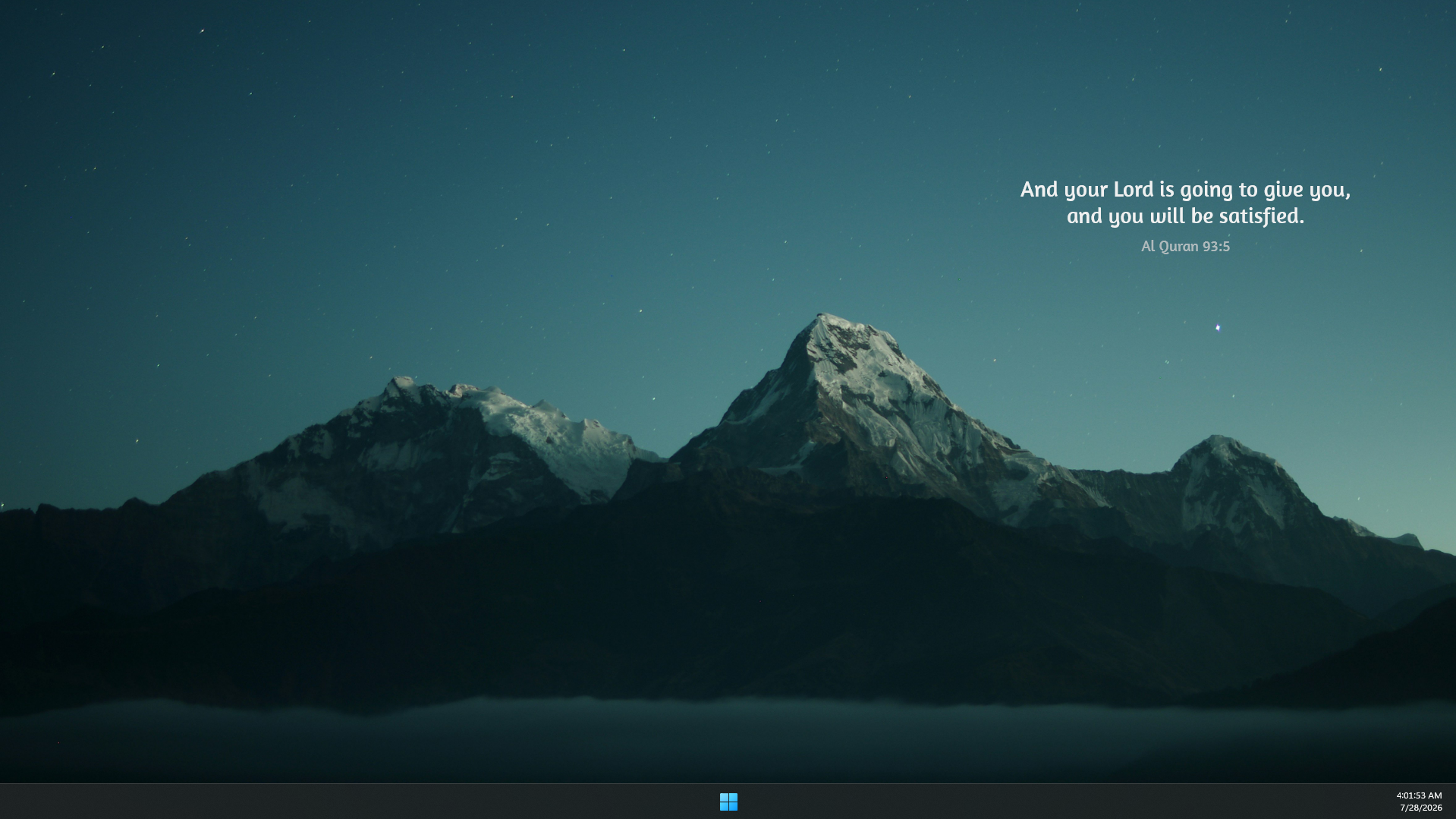
Welcome! Al-Quran Quote is a small, elegant widget that sits on your Windows desktop and shows a verse from the Holy Quran (Saheeh International English translation) together with its reference, for example Quran 2:255.
It is quiet and out of the way. A new verse appears on a timer, or whenever you click the little arrow next to the reference. Everything about it, the fonts, colours, size, how often it changes, and even the language, can be changed from a friendly settings panel. No file editing needed.
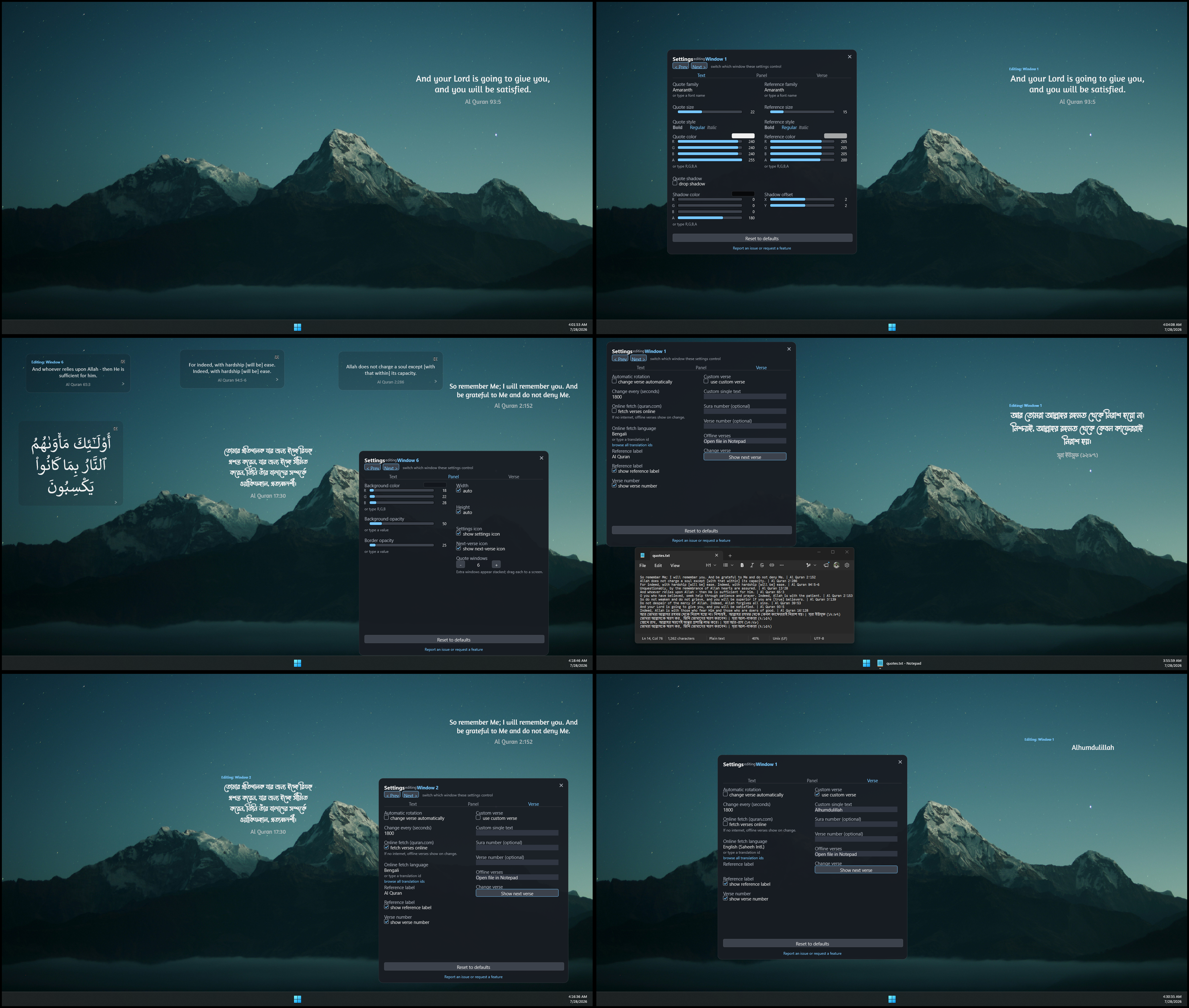
Want to see the whole thing at once? Here is every feature in one combined screenshot (large image).
- Shows a Quran verse with its reference on a soft, semi-transparent panel.
- Changes to a new verse automatically (every 30 minutes by default) or on demand.
- Works offline: if there is no internet, it shows a verse from a built-in list.
- Fully customisable through a settings panel: fonts, colours, size, shadow, and more.
- Can show your own text (a favourite verse or dua) instead of a random one.
- Supports many languages for the online verses, including the original Arabic.
- Can show more than one window, handy if you have several monitors.
- Installation - get it onto your desktop in a couple of minutes.
- Getting Started - your first few clicks.
- The Settings Panel - where you change everything.
- Text & Appearance - fonts, sizes, colours, and the drop shadow.
- Panel & Size - background colour, transparency, width and height.
- Verses & Content - rotation timer, reference label, online/offline, and custom verses.
- Languages - show verses in a different language or the original Arabic.
- Multiple Windows - one verse per monitor.
- Offline & Custom Verses - the built-in verse list and showing your own text.
- Frequently Asked Questions - quick answers.
- Troubleshooting - fixes for the most common issues.
Verse data comes from the quran.com API (Saheeh International translation).
The screenshots on this wiki use a few third-party resources. None of them are bundled with the skin, which ships no font or image files:
- Wallpaper: Silhouette of mountains during night time by Daniel Leone on Unsplash.
- English font: Amaranth (Google Fonts).
- Bengali font: Li Mayukh Unicode (Lipighor).
The skin's own defaults are Calibri for the verse and Segoe UI for the reference, both standard on Windows. See Text & Appearance to change them.
Al-Quran Quote is free and open source (MIT licence).