Offline and Custom Verses
There are two ways to control exactly what appears: the offline verse list (a pool the skin rotates through with no internet) and a custom verse (one fixed piece of text you choose).
The skin ships with a built-in list of verses. When you are offline, or when online fetch is turned off, the skin cycles through this list. You can add your own favourites to it.
- Open the settings panel and go to the Verse tab.
- Click Open file in Notepad. The verse list opens in Notepad.
- Add or edit lines, then save the file. The next verse change picks up your edits automatically, no refresh needed.
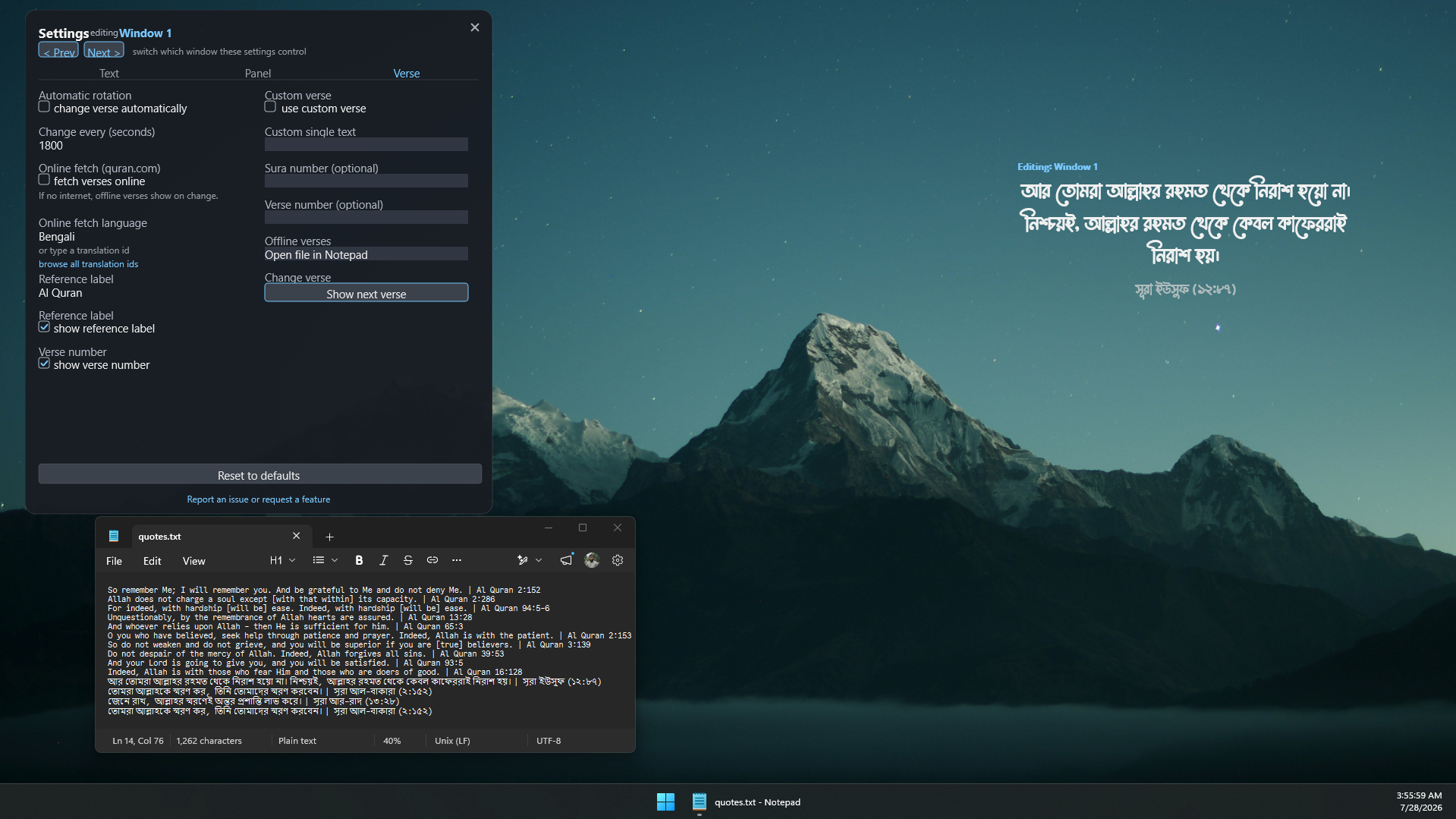
Each verse is one line, with the text and the reference separated by a vertical bar |:
English translation text | Quran 2:255
- Everything before the
|is the verse text. - Everything after the
|is the reference, shown exactly as you type it.
The reference is free text, so it does not have to be a chapter and verse. For example:
Alhamdulillah, all praise is due to Allah. | A daily reminder
...shows Alhamdulillah, all praise is due to Allah. with the reference A daily reminder.
If you want a single verse or dua to stay on screen, use the custom verse feature instead of editing the list.
- On the Verse tab, tick Use custom verse.
- Type your text in the custom text box and press Enter.
- Optionally type a sura (chapter) number and a verse number. Both are optional. Leave them blank and only your label shows.
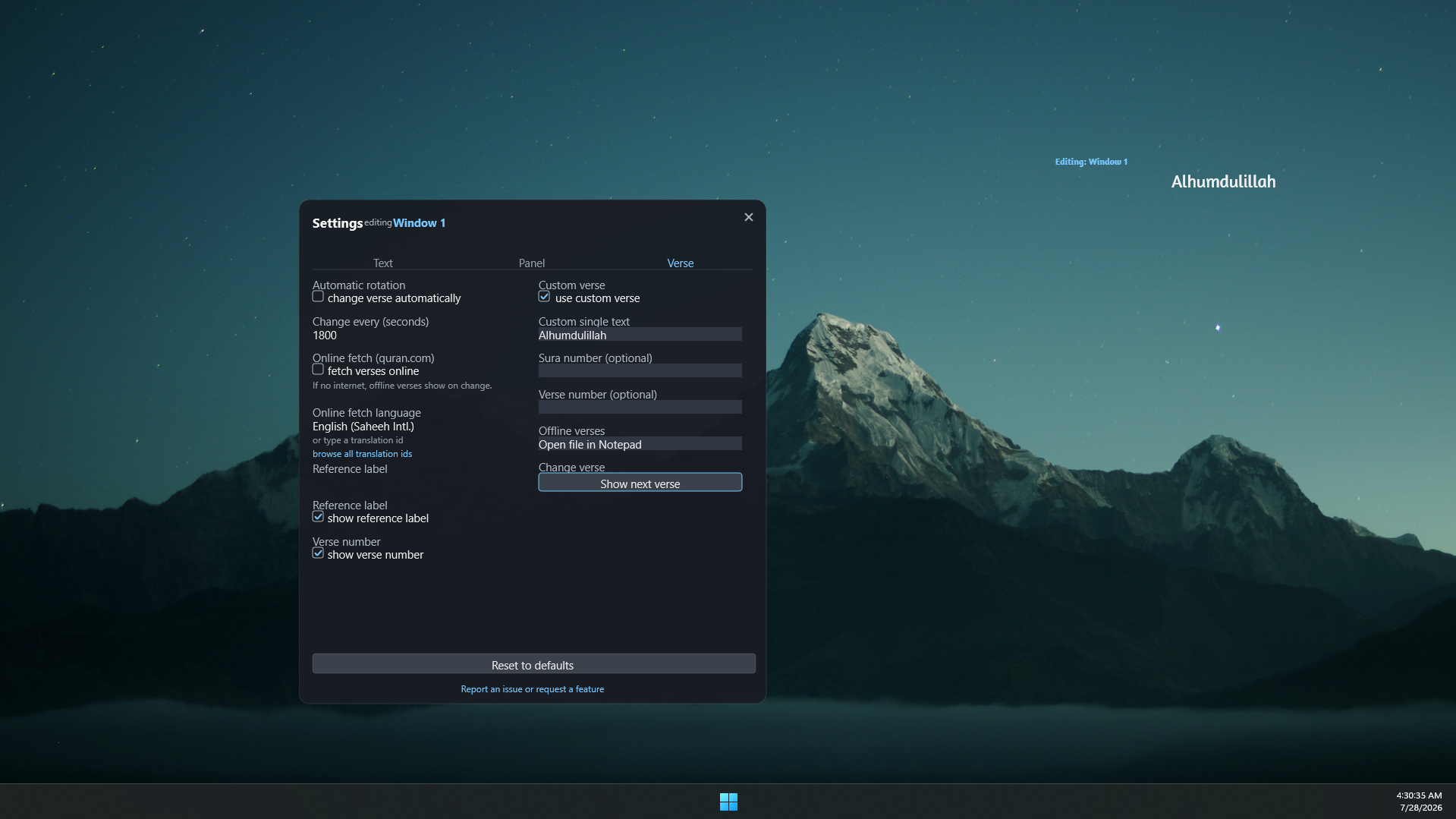
While custom verse is on:
- The automatic timer pauses.
- The next-verse arrow is hidden.
...so your text is never replaced by a random verse. Untick the box to return to normal rotation.
| Use the... | When you want... |
|---|---|
| Offline list | A set of verses that rotate without internet |
| Custom verse | One fixed verse or dua that always stays on screen |
Next: FAQ