Home
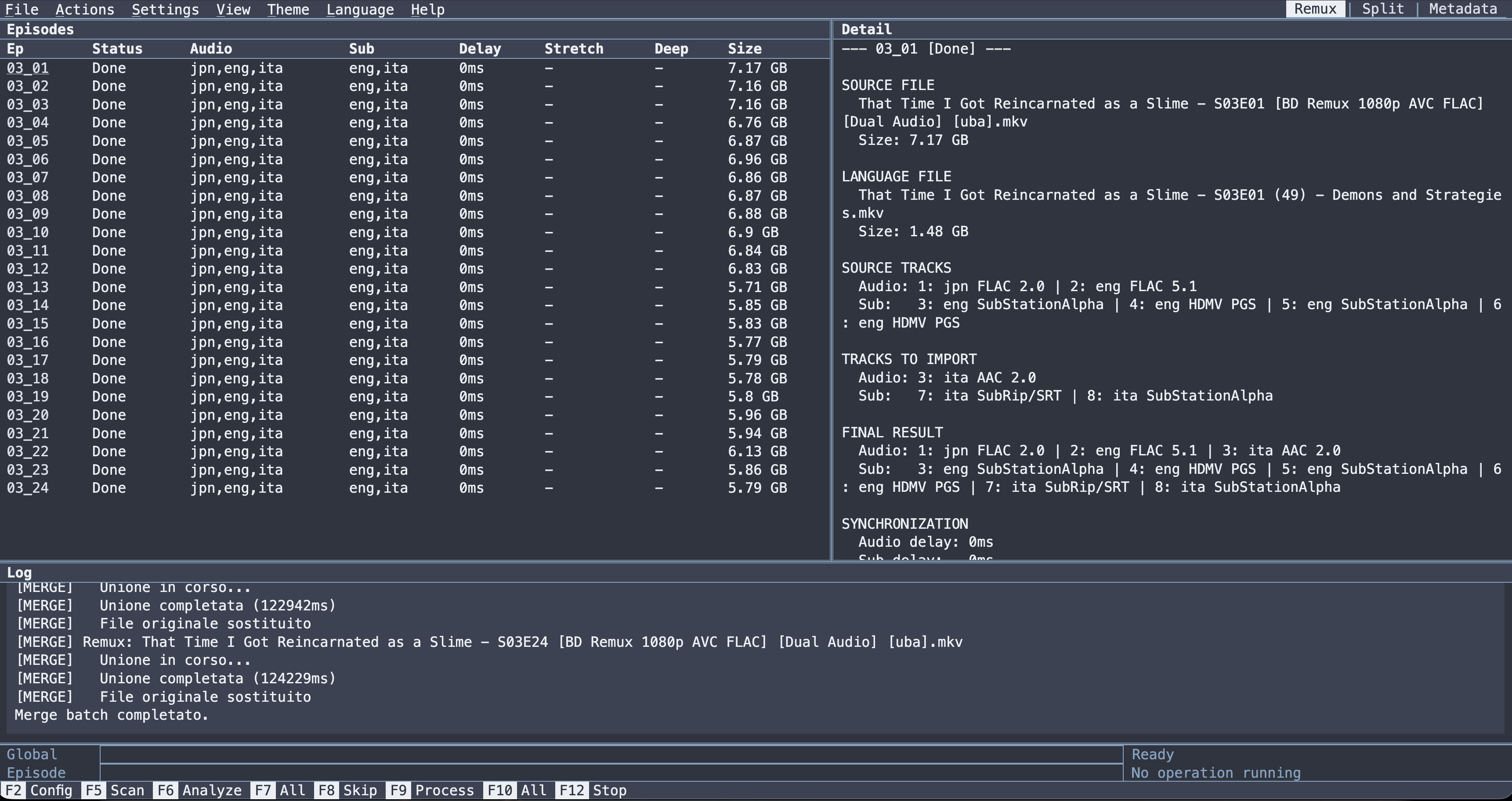
RemuxForge is a cross-platform MKV utility built around three jobs:
- Remux: take an MKV release you want to keep, and import audio tracks and subtitles into it from a different release of the same content, correcting sync when the two releases do not line up.
- Split: cut HEVC/AVC MKV files into frame-perfect segments, preserving VFR timing, chapters, audio and subtitles.
- Metadata: batch-edit container properties, track metadata and Matroska tags across a whole library using reusable IF/THEN rule presets, with a separate analyse step so you see every change before it is written.
A fourth feature, Bulk Rename, lives inside Metadata mode and renames files on disk.
Most usage is through the WebUI, a browser interface that runs locally or on a headless server. This wiki is written for the WebUI. The CLI Reference covers scripting and automation.
| I want to… | Go to |
|---|---|
| Install it and get the WebUI running | Installation |
| Run it in a container | Docker |
| Understand the interface, menus and shortcuts | WebUI Basics |
| Add an audio dub or subtitles from another release | Remux Mode |
| Fix sync between two releases that do not line up | Remux Synchronization |
| Convert audio, normalize it, or re-encode video | Remux Audio and Video |
| Cut one MKV into episodes, or trim an intro | Split Mode |
| Batch-edit titles, languages, flags and tags | Metadata Mode |
| Write the rules that drive a metadata batch | Metadata Presets |
| Rename a folder of files | Bulk Rename |
| Copy a working configuration for a real-world case | Remux examples · Split examples · Metadata examples |
| Script it or run it headless | CLI Reference |
| Look up an option, a code, a token | Settings · Metadata fields · Codecs and languages |
| Fix something that is not working | Troubleshooting |
| Understand how the analysis and the cutting actually work | Internals |
| Build from source | Development |
-
Install MKVToolNix and MediaInfo CLI. On macOS install ffmpeg as well; on Windows and Linux RemuxForge downloads it if it is missing.
-
Download the WebUI archive for your platform from the releases page and extract it.
-
Run it:
# Windows
RemuxForge.Web.exe

# Linux / macOS
chmod +x RemuxForge.Web
./RemuxForge.Web
-
Open http://localhost:5000.
-
Open Settings ▸ Tool paths and confirm every tool shows
[OK]before you do anything else.
Full detail, including the data directory and how to change the port, is in Installation.
| Requirement | Notes |
|---|---|
| MKVToolNix |
mkvmerge, mkvextract, mkvpropedit
|
| ffmpeg |
ffmpeg, ffprobe. Downloaded automatically on Windows and Linux if missing; manual on macOS |
| MediaInfo CLI | the CLI package, not the GUI |
| UTF-8 locale | Linux only |
Supported: Windows x64 · Linux x64/ARM64 · macOS x64/ARM64 · Docker x64.
- Start here: install and run.
- Using the WebUI: one page per mode, plus a shared basics page. The step-by-step instructions are here.
- Examples: complete worked configurations, one page per mode.
- Reference: lookup tables for every CLI flag, setting, metadata field and codec alias, plus Internals for how the subsystems work.
Every mode follows the same rhythm:
Configure (F2) → Scan (F5) → Analyze → Process
Analysis is a separate step. It inspects the files and reports what would happen (matched episodes, calculated delays, simulated metadata changes) without writing anything. No file is modified until the process or apply step is invoked explicitly.