Repository navigation
Design: House Style
Status: decided by the owner, 2026-11-19. Every Maker Connect page and device page (hub, agent, door controller) uses this.
- House colour
#93A682(sage green). Text on it is always dark (#1D1D1B), never white. - Text and links on a light background use
#5E6B52(contrast measured, WCAG AA). In dark mode#93A682itself works as text. - Status colours (busy, waiting, warning, fault, info, off) are their own tokens and never the house colour.
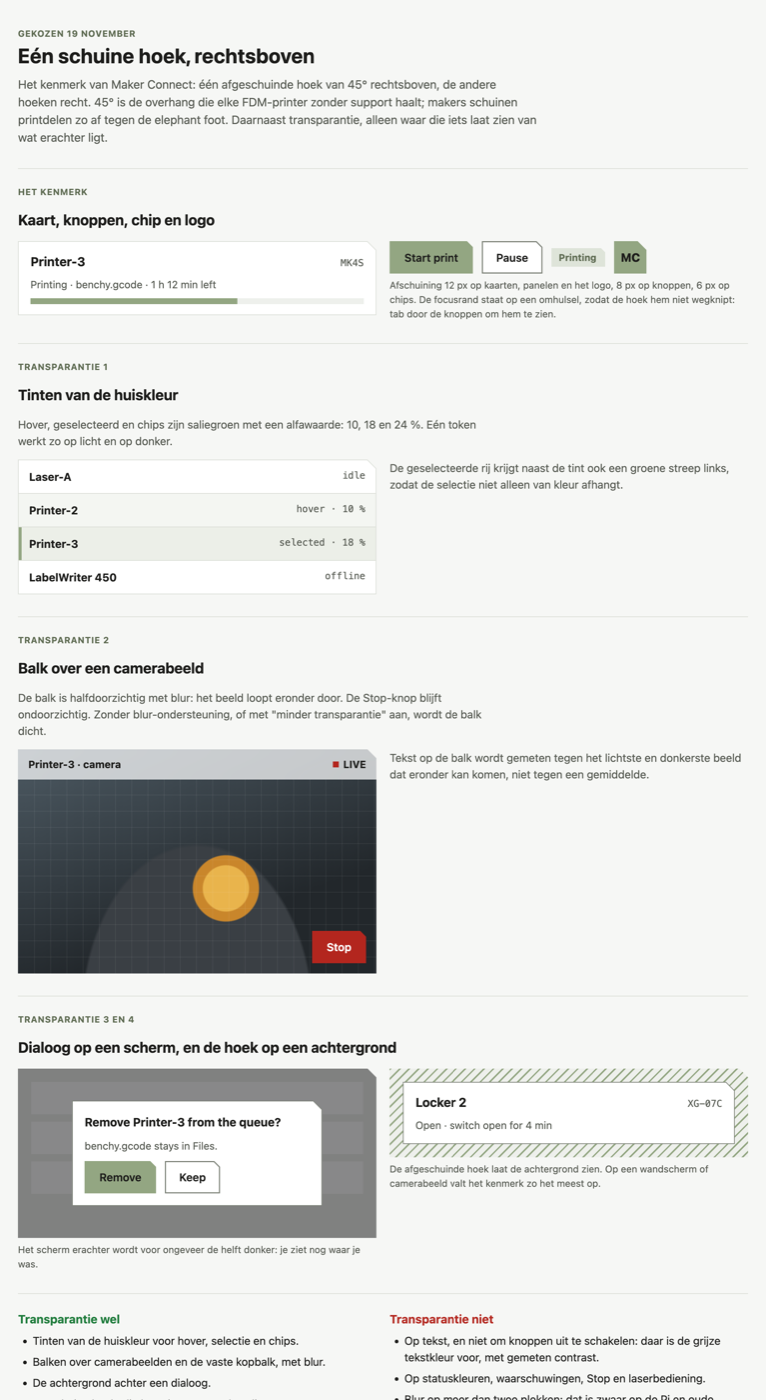
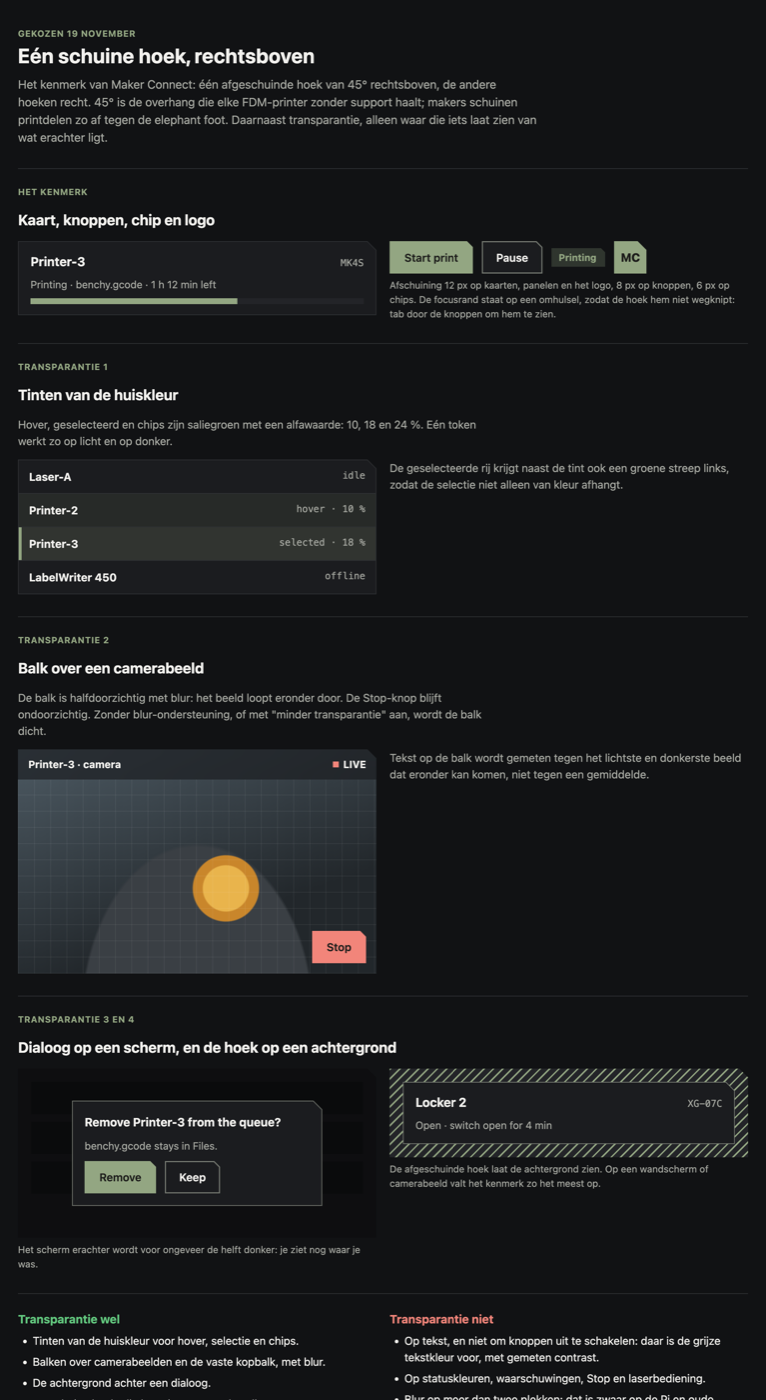
One 45° chamfered corner, top right. The other corners are square.
Why: 45° is the overhang every FDM printer prints without support, and makers chamfer printed parts the same way against elephant foot. It fits RepRap and the workshop without copying anyone's mark.
| Element | Cut |
|---|---|
| Cards, panels, dialogs, camera tiles, logo | 12 px |
| Buttons | 8 px |
| Chips | 6 px |
How to build it:
- The shape is a
clip-pathpolygon:polygon(0 0, calc(100% - C) 0, 100% C, 100% 100%, 0 100%). -
A shape with an outline is two layers: an outer layer in the outline colour with padding = outline width
w, and an inner layer whose cut isC - 0.5858 × w. With the same cut on both layers the diagonal edge comes out √2 times too thick. Or leave the outline off and let the fill set the shape apart. -
Focus ring:
clip-pathcuts off an outline, so the focus ring sits on a wrapper around the control (:focus-within), not on the control itself.
Use it where it shows something of what is behind:
- Tints of the house colour as alpha: hover 10 %, selected 18 %, chip fill 24 %. One token works in light and dark. A selected row also gets a bar on the left, so selection does not rest on colour alone.
- Bars over camera images and the sticky header: translucent surface with a backdrop blur.
- Behind a dialog: a scrim of about 50 %.
- The cut corner shows the background behind it.
Never:
- on text, or to disable a control (use the muted text colour, contrast measured);
- on status colours, warnings, Stop or any laser control: always opaque;
- blur in more than two places (cost on the Pi and old phones);
- without a fallback: every translucent layer has an opaque version, used when
backdrop-filteris missing and underprefers-reduced-transparency.
Contrast on a translucent layer is measured against the lightest and the darkest background that can be behind it.
Also in use: the Door Controller status page.