Repository navigation
Home Screen
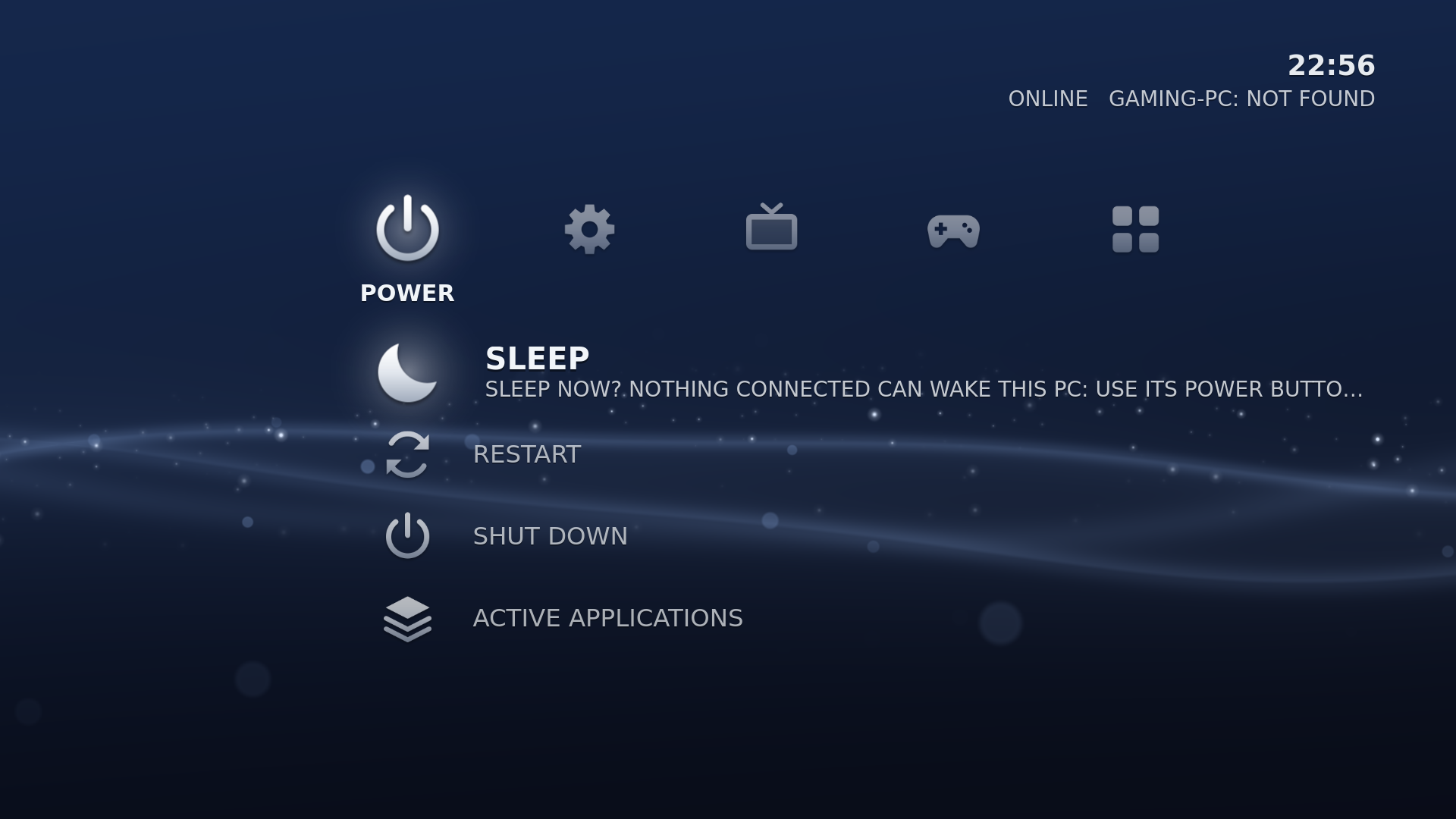
CouchLiteOS starts on its TV interface: a row of categories over a moving wave, in the style of the PS3. Left and Right choose a category, Up and Down choose what is in it, A / Cross (or Enter) opens it, B / Circle (or Esc) goes back. The box starts on GAMES, with the game you played last in focus.

From left to right:
| Category | What is in it |
|---|---|
| POWER | SLEEP, RESTART, SHUT DOWN, and ACTIVE APPLICATIONS (bring back or close a running app). RESTART and SHUT DOWN ask first and say which apps will be closed. |
| SETTINGS | Every Settings page, each with its current value underneath. See First Setup. |
| TV & VIDEO | The web browser and your web apps for streaming sites (Netflix, YouTube and so on). Empty? It offers ADD A STREAMING SERVICE. |
| GAMES | The games of every paired gaming PC, the most recently played first, each with its cover. Then CHIAKI-NG and GAMING PCS (pair, wake and manage). With no PC paired, it offers ADD A GAMING PC. |
| APPS | MOONLIGHT (its own list of gaming PCs), your saved Remote Desktop connections, LO-FI RADIO, TERMINAL and the apps you added |
The focused game's cover fills the background. Covers, and the stream settings you can keep for each game, are on Game Covers and Stream Settings.
- The top bar shows the paired gaming PC and whether it is ONLINE, ASLEEP, NOT FOUND, or awake with NO SUNSHINE running. On a laptop or a PC with a battery it also shows the charge.
- The bar along the bottom always shows what each controller button and keyboard key does on the current screen, with the button symbols of the pad you hold (Xbox, PlayStation or Nintendo).
- Small notices appear at the top right when a controller connects or disconnects, a controller's battery runs low, the gaming PC comes online, or an update is ready. On battery power, a notice appears at 20, 10 and 5 percent. Notices never take the controller away from you.
- After a stream, Home comes back with the game you just played in focus.
The interface plays short navigation sounds and soft background music. Both stop while an app or a stream is running. Turn the sounds off in Settings > APPEARANCE > SOUNDS. The music has no setting on screen yet; see Themes and Appearance.
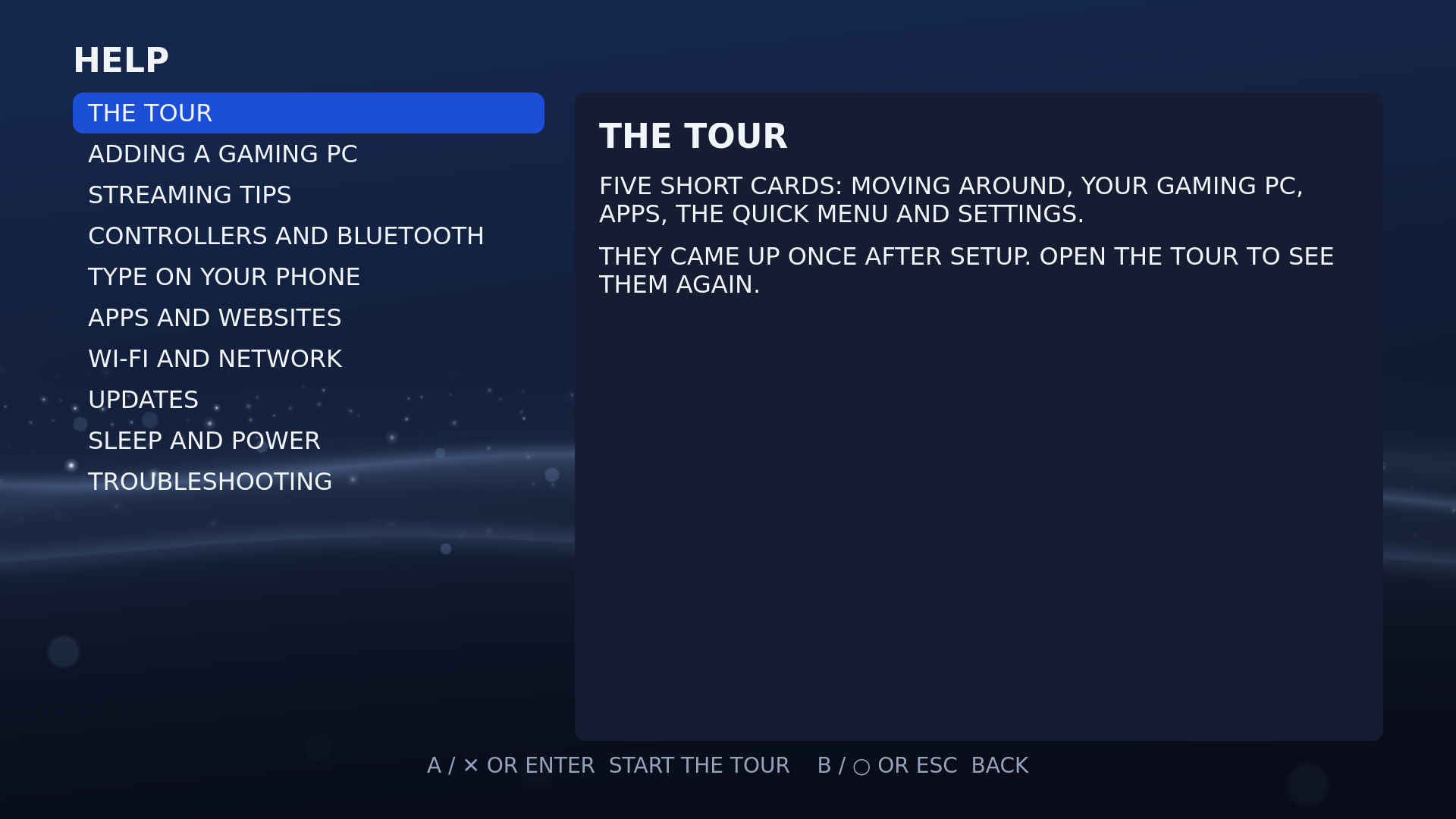
Settings > HELP (at the bottom of SETTINGS) has short answers to common questions and the tour of the buttons again.
Tap Guide / PS, or press Home on a keyboard, over any screen or app for volume, brightness, controller batteries, network, sleep, restart and turn off. See Controls and Shortcuts.
Settings > APPEARANCE > INTERFACE > CLASSIC brings back the text menu of 0.2.x. See Themes and Appearance.