Repository navigation
Themes and Appearance
Settings > APPEARANCE changes how the whole box looks: the home screen, the Settings screens, the quick menu and the on-screen keyboard. A change shows at once; nothing restarts.

| Row | Does |
|---|---|
| THEME | Picks one of the built-in themes, or one of your own (below) |
| ACCENT | THEME DEFAULT, one of eight colours (BLUE, AMBER, GREEN, RED, PURPLE, PINK, TEAL, ORANGE), or BY MONTH |
| BACKGROUND | What the home screen draws behind its menu: WAVE AND SPARKLES (the default), WAVE (no sparkles) or PLAIN (the theme's colours alone, nothing moving) |
| SOUNDS | The navigation sounds ON or OFF |
| ARTWORK | Cover lookup for games; see Game Covers and Stream Settings |
| INTERFACE | TV (the default) or CLASSIC (below) |
| Theme | Looks like |
|---|---|
| MIDNIGHT | The default: dark blue-black with a blue accent |
| SLATE | Dark grey with an amber accent |
| DAYLIGHT | Light background with dark text, for a bright room |
| HIGH CONTRAST | Black and white with a yellow focus; text on the focus is black |
| TERMINAL | The look of 0.2.x: white text on black, the selection in reverse video |
| OCEAN | Deep sea blue with a bright cyan accent |
| CRIMSON | Near black with a red tint and a crimson accent |
| EMERALD | Dark green with a green accent |
| AMETHYST | Dark violet with a purple accent |
| SUNSET | Burnt orange dusk with an orange accent |
| ROSE | Dark plum with a pink accent |
| GOLD | Olive black with a gold accent |
| GRAPHITE | Neutral dark grey with a silver accent |
| ARCTIC | A second light theme: icy white and pale cyan with a teal accent |
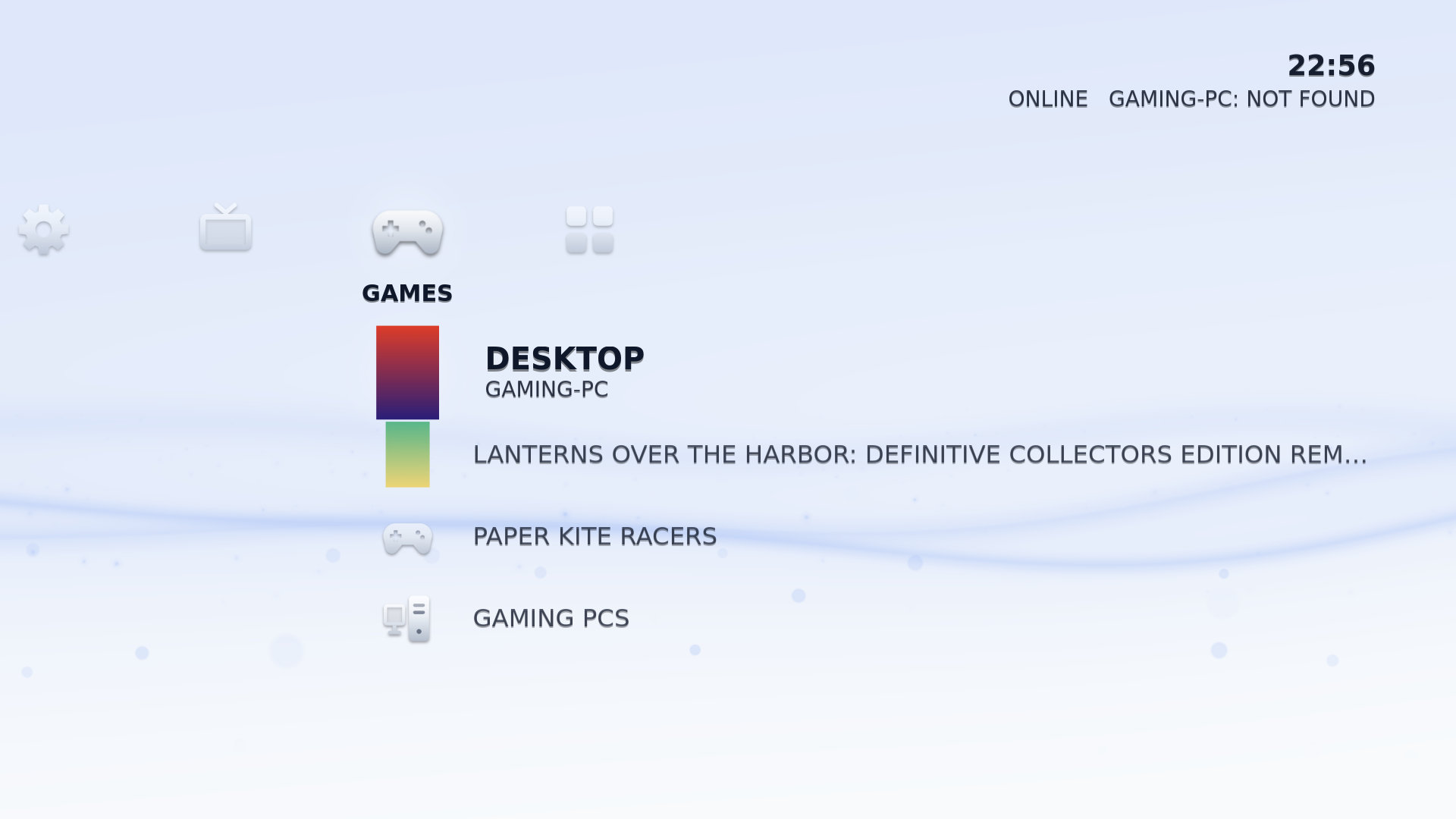

An ACCENT colour that would be hard to see on the theme (AMBER on DAYLIGHT, for example) is drawn a little darker, or lighter on a dark theme, until it stands out.
BY MONTH changes the colour through the year, like the PS3: grey in January, then dull yellow, lime green, pink, dark green, light purple, teal, blue, purple, gold, brown and red in December. It moves to the new month's colour around the middle of the month. It works with every theme and tints the wave on the home screen (darker at night).
- Navigation sounds: Settings > APPEARANCE > SOUNDS turns them ON or OFF.
-
Background music plays on the home screen and in the menus, and fades
out while an app or a stream is in front, while the screen is blank, and in
sleep. It has no setting on screen yet. To turn it off, open TERMINAL and set
music = offunder[appearance]in/var/lib/couchliteos/config.ini. To play your own track instead, put a music file in~/.local/share/couchliteos/music/(in the launcher's home folder,/var/lib/couchliteos/home).
Settings > APPEARANCE > INTERFACE > CLASSIC brings back the text menu of 0.2.x. The launcher restarts into it at once (close running apps first). Choose INTERFACE > TV to go back to the new home screen. For the old colours too, pick THEME > TERMINAL.
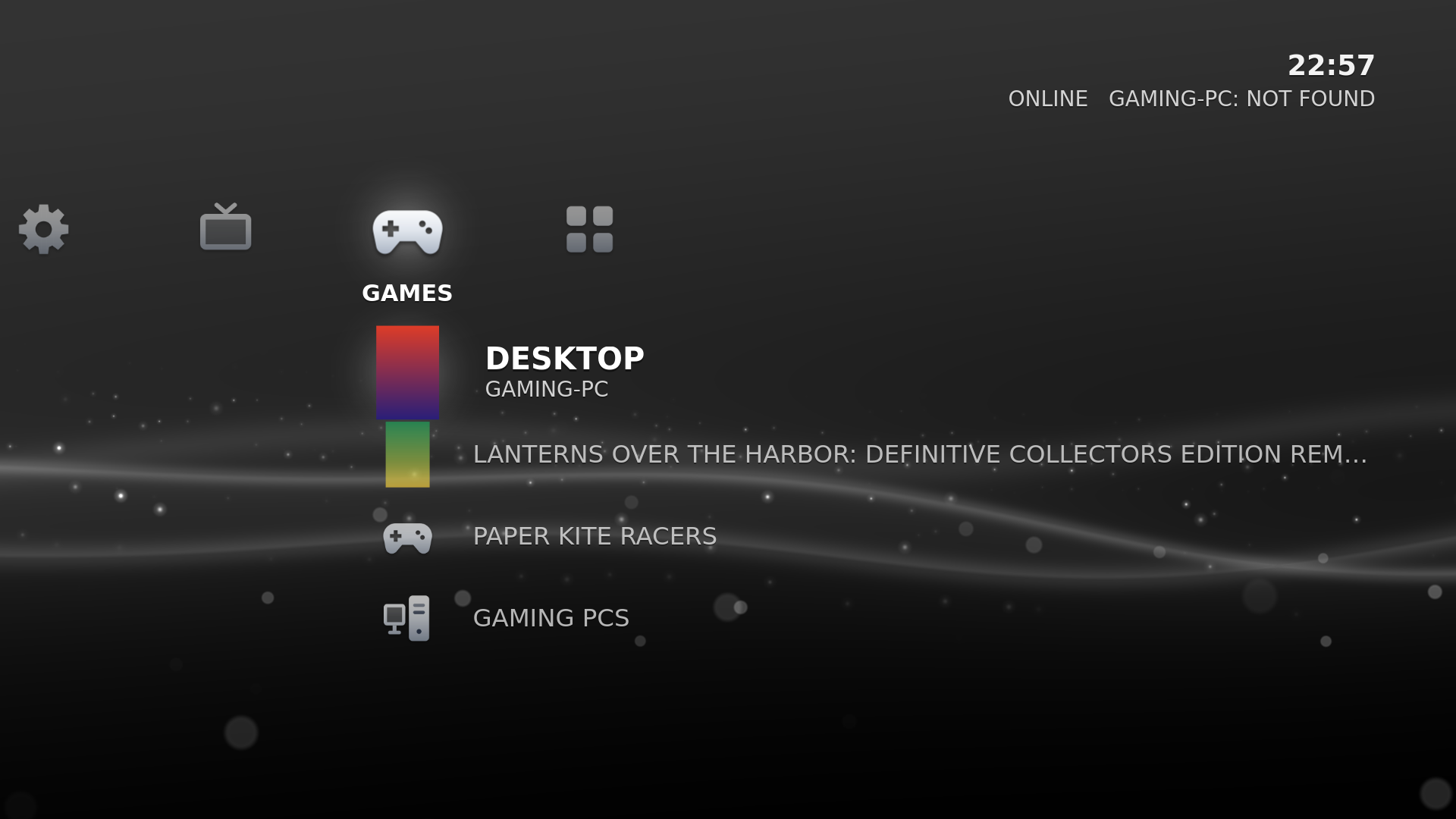
If the TV interface cannot start on a PC, the box starts the classic interface by itself. See Troubleshooting.
A theme is a small text file ending in .theme with eight colours. Put it in
/var/lib/couchliteos/home/.config/couchliteos/themes/ and it appears in
Settings > APPEARANCE > THEME. A file with a mistake is left out of the
list, and the APPEARANCE screen names the file and the reason on its bottom
line. The file format, the rules and an example are in the
theme guide.
To put the default colours back, choose MIDNIGHT and set ACCENT to THEME DEFAULT.