Repository navigation
Wine Cellar
The Wine section tracks your cellar: what bottles you have, how many of each, and their character.
Wine → Bottles lists your cellar. Each bottle entry records:
- Identity — type, country, region, vintage year, vineyard
- Character — ABV, acidity, tannin level, body, sweetness, oak integration
- Logistics — bottle size, quantity on hand, purchase date, bottle number
Adding a bottle ties it to the reference catalogs below — so pick (or create) the region, vintage, and grape varieties it belongs to.

The other Wine pages are the shared vocabulary bottles are described with — admin-managed on the web:
| Page | Use |
|---|---|
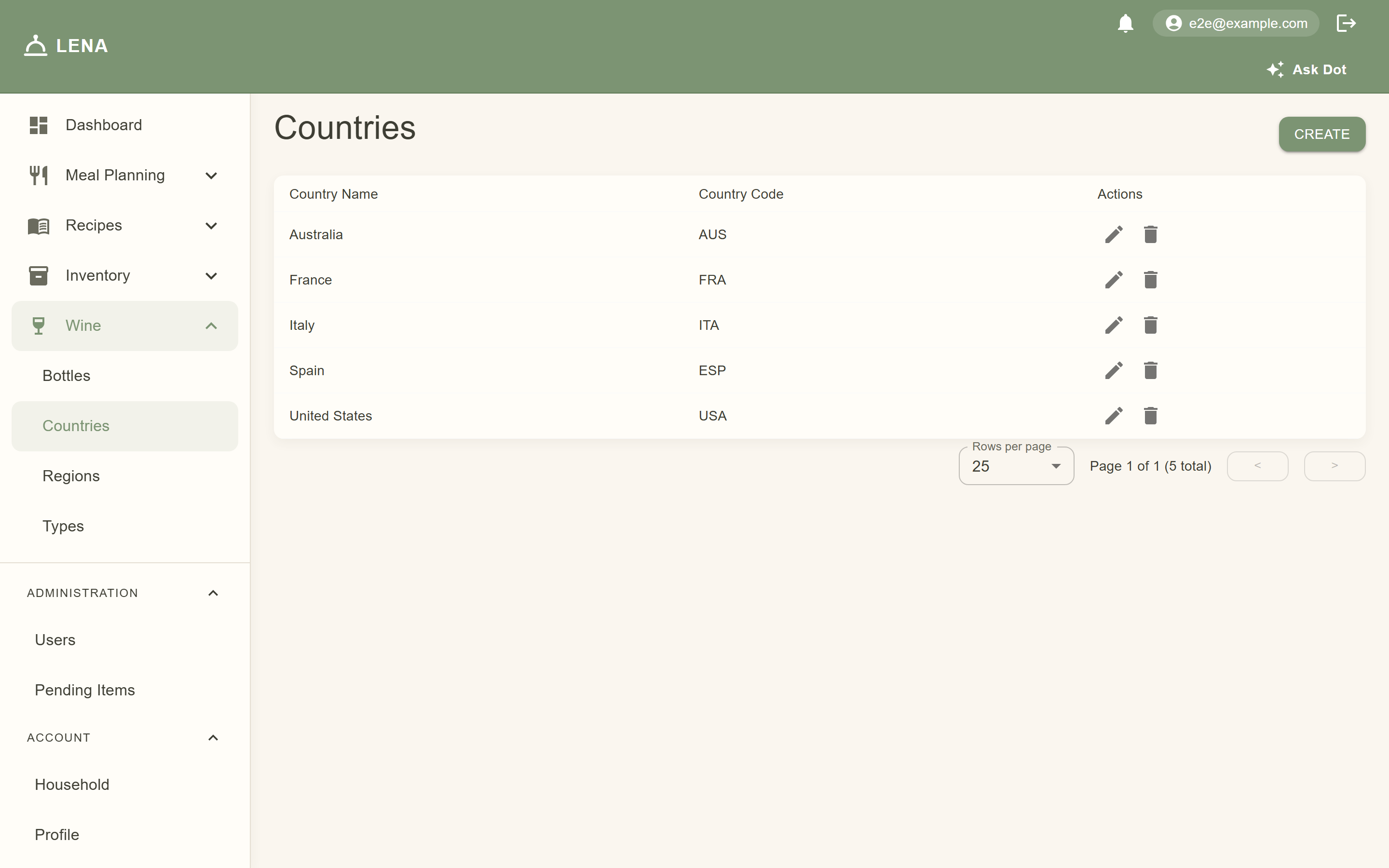
| Countries / Regions | Where the wine is from |
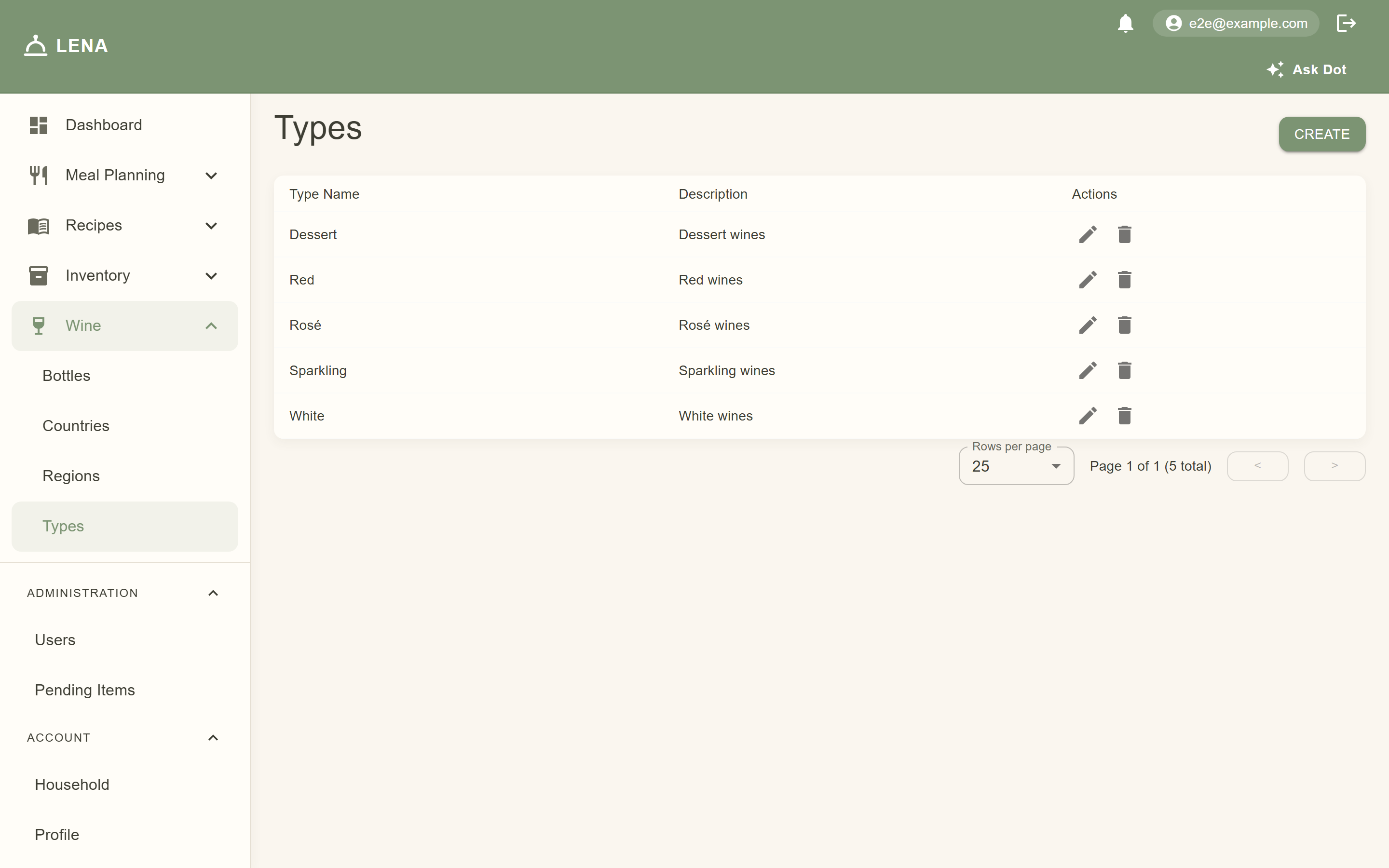
| Types | Red, white, sparkling, dessert… |
| Vintages | Vintage years |
| Grape Varieties | The grapes in the bottle |
| Wine Flavor Profiles | Flavor descriptors for pairing |


The mobile app's More → Wine cellar covers the day-to-day: browsing bottles and adjusting quantities right there in the cellar. See Wine Cellar on Mobile.
With a birthdate on your profile and an AI provider configured, Suggest pairings on a recipe page recommends bottles from your cellar (marked In your cellar) plus style picks — see AI Assistant. Flavor profiles on wines and foods inform those suggestions.