Media
How images and files work for editors on ND Theme CMS v4.
Related: Page-Meta, Widgets-NDT-Media, People, News.
Many widgets accept an image upload directly in the plugin form — for example:
- NDT media: Image (single), Image (multiple), gallery items, avatar, banner images, and similar
- Legacy options such as Image (full width)
- Cards and other components that include an image field
- Person List Item (manual people card)
In Edit or Structure mode, open the widget, choose the image field, upload or replace the file, and save.
Prefer NDT media widgets when they cover your need. See Widgets-NDT-Media and Widgets.
For list cards and previews, set the image on the page itself:
- Open Page → Page Meta in the CMS toolbar.
- Upload Image.
- Fill Image alt (and caption / summary as needed).
- Save.
Page Meta images are processed for list/preview use (including resizing). Details of fields: Page-Meta.
Use this for News stories, Events pages, and People profiles so landing lists have a consistent preview.
Filer is available at /filer/ for staff who manage a shared media library.
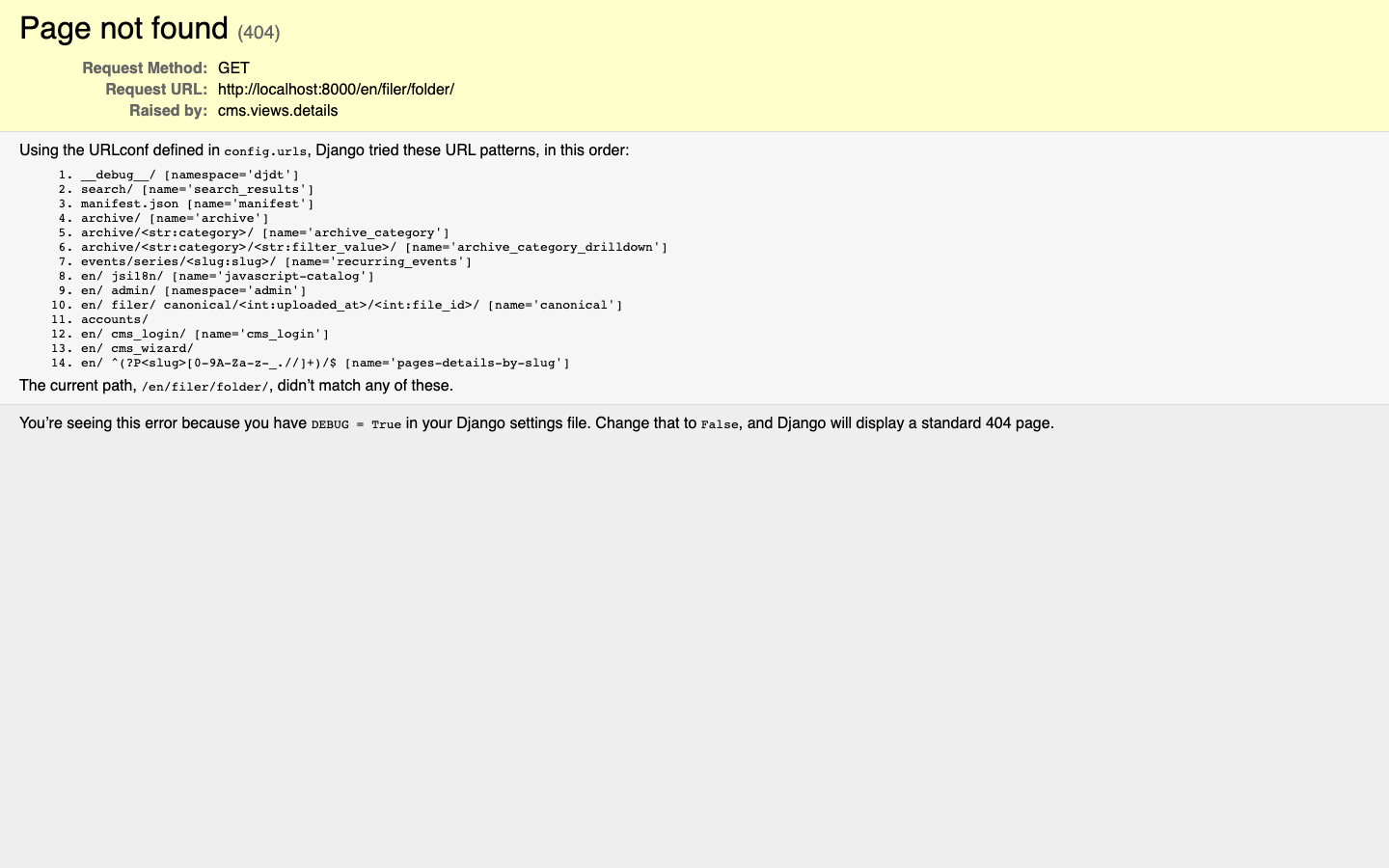
You can still upload straight into a plugin’s image field for everyday page work; use Filer when your team’s workflow centers on the library.
Accessible images need meaningful alternative text.
| Situation | What to write |
|---|---|
| Photo that adds information | Short description of what matters (who/what/where), not “image of…” |
| Decorative image | Leave alt empty only when the image is purely decorative and nearby text already covers the meaning |
| Linked image / card | Describe the destination or the person/story the card represents |
| Logo | Name the organization, not “logo” |
Practical habits:
- Fill alt text (or image alt on Page Meta) whenever you upload a content image.
- Do not repeat the caption or nearby heading word-for-word unless that is the clearest description.
- Avoid filename leftovers (
IMG_2048.jpg) as alt text. - For people photos on Person Pages and list cards, use the person’s name (and role if needed).
- Recheck alt text when you replace an image.
NDT image widgets typically expose an alt text field. Page Meta uses image alt for the preview image.
- Optimize large photos before upload when you can; Page Meta previews are resized, but huge originals still slow editing uploads.
- Keep a consistent crop/orientation for directory or news card images so grids look even.
- Saves are live — preview image changes appear for visitors as soon as you save Page Meta or the widget. See Getting-Started.