Home
AdultHideout is designed to stay simple on first launch while offering deeper controls when you need them. This Wiki covers the features that are easy to miss in normal use.
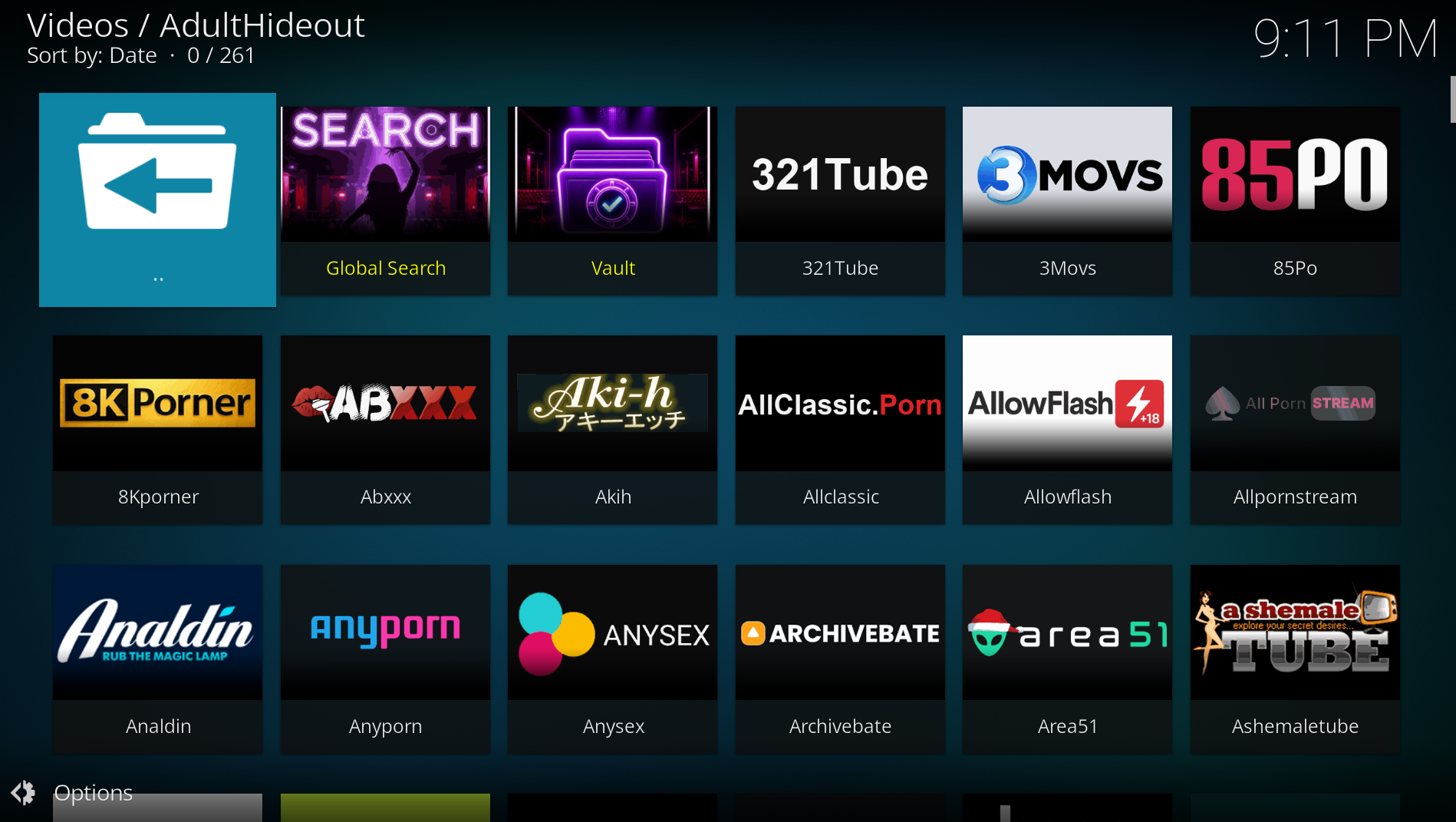
- Installation
- Website menu and filters
- Global Search
- Star Finder
- Smart Streams
- Vault and offline videos
- Downloads
- Settings and diagnostics
- Skin integration
AdultHideout starts with the stable website browser, A-Z ordering, no saved search terms and optional integrations disabled. Features such as Website Collections, the persistent Download Manager entry and offline video folders only appear when you enable or use them. Sources that are temporarily incompatible with Kodi remain hidden until you explicitly restore them under Settings > Website options.
Screenshots in this Wiki use the standard Kodi Estuary skin, English language and reset AdultHideout settings.