Skin Integration
AdultHideout is optimized for Kodi's standard Estuary skin, but it also provides optional entry points for advanced skins such as Arctic Fuse 3.
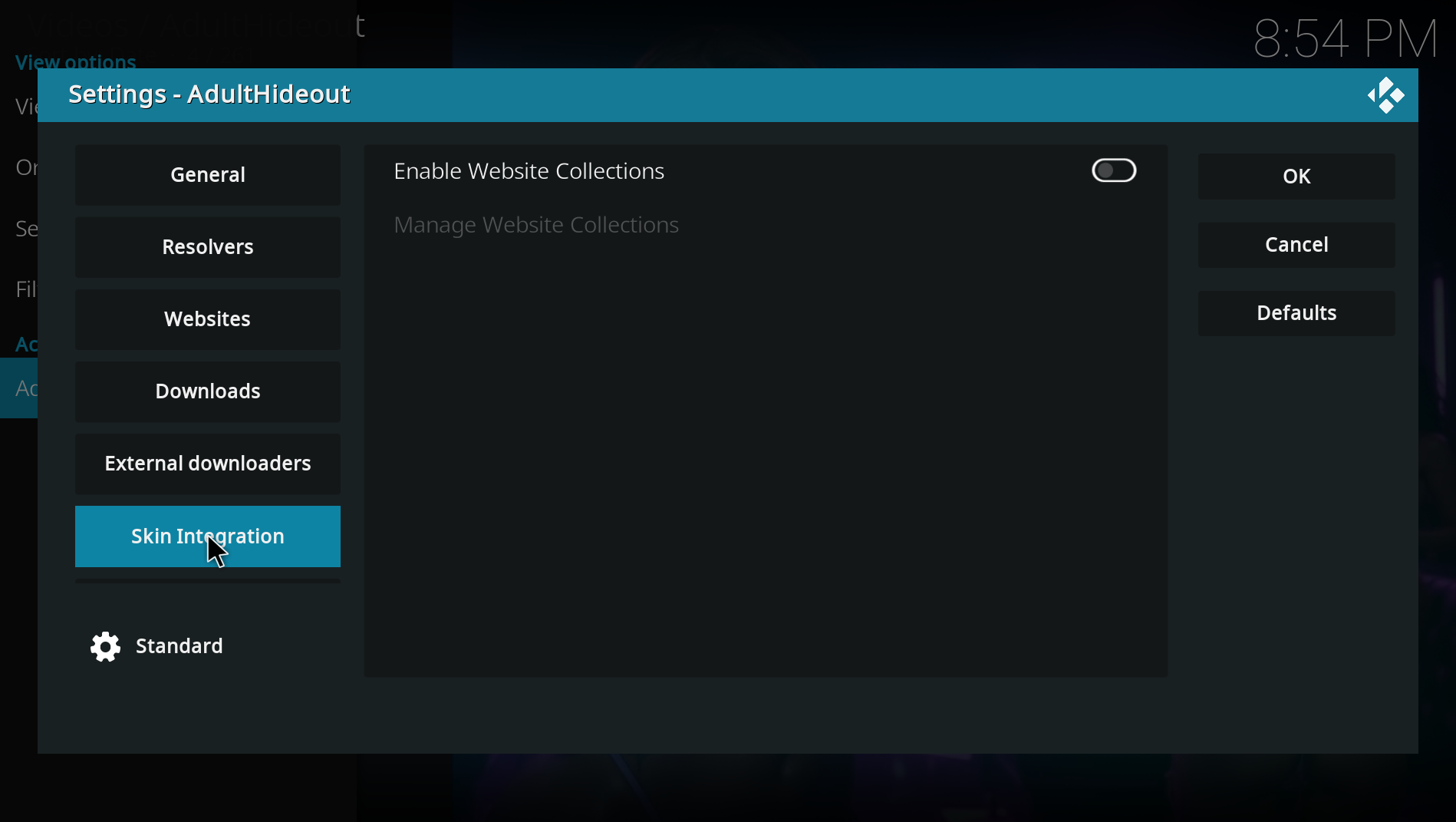
Website Collections are disabled by default so they do not add another folder or context-menu item for users who do not need them.
When enabled under Settings > Skin Integration, you can create folders containing selected AdultHideout websites. Kodi exposes each collection as a normal plugin folder, allowing Skin Variables and custom home widgets to combine AdultHideout sources by theme.
This feature was inspired by a community setup that kept adult content inside a separate password-protected Kodi profile and used custom home widgets instead of a traditional add-on list.
Custom skins can pass a query directly to AdultHideout without opening Kodi's keyboard:
plugin://plugin.video.adulthideout/?action=direct_search&query=SEARCH_TERM
The endpoint returns video results directly, making it suitable for global-search providers and custom search widgets. Queries shorter than three characters are ignored.
For a clean search inside one website, use:
plugin://plugin.video.adulthideout/?mode=6&website=WEBSITE&action=direct_site_search&query=SEARCH_TERM
Replace WEBSITE with the AdultHideout module name. Both routes return playable video items without navigation entries such as Search, Categories or Next Page. Watchtower also exposes each result's thumbnail as poster, landscape and search fanart for skins such as Arctic Fuse 3.
Star Finder, Smart Streams, their individual channels and Vault are normal Kodi plugin folders as well. They can therefore be selected as custom menu items or widgets without a separate skin-specific add-on.
- Create a separate password-protected Kodi profile.
- Keep the family-safe profile as Kodi's startup default.
- Enable Website Collections only in the protected profile.
- Add the desired AdultHideout folders or collections as skin widgets.
- Add the direct search endpoint to the skin's search provider configuration.
Kodi profile security and skin customization are controlled by Kodi and the selected skin, not by AdultHideout.