Website Menu and Filters
The main menu can be adapted without hiding features behind dozens of settings.
Open the context menu on any website to access website-wide controls.
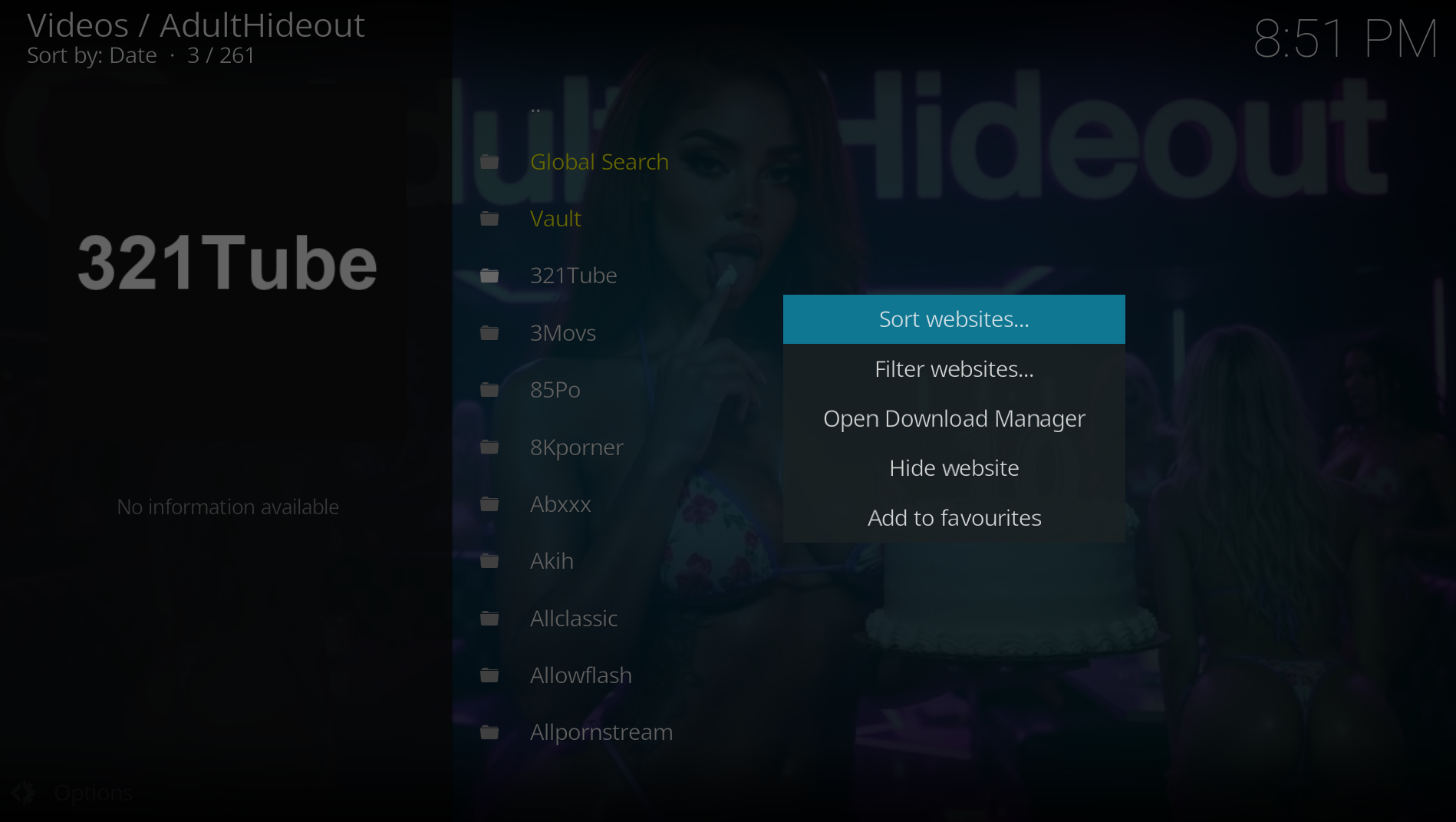
- Sort websites changes the order of the complete website directory.
- Filter websites limits the directory by content or site type.
- Open Download Manager opens active, queued and completed downloads.
- Hide website removes a source from the main menu until it is restored in Settings.
- Add to favourites uses Kodi's normal favourites system.
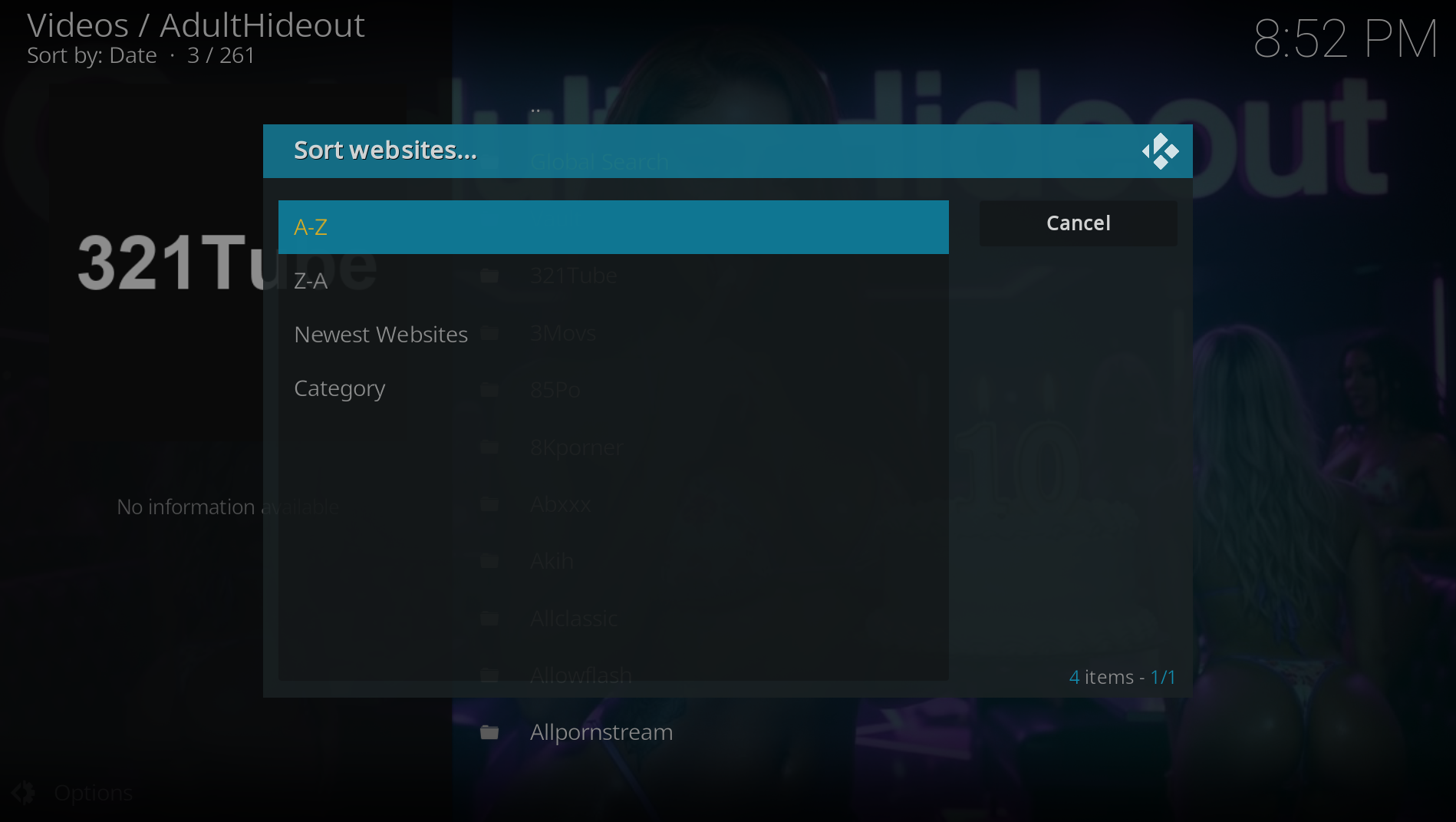
- A-Z and Z-A sort by display name.
- Newest Websites uses the first AdultHideout release in which each source appeared. It does not rely on unreliable file timestamps.
- Category groups sources by their main content type.
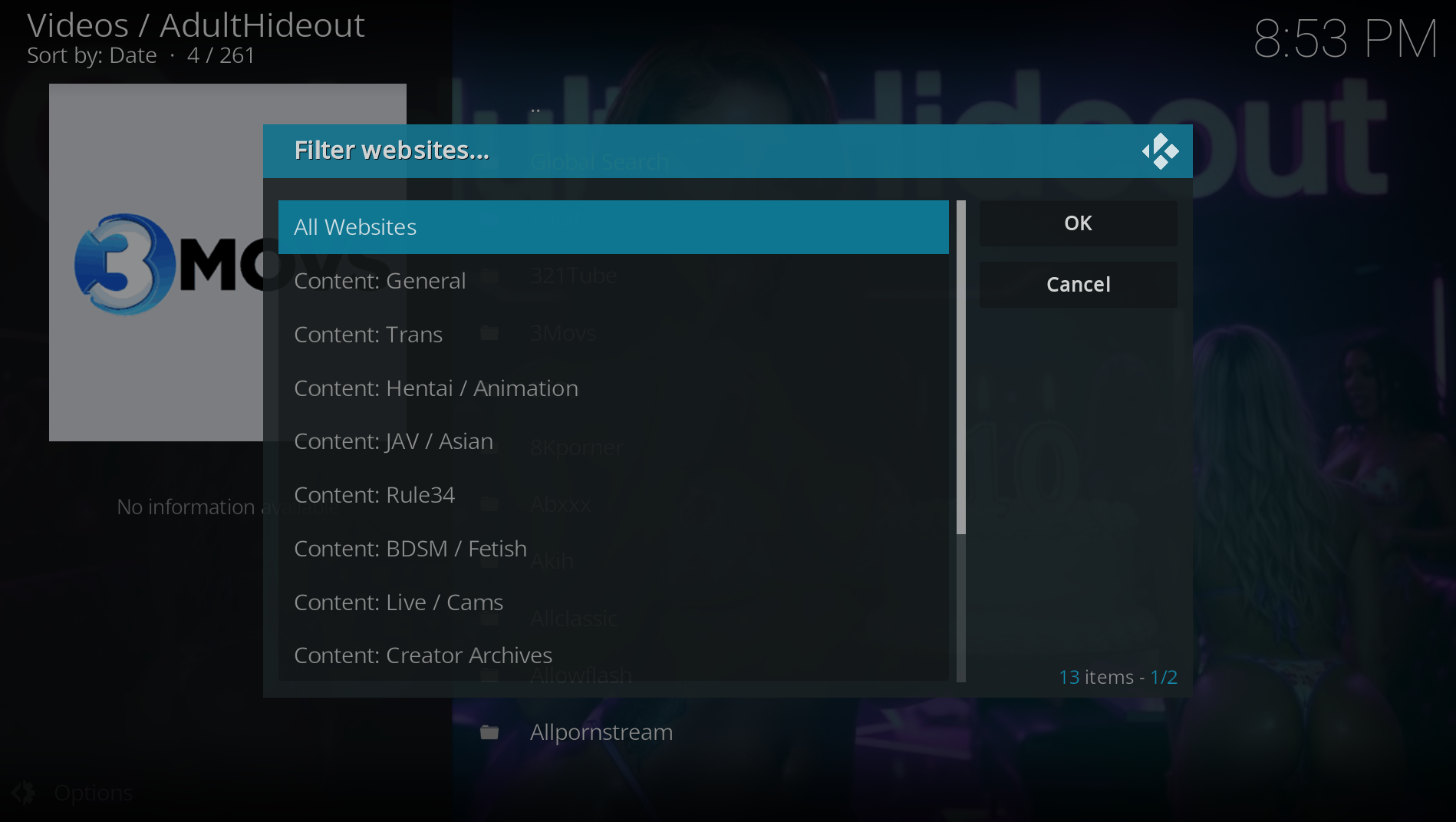
Select All Websites to reset every website filter. Content filters include general, trans, hentai/animation, JAV/Asian, Rule34, BDSM/fetish, live/cams and creator archives. Type filters can further narrow the list to tube sites, blogs, archives or live sources.
Filters only change the menu. They do not delete sources or settings.