Global Search
Global Search searches several supported websites from one place and combines only playable video results.
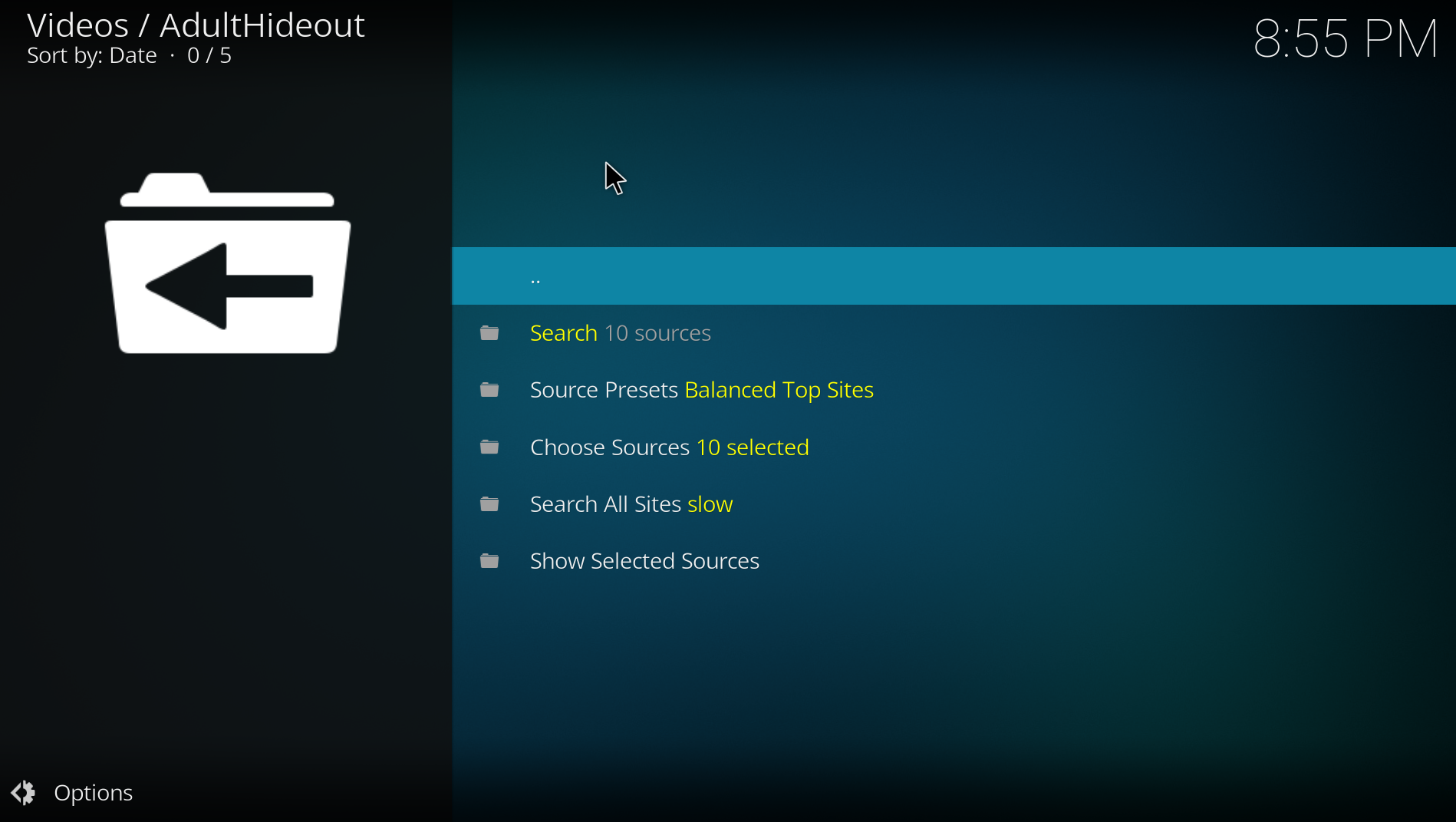
- Search uses the currently selected sources.
- Source Presets quickly selects balanced, content-specific or custom groups.
- Choose Sources gives you full control over individual websites.
- Search All Sites is the broadest and slowest option.
- Show Selected Sources lets you verify the active selection before searching.
Search history appears only after you perform a search. Results are cached so returning from playback does not repeat the entire network search. Additional result pages keep the same query and source selection.
Results use deterministic relevance ranking, so close title matches appear ahead of loosely related entries. Full Movies applies a strict verified runtime of at least 70 minutes; entries without trustworthy runtime information are excluded instead of being presented as complete films.
- Choose a preset or a small source group.
- Start the search.
- Broaden the source selection only when the first results are insufficient.
- Use the result context menu to send selected items to the Vault.
This is usually faster and more reliable than starting with every website.