Repository navigation
Fractals and Math
Psychedelia Studio contains several different mathematical rendering approaches. Choose the family by the kind of motion or detail you want, then use its starter presets and parameter reference.
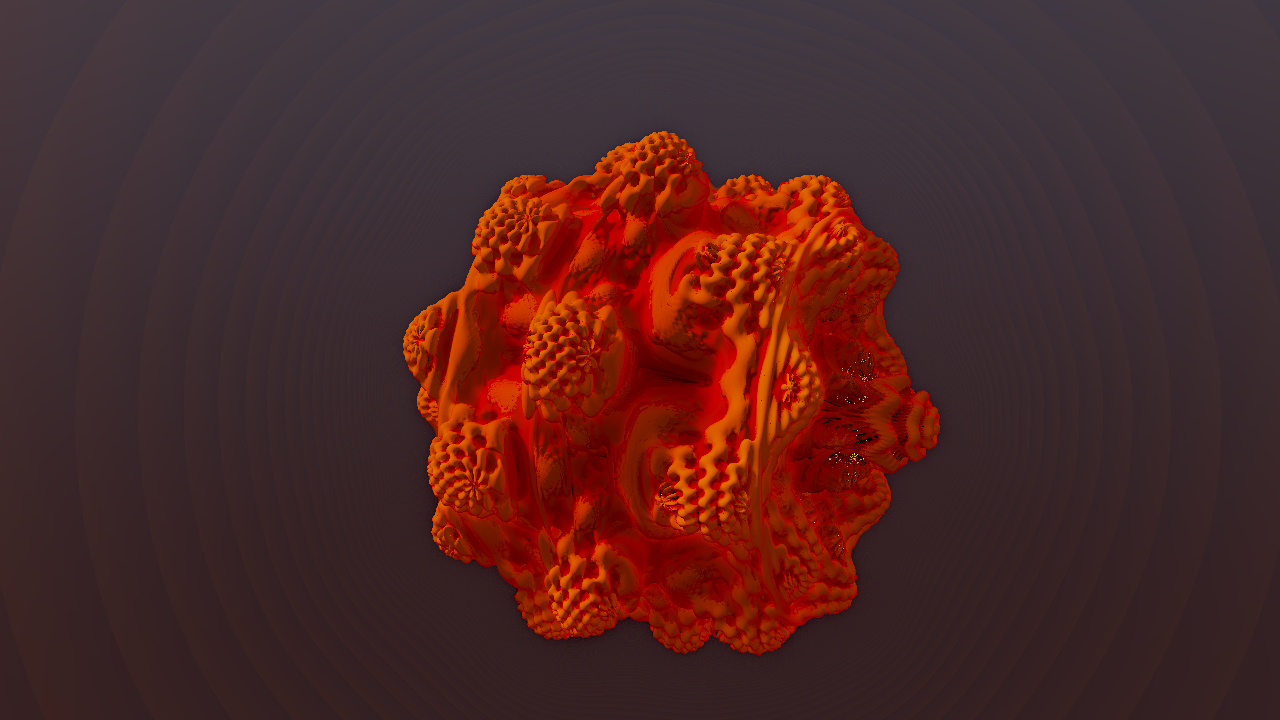
| Family | Examples | Main idea |
|---|---|---|
| Escape-time images | Mandelbrot, Julia, Burning Ship, Tricorn, Multibrot, Orbit Trap | Repeatedly iterate a complex coordinate and color its behavior. |
| 3D distance-field flights | Mandelbulb Flight, Mandelbox Flight, KIFS Fold Flight, Quaternion Julia Flight | March rays through a procedural shape or folded space. |
| Inversion / packing / polyfold structures | Schottky Inversion Flight, Apollonian Foam Flight, Polyfold Flight | Repeated transforms build dense mathematical geometry. |
| Flame, attractor, and growth worlds | Fractal Flame Volume Flight, Strange Attractor Flight, L-System Tube Flight | Accumulated or volumetric structures rather than a single hard surface. |
| Mathematical labs | 2D Formula Lab, Analytic Field Lab, Procedural Field Lab, IFS / L-System Lab | Multiple related formula families under a common set of controls. |
| Progressive density labs | Buddhabrot Lab, Attractor Density Lab, FLAM3 Density Lab | Accumulate samples over time to form a denser image. |
| Geometric patterns | Lissajous, Spirograph, Polytopes, Phyllotaxis, Hopf, Knots | Parametric curves, projection, packing, and repeated geometry. |
Exact display names and available modes are in the Effect Catalog. These effects are visual explorations; a shared family label does not mean every mode implements the same formula or numerical method.
Several 2D fractals expose Zoom Mode. Infinite Dive bounds each dive using Loop Depth, then moves into a seeded follow-up region before practical GPU coordinate precision collapses. It produces continuing exploration rather than ever-smaller coordinates forever.
Classic One-Way keeps the old continuous dive and can eventually reach a precision limit, giving flat color, large pixels, or loss of detail. Increase iterations for more formula detail, but do not expect iterations alone to fix coordinate precision. Lower Loop Depth or return to Infinite Dive for long-running visuals.
Recording duration controls video length. It does not set fractal zoom depth or define the shader's lifetime.
Begin with a starter preset and adjust motion before formula extremes:
- Flight speed / depth / tunnel depth determine how far and how quickly the camera travels.
- Orbit spin / roll / roll speed add rotation around or through the structure.
- Motion mode selects the available path behavior for that effect.
- Structure pulse, fold rotation, constant morph, slice motion, and similar controls animate the formula itself.
- Iterations, march steps, ray detail, and view distance increase rendering work as well as potential detail.
Field-of-view controls are implemented per effect; follow the label and preview rather than assuming one numeric scale works identically across every family. Global View Zoom is a separate framing control.
If a camera seems inside a solid surface, return to a known starter preset before increasing detail. Large formula changes can invalidate a comfortable camera path even when the shader compiles correctly.
Density renderers use worker-driven accumulation. The image can sharpen or fill in as samples arrive. Changes to formula/camera settings may restart accumulation. Allow convergence before taking a still image.
A progressive image's state and arrival timing differ from a pure shader evaluated only from time. Frame-by-frame export does not imply identical convergence at every frame across machines. Test short clips of these effects and inspect them before a long production render.
Palette, shading mode, fog, glow, exposure-like controls, and orbit coloring can reveal different structure without changing the formula. Use gentle links to glow or color first. Direct modulation of structural scale, iteration count, or flight speed can cause abrupt changes; Time Surge is the global route designed for smoother animation-speed reactions.
References: Fractal parameters, Math parameters, Colors and Motion, Performance.