Repository navigation
Smart Shuffle
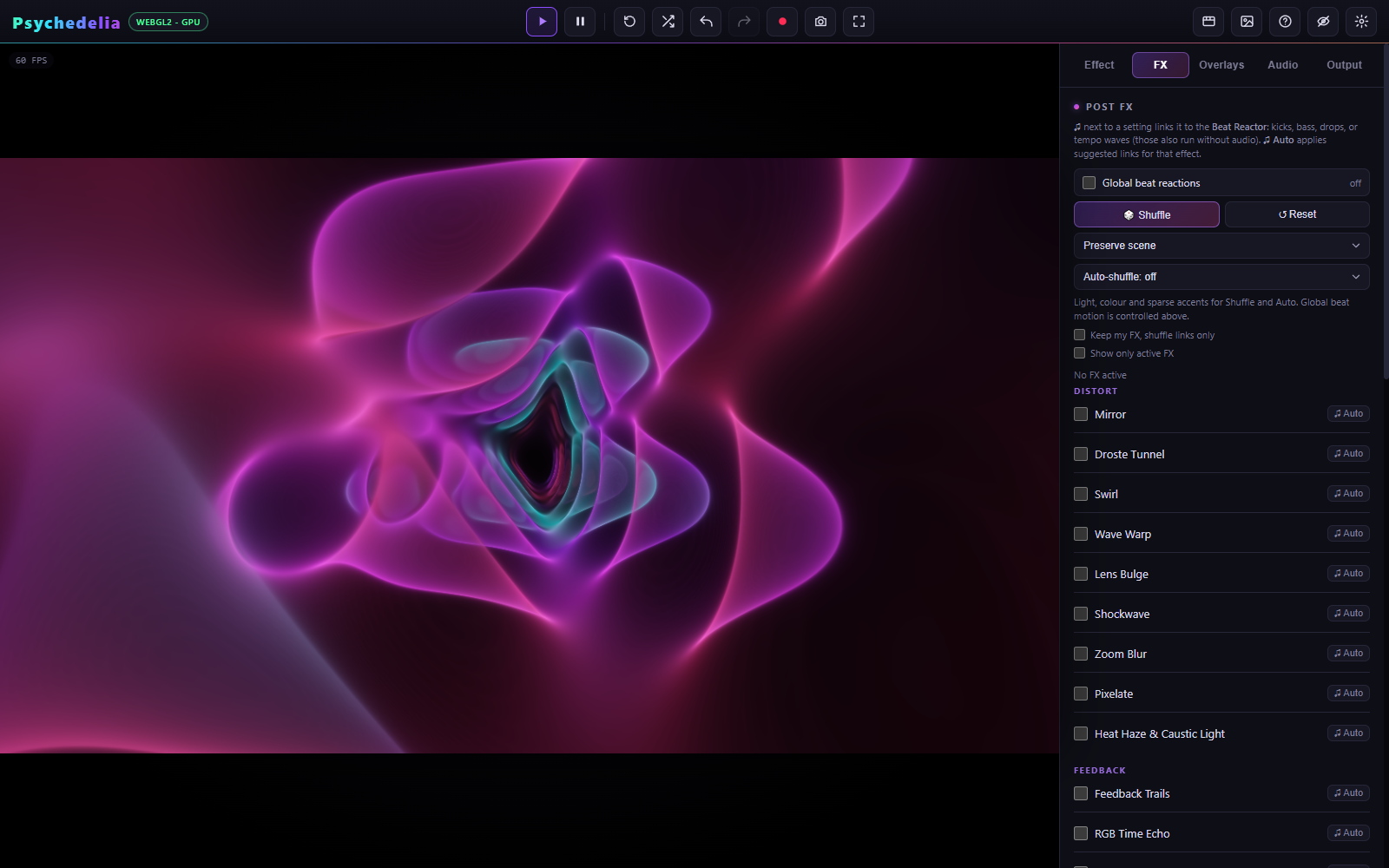
Shuffle can vary FX, Overlays, and Beat Reactor independently. Each scope has a style and an auto-shuffle schedule. Choose how much freedom a shuffle has before scheduling it.
| Style | Intended result |
|---|---|
| Preserve scene | Light/color changes and sparse accents, using restrained pools and ranges. Keeps the base scene recognizable. |
| Wild — full effects | Includes twists, mirrors, movement, and broader visual changes. Generated settings still have bounds to reduce washout and excessive coverage. |
Preserve scene is the default. These profiles govern Shuffle and Auto; they do not remove manual controls or reduce the full range available when editing a setting yourself.
A style change does not immediately clean up effects already enabled. If an earlier Wild shuffle left a strong mirror or distortion active, reset that panel or switch it off before judging a new restrained setup. Global Zoom Punch, global rotation, and scene-native animation are also separate.
When Keep existing is enabled, shuffle works on beat links for the currently enabled items instead of choosing a fresh combination and replacing their base settings. If no items are enabled, it leaves that scope empty.
This is useful after you manually build a look: keep a chosen grade and overlay, then vary their reaction routes without replacing their identities. The style still governs how restrained those new routes are.
Show only active is a browsing filter. It does not enable or disable processing.
The scheduler treats one bar as four beats. The timing follows the app's musical/render clock rather than a wall-clock timer. At 120 BPM:
| Interval | Beats | Nominal time |
|---|---|---|
| 4 bars | 16 | 8 seconds |
| 8 bars | 32 | 16 seconds |
| 16 bars | 64 | 32 seconds |
Studio Music provides its sequencer tempo. External music follows the reactor's detected or locked tempo. With no live music, the tempo waves use Studio BPM. Pausing visual time pauses frame-driven progression; slow offline rendering still reaches shuffle boundaries in output time.
Each section uses Studio arrangement changes. Outside Studio section events, it falls back to a 16-bar schedule. It does not identify the verse or chorus structure of every uploaded track.
The scheduler avoids firing repeatedly for a single crossed boundary. Tempo changes affect future progression; a bar schedule is not a fixed number of seconds independent of BPM.
- Endless fly-through: FX Preserve scene every 16 bars; sparse overlays every 16 bars or Off; global Rotation Kick and Shake at zero.
- Music visualizer: Preserve scene every 8 bars with a few beat-linked lighting accents.
- Experimental performance: Wild with manual Shuffle first; enable a 4-bar schedule only after reviewing the range of changes.
- Carefully composed look: enable Keep existing for both FX and overlays, and use slow modulation.
These are recipes, not named presets. Save the result as a setup to retain the style, interval, enabled items, and link configuration.
Manual shuffle is a creative edit. Automatic scheduled changes do not flood undo history with an entry every few bars. See Setups and Undo.