Repository navigation
MeshCore Tools
The MeshCore tools addon is installed and switched on in a new setup (older setups: Tools > Addons > Browse online catalog). Its tools are in the Addons menu. Nothing goes out over the mesh unless you press a button that says so (discover / trace a path).
Most tools have a Node: list at the top: the main node, or any connected node from Options > More nodes.
| Tool | What it does |
|---|---|
| Node clock... | Compares the node's clock with the PC's and sets it. Optionally set automatically when mcIRC connects and it is more than a minute off. |
| Channels... | The node's channels: add, rename, change key, remove, copy key. The same channel twice is shown in red. |
| Backup and restore... | Settings, channels (with keys) and contacts to a file in backup/node; optionally the private key (the node's identity - keep that file private). Restore all or part. |
| Firmware... | Installed version vs every MeshCore companion release (newest preselected in the Version list). Updates ESP32 boards on a USB bridge chip (Heltec V3, LilyGo T3-S3, ...) - application only, so settings, contacts and identity stay; a backup is made first. Needs pip install esptool. Other boards get the download link. |
| Firmware builder... | Builds and flashes a companion with any mix of USB, Bluetooth and Wi-Fi, or a repeater, room server or sensor - see below. |
| Path tools... | Show / discover / reset a contact's path, trace a route, repeater status and neighbours. |
| Packet monitor... | Live list of packets the main radio hears (type, route, SNR, RSSI - never content). |
| Radio health... | Graphs of battery, airtime, noise floor and errors (also saved to logs/radio_health.csv). |
| Coverage... | Repeaters heard directly, by signal strength, also as map layers. |
Node clock 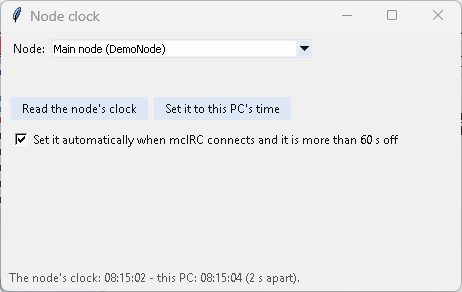
|
Channels 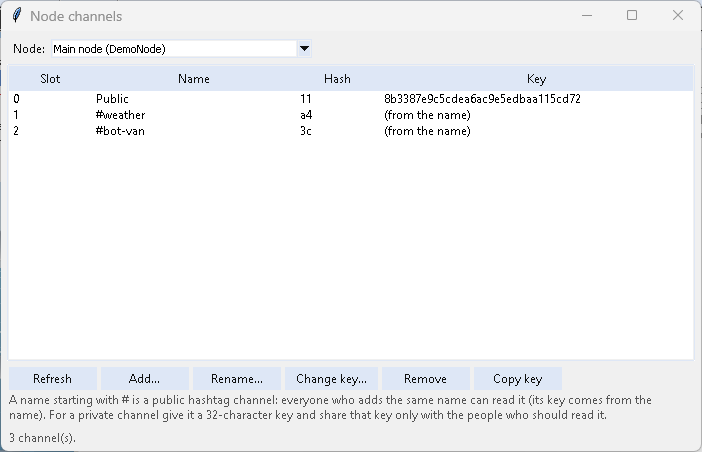
|
Backup and restore 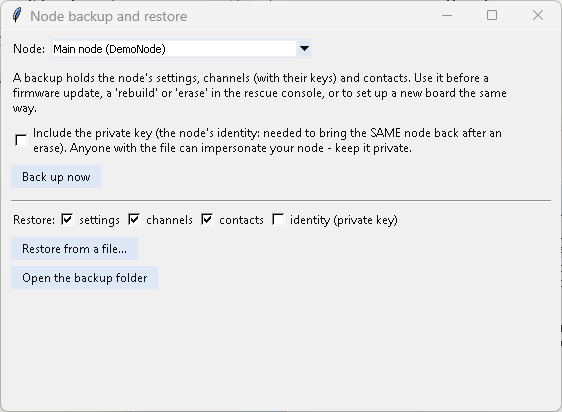
|
Firmware 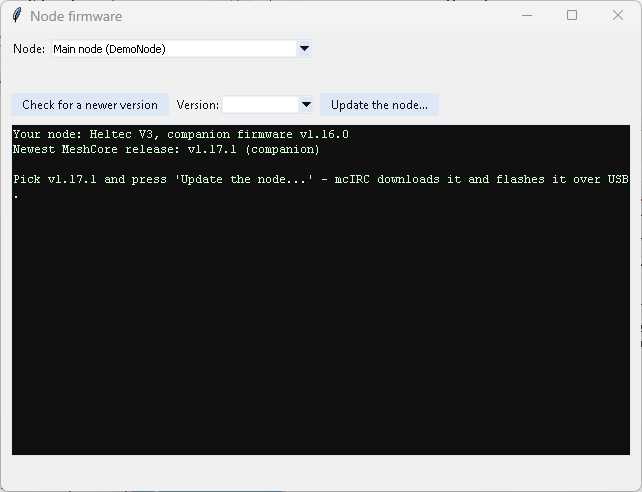
|
Path tools 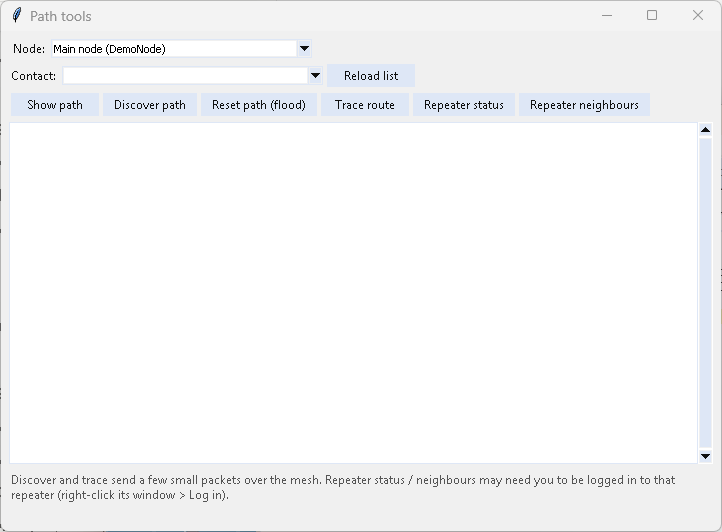
|
Packet monitor 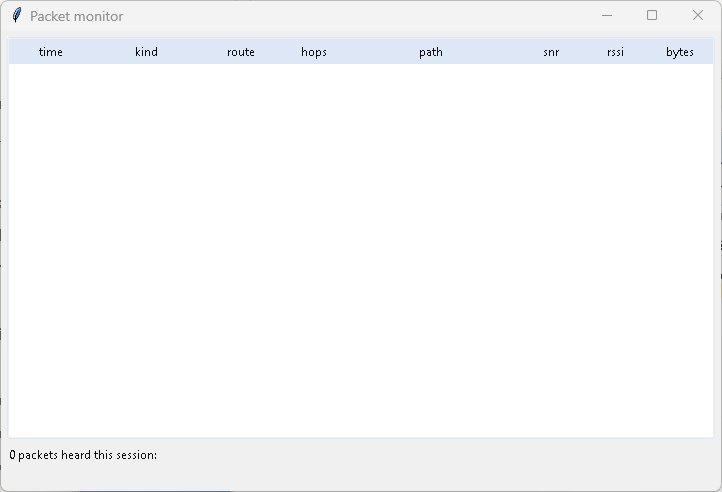
|
Radio health 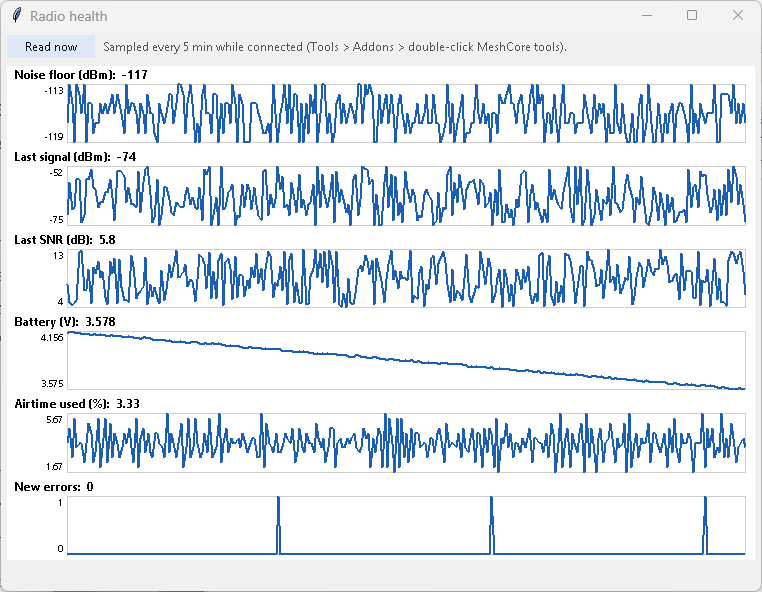
|
Coverage 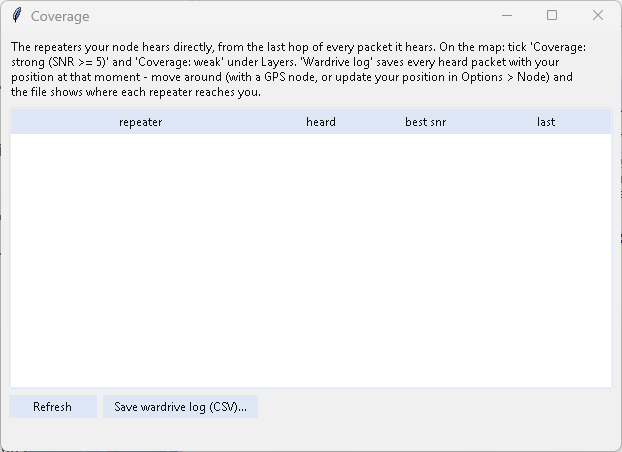
|
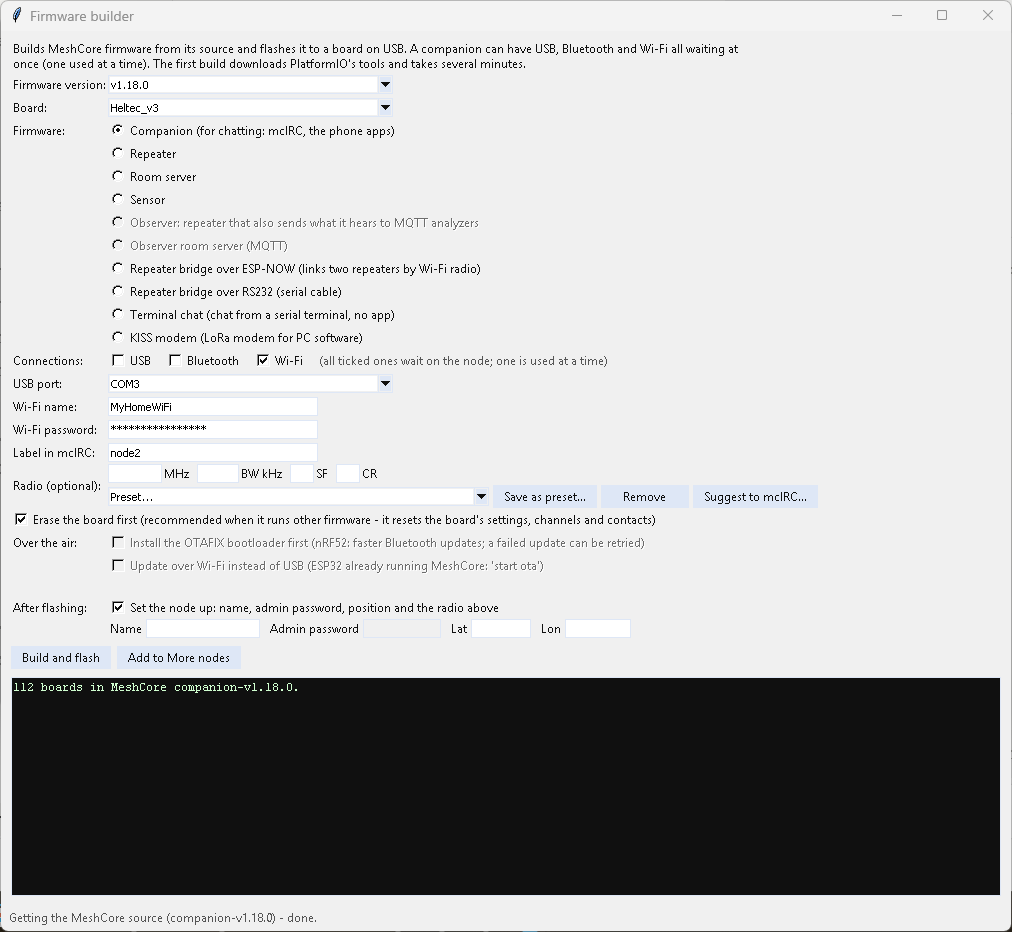
Builds MeshCore from source with PlatformIO and flashes it - for the setups MeshCore publishes no ready-made files for (Wi-Fi, or more than one connection), and for every other firmware type: repeaters, room servers, sensors, observers, bridges.
- Install PlatformIO once:
pip install platformio(or the VS Code PlatformIO extension). - Plug the board in by USB and open Addons > MeshCore tools > Firmware builder...
- Choose the firmware version (newest preselected - or, at the end of the list, the community Observer firmware) and the board (e.g.
Heltec_v3,heltec_v4). - Choose the type - whatever the board has a build for: Companion (for chatting - mcIRC, the phone apps), Repeater, Room server, Sensor, Observer (a repeater that also sends what it hears to MQTT analyzers) and Observer room server, Repeater bridge over ESP-NOW or RS232, Terminal chat (chat from a serial terminal) or KISS modem (a LoRa modem for PC software).
- For a companion, tick its connections: USB, Bluetooth and/or Wi-Fi - one, two or all three. All ticked connections stay waiting; the node talks over one at a time, whichever connects first. A board without Wi-Fi only offers USB and Bluetooth.
- With Wi-Fi ticked, type your Wi-Fi name and password - a 2.4 GHz network (ESP32 boards can't use 5 GHz). A guest Wi-Fi is usually kept apart from your PC, so mcIRC could not reach the board there.
- Choose the USB port, optionally the radio (MHz / BW / SF / CR - or pick a Preset, see below) and a label for mcIRC. Erase the board first is recommended when it runs other firmware (its settings are reset).
- Build and flash. The first build downloads PlatformIO's tools and takes 10-15 minutes; later builds are faster.
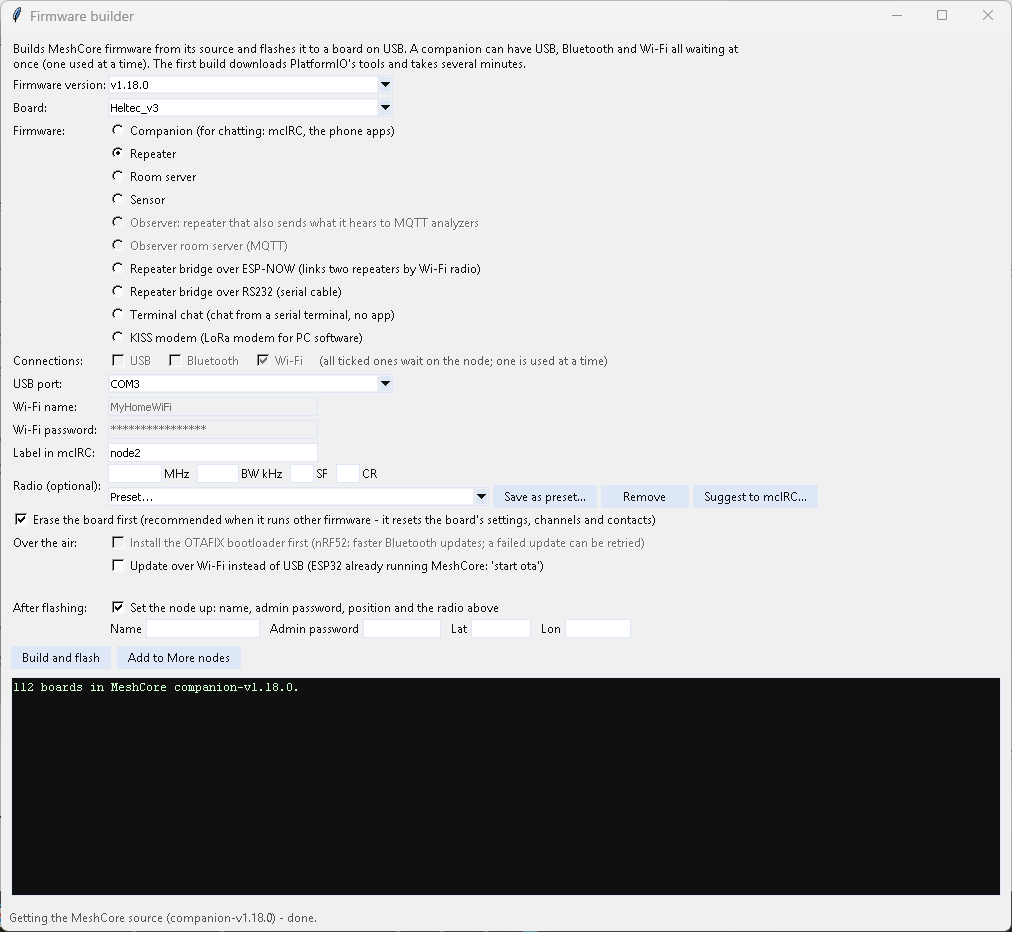
A repeater (or room server, sensor, ...) needs no connections or Wi-Fi details - only the board, port and radio:
The Wi-Fi page (companions with Wi-Fi): click the node's button until its screen shows Wi-Fi ON with its address (or joining Wi-Fi...); press and hold switches Wi-Fi off, and again to switch it back on. Switched off, it stays off until you switch it on or the node restarts. Handy to save power, or to keep a node on Bluetooth only for a while.
Afterwards a Wi-Fi companion is found on your network by its hardware address (the firmware doesn't print its IP; joining the Wi-Fi can take a couple of minutes), a USB one on its new port; the radio is set if you filled it in, and Add to More nodes adds it. Give a Wi-Fi node a fixed address in your router (a DHCP reservation) so it keeps it. MeshCore's Wi-Fi firmware listens on TCP port 5000 and takes one connection at a time.
After flashing: set the node up (ticked by default): the name, admin password (repeater types; never shown in the log), position and the radio go to the board right after the flash - over USB for repeaters, room servers, sensors, observers and bridges, through mcIRC for a companion. Left empty, they stay at the firmware's defaults; you can also set them later at config.meshcore.dev or in the node's private window (/login, then /set ...). An observer also needs its Wi-Fi, MQTT server and 3-letter area code: from its serial console, or start webconfig for a web page.
The Preset list beside the radio fills in MHz / BW / SF / CR:
- your own first (Save as preset... keeps what is in the radio fields under a name; Remove deletes one of yours),
- then, by country (A-Z), MeshCore's official list - the same one the MeshCore apps show, read live (26 regions; a built-in copy is used offline) - together with local groups whose settings differ from the official ones, with the group's name in brackets (Country: area (Group name)). Ask your local group which settings they use.
Your group isn't there? Fill in its radio and press Suggest to mcIRC...: type the group's name and where it is used, and your browser opens a ready-filled issue on mcIRC's GitHub (label radio-preset). Check it, add a link to the group's page, and press Submit (needs a GitHub account) - nothing is sent from mcIRC itself. Good suggestions are added to the list in an update.
Frequency, bandwidth and SF must be the same on every node that should hear each other; the coding rate may differ.
- Install the OTAFIX bootloader first - for nRF52 boards (RAK4631, T1000-E, T-Echo, Xiao nRF52, ThinkNode, ...): oltaco's bootloader that MeshCore recommends for Bluetooth (OTA) updates - faster, and a failed update can simply be retried. When asked, double-press the board's reset button so it shows up as a drive; mcIRC copies the right file to it (one pinned release, checked before use), then flashes the firmware. Not offered for ESP32 boards (they have OTA already) or when the board on USB already has OTAFIX.
-
Update over Wi-Fi instead of USB - for ESP32 repeaters, room servers, sensors, observers and bridges that already run MeshCore: mcIRC builds the firmware, then you send
/start otain the node's private window (logged in), join this PC to the node's Wi-Fi MeshCore-OTA, and mcIRC shows which node answered before it sends the firmware. Afterwards put the PC back on your own Wi-Fi, log in to the node, checkclockandver. Not offered for companions (they have nostart ota).
The Observer firmware comes from agessaman/MeshCore (observer-firmware branch), pinned to one reviewed version - like addons from other people's GitHub repos. Out of the box that firmware reports to an analyzer as soon as it has Wi-Fi; mcIRC builds it with every analyzer switched off. After flashing, pick yours on its console: get mqtt.presets lists them, then e.g. set mqtt1.preset <name>, set mqtt.iata <your airport code>, set wifi.ssid ..., set wifi.pwd ..., reboot.
Boards with the chip's own USB port (Heltec V4 and other ESP32-S3 boards): the flasher can't switch them to flash mode by itself. Hold PRG (BOOT), tap RST, let go of PRG - the board shows up on a new USB port; choose it and press Build and flash again. If it doesn't restart after flashing, tap RST. The tool tells you when.
Your password is only written into the build's settings file for the build and put back right after; mcIRC never saves it. It does end up inside the firmware itself - that is how MeshCore's Wi-Fi firmware works.
Boards without a screen (e.g. a headless Heltec V4) work with the normal build: the firmware runs without a display when none answers.
Tools > CLI rescue console... opens MeshCore's rescue console on a USB board (reset + hold the button): list and remove files, set the BLE pin, rebuild, erase, reboot. A node that lands in rescue mode by mistake is rebooted out of it automatically.