Find a starting transformation
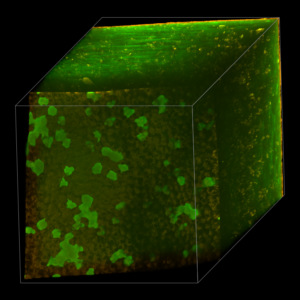
The first step is to interactively rotate, translate and zoom to get a nice starting position. For the animation here, I chose a 10-degree rotation around both the x- and the y-axis, and zoomed out by a factor of 0.6 so that the entire object fits into the 3D panel.
One could now type in the corresponding lines into the Animation Editor:
At frame 0:
- rotate by 10 degrees vertically
- rotate by 10 degrees horizontally
- zoom by a factor of 0.6
Clicking on the “Run” button renders a single image:
Instead of typing the lines above manually, we can also select >Record>Record transformation from the Animation Editor’s menu bar, which will insert these lines automatically.