Output
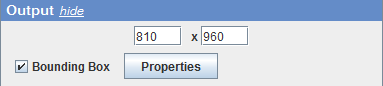
In the output panel, the size of the rendered image can be modified. Additionally, display of the bounding box of the rendered object can be turned on and off, and its parameters (line width and color) can be adjusted (clicking the ‘Properties’ button). If the bounding box check box is selected, the front clipping plane (see the Cropping section above) will also be indicated (its intersection with the bounding box, to be precise).
Additionally, the background in the 3D rendering window can be modified by changing the background color in ImageJ/Fiji tool bar.