Repository navigation
Queries
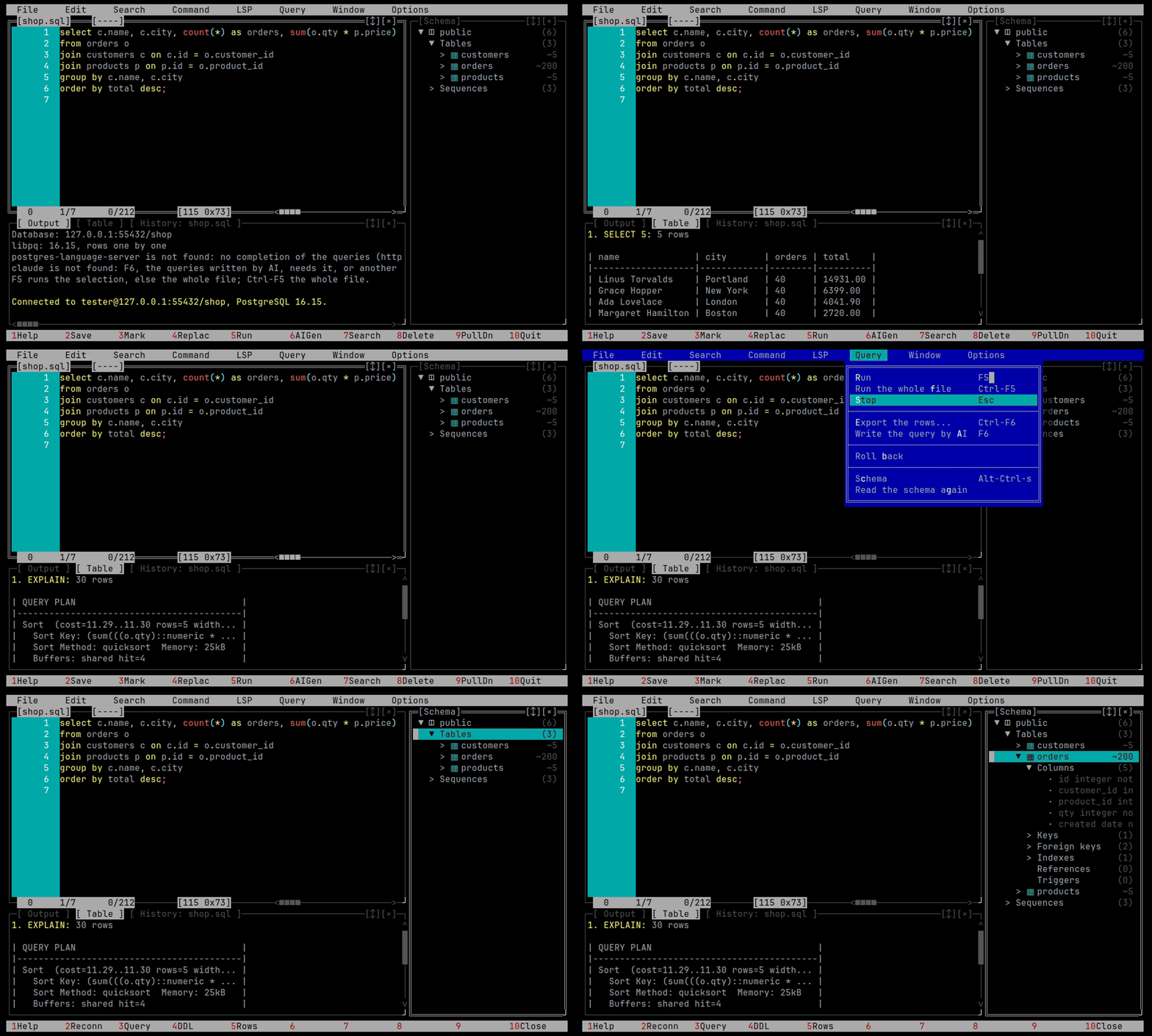
bluerig -Q runs the queries of a file in a database: PostgreSQL through
libpq, MongoDB through mongosh. The file is an ordinary window of the editor;
the rows come into Table, what the database said into Output, and every
query run is kept in History. Schema shows the tables, the views, the
columns and the keys of the database.
| Key | Does |
|---|---|
| F5 | Run the selection, else the file |
| Esc | Ask whether to stop the query that runs |
| F11 | The menu of the queries: EXPLAIN, the count of the rows, a command of your own |
| Ctrl-F6 | Export the rows to CSV, JSON, SQL or Markdown |
| F6 | Write the query by AI from a request in a comment |
| Alt-Ctrl-S | Show or hide the schema |
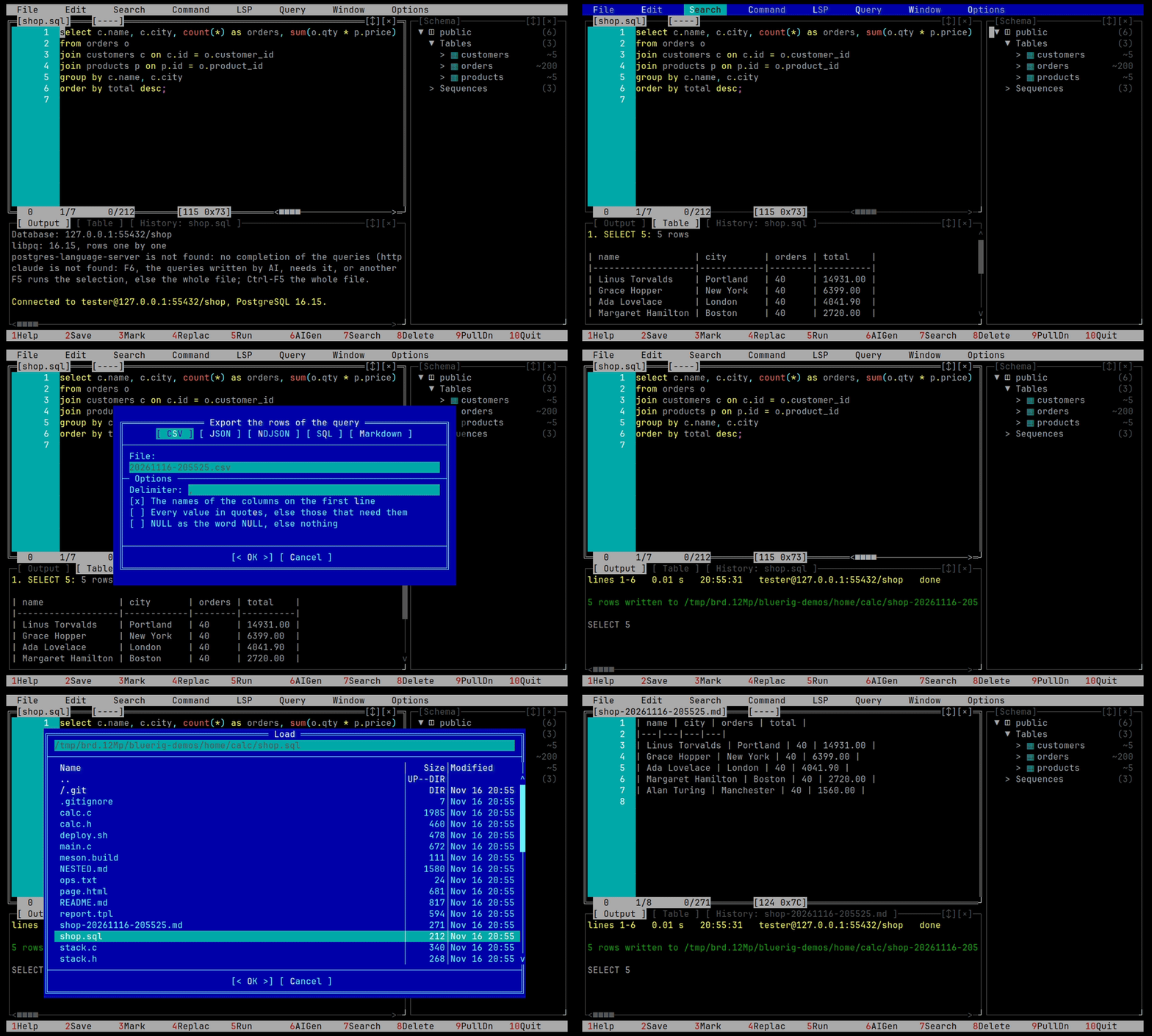
Ctrl-F6, or Query > Export the rows, writes the rows of the last query to a file next to the queries, in the format chosen at the top of the dialog.
What to connect to comes from the environment: MC_QUERY_KIND=postgres and the
variables of libpq (PGHOST, PGDATABASE, PGSERVICE and the others), or
MC_MONGO_URI for MongoDB. F1 in the editor has the whole help of the plugin.