Repository navigation
Sharing
How to give someone else your plan, so they see exactly what you see.
To give someone everything (settings, categories and rules, the CSV files, your budgets and budget edits) so they see exactly what you see:
-
Send: Settings › Share plan › Save plan as a file (or, in the Mac app, menu-bar icon
› Save Plan as File…). You get one file like
Household Budget 2026-11-06.zip. Send it by AirDrop or Messages. -
Open: in the Mac app, menu-bar icon › Open Plan File… and pick the file (a new user
gets the same option on the first launch). If they already have a plan, they choose Keep
Both or Replace (the old plan is kept as a backup folder next to it). On the command
line:
financial_plan import FILE.
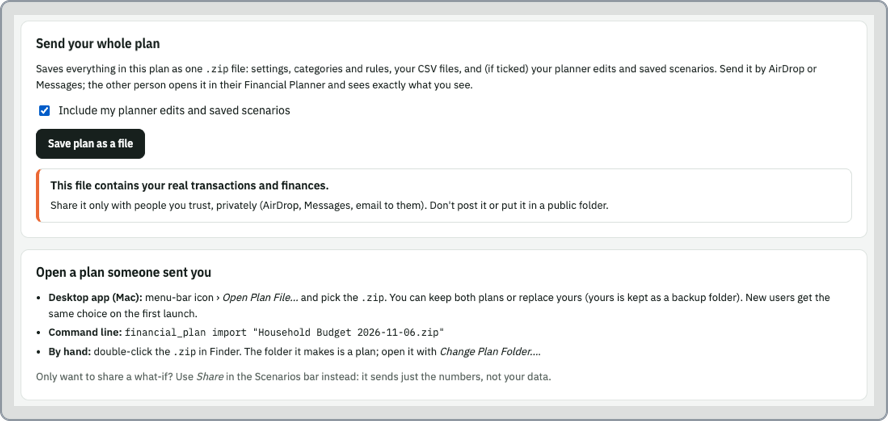
Double-clicking the .zip in Finder also works: the folder it makes is a plan you can open with
Change Plan Folder….
- Your config (
config/*.yaml) and your CSV files: your real transactions. Share it privately. - If "Include my budget edits and saved budgets" is ticked (the default): the numbers you changed on the page, your saved budgets, the summary-row and chart choices, and your return / inflation presets. Untick it to send only the settings and data.
To keep a copy for yourself, save the same file somewhere safe: it's a complete backup of the plan.