Building From the Editor
Once the setup steps are completed, the project is ready to be deployed from the editor.
Shift + Ctrl (Cmd ) + B – Opens the Build Settings dialog. Click the Android icon and select Set Current Platform.
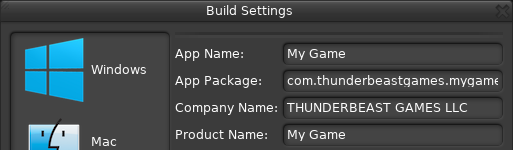
Assign App Name, App Package (a unique name using app store naming guidelines), Company Name, and Product Name.
- Assign the Android SDK Path. Once this is selected the API Level should update automatically, if not, click Refresh.
- Assign the Ant Path (this is the folder that contains ant.bat)
- Assign the JDK Root (windows only)
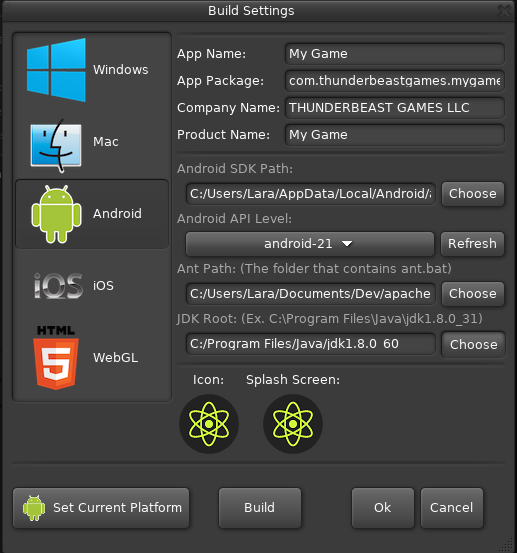
Click Ok to save the changes.
Ctrl (Cmd) + B – Opens the Build window
Choose a folder to save the deployment. The Android-Build folder will be generated here, this folder contains the application's libraries and serialized assets.
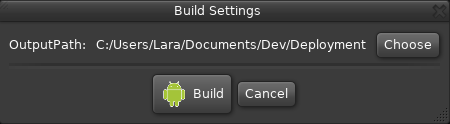
Click Build
The application will launch on device once the build is complete.