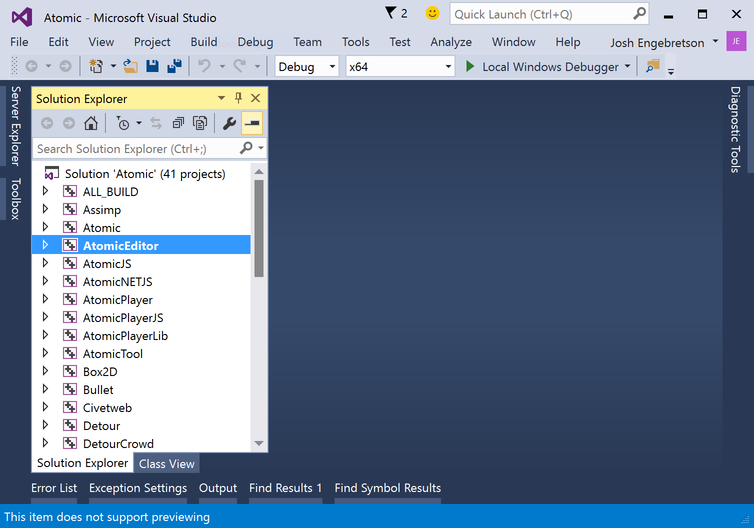
Building the Atomic Editor using Visual Studio 2015
The Atomic Editor is very easy to build and requires minimal setup. You'll need Visual Studio 2015 from Microsoft and CMake: http://www.cmake.org/download
git clone --recursive https://github.com/AtomicGameEngine/AtomicGameEngine
cd AtomicGameEngine
CMake_VS2015.bat
After a few minutes, this will generate an the Visual Studio solution in a folder called AtomicGameEngine-VS2015 which will be next to your cloned repo folder:
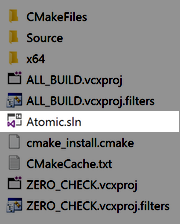
Open the Atomic.sln solution file, set the AtomicEditor project as the startup project, compile and run