Reactive Overlays
A reactive overlay is an always-on canvas that reacts to events. An idle animation loops whenever nothing is happening, and each event you add gets its own animation that plays once before the idle resumes. A mascot that bobs in place, waves on a follow, and jumps on a raid is a reactive overlay.
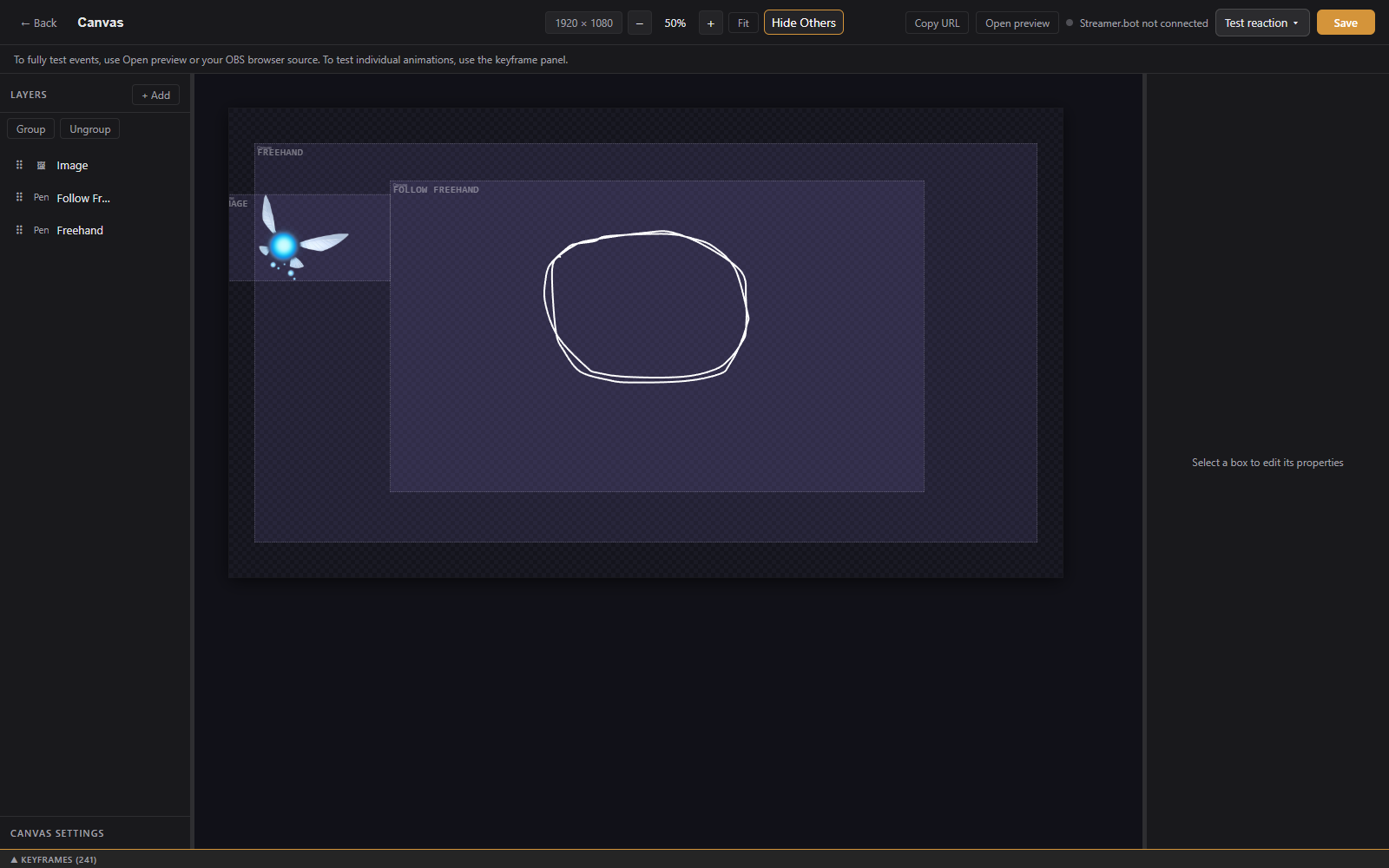
Click + New Overlay, open the Reactive tab, pick Reactive Overlay, name it, and click Create. The overlay has a single canvas named Canvas; click it to open the editor.
Build the character from layers exactly as in the Visual Editor: images, shapes, text, groups, and attachments all work. Paths and Follow path are especially useful here for movement.
The ANIMATION bar above the keyframe timeline holds one chip per animation:
- Idle: the loop that plays whenever no reaction is playing. Its keyframes are the layers' normal keyframes and always loop.
- One chip per reaction, each named for its event (for example
Twitch.Follow). A reaction plays once when that event happens, then idle resumes. Its x removes the reaction and its keyframes.
Click + Reaction to add one. The event picker is the same one alerts use: native events, Streamer.bot events, and Cloud events. Click a reaction chip to edit its animation; the timeline then shows that reaction's keyframes per layer. A layer with no keyframes for a reaction holds its idle start pose. End a reaction near the idle pose so the handoff reads clean.
Copy animation copies tracks from Idle or another reaction into the active reaction, for selected layers or all of them, so a variation starts from something that already moves.
- finish idle first (on by default): an event that lands mid-idle waits for the loop to finish its lap, so the reaction starts from the settled pose instead of cutting mid-motion. Turn it off for instant reactions.
- debug: logs reaction matching and text rendering to the overlay's browser console, for diagnosing why a reaction or its text is not showing.
The first reaction whose source and type match an incoming event wins. Matched reactions queue up to five deep and play back to back, each with its own event data, so {{user}} in a text layer fills in during that reaction and goes blank on idle. A playing reaction is never interrupted. Tier or amount conditions are not supported yet; every event of a matching type plays the reaction.
Events arrive from the app's own Twitch connection first, with Streamer.bot as a fallback when configured. Duplicates are suppressed.
Test reaction in the top bar lists this overlay's reactions. Fire one to play it once followed by a couple of seconds of idle, the same handoff the live overlay runs. Twitch reactions take a test amount (bits, viewers, gifts, or months). The Test reaction button in the ANIMATION bar does the same for the reaction being edited.
Add the overlay URL as a browser source like any other overlay. Reactive overlays are always on, so they do not use alert queues.