Stats
Live counts for followers, subscribers, gifted subs, bits, raids, raiders, and tips, across six tabs. Resubs are folded into subscribers.
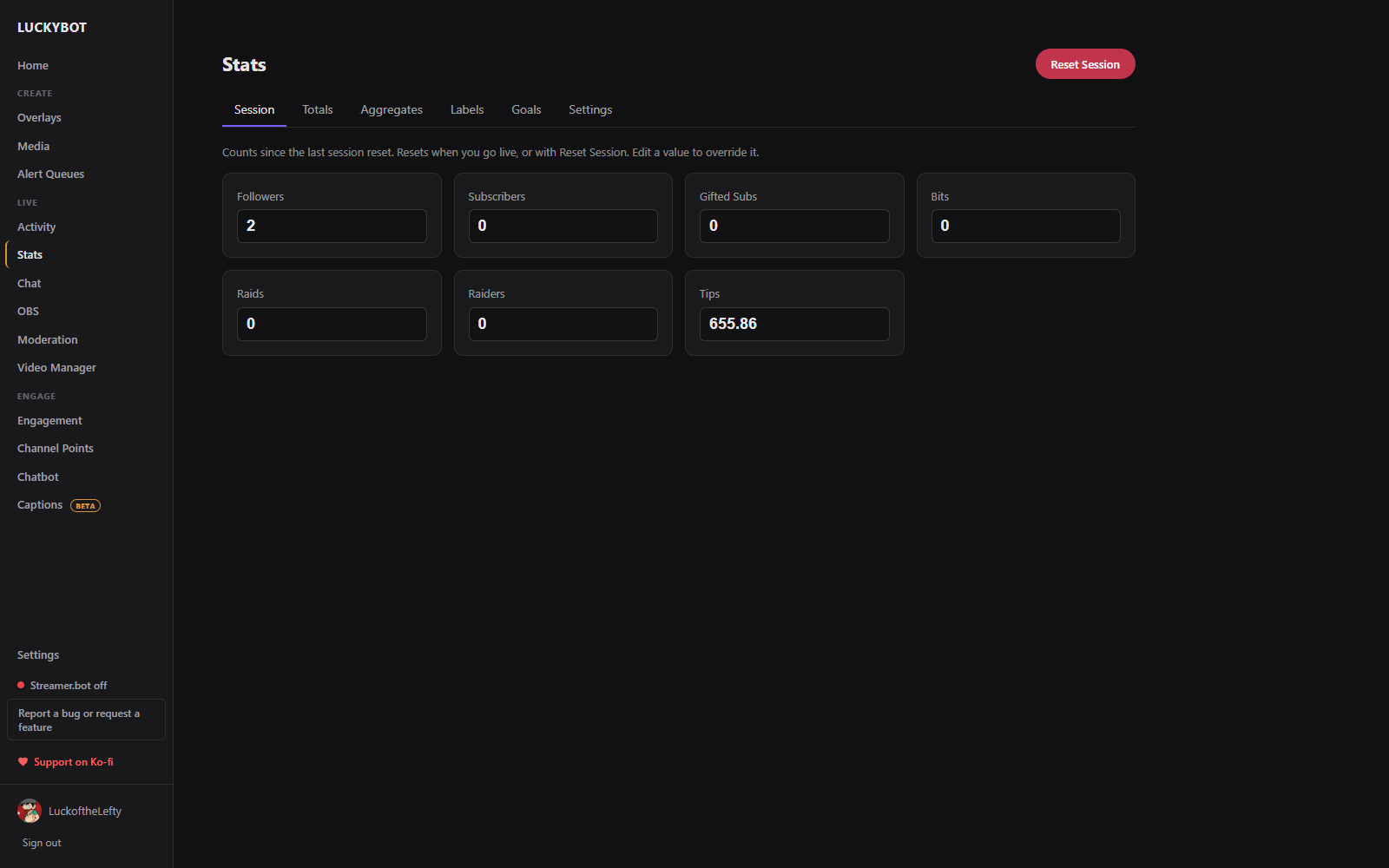
- Session: counts for the current stream. Resets automatically when you go live, or manually with Reset Session. Every value is editable.
- Totals: all-time totals. Followers, subscribers, and bits come live from Twitch and are not editable; gifted subs, raids, raiders, and tips can be edited to seed a starting number.
- Aggregates: this week and this month (or a rolling 30 days), plus top cheerer, tipper, and gifter leaderboards and an editable all-time gifter board. An All subs card adds subscribers and gifted subs together.
- Labels: the latest and recent contributor per type (latest follower, latest sub, latest cheerer, tipper, raider). Edit to override what overlays show.
- Goals: a target and progress bar for followers, subs, bits, and tips, with a Reset Goals action.
- Settings: reset buttons; Aggregation timing (calendar week and month, or a rolling 30 days); Hold weekly/monthly resets until the stream ends for streams that cross a boundary; and Sub counting.
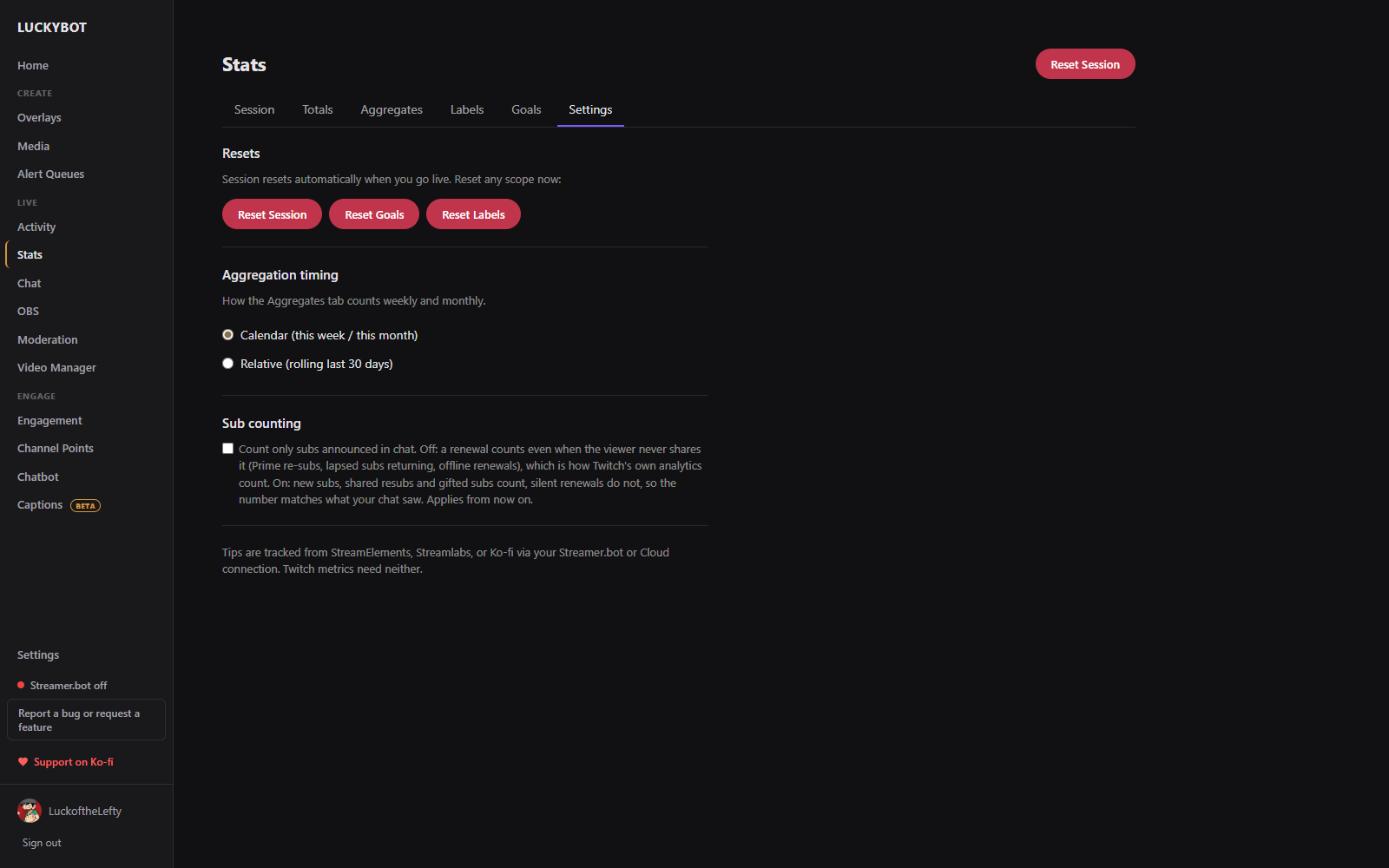
Count only subs announced in chat changes what a "sub" is. Off (default): a renewal counts even when the viewer never shares it, such as a Prime re-sub, a lapsed sub returning, or an offline renewal, which matches how Twitch's own analytics count. On: new subs, shared resubs, and gifted subs count, silent renewals do not, so your counters match what your chat saw. It applies from the moment you turn it on.
Click any count to edit it, for example to match another tracker. Everything here is available to widgets as live variables. See Widgets.