Repository navigation
Home
Build with more freedom, keep your supplies topped up, and make your player name your own.
This player guide covers Chomagerie 1.6.1 for Minecraft 26.3.
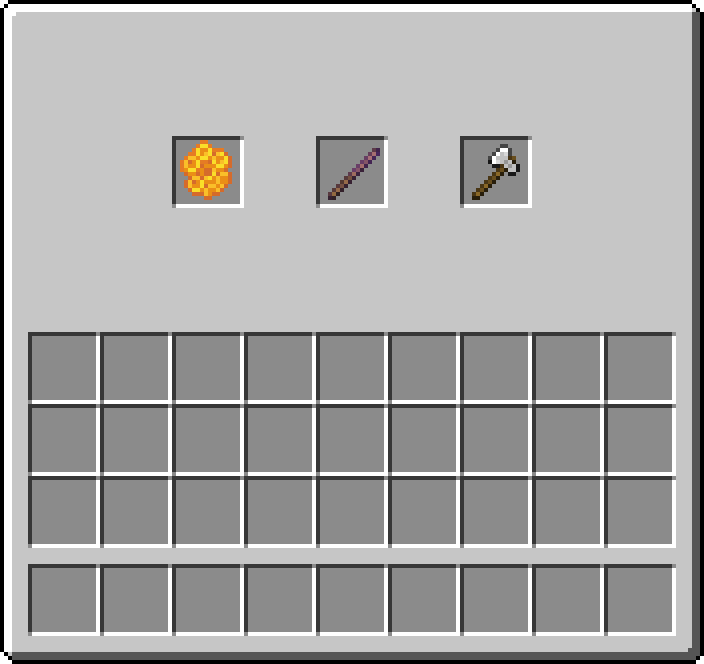
| I want to… | Guide |
|---|---|
| Install the mod and join the server | Installation |
| Try the main features | Getting Started |
| Refill empty stacks from shulker boxes | ShulkerRefill |
| Add a coloured prefix to my name | Player Tags |
| Change a block's shape or facing | Survival Debug Stick |
| Keep a fence, pane or stair in a chosen state | Block Locking |
| Find locked blocks, even through walls | Lock Overlay |
| Look up ingredients and crafting layouts | Recipes |
| Change my settings or shortcuts | Client Settings · Controls |
| Solve a problem | Troubleshooting |
On a Chomagerie server, you can use the recipes, Survival Debug Stick, honeycomb locks and crop protection with a vanilla client.
Install Chomagerie on your client for ShulkerRefill, player tag settings, the lock overlay and the settings menu. Your client and the server must use the same Chomagerie version.
Server rules may change which features and recipes are available. Ask the server staff if a feature is disabled.
Explore Crop Protection and Other Gameplay Changes, or read the Credits.