Home
NSPanel MQTT bridge to openHAB - Wiki
This project implements a bridge between a NSPanel with lovelace ui installed and openHAB REST API

You can define differnd cards to show and change the state of openHAB items. The configuration is done on yaml files similar to the openHAB UI.
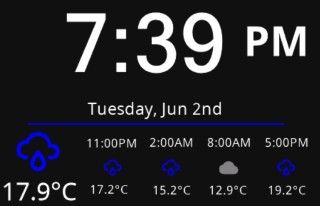
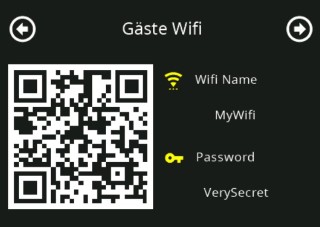
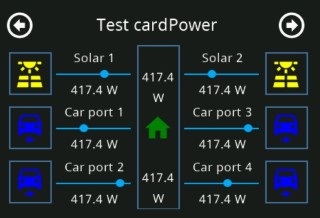
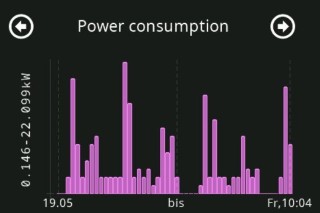
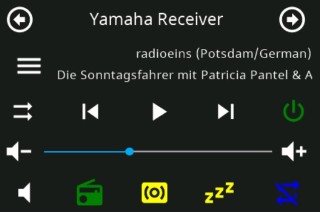
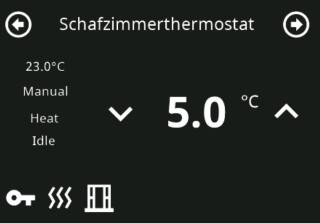
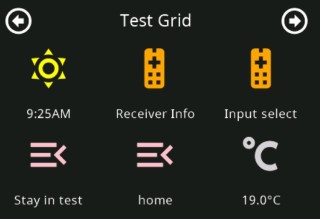
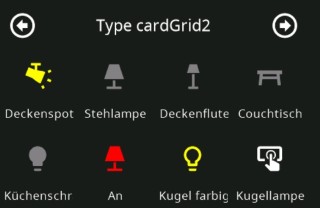
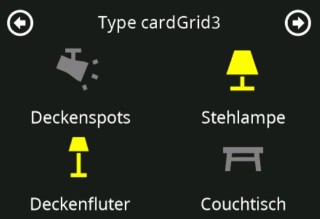
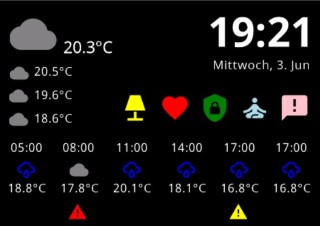
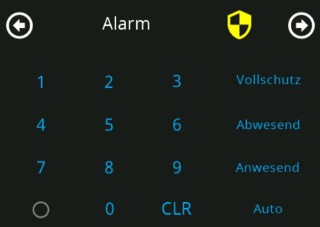
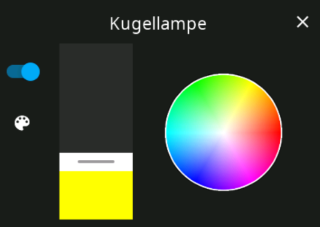
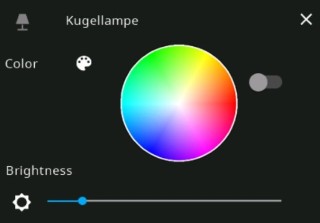
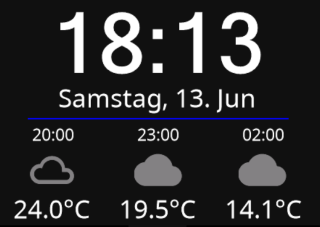
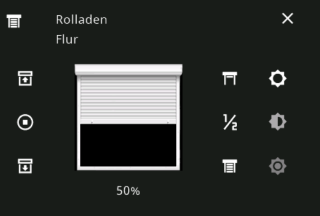
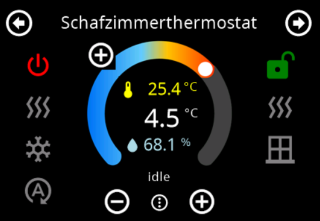
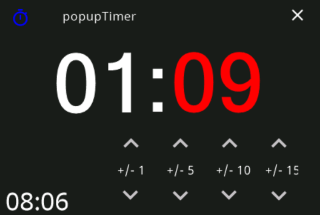
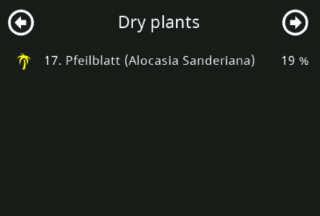
Highlight features:
- Full control of openHAB Items over the nspanel-lovelace-uiin your NsPanel flashed with tasmota. As an alternative you can use ticaki/ioBroker.nspanel-lovelace-ui. The changes in this fork are for for EU panels only.
- Dynamic configuration of nspanel-lovelace-ui pages over yaml files.
- Support of multiple panels in different rooms with individual start pages and screensavers.
- Control the content of your panel with openHAB rules (switch between cards, show warnings, lock the panel in your absense, set screen and screensaver brightness,...)
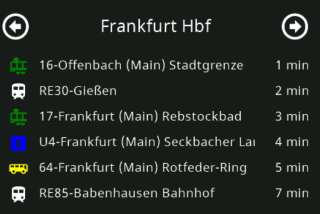
- Show puplic transport departures for all stations in germany based on opendata-oepnv.de with the special card type: cardDepartures
Bonus features:
- Translation of the UI elements in your prefered language with the translate.json file (see section Translation).
- Control of the overall look and feel with skin.json file (see section Skin). For example: Used standard icons, weather to icon mapping etc.
Installation:
Please note, that the correct topic configuration in tasmota is important that the bridge is working correctly! Follow the instruction here. After that please do the installation of the bridge.


Introduction
NSPanel Preparation
- Preparation
- Prepare NSPanel (extern)
- Flashing Tasmota to NSPanel (extern german)
- Configuring NSPanel and flash HMI jobr99 (extern)
- Flash latest HMI versions of ticaki (extern german)
- NSPanel Emulator (external german)
Installation of the Bridge
Yaml configuration
Further Concepts
Compatible HMI projects
Usefull Links