Install Guide Heroic

Heroic Games Launcher is a game launcher that also manages Wine prefixes. This guide sets up Affinity as a non-Steam "game" inside Heroic.
Before doing anything, make sure you have a .exe version of an Affinity app. Download Affinity apps from the official Affinity websites:
- Affinity by Canva (select "Enterprise (Intel/AMD)" from the "Download for Windows" drop-down menu to download the EXE installer)
- Affinity Photo V2
- Affinity Designer V2
- Affinity Publisher V2
- Affinity Photo V1
- Affinity Designer V1
- Affinity Publisher V1
Visit the download page of Heroic Games Launcher's official website, and follow the instructions to download and install Heroic Games Launcher. Flatpak is recommended.
Choose one of the following forks of Wine, and download and extract it:
-
ElementalWarrior-x86_64 (Recommended): After downloading the
ElementalWarriorWine-x86_64.tar.gzarchive file, right click and extract the archive into anElementalWarriorWine-x86_64folder. -
Wine-TKG-affinity: Download the
wine-tkg-affinity-archbuilt.tar.zstarchive file, then extract theusr/folder from the archive and rename the folder towine-tkg-affinity-x86_64.
Heroic Games Launcher's Wine-related folders can be found in a hidden directory within your home folder. If you can't see hidden folders in your file browser, you can usually enable them by pressing Ctrl + H.
- If you installed Heroic Games Launcher via Flatpak, navigate to
/home/$USER/.var/app/com.heroicgameslauncher.hgl/config/heroic/tools/wine/ - If you installed Heroic Games Launcher via other methods, navigate to
/home/$USER/.config/heroic/tools/wine/
Copy and paste the Wine fork folder you extracted in the previous step into this folder.
-
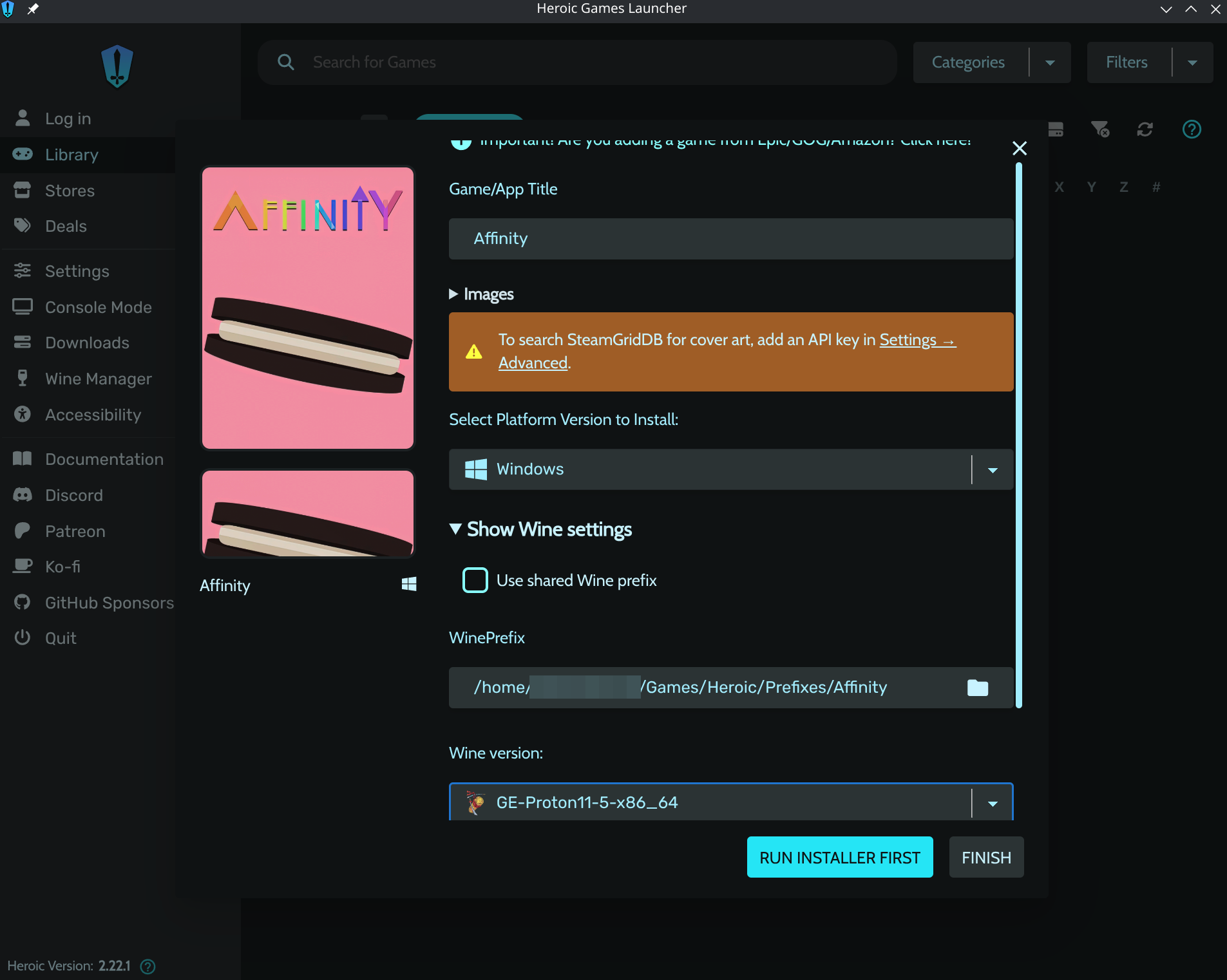
Open Heroic Games Launcher and click on Add Game.
-
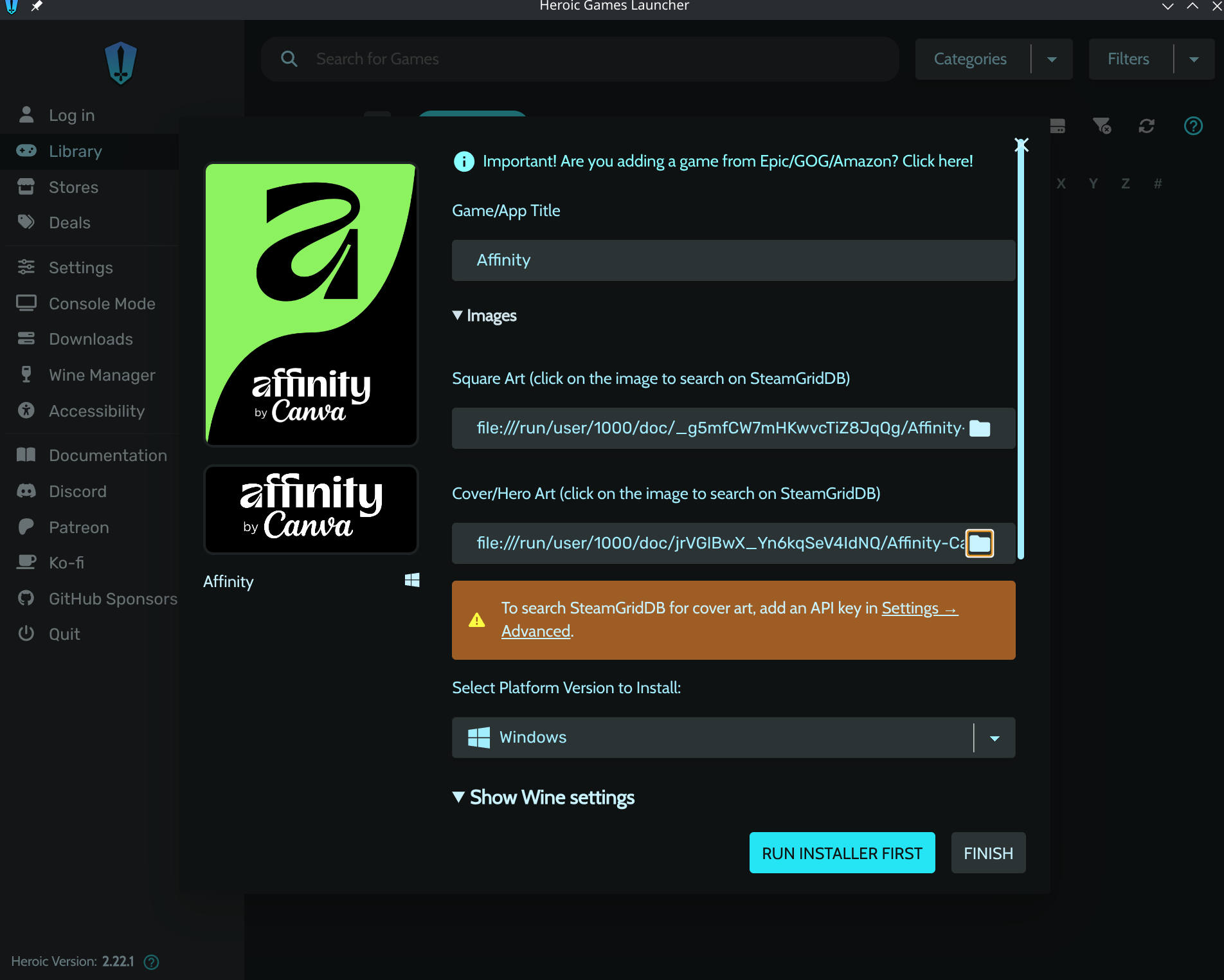
Name the game as you wish, and set a title image if you want one.
-
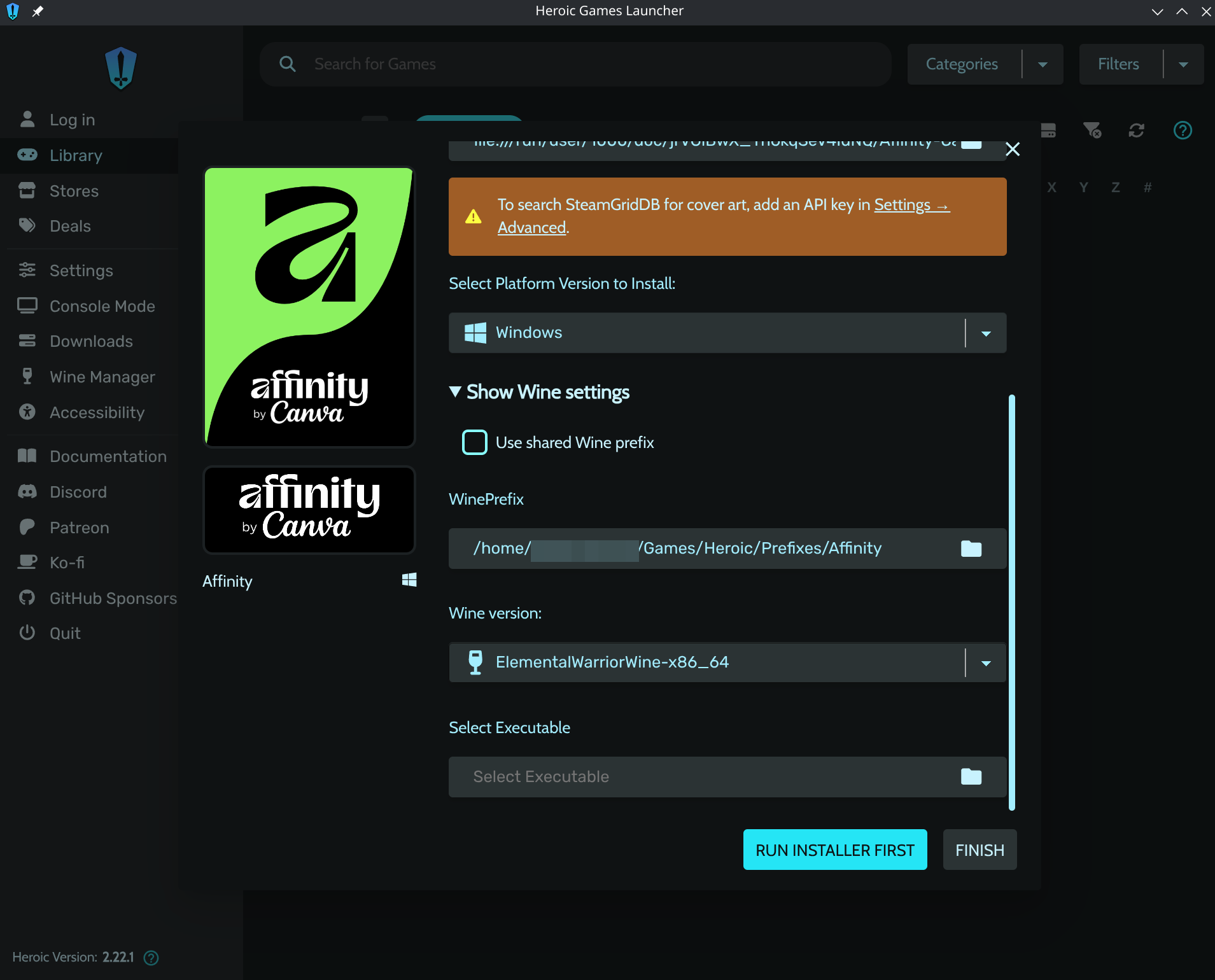
Set the Wine version to ElementalWarriorWine or Wine-TKG-Affinity.
-
Select the x64 setup
.exeyou downloaded from Affinity's website as the executable. -
Click Finish.
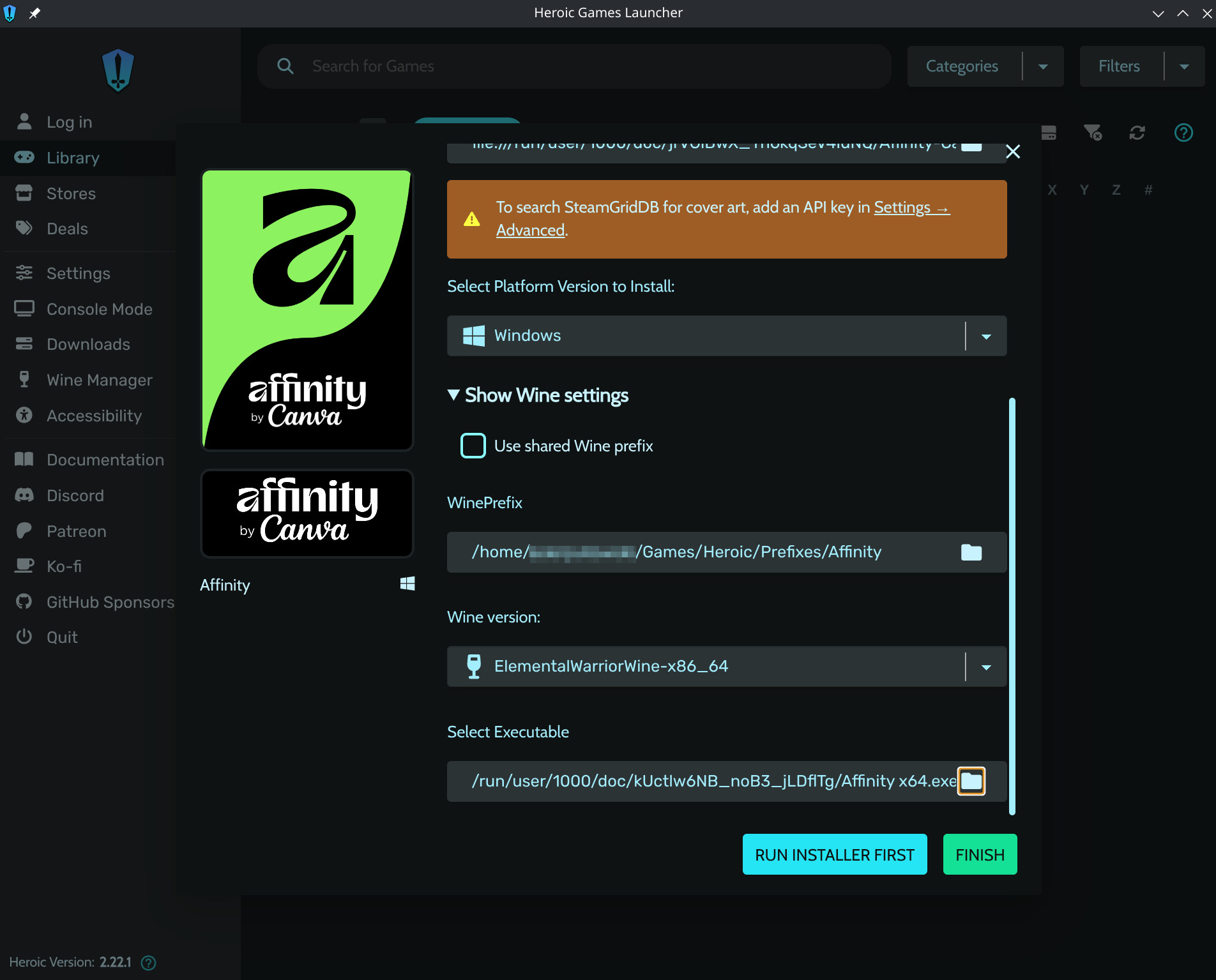
-
Right-click the game and select Settings. Uncheck Auto Install/Update DXVK, DXVK-NVAPI, and VKD3D on Prefix. Affinity doesn't need them. Leaving them on causes screen flashing/flicker later. See Known Issues.
-
Run the setup file from Heroic to initialize the prefix.
-
It may crash, or it may complete the Affinity installer successfully right away, either is fine at this stage.
-
Default location is:
/home/$USER/Games/Heroic/Prefixes/default/Affinity. -
You may be prompted about a missing wine-mono package, click Install.
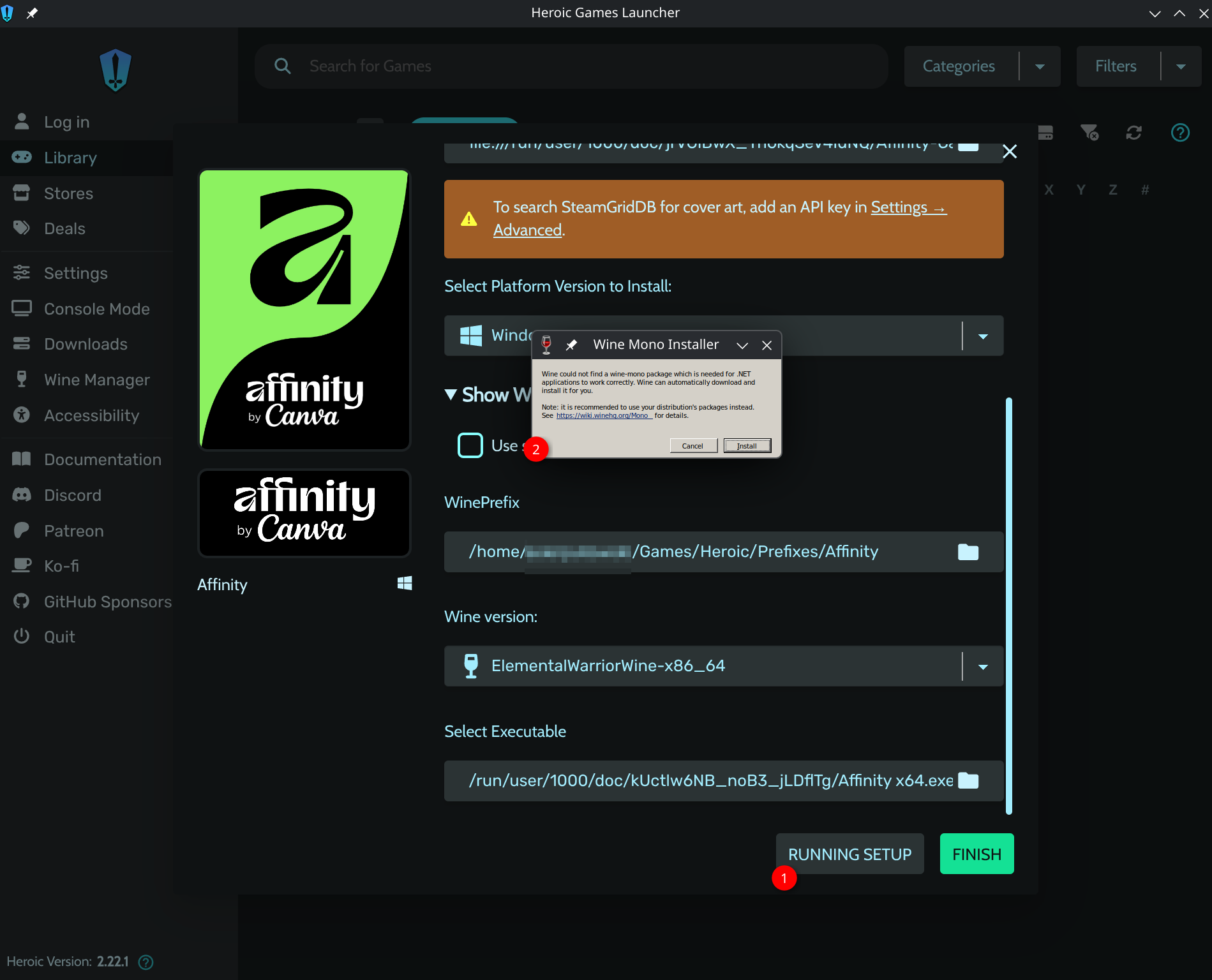
-
You'll then be prompted for an install location.
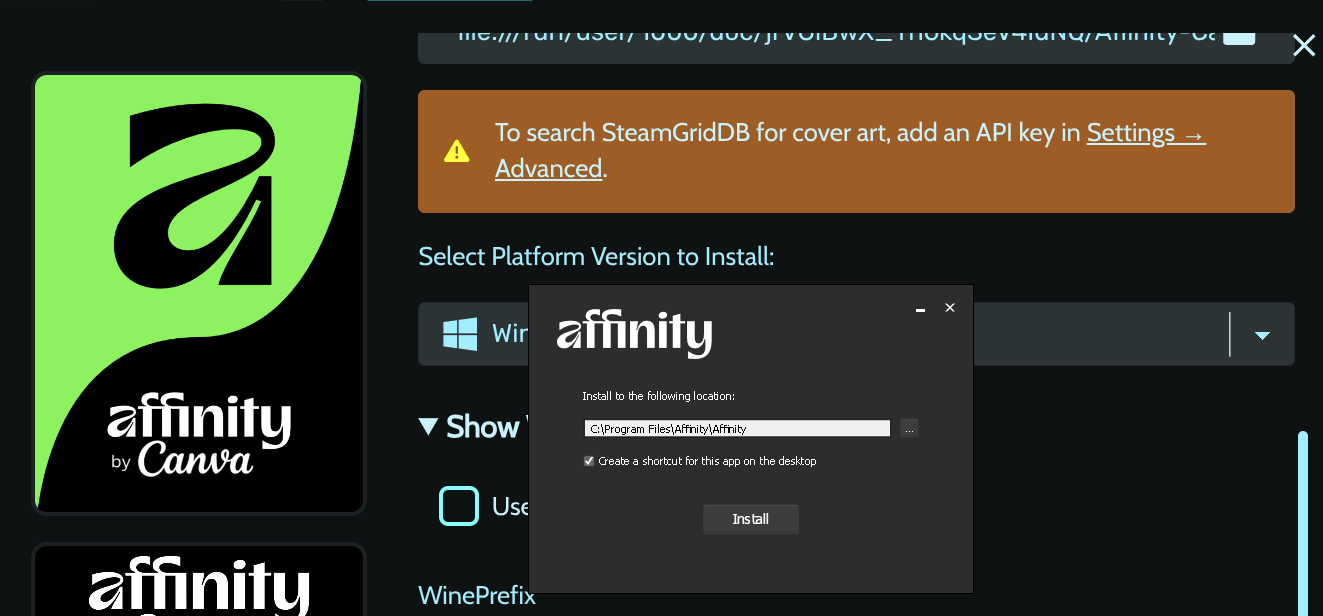
-
Setup should report it completed successfully.
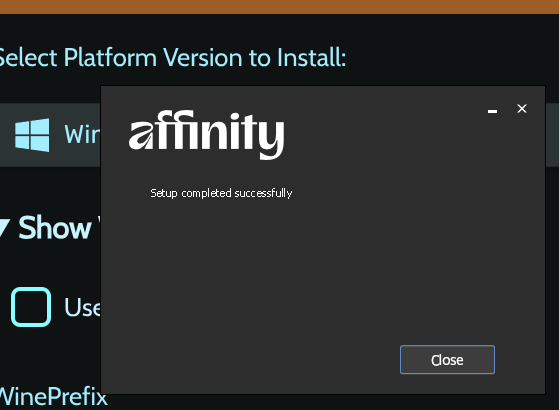
-
-
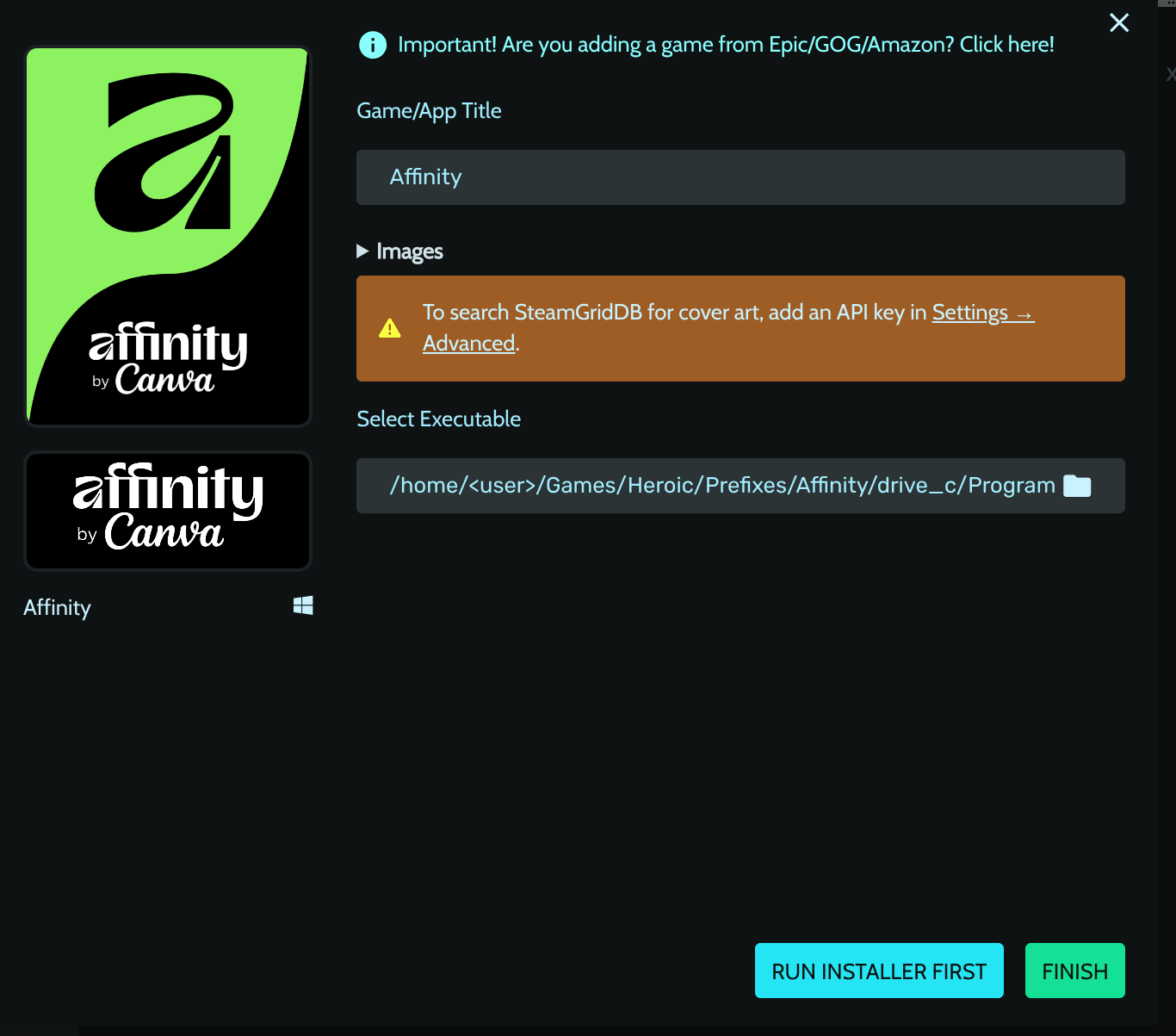
Once installed, edit the game in Heroic and update Select Executable to the real installed path,
drive_c/Program Files/Affinity/<AppName>/<AppName> x64.exe. Launching before the next steps will crash, that's expected, dependencies aren't installed yet.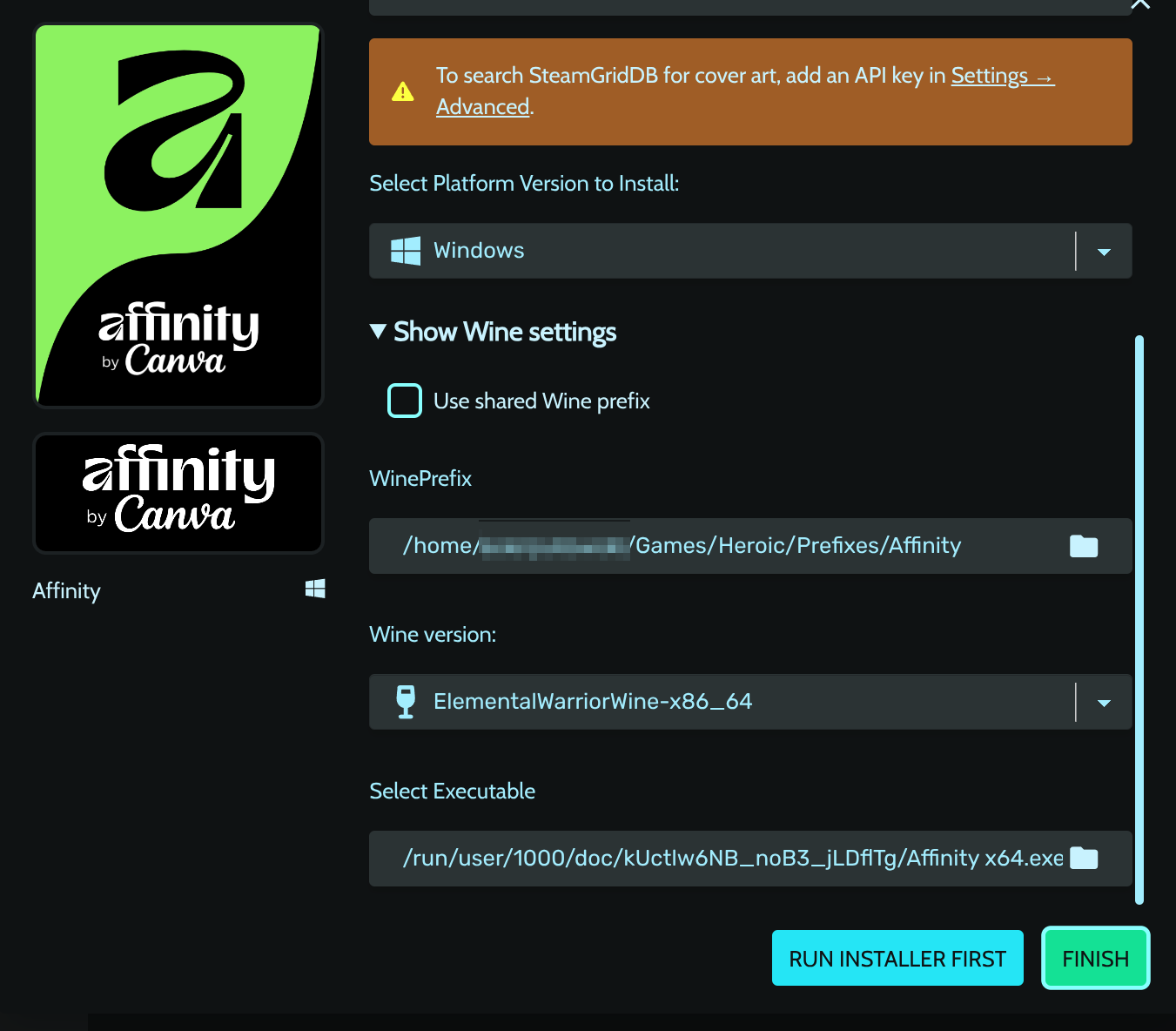
-
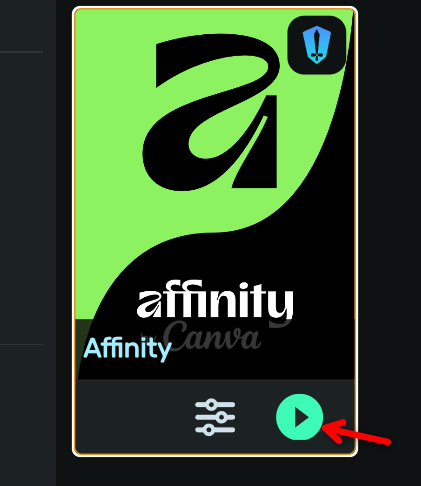
Right-click on the game in Heroic and select Settings from the menu. You can also reach the game's page from the library, where the play button lives once it's set up.
-
On the WINE tab, scroll down and click on Winetricks.
-
Search and install the following dependencies (Heroic's inline search installs one at a time,
corefonts+tahomatogether cover whatallfontsneeds for Affinity):corefontstahomadotnet48vcrun2022
-
Wait for the dependencies to install. Be patient. It's not stuck, just taking time.
-
You may see "Your version of wine ... is no longer supported upstream. You should upgrade to 8.x". This is winetricks misreading ElementalWarriorWine's version string. It's harmless. Click OK and continue.
- Click on OPEN WINETRICKS GUI.
- Select Select the default wineprefix.
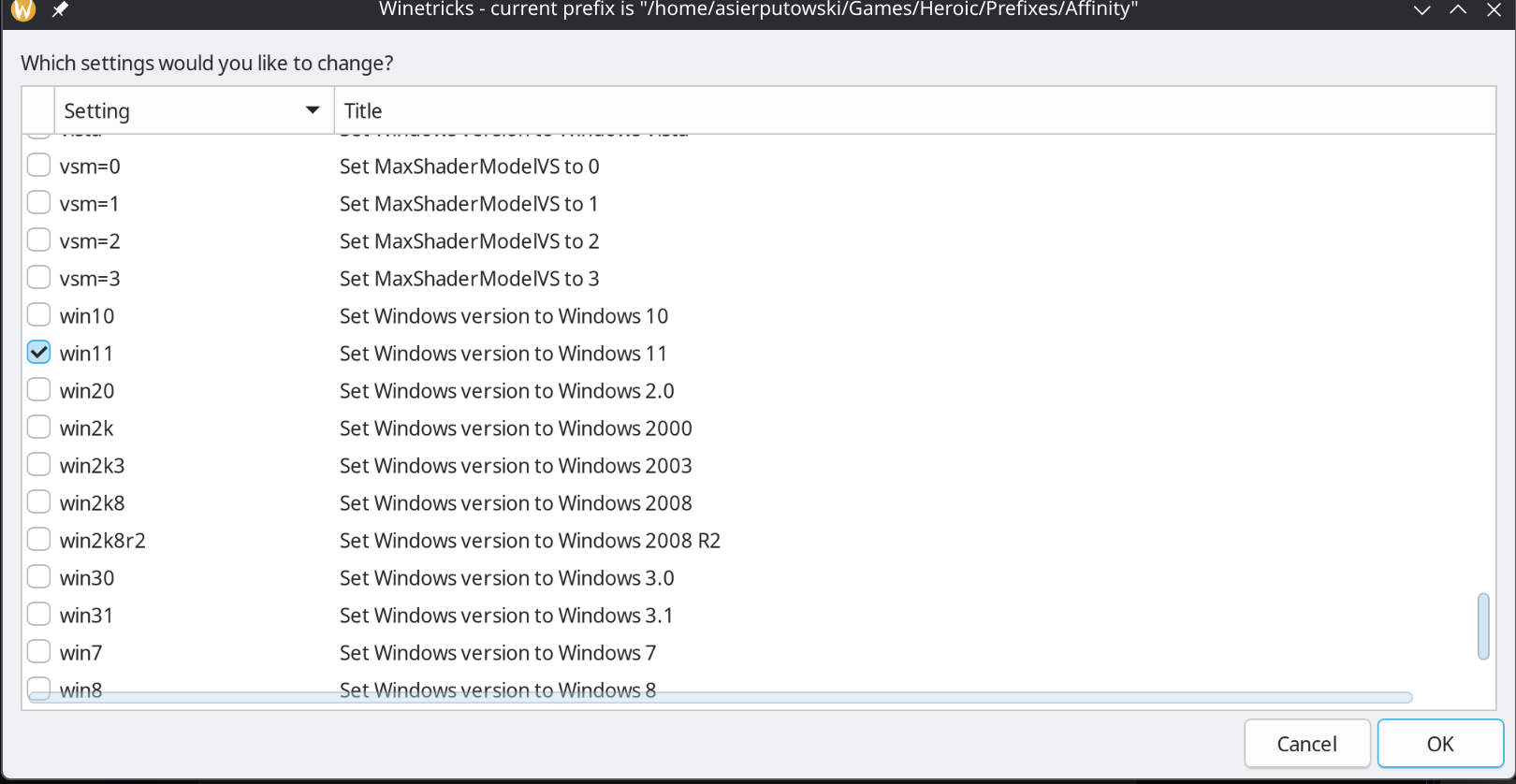
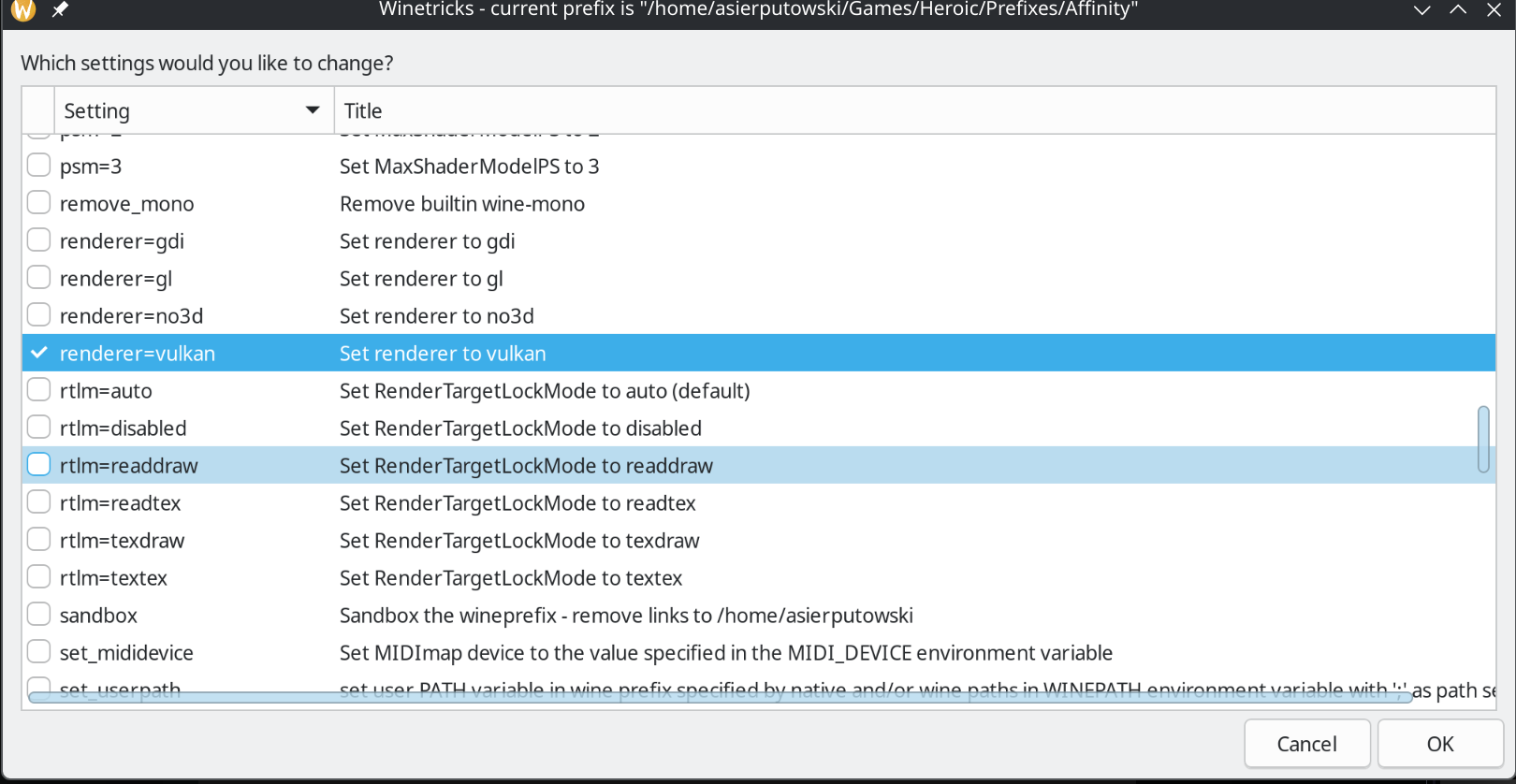
- Choose Change settings.
- Enable the following settings:
-
win11
-
renderer=vulkan
-
- Click OK and keep pressing Cancel until the Winetricks window closes.
- Download the
WinMetadata.ziparchive file. - Extract the
WinMetadatafolder from the archive intodrive_c/windows/system32.
-
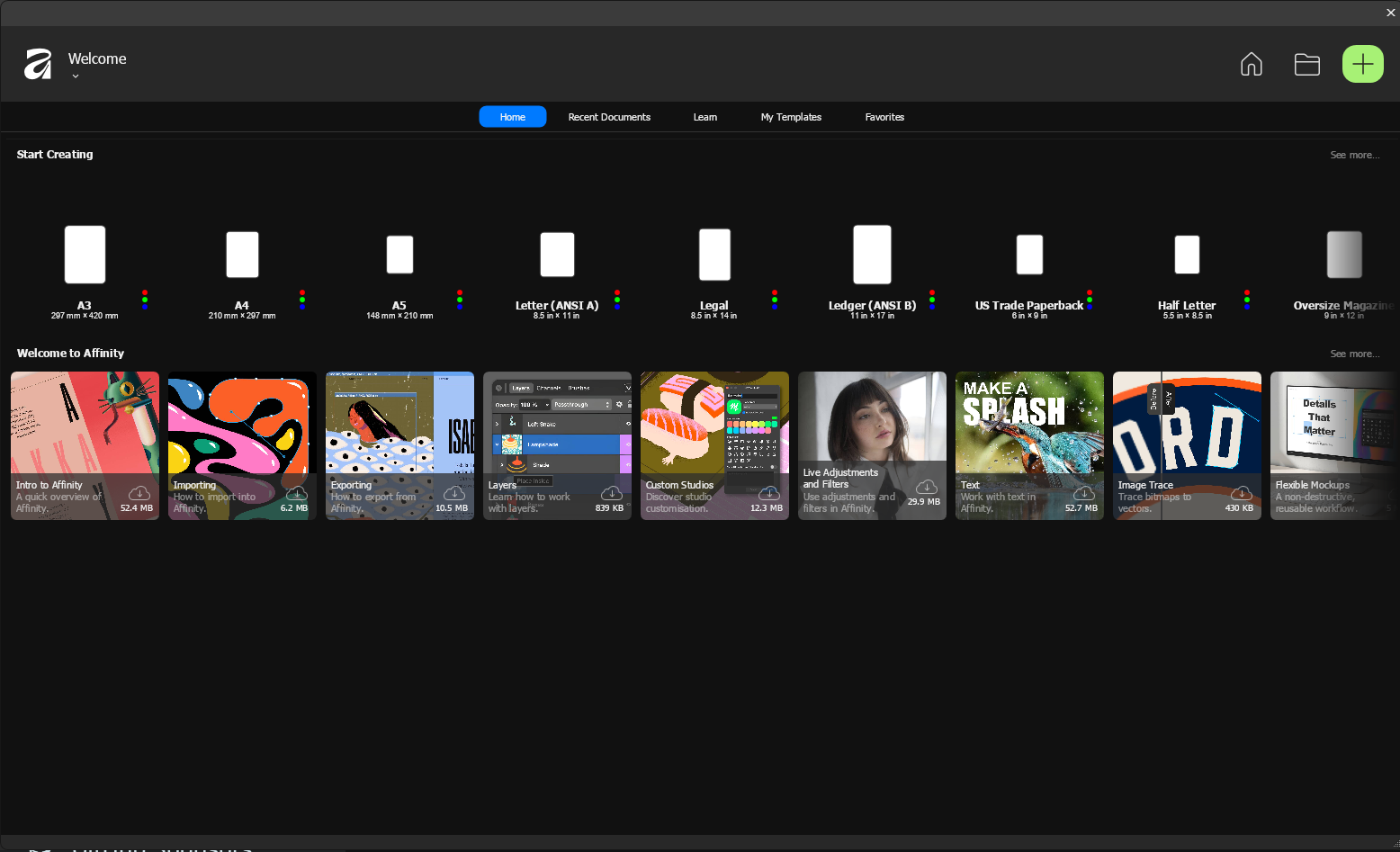
Press Launch and complete the setup. On first launch through Heroic, Affinity shows its own welcome screen.
-
Once installation is finished:
- Right-click on the game in Heroic and select Details from the menu.
- Click on the three dots at the top-right corner and select Edit App/Game.
- Change the executable to:
drive_c/Program Files/Affinity/APPNAMEHERE/APPNAMEHERE.exe - Click Finish and Launch the game.
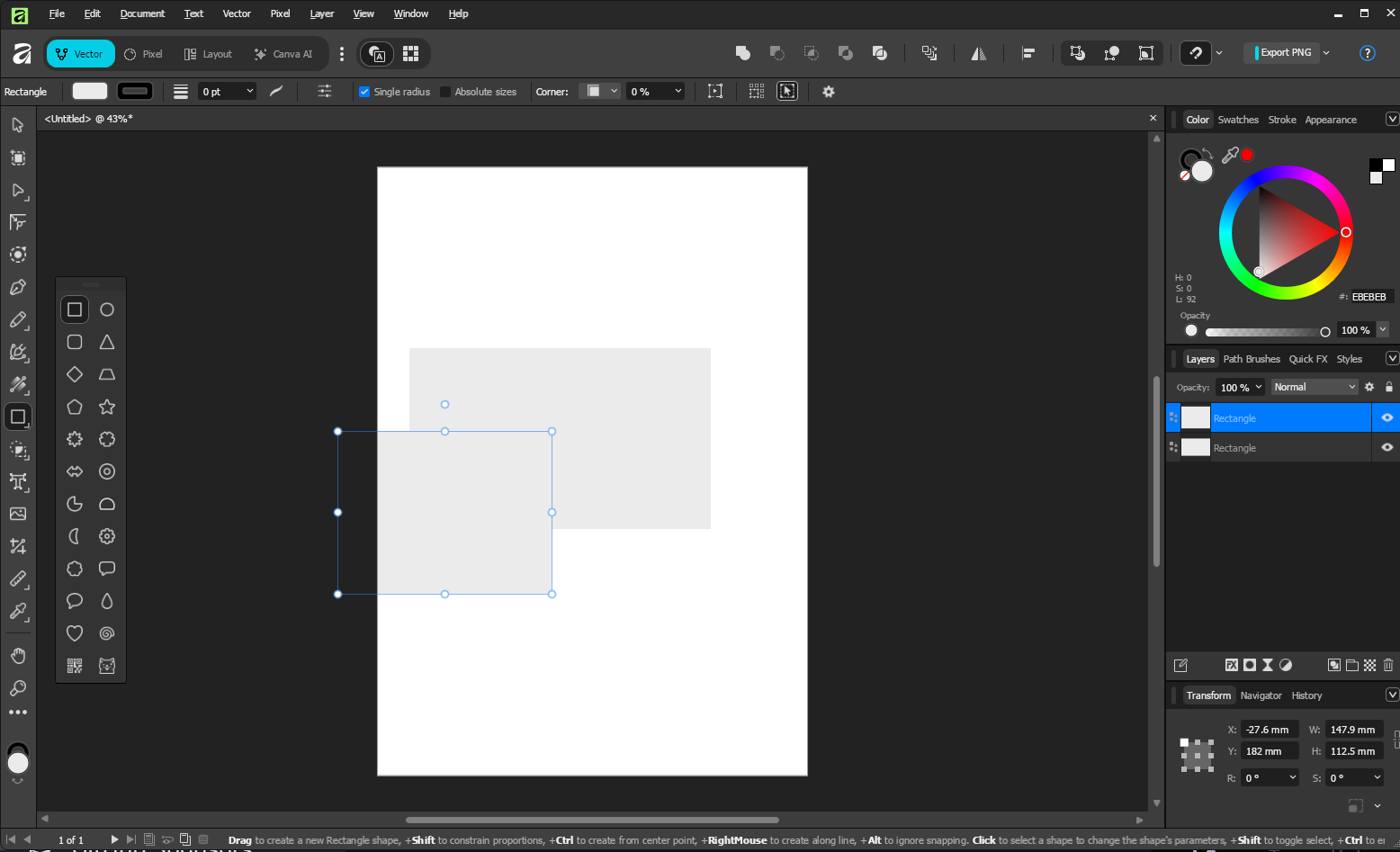
With everything in place, Affinity opens and edits normally through Heroic.
See Tips and Tweaks for performance settings (including the Game Mode tip from darkside99), enabling dark theme for Wine, and finding your Heroic Wine prefix.
- Winetricks version warning: if winetricks tells you "Your version of wine ... is no longer supported upstream. You should upgrade to 8.x", this is winetricks misreading ElementalWarriorWine's version string. It's harmless. Click OK and continue as in Step 6.
-
Game crashes right after Step 5's install: expected if you haven't yet pointed Select Executable at the real installed path (Step 5.2) and installed the Step 6 dependencies. Affinity cannot run without
dotnet48and the core fonts in place. - "A native installer exists for this CPU type" or similar setup warnings: these are false positives from the installer detecting Wine. Continue through the installer as normal.
Caused by Heroic auto-installing DXVK, DXVK-NVAPI, and VKD3D into the prefix by default, stacking a second Direct3D-on-Vulkan translation layer on top of the renderer=vulkan winetricks setting from Step 7. Affinity doesn't need either DXVK or VKD3D, and the two fighting over the same swapchain is what causes the flashing.
Fix: right-click the game -> Settings, and uncheck all three:
- Auto Install/Update DXVK on Prefix
- Auto Install/Update DXVK-NVAPI on Prefix
- Auto Install/Update VKD3D on Prefix
Relaunch Affinity. The flashing is gone. Confirmed fix, not just a workaround.