Related Projects LoginFix
LoginFix is a community plugin that fixes the Canva sign-in flow crashing under Wine. It is a plugin for AffinityPluginLoader (APL), but it is not an official APL or WineFix plugin. It is community-made. It was tested on Wine 11.15, on both a stock distro build and a custom-patched local build. Both worked the same way. No custom Wine build is required.
Source: Guides/Wine/LoginFix in this repository.
Before this fix, clicking "Log in or sign up" and completing the Canva OAuth flow in your browser would crash Affinity. Sometimes the crash happened the moment you clicked "Open Affinity" in the browser. Other times, it happened right when clicking "Log in or sign up" itself.
A full managed stack trace and WINEDEBUG tracing traced the crash to this chain:
-
Serif.Affinity.Application.ProcessCommandLineArgumentshas one branch, only reached for an unrelatedaffinity-open-file:argument, that callsWindows.ApplicationModel.DataTransfer.SharedStorageAccessManager.RedeemTokenForFileAsync. - Wine has no WinRT implementation of that type.
- The .NET CLR resolves every type referenced anywhere in a method's body when it JITs that method, not just the branch that actually runs. So simply calling
ProcessCommandLineArgumentsthrows a TypeLoadException (System.TypeLoadException), regardless of which arguments were passed.
This matters because the Canva sign-in callback goes through this exact method: the second Affinity.exe instance the OS launches for the callback URL forwards its arguments to the already-running instance over a named pipe, and that named-pipe handler lands in ProcessCommandLineArguments. So login always crashed.
Harmony (the patching library APL plugins use) cannot patch ProcessCommandLineArguments directly either. Patching a method, even with a plain prefix, requires Harmony to decompile its IL, which means resolving every operand in the method body, including the poisoned SharedStorageAccessManager call. A patch on that method throws the same TypeLoadException, which Harmony's own retry-and-defer logic keeps swallowing forever.
LoginFix instead patches ProcessCommandLineArguments's two callers:
-
ProcessArguments(), used for the app's own startup command line -
SingleInstanceThread(), the named-pipe listener that receives the sign-in callback from the second launched instance
Neither caller references the poisoned type directly, only by method signature, which Harmony can resolve without a problem. LoginFix fully replaces both with a safe reimplementation that never calls the real ProcessCommandLineArguments. The only thing dropped is the unrelated affinity-open-file: handling, which needs SharedStorageAccessManager and cannot work under Wine regardless.
See Login Solution and Scripts for the practical, action-first version of these steps. Requires the .NET SDK (targets net48).
- Install AffinityPluginLoader and WineFix first, if you have not already.
- Copy
AffinityPluginLoader.dllfrom your Affinity install directory into theLoginFixproject folder (next toLoginFix.csproj). - Run
dotnet build -c Release. - Copy the built
bin/Release/net48/win-x64/LoginFix.dllintoapl/plugins/, alongsideWineFix.dll. - Relaunch Affinity through
Affinity.exe(which is theAffinityHooklauncher once APL is installed).
No Wine-side changes are needed. LoginFix works entirely inside Affinity's own process, so it works on your distro's stock Wine package.
-
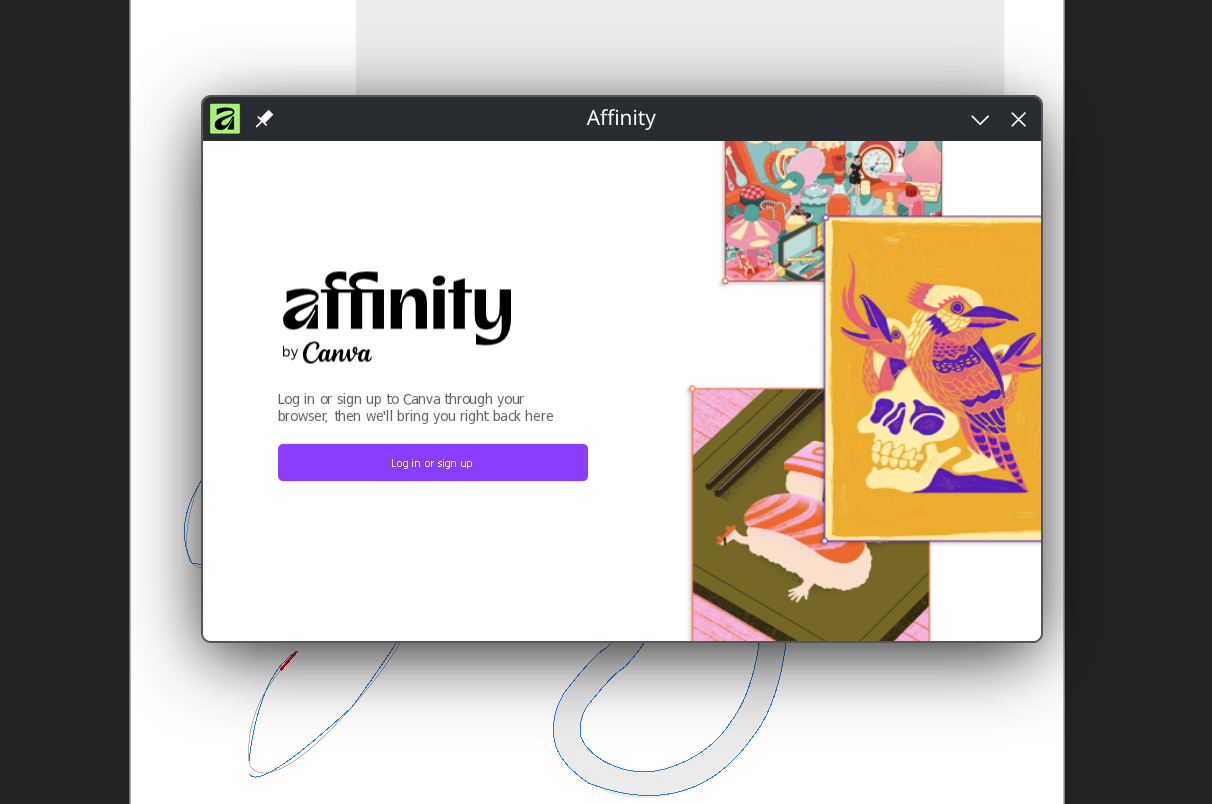
Click Log in or sign up in Affinity. Your browser opens to complete the Canva sign-in.
-
After signing in, the browser hands the callback back to Affinity through the
affinity://protocol. Your desktop may ask to confirm opening the app.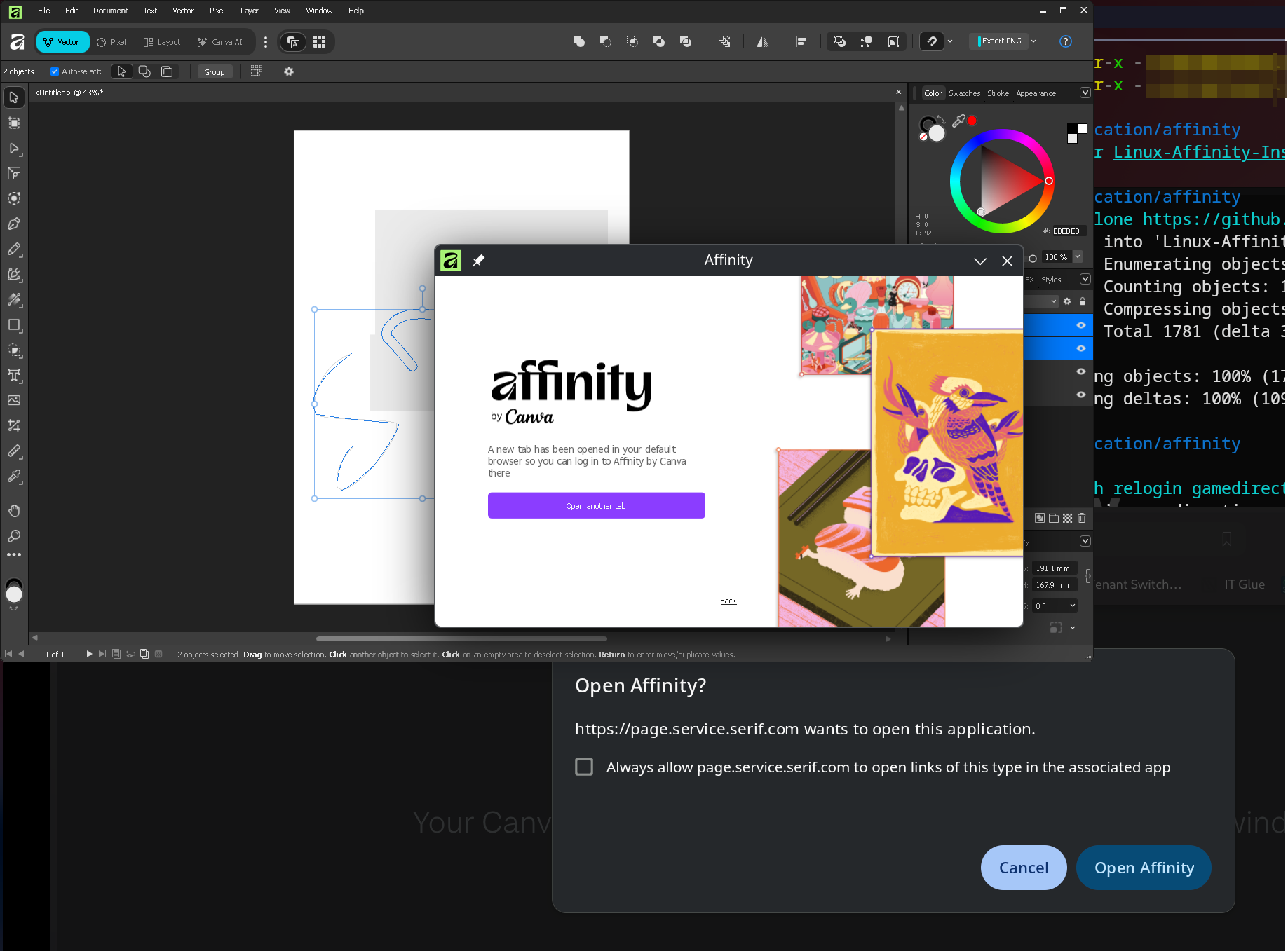
-
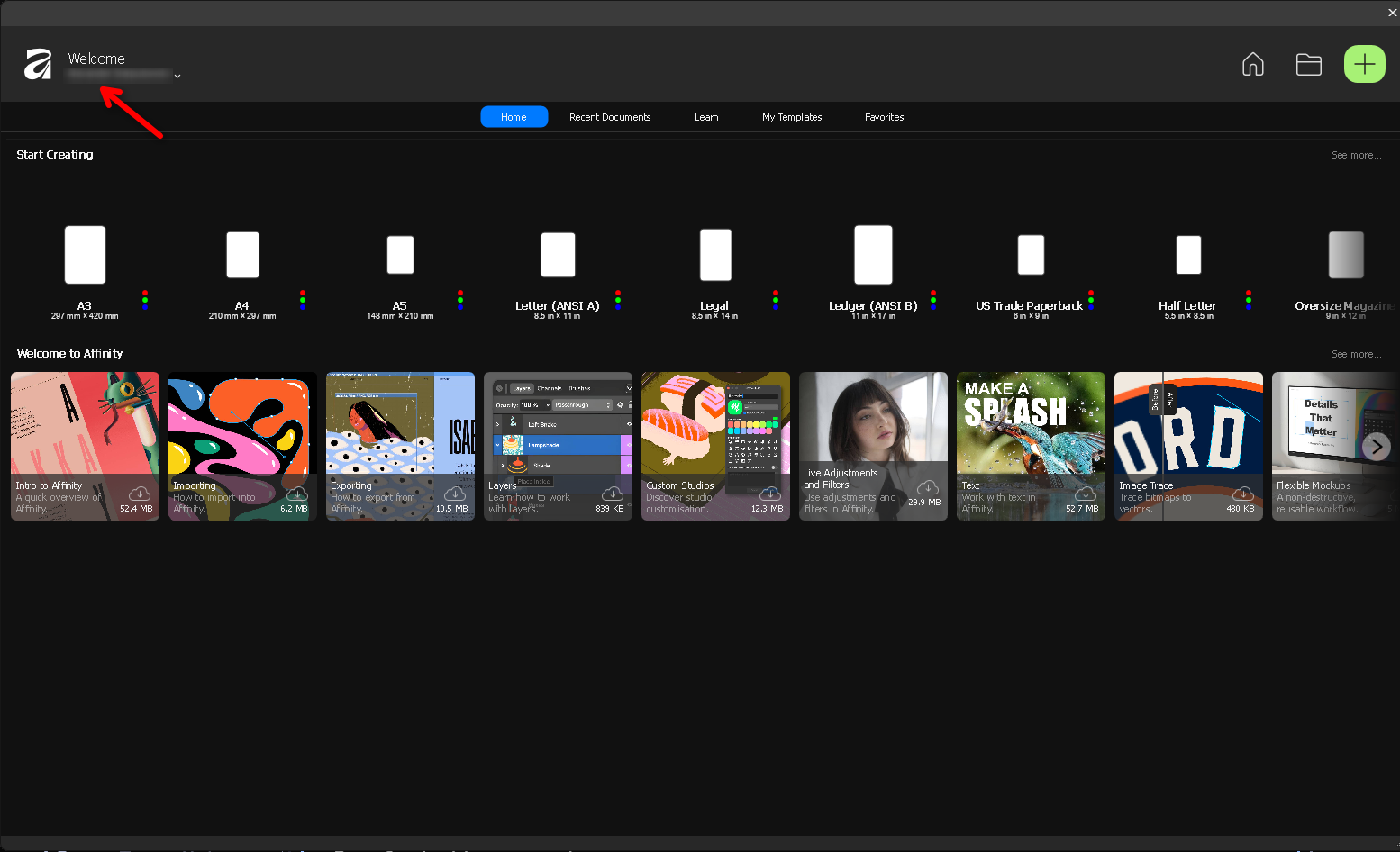
With LoginFix installed, this completes instead of crashing, and you land back in Affinity signed in.
For build/install problems and the manual OAuth-callback injection fallback script, see Login Solution and Scripts.
Built and verified during this project's own troubleshooting sessions, confirmed working end to end on both a manual Wine install and a Lutris install. See Related-Projects-AffinityPluginLoader-WineFix for the loader LoginFix depends on, and full credit to noahc3 for APL itself.