Anvil and Banners
Whenever a tile's payload spills past the carpet channel, or you're in banner-only mode, data travels as banner names. This page covers the whole banner half of the pipeline: the anvil automation that writes the names, and the click automation that registers them onto your map.
| Item | How much | Why |
|---|---|---|
| Unnamed banners (any color) | one per chunk (/loominary status shows the count; ≤63 per tile) |
each carries 84 bytes in its name |
| Empty bundles | ~1 per 16 banners | the handler packs renamed banners into them automatically |
| XP | 1 level per banner | anvil renames aren't free |
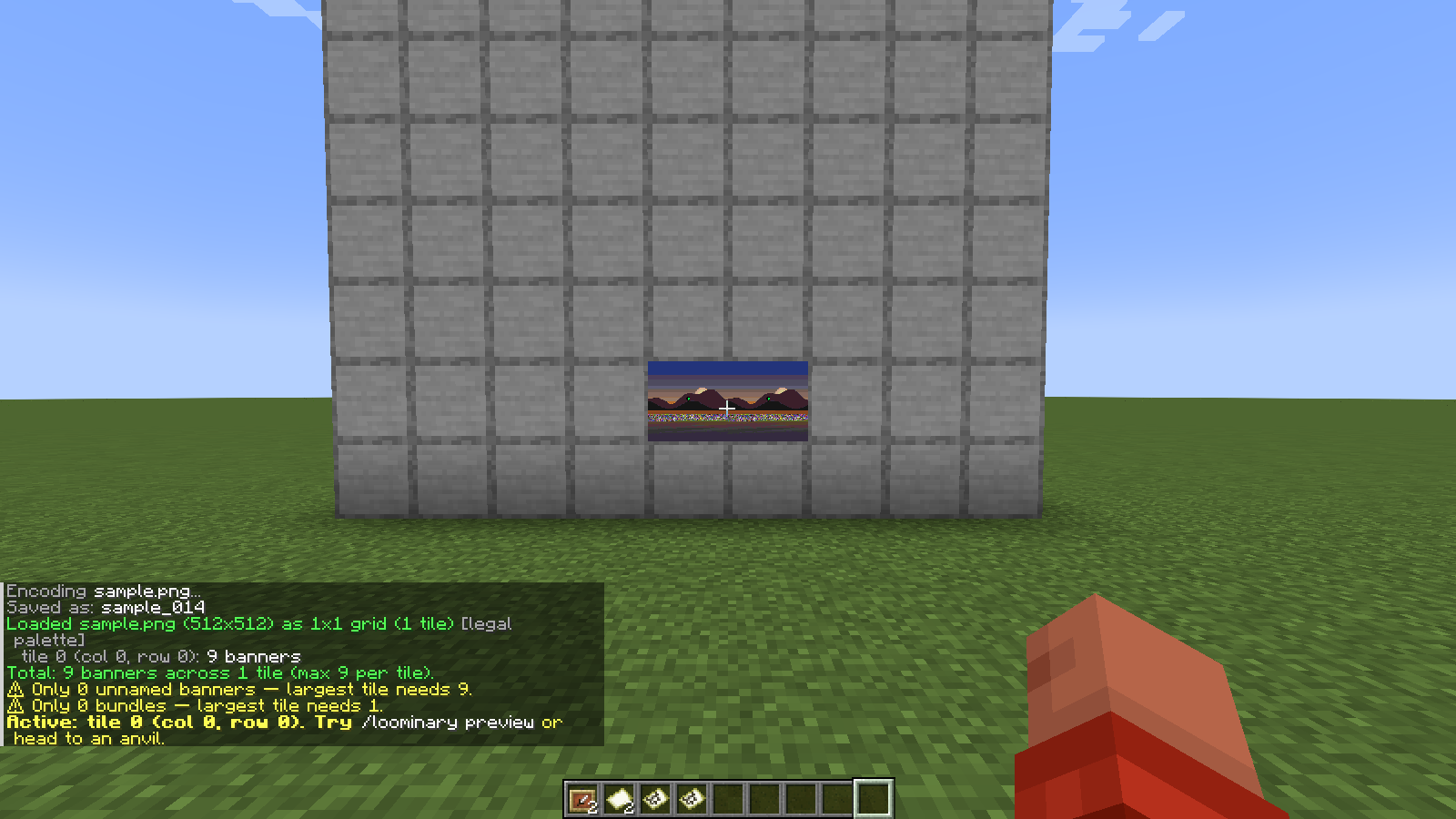
Open any anvil with the above in your inventory and the mod takes over, no clicking required:
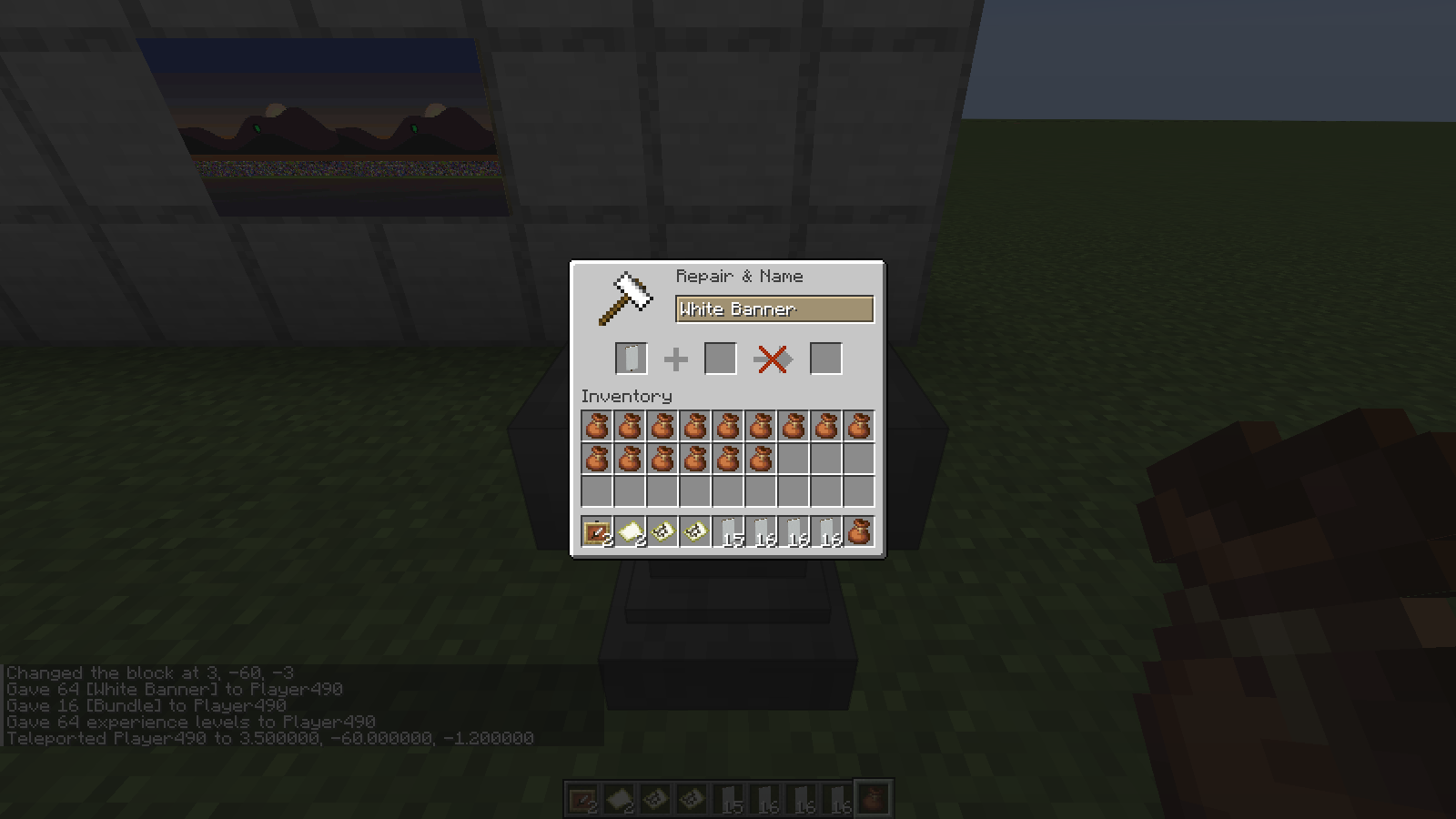
- It pulls one unnamed banner into the anvil, types the next chunk string (a 2-character hex index plus 48 CJK characters), and takes the result, at roughly one banner every few ticks.
- Renamed banners go straight into your bundles, keeping inventory tidy for long batches.
- Progress persists:
PayloadStaterecords the chunk index after every rename, so you can close the anvil, log off, or die and resume where you left off (/loominary seek <n>manually repositions if needed).
It pauses on its own when it runs short. Out of XP gives Paused — out of XP., and it resumes the moment you restock. Banners and bundles work the same way, so nothing is lost by walking away.
If the server permanently rejects a specific name (rare, usually an aggressive chat filter), the handler halts rather than burn XP retrying: Stuck — re-export from the web editor (fresh salt), then /loominary load. Every web export carries a fresh random salt, so all chunk names change while the image stays identical. Loading the new state clears the halt; discard the already-renamed banners from the old attempt.
You can recycle named banners from an old batch: /loominary whitelist add scans your inventory and bundles and marks every named banner as fair game for re-renaming (the handler otherwise refuses to touch named items, since they might be yours). /loominary whitelist clear resets.
Renamed banners can be placed anywhere inside the 128×128 world area the map covers. They don't need to be near the item frame, and once registered they can even be broken (the map keeps the marker).
The registration itself is one right-click per banner while holding the target map. That's tedious for 40 banners, so:
/loominary click
- Scans ±5 blocks around you for placed banners whose names are pending chunks, and right-clicks the closest one every 5 ticks (reach ~4.5 blocks; walk the field and it works through them).
- Wireframe markers show state: yellow = clicked, waiting for the server; green = confirmed registered.
- The action bar narrates progress:
Clicking banners... (N remaining)→Waiting for server... (N pending)→Map decoded — auto-click complete.(It also nagsHold your map to continue.if you switch items.) -
/loominary click stopor the global/loominary stophalts it.
Each click makes the server record the banner's name as a map decoration, which is the only server-side interaction in the whole banner pipeline. The mod suppresses the marker pins client-side afterward so they never clutter the art.
Exporting a banner-codec tile in-game (/loominary export) also writes a Litematica schematic laying the named banners out in a 16-wide grid, which is a labeled reference rather than a required placement. Use it to see every banner's name in one place; in the world you can arrange them however you like within the map area.
One name is 50 chars = 2-char hex index + 48 CJK payload chars × 14 bits = 84 bytes. A map accepts up to 63 banner markers, so 63 × 84 − 2 (length header) = 5,290 bytes in pure banner mode, or 5,290 on top of the carpet channel in the default codec. Full accounting: Codecs & Capacity.