Web Editor Editing
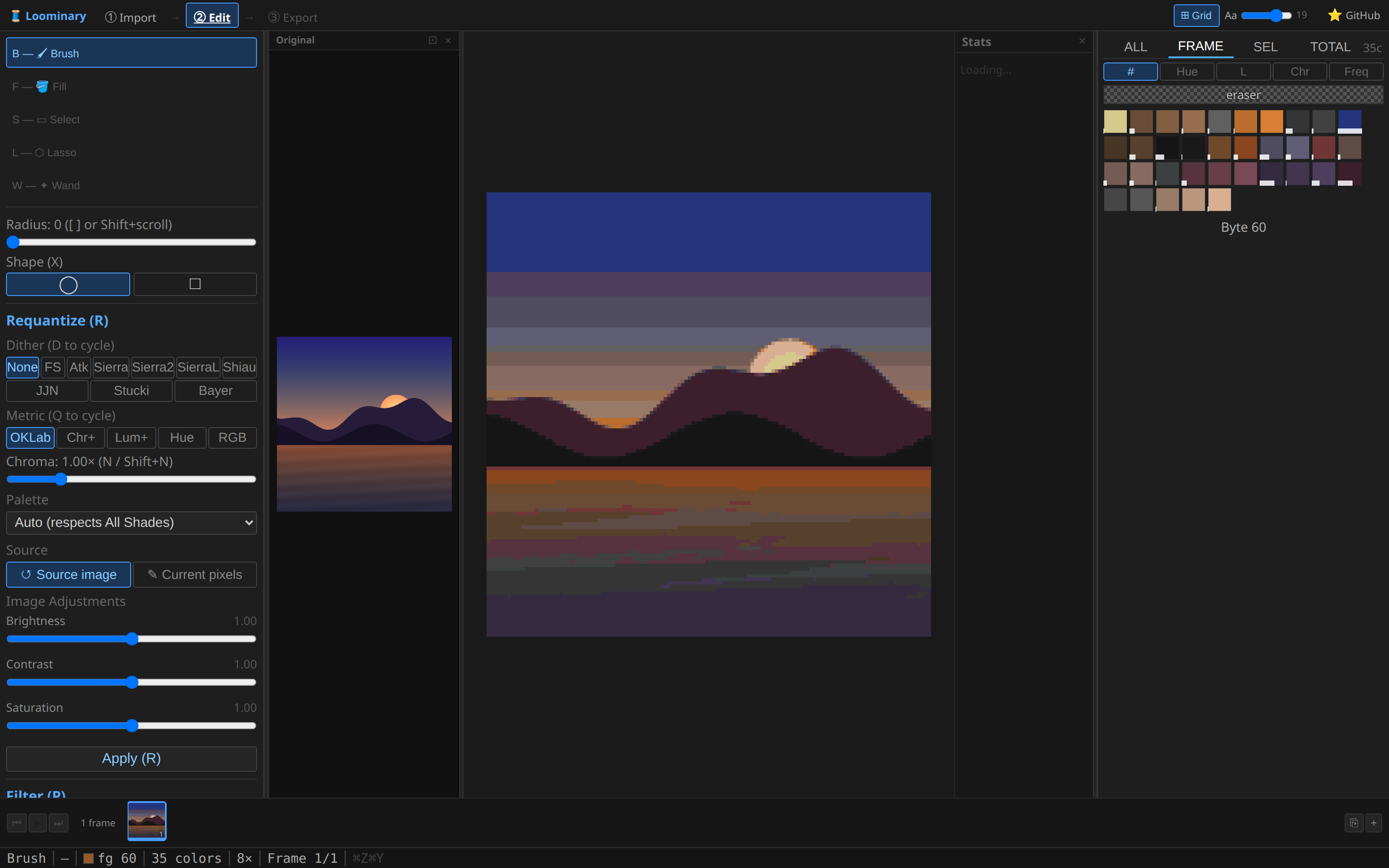
A full pixel editor operating directly in map-color space. Every color you can pick is a color a map can display, so nothing here can break in-game.
This page is the tour; the complete tool-by-tool and key-by-key reference lives at Editor Tools & Shortcuts.
- Left toolbar holds the five tools: Brush, Fill, rect Select, Lasso, magic Wand, plus tool options (brush radius/shape, OKLab tolerance for fill/wand) and the selection operations (grow/shrink/invert, copy/cut/paste).
- Left panels are where the batch operations live. Requantize (R) re-runs the entire quantization pipeline on the current pixels or the original source image, with preview-then-commit; Filter (P) offers smooth/median/sharpen/posterize; Reduce (K) strips one color at a time by strategy; Color Merge commits the palette panel's merge queue.
- Right palette panel lists every color with live pixel counts across four tabs (all / frame / selection / total), sortable by hue, lightness, chroma, or frequency. Ctrl+click swatches to queue merges, the fastest way to clean up a noisy palette before budget trouble starts.
- Status bar shows cursor position (grid + tile-local), hovered color, distinct-color count (turns amber past 120, red past 180, a compression early-warning), zoom, and frame position.
- Stats panel (right edge) shows per-tile byte usage, and for imported art a Palette match score measured against the actual quantized output across all animation frames (computed inside the quantize workers at import, so it's free).
- H is the rarity heatmap: red pixels use rare colors (cheap to merge away).
- Z is the compression detail map: bright regions are where your bytes go.
- M is the adaptive dither-strength mask from import, viewable and paintable.
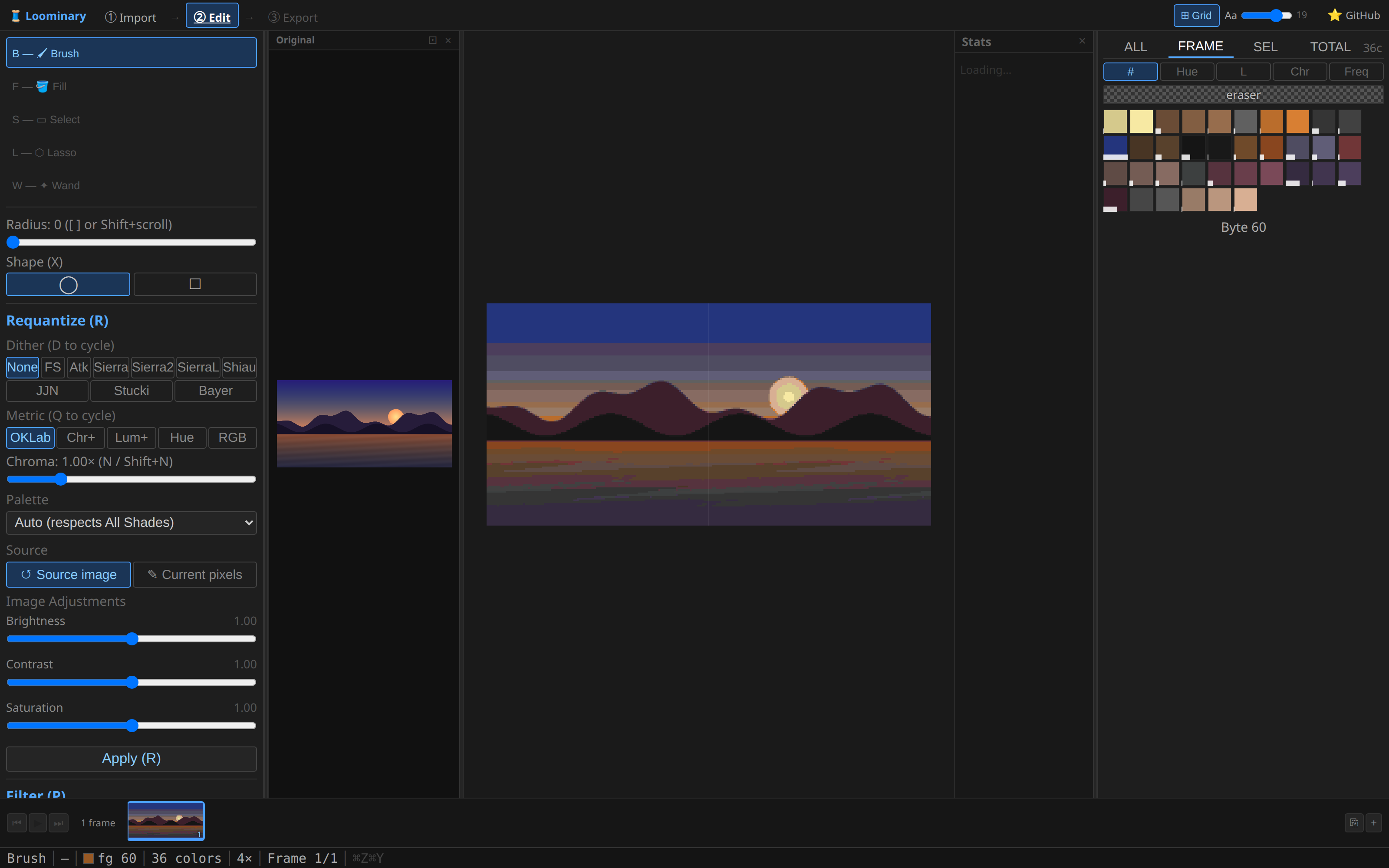
The ⊞ Grid toggle (step bar) switches between single-tile editing and the whole composition as one canvas, so brush strokes, fills, and selections run straight across tile boundaries.
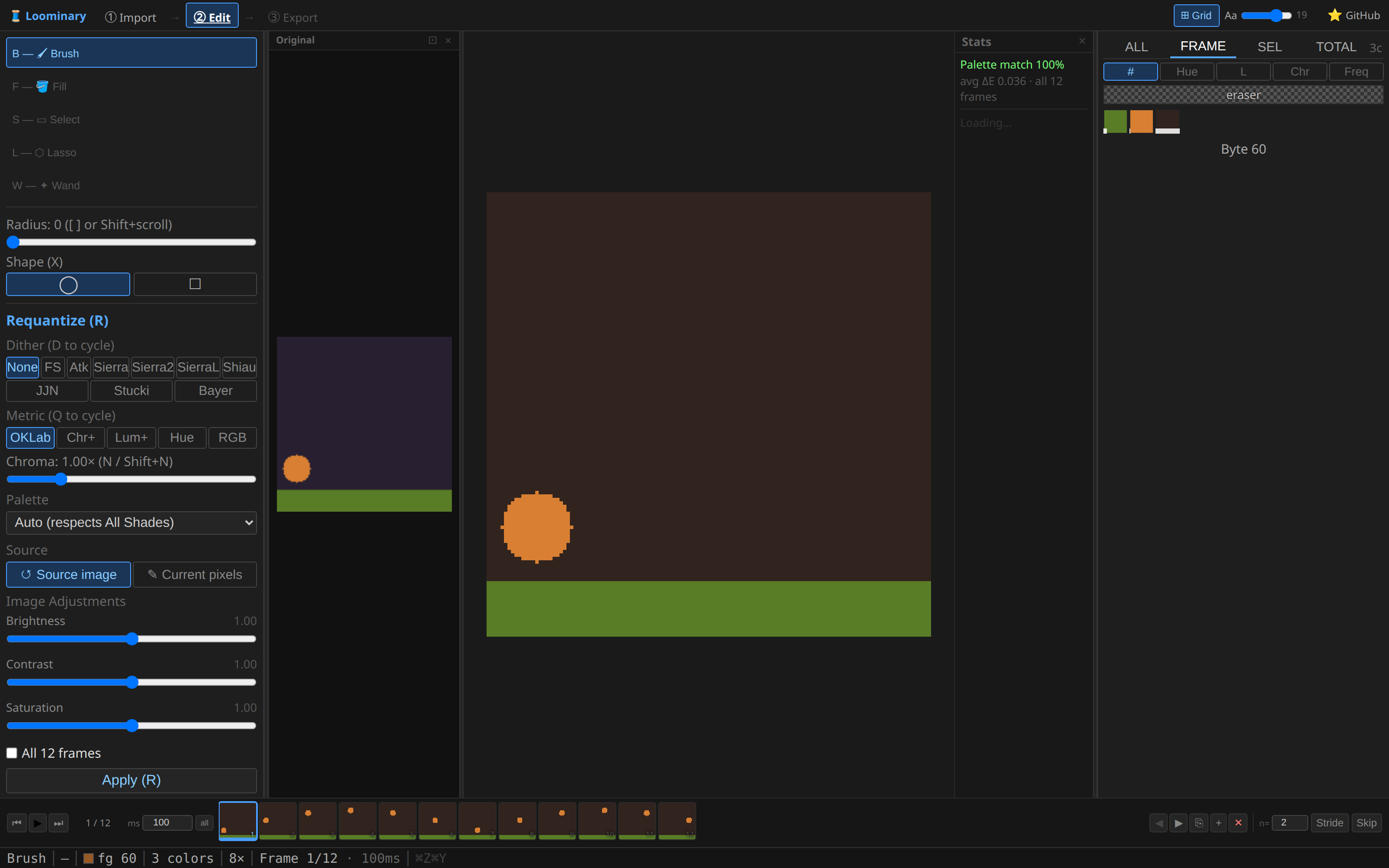
Animated compositions get the frame strip: scrubbing, playback (Space), per-frame delays (10–10,000 ms), clone/blank/delete/reorder, and stride/skip thinning. Details in Editor Tools and the animation guide.
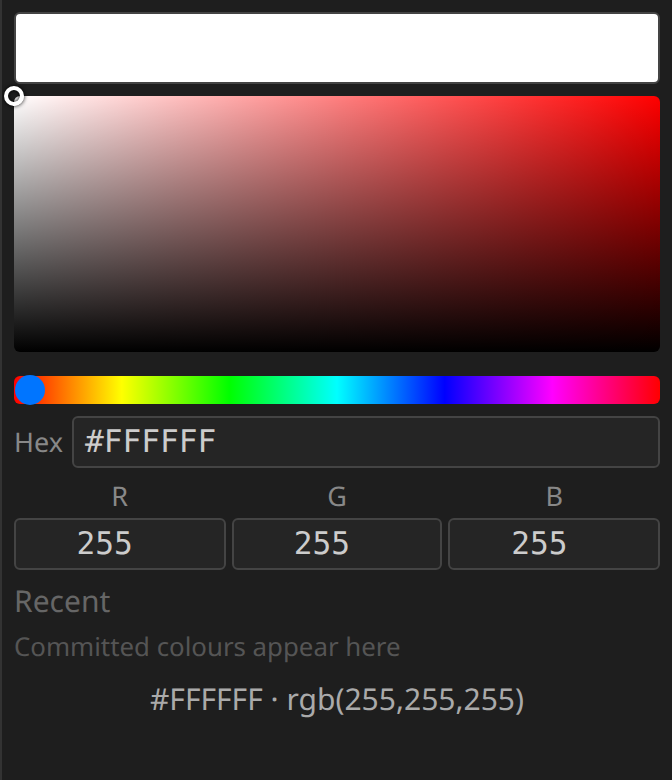
Compositions imported in Full color (sRGB) mode edit the same way, on real RGB pixels. All five tools plus copy/paste, frame operations, and filters work unchanged, and fill/wand tolerance is still an OKLab distance, computed from the actual colors. A color panel (hue slider, saturation/value square, hex and R/G/B inputs, recent colors) replaces the palette panel, and the palette-only features are hidden: dithering, Requantize, Reduce, Color Merge, the dither brush mask, and the rarity heatmap. Sessions save as usual and older saved sessions load unchanged.
Full-history undo (Ctrl+Z, 20 levels of complete frame snapshots), and the whole session (source image included) auto-saves to the browser continuously. Close the tab mid-edit and the import page's session history brings it all back.