Codecs and Capacity
Every 128×128 map tile carries its art as compressed bytes smuggled through vanilla data channels. The codec chooses which channels it uses, and therefore the tile's byte budget. This page is the full accounting.
Carpet, 8,176 bytes. Minecraft has exactly 16 carpet colors, and 16 values fit in 4 bits. Two carpets encode one byte, and a map has 16,384 pixels, so a flat carpet platform holds 8,192 bytes, minus a 16-byte LOOM header the decoder finds at the map's top-left corner. When you scan a map over the platform, the server itself delivers the data to every viewer as ordinary map colors.
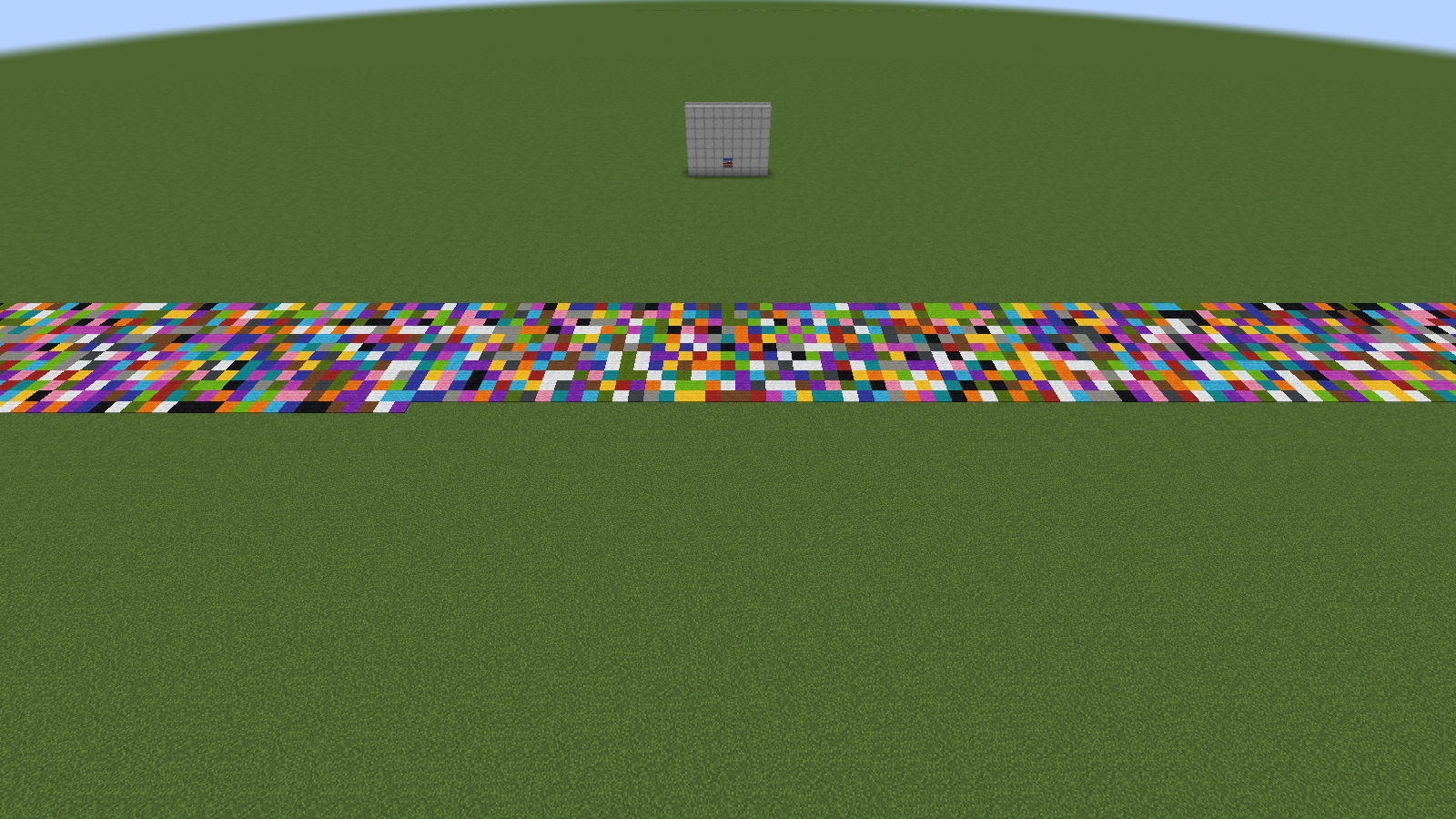
Shade, +2,016 bytes. Maps render a carpet brighter or darker depending on the terrain height to its north. By building the platform as a staircase (heights 0–2 in balanced 4-row patterns that always return to baseline), each 4-row group of a column encodes 4 extra bits. Tiles using this channel export a staircase schematic instead of a flat one.
Banners, +5,290 bytes. An anvil rename holds 50 characters. CJK Unified Ideographs survive server text normalization untouched and pack 14 bits per character, so one banner name is a 2-character index plus 48 payload characters, giving 84 bytes (2.33× base64). A map takes up to 63 banners (a conservative cap some servers enforce), registered onto the map as markers by right-clicking with it. See Anvil & Banners.
| Codec | Channels (fill order) | Budget | Needs platform? |
|---|---|---|---|
carpet+banners+shade |
carpet → banners → shade | 15,482 B | yes |
carpet+shade+banners (web only) |
carpet → shade → banners | 15,482 B | yes |
carpet+banners |
carpet → banners | 13,466 B | yes |
carpet+shade |
carpet → shade | 10,192 B | yes (staircase) |
carpet (web default)
|
carpet only | 8,176 B | yes |
banners |
banners only | 5,290 B | no (legacy mode) |
The web editor defaults to plain carpet, since most images fit its 8 KB after compression and it needs no banners and no staircase. Step up a codec when the stats table says so. Of the two full-capacity variants, carpet+banners+shade fills banners before shade (a few overflow banners are usually less work than building a staircase); the web-only carpet+shade+banners flips that. In-game, /loominary codec <mode> re-encodes the loaded batch (the in-game import default remains carpet+banners+shade).
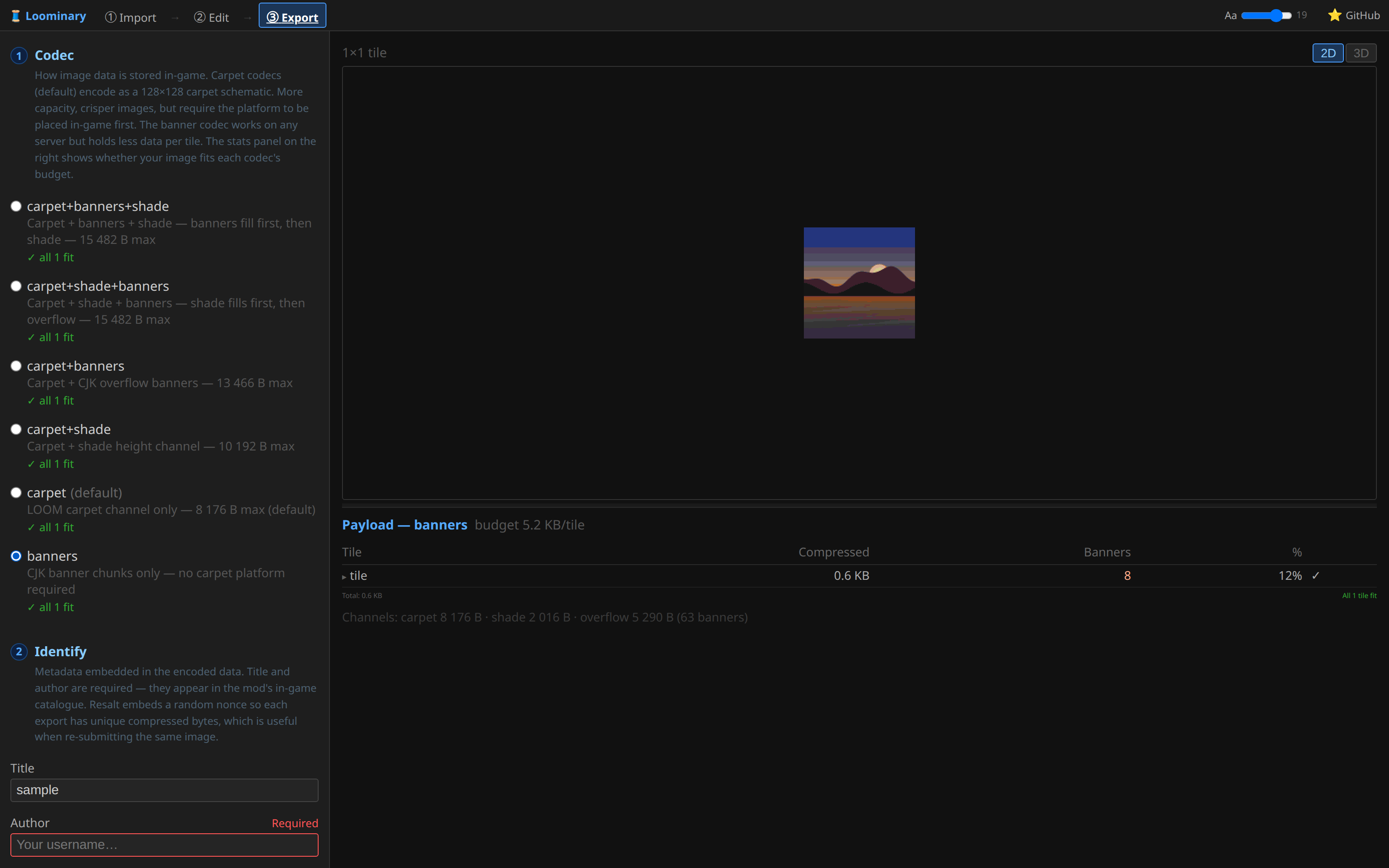
The budgets sound small next to a raw frame's 16,384 bytes before compression. But quantized map art is very zstd-friendly: typical images compress to 1,500–6,000 bytes, so most single images fit in the plain carpet budget with room to spare. The compression detail overlay in the editor (Z) shows which regions cost bytes; the palette tools shrink them.
| Item | Cost |
|---|---|
| LOOM header (carpet codecs) | 16 B per tile |
| Manifest (version, grid, title ≤64, author ≤16, CRC32, nonce, animation table) | ~40–100 B, inside the compressed payload |
| Encryption | ≈290 B + 76 B per password slot, per tile |
| Mux guest descriptor | 10 B per guest carried by a donor |
| Per-frame delay table (animated, v5+) | 2 B per frame |
| Trailing flags word (manifest v7, full color mode) | 2 B |
Manifest v7 is the v5 layout plus that trailing 16-bit flags word; its FLAG2_SRGB bit marks a full color (sRGB) composition. Full-color payloads ride the same channels with the same budgets: the art travels as a lossy AV1 stream, and a typical single 128×128 full-color image compresses to roughly 1 KB at high quality.
In order of preference:
- Shrink it with palette reduction, gentler dithering, and fewer distinct colors (guide).
- Mux: on multi-tile grids, spill the overflow into under-budget sibling tiles (guide).
-
Step up to a higher-capacity codec, e.g.
carpet+shadeor the full default. - Animations: thin frames (stride/skip) or switch to lossy AV1.
The export page won't pretend a tile fits when it doesn't: over-budget tiles are flagged per tile, and exporting anyway pops an explicit warning that the art won't decode in-game until it fits.