Encryption and Sharing
Loominary art lives entirely in vanilla data (map NBT, world blocks), so there are three ways to share it:
- In-world: anyone running Loominary within 32 blocks of your framed, locked map sees the art. Nothing to distribute.
-
As files: the export ZIP is the whole project. Someone with your
loominary_state.json(placed in theirconfig/) and schematics can rebuild the art anywhere, and the state JSON re-imports into the web editor, so they can remix it. Sending the ZIP is enough. -
Out of the world: capture any existing framed art with
/loominary import steal; see Archiving map art.
Every payload embeds a title (≤64 chars) and author (≤16), plus a CRC32 integrity check and a random nonce, so authorship information stays attached to the art wherever it goes.
On the export page, tick Encrypt output and add one or more passwords:
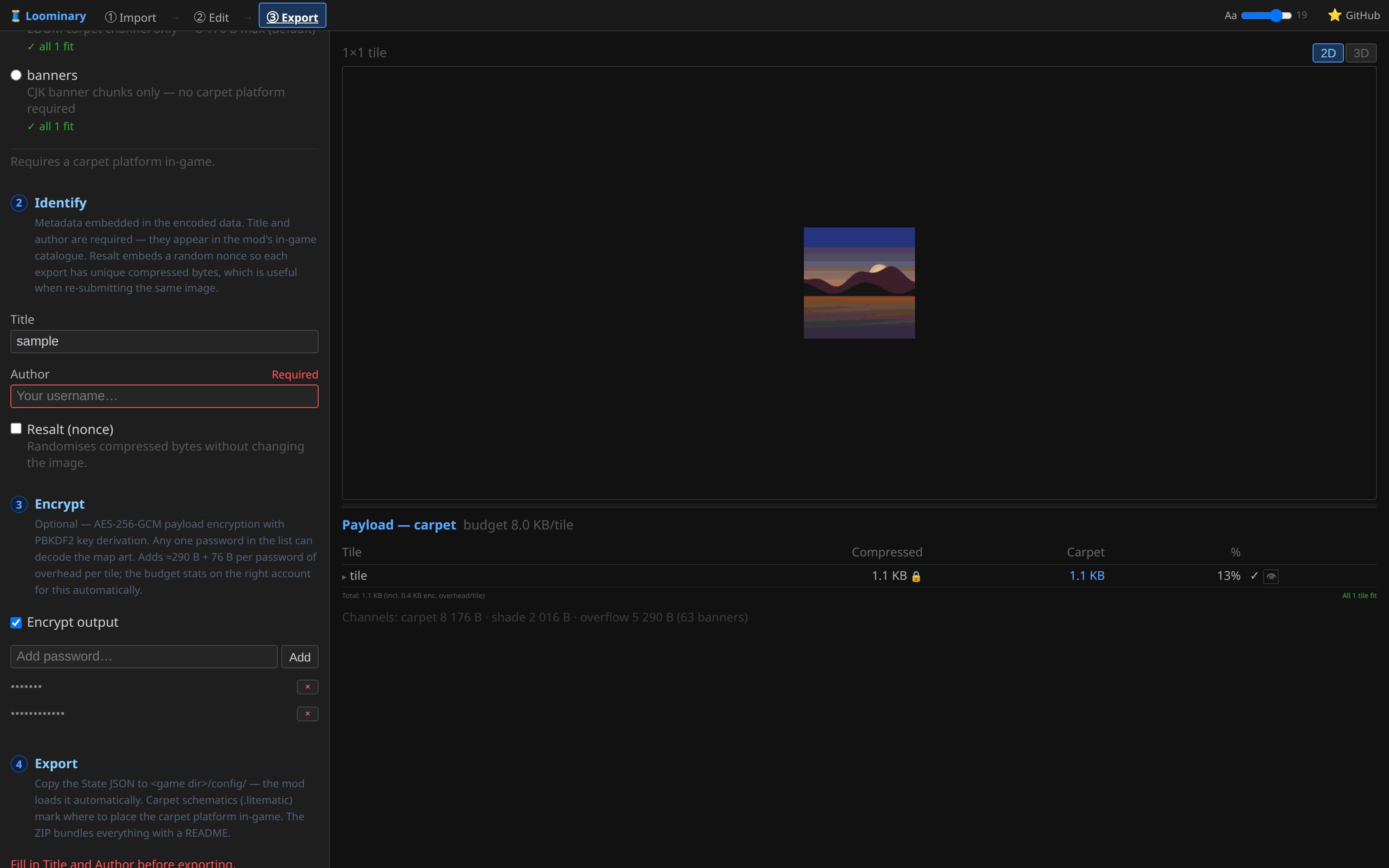
- The payload is encrypted with AES-256-GCM under a random data key. Each password gets its own key slot: the data key wrapped under a PBKDF2-derived key (SHA-256, 100,000 iterations, per-slot salt). Any one password decodes, so you can hand different groups different passwords and cut a group off by re-exporting without their slot.
- Overhead is modest and the export stats account for it: ≈290 bytes + 76 bytes per password slot, per tile.
- There is no plaintext fallback. The carpet platform and banner names are the ciphertext; to a player without the mod, an encrypted map is indistinguishable from any other Loominary map.
Viewers need the mod and a matching password:
/loominary password add <password>
Passwords persist across sessions and are tried automatically against every encrypted map encountered (list / remove <pw> / clear manage the ring). Without a match, the map shows the lock screen:
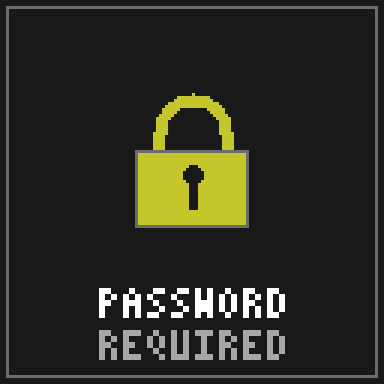
Adding the right password makes the art appear on the next scan; nothing needs rebuilding.
For batches you're placing yourself in-game, /loominary password encrypt <pw> encrypts the loaded batch's payloads before placement (encrypt off stops).
- Passwords are not recoverable. Keep your web-editor session (it auto-saves, source included) so you can always re-export with new slots.
- Encryption covers the image and its metadata. The existence of Loominary-encoded data is still visible to any mod user; that is what the lock screen indicates.
- Changing the password set changes the payload bytes: expect to re-place banners (and re-scan) after a re-export, as with any payload change.