Dithering and Color Matching
Nothing affects output quality more than how your image's true colors get mapped onto Minecraft's limited map palette. This page covers the whole quantization toolbox: the ten dither algorithms, the five match metrics, chroma boost, and palette restriction. Everything here lives in Step 5 (Quantization) and Step 4 (Palette) of the import page, and identically in the editor's Requantize panel.
Everything on this page applies to map palette mode only. Full color (sRGB) compositions skip quantization entirely; these steps don't appear for them.
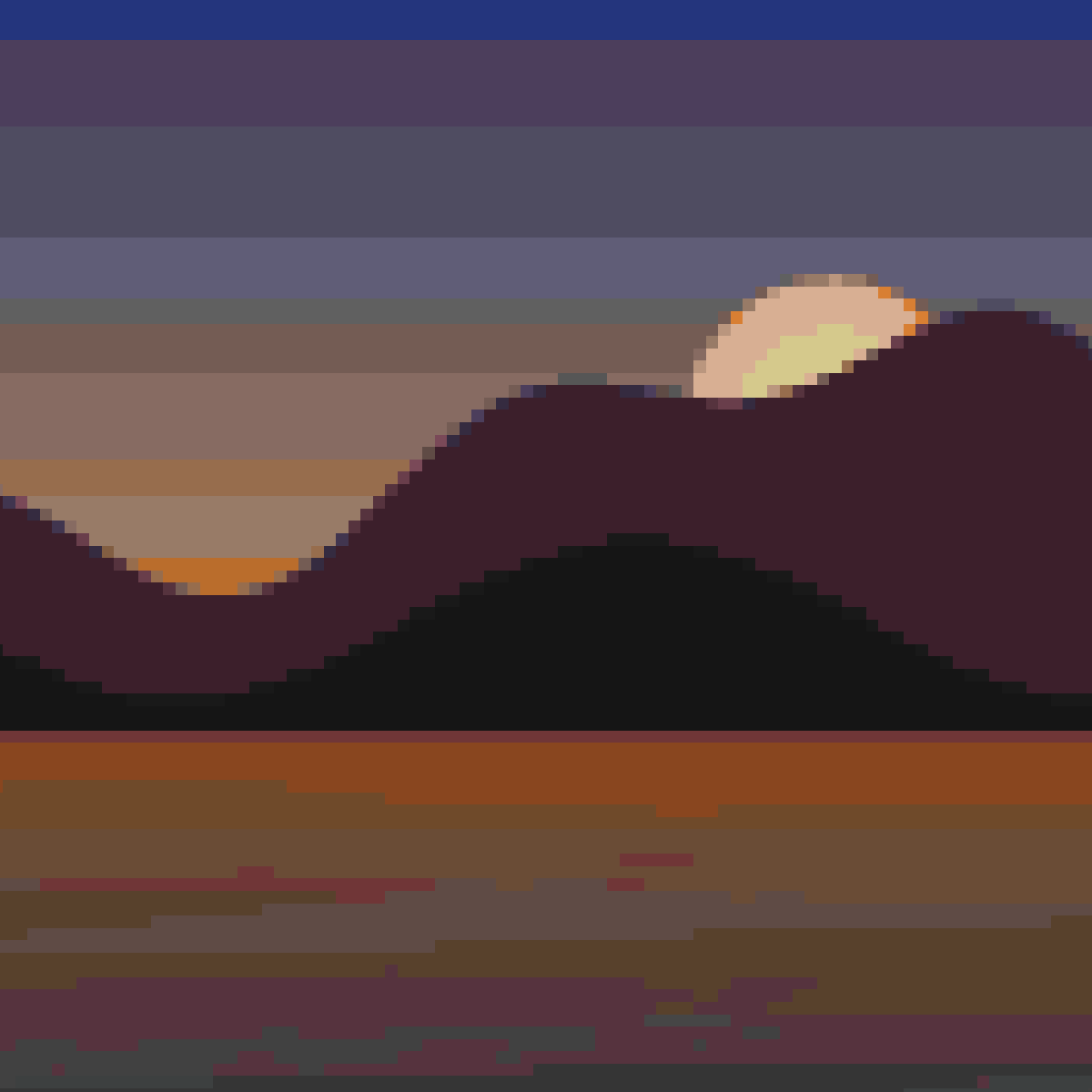
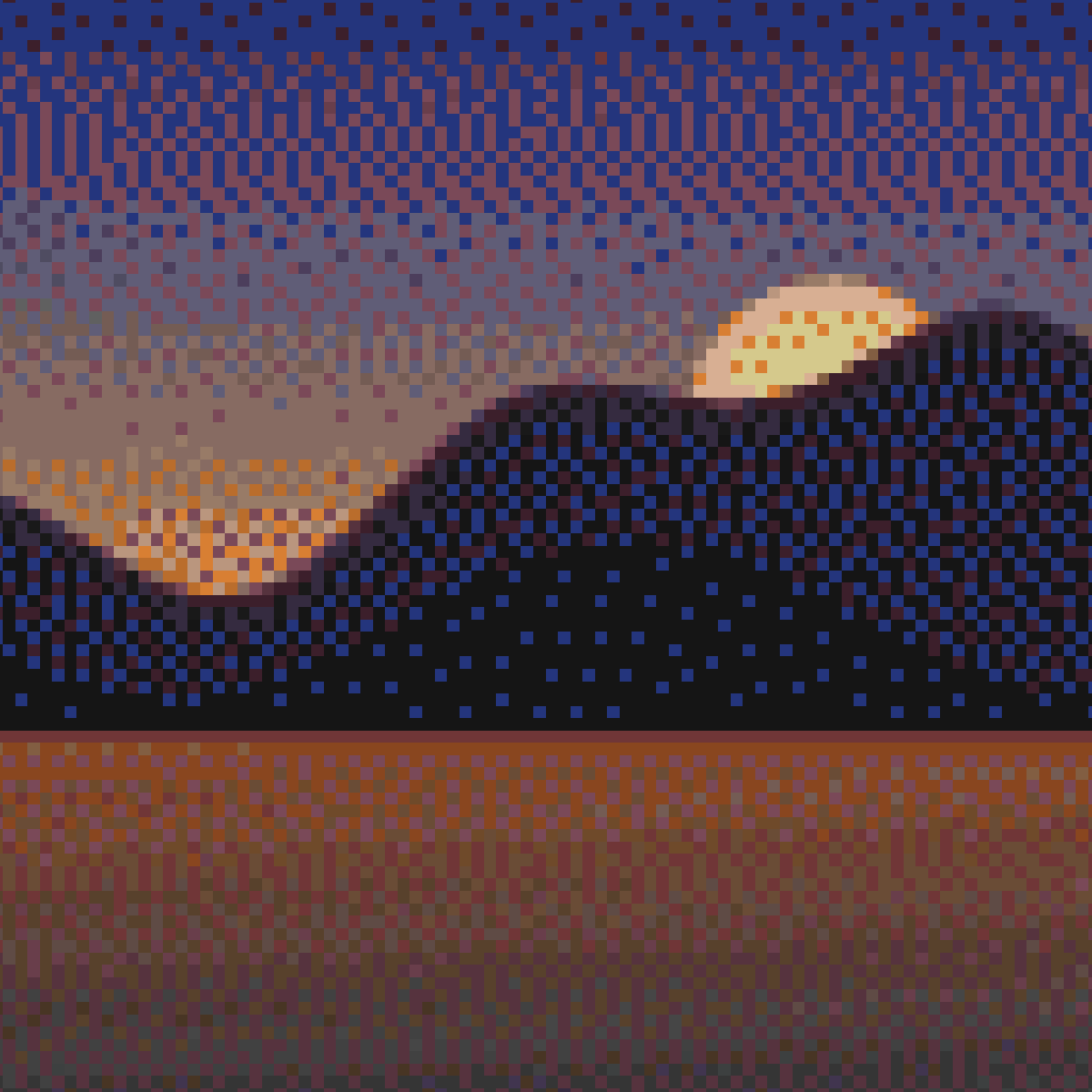
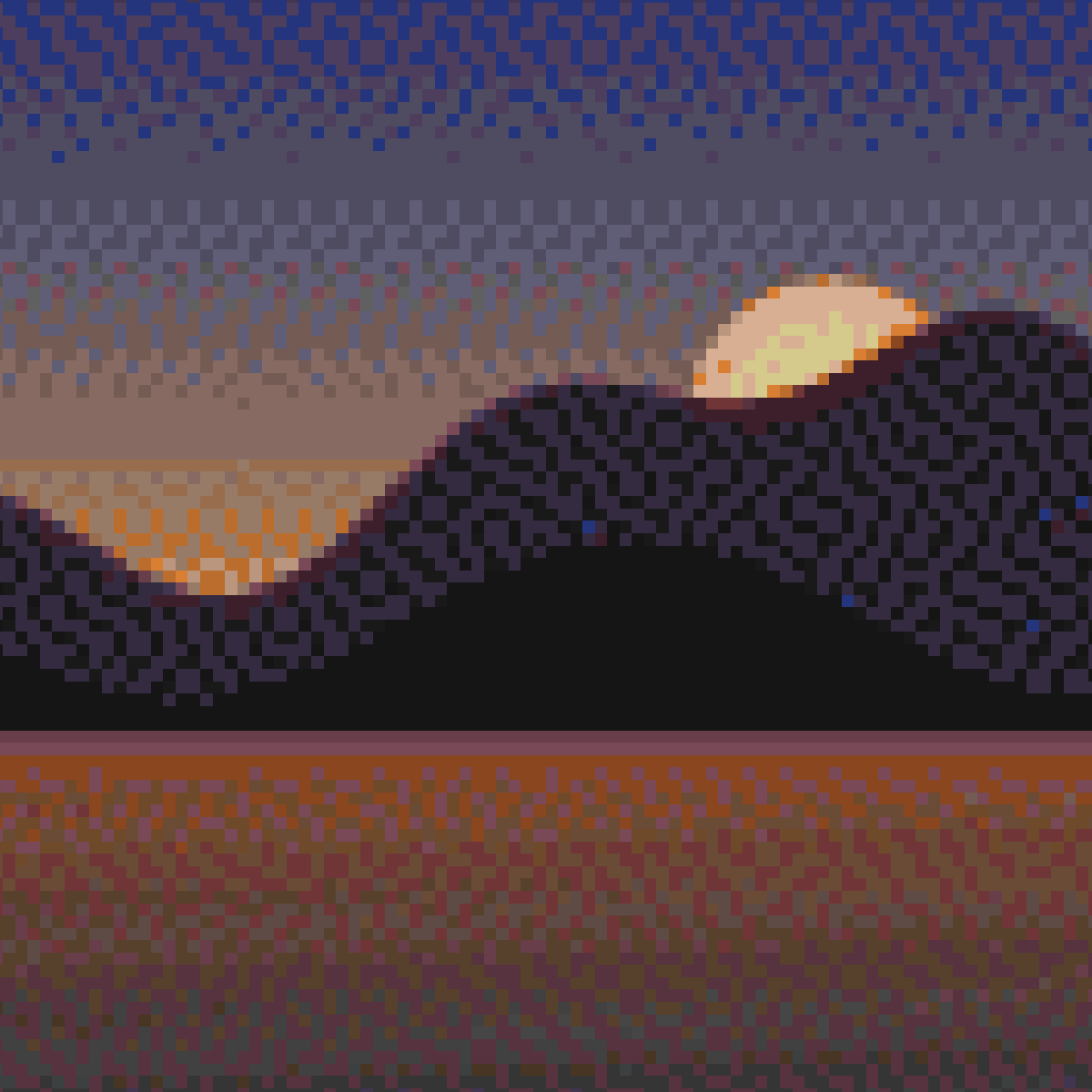
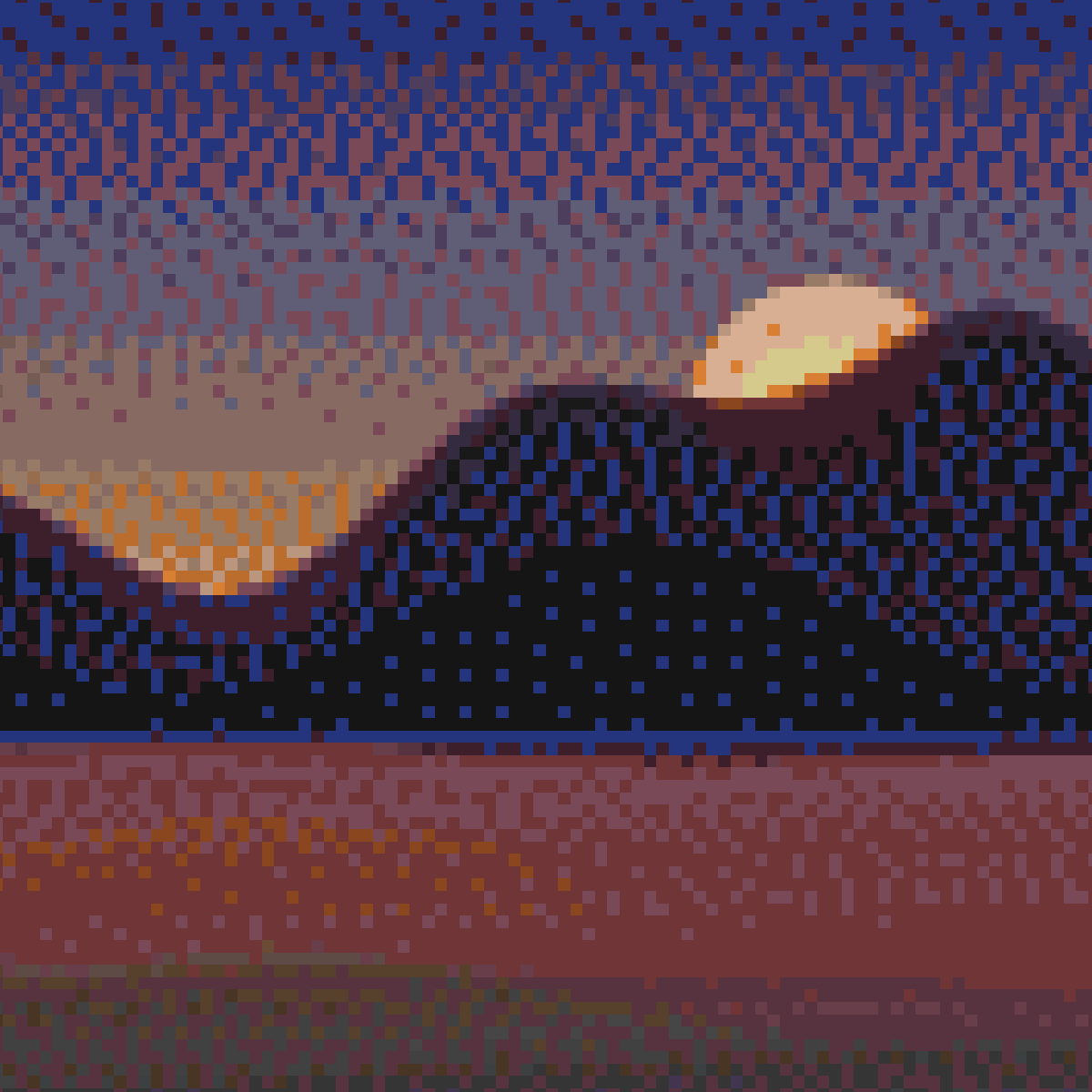
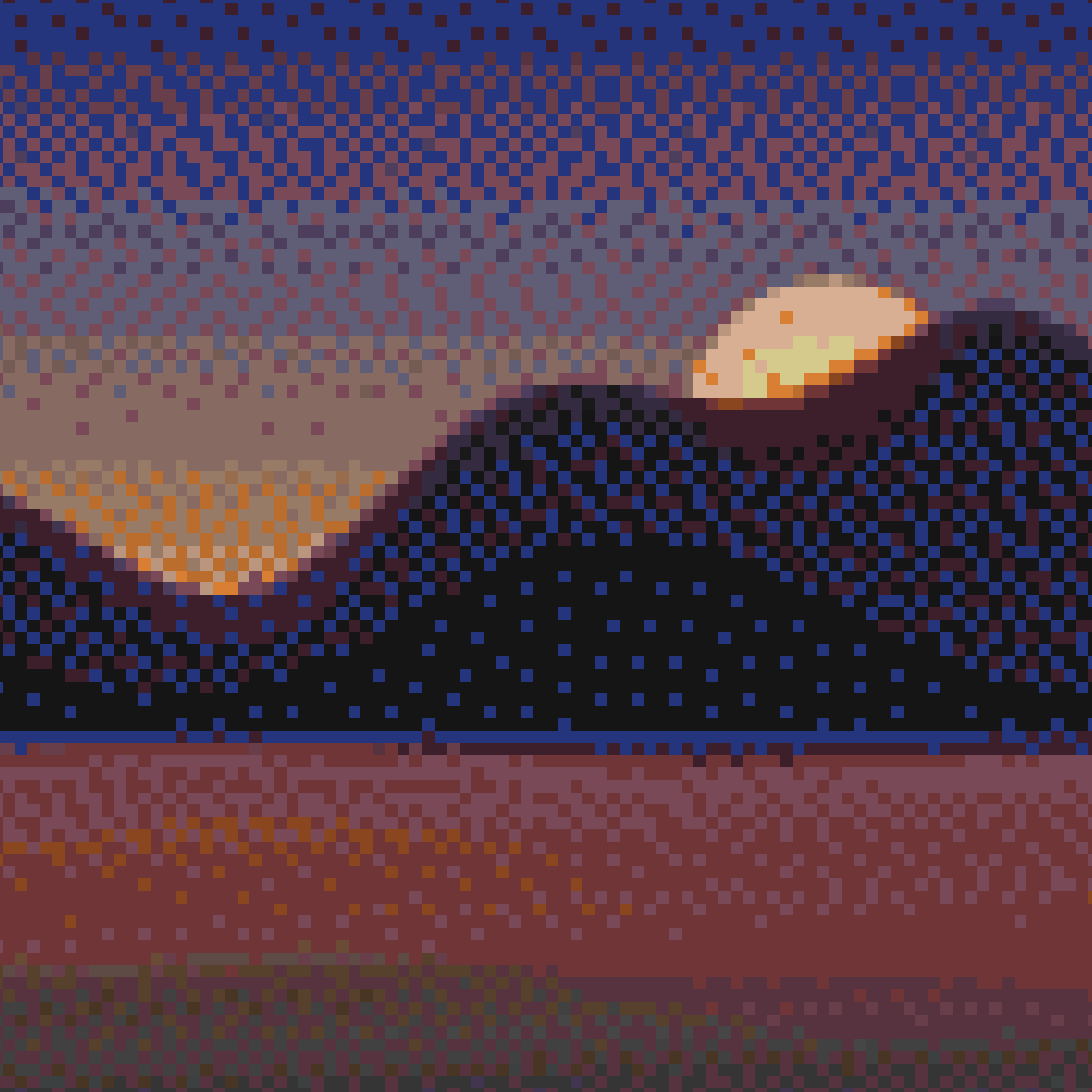
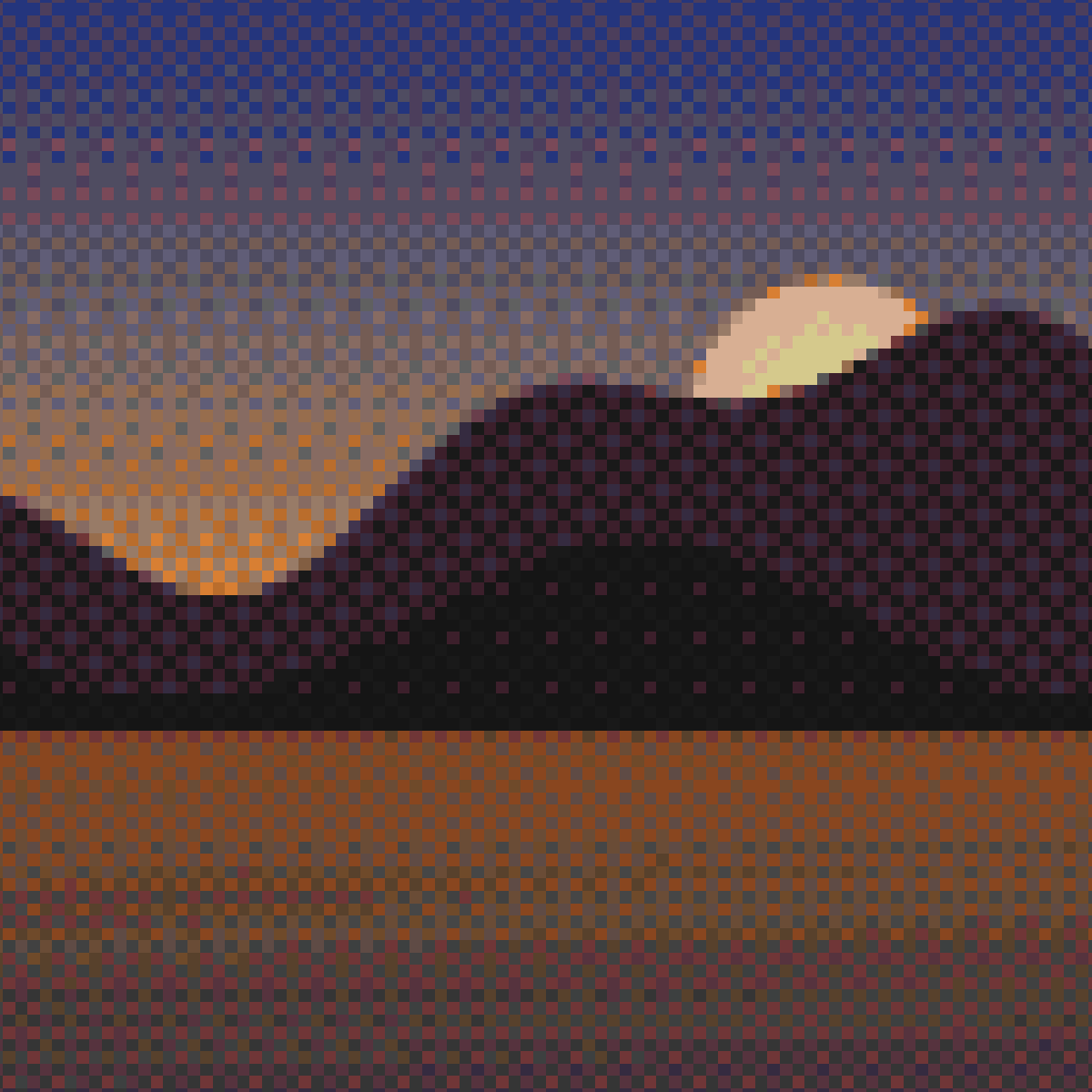
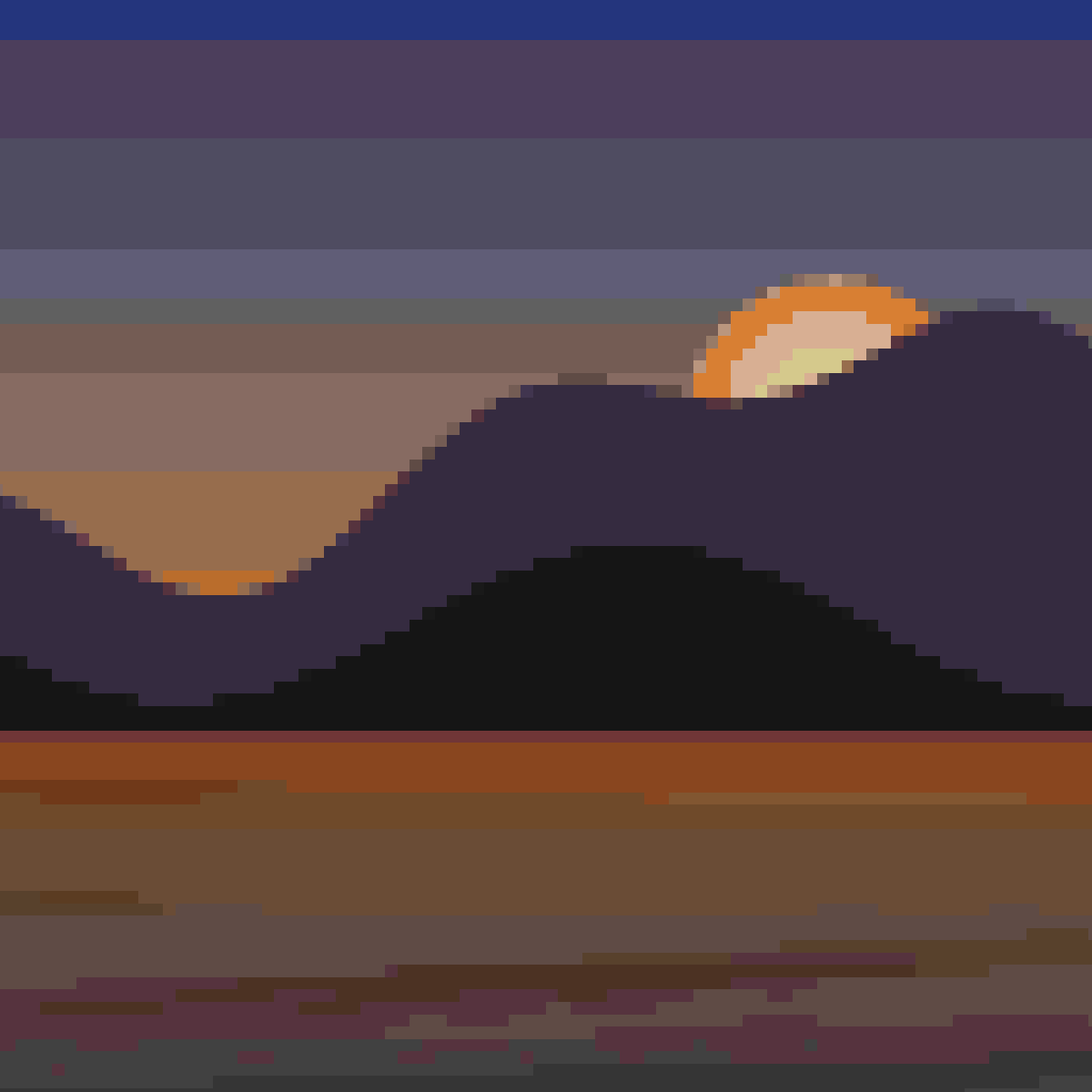
Dithering scatters two palette colors in a pattern your eye blends into an in-between shade, which is how a ~183-color palette approximates thousands. The price is visible texture. Loominary offers ten algorithms; here is the same sunset with a few of them:
| None | Floyd–Steinberg | Atkinson |
|---|---|---|
 |
 |
 |
| JJN | Stucki | Bayer (ordered) |
|---|---|---|
 |
 |
 |
The error-diffusion family pushes each pixel's rounding error onto its neighbors; the algorithms differ in how far and how evenly the error spreads:
| Chip | Algorithm | Character |
|---|---|---|
FS |
Floyd–Steinberg | The classic. Tight 4-neighbor spread; the first one to try |
Atk |
Atkinson | Only diffuses 6/8 of the error: softer, brighter, preserves highlights; the retro Mac look |
Sierra |
Sierra (3-row) | Wide, smooth spread; very even gradients |
Sierra2 |
Sierra Two-Row | Slightly cheaper/sharper Sierra |
SierraL |
Sierra Lite | Minimal 1-row spread; crisp, close to FS |
Shiau |
Shiau–Fan | 1-row variant designed to suppress FS's worm artifacts |
JJN |
Jarvis–Judice–Ninke | The widest 3-row kernel; the smoothest gradients, softest detail |
Stucki |
Stucki | JJN refined; smooth with a bit more edge retention |
Every error-diffusion algorithm gets a strength slider (0.1–1.0); lower values diffuse less error, giving cleaner flats at the cost of banding. There is also a serpentine scan checkbox that alternates scan direction per row to break up directional drift; try it if you see diagonal "worms".
Ordered: Bayer uses a fixed threshold matrix instead of error diffusion, producing a regular crosshatch pattern that compresses well and reads as deliberate texture. Its options are Bayer scale (0.02–0.20, pattern contrast) and matrix size (2×2 / 4×4 / 8×8 / 16×16; smaller = coarser pattern).
None, the default, disables dithering: every pixel snaps to its single nearest palette color. It's the right choice for logos, flat-color art, and animations (dither noise is what video codecs handle worst); switch to an error-diffusion algorithm when gradients start banding.
With FS selected at import, Loominary computes a per-pixel dither strength map from local image detail: smooth gradients dither fully, sharp edges and flat fills stay clean. In the editor you can view this mask (M) and paint it manually with the dither brush; see Editor Tools.
When a pixel needs a palette color, the metric defines distance:
| Chip | Metric | When to use |
|---|---|---|
OKLab |
Perceptual OKLab distance, equal weight on lightness and color | The right default for almost everything |
Chr+ |
4× weight on hue/saturation vs lightness | Saturated, vivid art where color identity matters more than brightness |
Lum+ |
4× weight on lightness vs hue | Faces, landscapes, near-greyscale; protects tonal structure |
Hue |
Matches only the color-wheel angle (near-grey pixels fall back to OKLab) | Flat cartoon/pixel art with strong hues |
RGB |
Euclidean distance in linear sRGB | Occasionally beats OKLab on synthetic gradients |
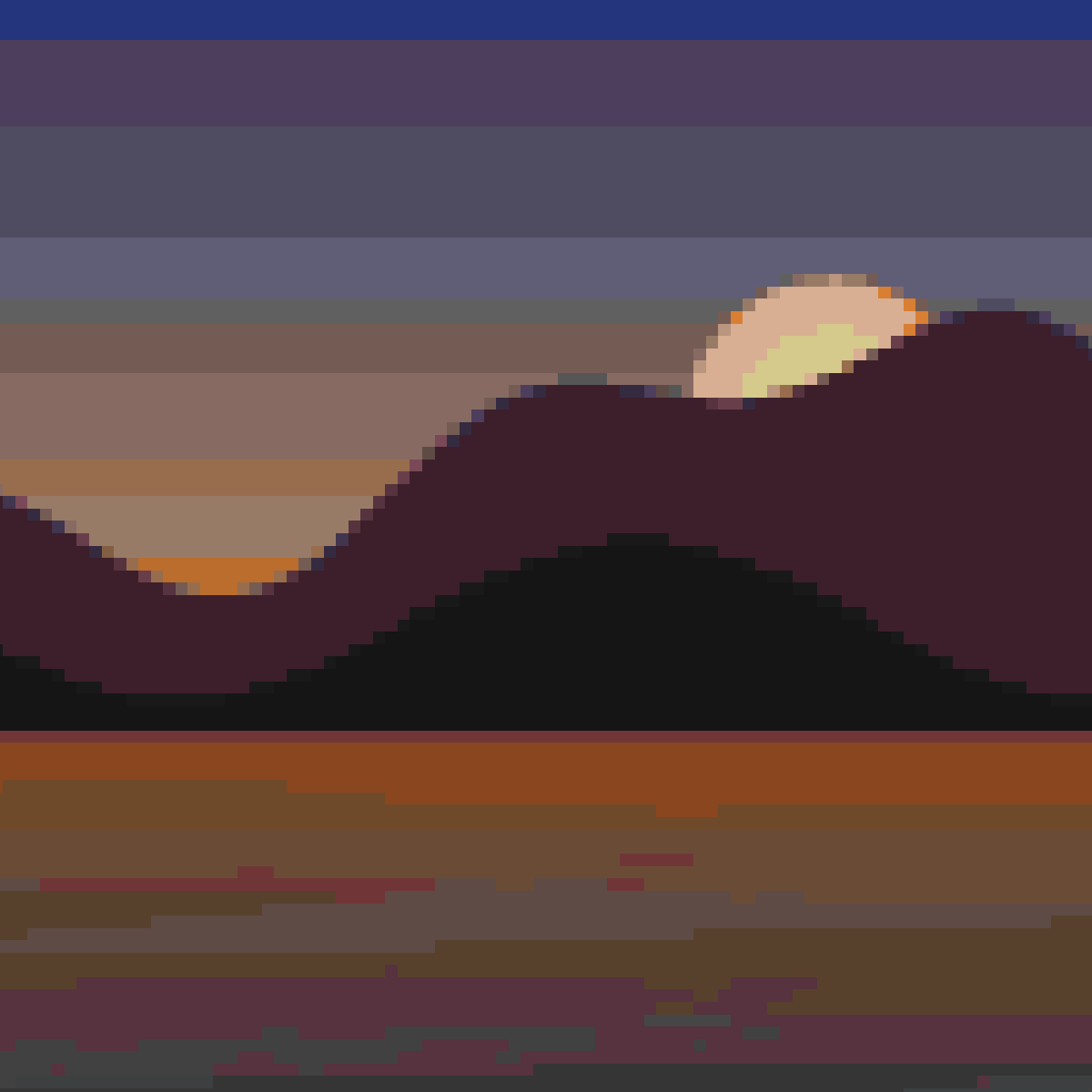
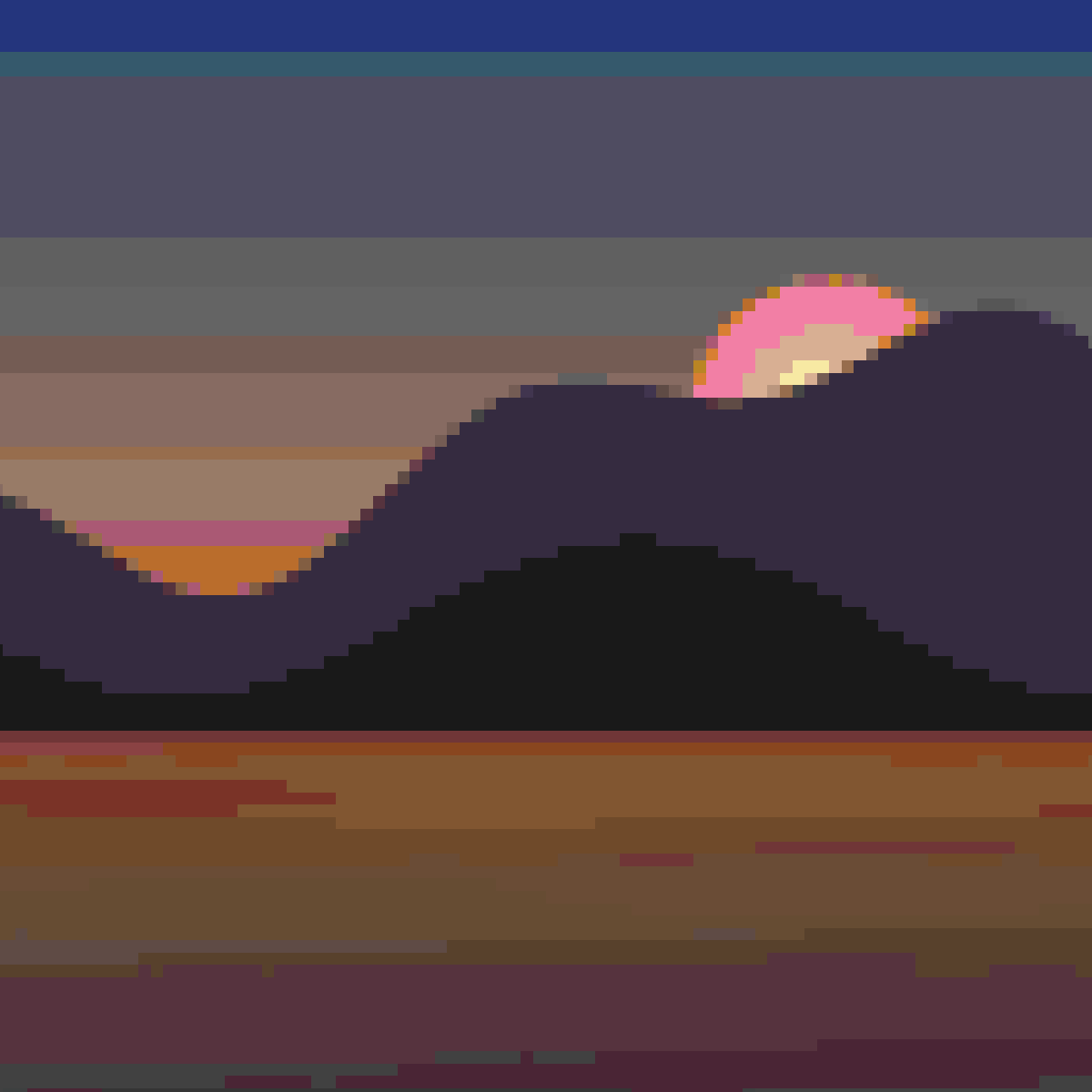
OKLab vs RGB vs chroma-first on the same image:
| OKLab | RGB | Chr+ |
|---|---|---|
 |
 |
 |
Chroma boost (0.25–4.0×, default 1.0) multiplies the OKLab chroma components before matching; values above 1 push pixels toward more saturated palette entries. The map palette is muted, so a boost of 1.2–1.5 often livens up washed-out results. (Keyboard in the editor: N / Shift+N.)
Step 4 limits which palette entries quantization may use:
| Choice | Colors | For |
|---|---|---|
| Flat fullblock | 61 | flat single-height full-block builds (shade 1 only) |
| Staircase fullblock (default) | 183 | full-block builds with height variation (shades 0–2) |
| All shades | 244 | maximum fidelity; includes shade 3, which no real block placement produces |
| Greyscale | varies | neutral tones only; a chroma threshold slider (5–120) sets how strict "grey" is |
| Flat carpet | 16 | art buildable as a flat carpet sheet |
| Staircase carpet | 48 | carpet colors × shades 0–2 |
Fewer colors also means smaller payloads, so a restricted palette doubles as a budget tool on top of being an aesthetic choice.
Above the preview, "Palette coverage: N%" reports the fraction of pixels whose nearest palette color lands within a perceptual ΔE of 0.05 (green ≥75%, amber ≥50%, red below), along with the average ΔE. It measures palette suitability only (dithering and chroma boost don't move it), which makes it a reliable way to compare palette choices and adjustments objectively.
- Start with defaults (Staircase fullblock, OKLab, dithering off).
- Nudge saturation up ~1.1–1.3 in Adjustments; watch the coverage score.
- If gradients band, turn dithering on (
FS); if they still band, try JJN. If flats get noisy, lower the strength or try Atkinson. - If colors feel muddy, set chroma boost to 1.25 or switch the metric to
Chr+. - For animations, keep dithering at
None, use fewer colors, and let lossy AV1 handle the gradients.