Repository navigation
Home JP
Hiromichi Yokoyama edited this page Oct 15, 2026
·
3 revisions
2D で分子を描き、3D 座標を作成・測定・編集し、計算ソフトへ出力するためのガイドです。初めて使う場合はクイックスタート、導入済みなら画像付き入門へ進んでください。
基本の導入・設定は次の 2 行です。仮想環境は必要に応じて使えます。
pip install moleditpy-installer
python -m moleditpy_installer| やりたいこと | ガイド |
|---|---|
| インストールする | クイックスタート |
| まず操作を試す | 最初の分子を作る |
| 原子を動かし、ねじれ角を保つ | 3D 編集と拘束 |
| 立体配置を確認する | R/S・E/Z |
| 保存形式を選ぶ | ファイル形式 |
| 起動や変換で困った | トラブルシューティング |
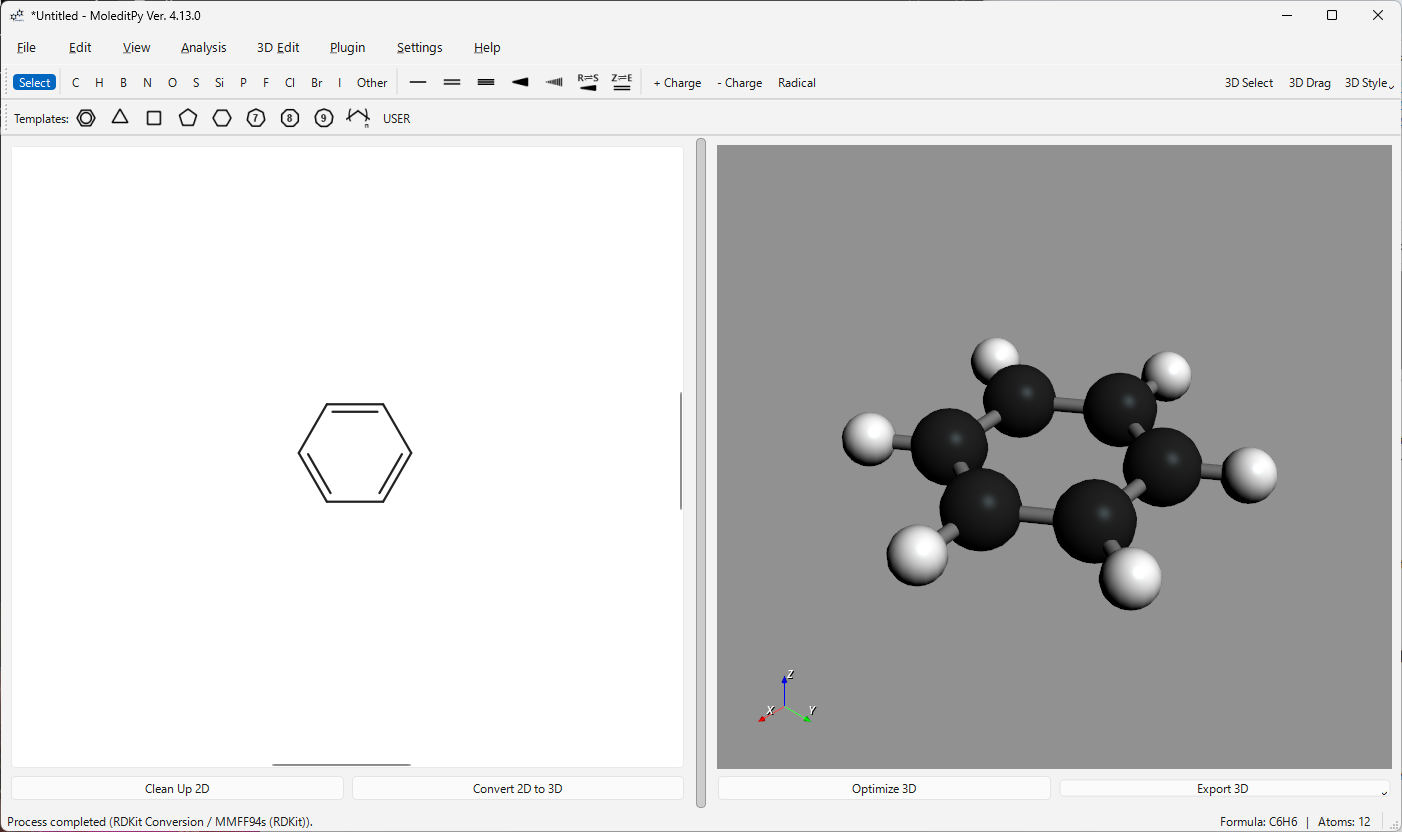
標準機能だけで描画から 3D 変換へ。画像付き入門で順番に試せます。
- Plugin Explorer
- Plugin wiki
- Website
- Source and issue tracker
- Published manual
- Introduction video
- PySCF Calculator video
作者: HiroYokoyama。ライセンス: GPL-3.0。プラグインは別途導入します。セーフモードでは読み込みません。
Home · ホーム · Website · Report an issue
Start here / はじめに
Install and launch / インストールと起動
- Windows · JP
- macOS · JP
- Linux · JP
- Docker · JP
- Windows shortcuts · JP
- macOS launcher · JP
- Linux launcher · JP
Use the editor / 基本操作とリファレンス
- User manual · JP
- Keyboard and mouse · JP
- File formats and export · JP
- R/S and E/Z · JP
- Command-line options · JP
Build and refine 3D structures / 3D 構造の作成と編集
- 2D to 3D conversion · JP
- Measurements, editing, and constraints · JP
- Choose a force field · JP
- Dummy and ghost atoms · JP
Plugins and help / プラグインと困ったとき